How to Check Your Website for a Web Shell: New PHP Files in Uploads After the 2026 PHP Flaw in Pakistan
Check a PHP or WordPress site for a hidden web shell: new PHP files in uploads, unknown admins and cron jobs. Signs follow PKCERT's 21 October 2026 advisory.
To check a PHP website for a hidden web shell, sort your uploads folder and web root by modified date, look for .php files you did not add, then check for unknown admin users, new scheduled tasks and changed settings files. These are the signs Pakistan's National CERT lists in its 21 October 2026 advisory on the critical PHP flaws.
A web shell is a small hidden file that gives an attacker remote control of your server. It often looks like a normal image or plugin file. Nobody has told us of attacks on Pakistani sites in this case, and we did not find any. This is a precaution for sites that may have run an unpatched PHP in the days around 21 October. We did not test these steps on a live server.
Start with new PHP files in the uploads folder
On a standard WordPress site, the wp-content/uploads folder holds images and documents, not code. Open your file manager, go into uploads and its year folders, and sort by modified date. A .php file that you did not upload is the classic web shell hiding place.
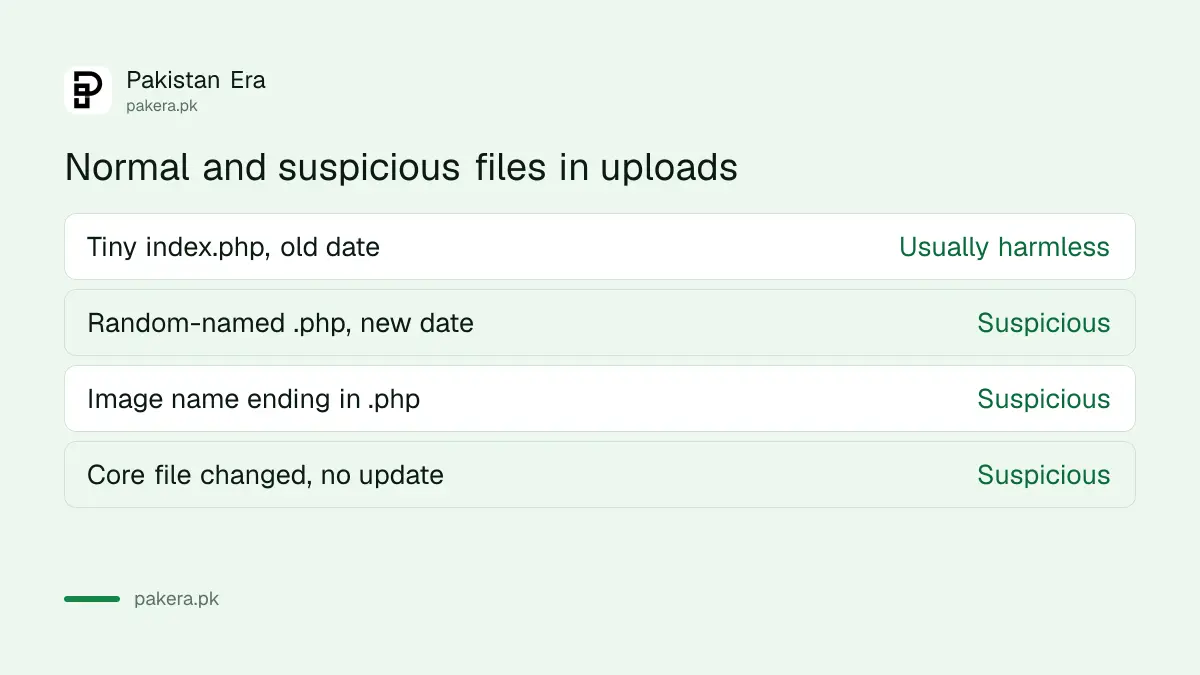
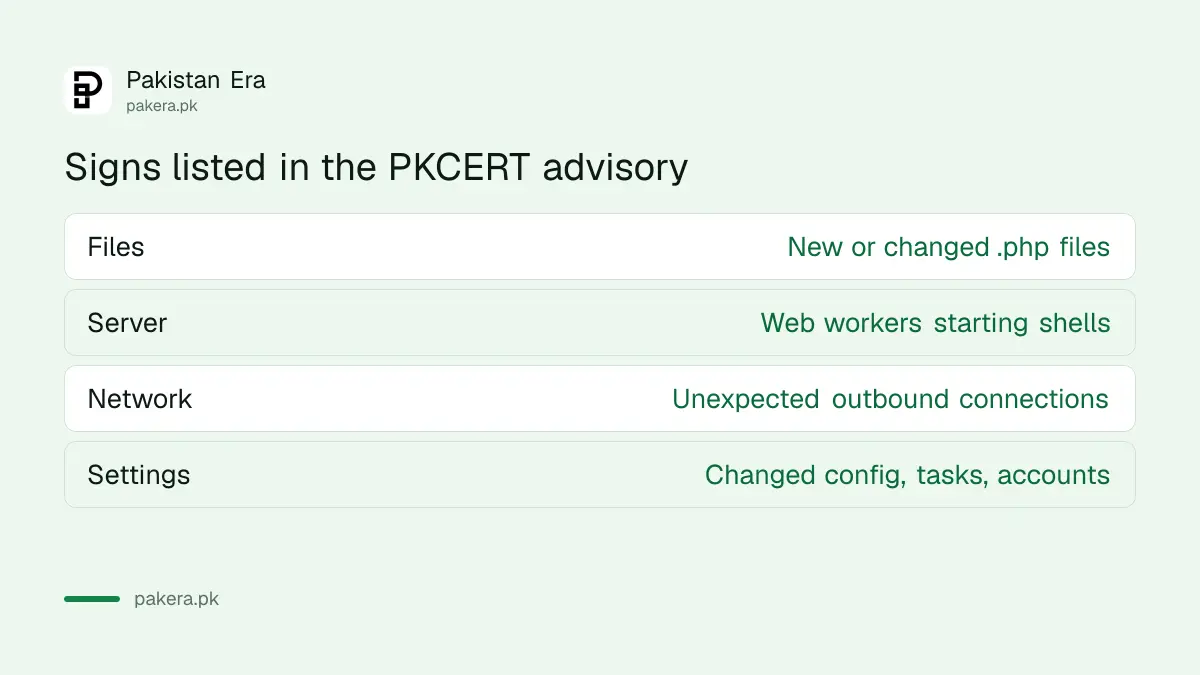
The advisory names "newly created or recently modified .php files in web roots and upload directories" as a sign to watch. WordPress itself may place a harmless index.php of a few bytes in some folders, so judge by size and date. A larger file with a random name is the one to treat as suspicious.
| What you see | Likely meaning | Action |
|---|---|---|
| Tiny index.php in a folder, old date | Usually harmless placeholder | Leave, note it |
| Random-named .php in uploads, recent date | Suspicious | Copy for evidence, then remove with a developer |
| Core file changed recently, not by an update | Suspicious | Compare with a clean copy |
| Image file with a PHP extension twice, such as photo.jpg.php | Suspicious | Investigate |
Look for admin users and tasks you did not create
An attacker who gets in often adds an admin user or a scheduled task so they can return. In WordPress, open Users and filter for Administrators. Check every name. In cPanel, open Cron Jobs and read each line. The advisory lists unexplained changes to accounts, tasks and configuration files as signs.
Check also for odd outgoing traffic from the server, such as connections to addresses you do not recognise. Shared-hosting customers cannot see this, so ask the host. A host with a security team can review PHP-FPM worker activity for shells started by the web server, another sign the advisory lists.
Compare your files with a clean copy
For WordPress, download a fresh copy of the same WordPress version and compare it with your site files, apart from wp-content and wp-config.php. Plugins and themes can be compared the same way against fresh downloads from their official sources.
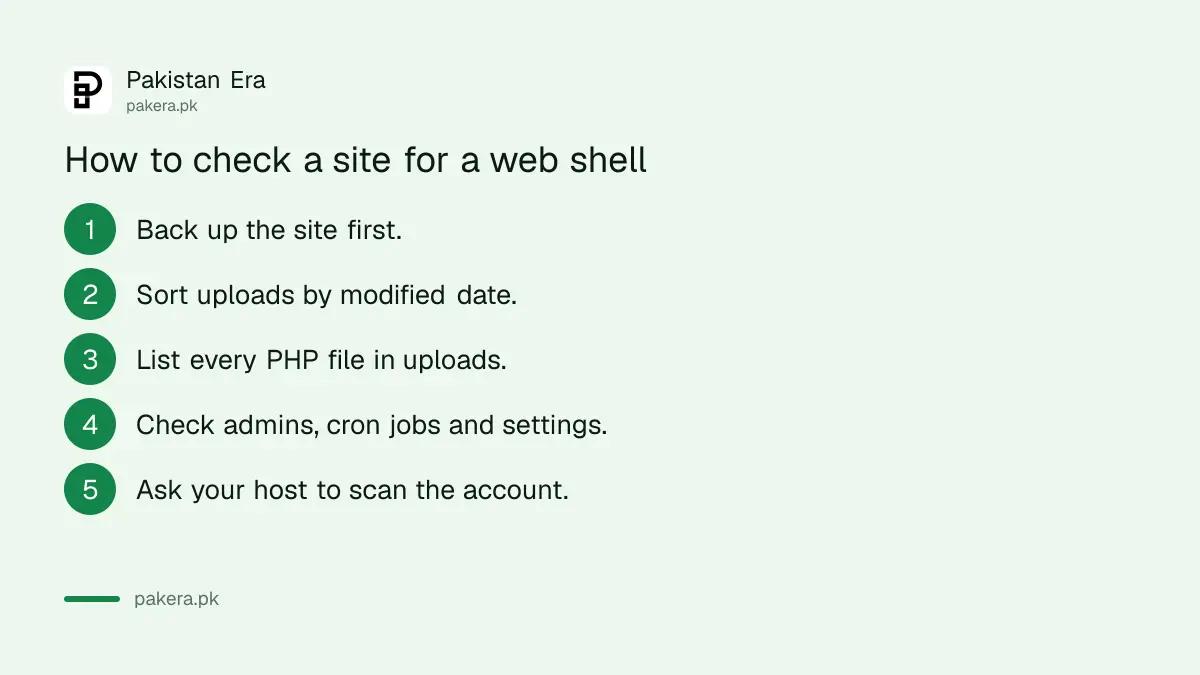
- Back up the site and database before you touch anything.
- Sort uploads and the web root by modified date.
- List every .php file in uploads and judge by size and name.
- Check Administrators, cron jobs and settings files.
- Ask your host to scan the account and share the PHP version.
If you find a suspicious file, do not just delete it
Copy the file somewhere safe for evidence, note the date, and take the site offline or into maintenance mode if you can. A shell is usually a symptom. Remove it, then find how it got in, patch PHP and change every password.
Change the hosting, database, FTP and WordPress admin passwords, and any API keys stored in config files. Then update PHP; the fixed releases are 8.5.12, 8.4.27, 8.3.36 and 8.2.35 according to the PHP project. Report the incident through PKCERT or NCCIA, whichever fits your case.
Keep a clean baseline from now on
Take a dated backup after the cleanup and keep it offline. Turn on automatic updates for WordPress and for plugins you trust, and drop plugins you no longer use. Use a strong unique password, ideally in a password manager.
If you have not secured the basics yet, see how to move passwords and passkeys to a password manager. Add two-factor login to the WordPress admin account as well, if your site offers it.
Ask your host for logs and a scan
Your host can see things you cannot, such as server logs and the activity of the web server's worker processes. Ask for a malware scan of your account and for access logs covering the days since the PHP flaw was announced.
Ask in writing and name the date, 21 October 2026. Keep the reply. A good host will tell you if it found anything and which PHP build your account runs. A host that cannot answer is telling you something about how safe your site is.
Common questions about web shells
What is a web shell?
A hidden file on a web server that lets an attacker run commands remotely.
Does a PHP file in uploads always mean I was hacked?
No. Some folders hold tiny placeholder index.php files. Judge by size, name and date.
Can I check this on shared hosting?
Yes for files, users and cron jobs. For server-level activity you need your host's help.
Should I delete the file straight away?
Copy it for evidence first. Then remove it with a developer and find how it got in.
Who do I report a hacked site to?
To National CERT for technical incidents, at cert@pkcert.gov.pk or its portal.
How we verified this
What we checked, where we read it, and what we could not confirm.
Last checked 22 October 2026. The signs of compromise follow the Indicators of Exposure in National CERT's advisory NCA-19.211026, which we read, and the fixed PHP versions come from the PHP project's notice of 21 October 2026. The WordPress and cPanel steps, and the note that uploads should not normally hold PHP code, are general practice that we did not test on a live server. We have not seen or confirmed attacks on Pakistani sites in this case.
About the author

Technology Journalist & Multimedia Producer
Ahmad Ali is a technology journalist and multimedia producer at Pakistan Era, joining the team in October 2026. He covers consumer technology and digital life for Pakistani readers, combining research with hands-on product testing.