How to Check Your Website's Certificate Issuer in Chrome for the eMudhra emSign Change in Pakistan
See whether your website uses an eMudhra emSign certificate in two clicks in Chrome, and how to replace it before the expected 27 October 2026 root removal.
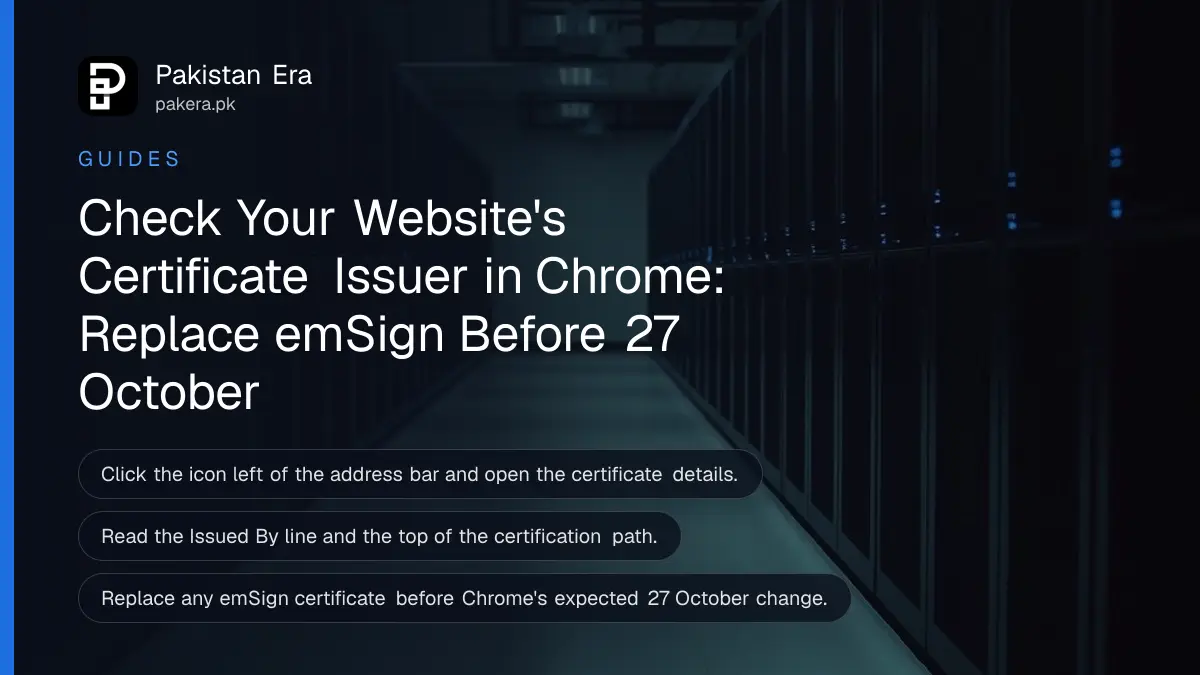
To check whether your website uses an eMudhra (emSign) certificate, open the site in Chrome, click the icon left of the address bar, open the certificate details and read the "Issued By" line. If it says emSign or eMudhra, order a replacement from another authority before Chrome's expected 27 October 2026 change.
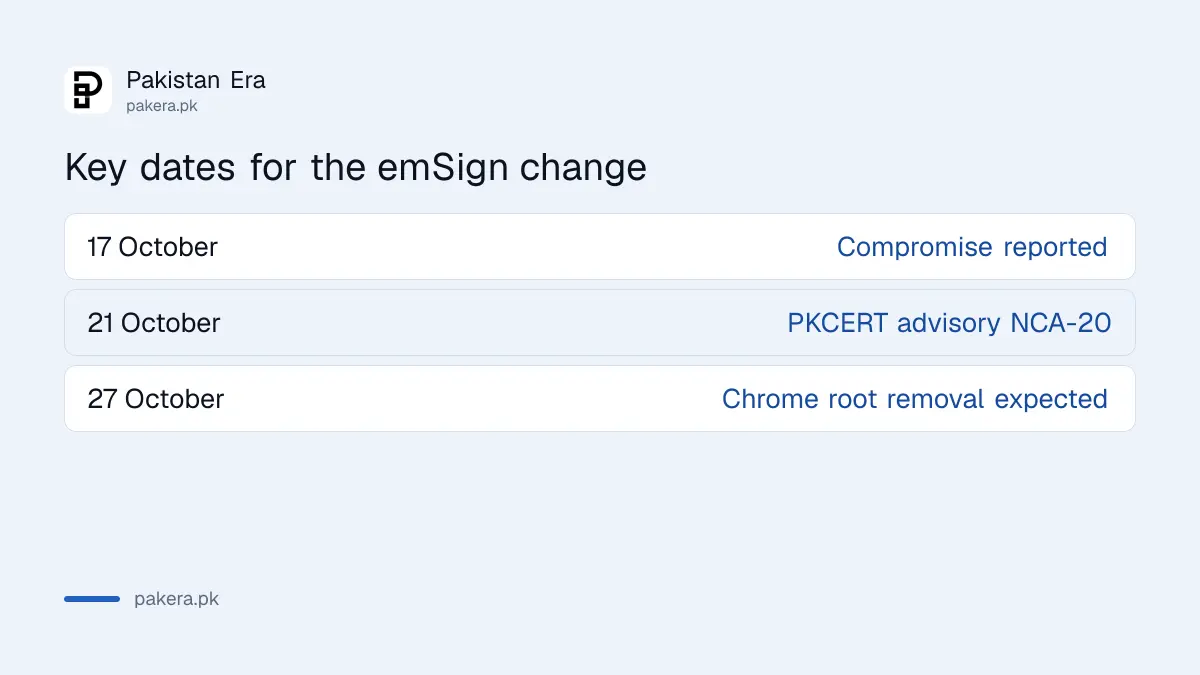
Pakistan's National CERT warned on 21 October 2026 that sites relying on the emSign ECC Root CA - G3 may fail once Google removes it from the Chrome Root Store. Most Pakistani sites use other issuers, so this is a five-minute check, not a panic. Menu wording in Chrome changes between versions, and we describe the common layout without having opened your site.
Your certificate issuer is in the certificate details of the padlock menu
Click the icon at the left end of the address bar, choose "Connection is secure", then "Certificate is valid". A certificate window opens. Read the "Issued By" line and the certification path. A valid certificate will name the authority that signed it.
Look at the top of the certification path for the root name. If you see "emSign" or "eMudhra" anywhere in the chain, your site depends on that authority. The same window shows the expiry date, which tells you how long you have to replace it.
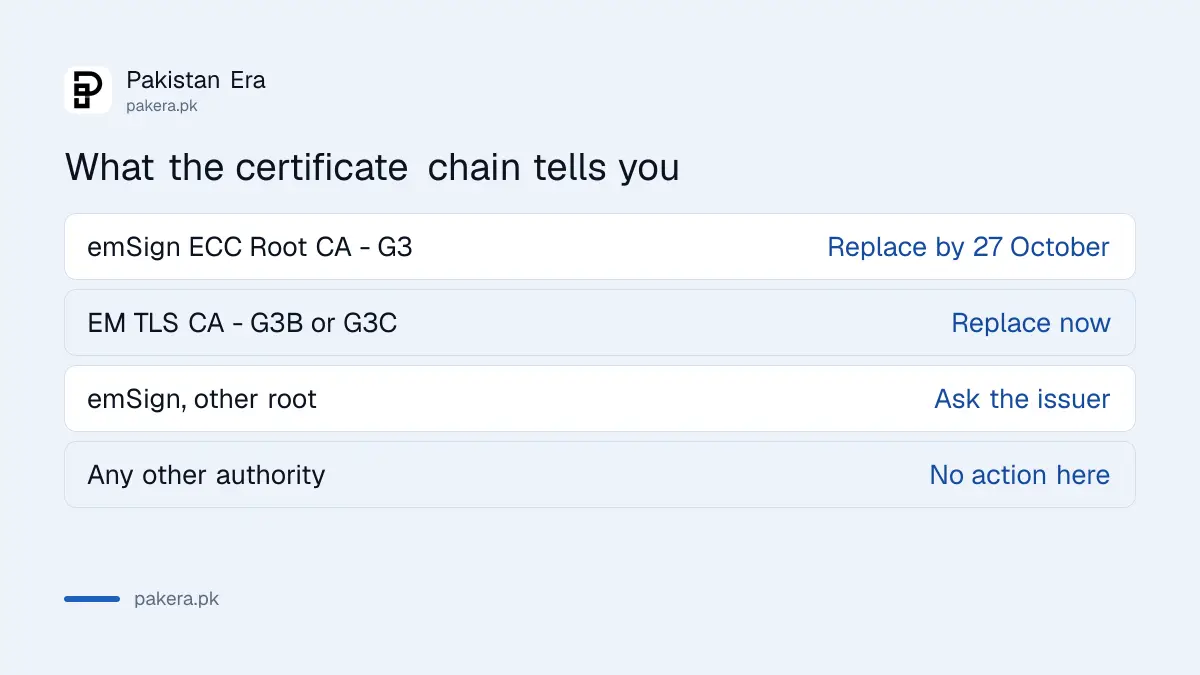
| You see in the chain | What it means | Action |
|---|---|---|
| emSign ECC Root CA - G3 | The root named in the advisory | Replace before 27 October |
| EM DV, OV or EV TLS CA - G3B or G3C | One of the compromised intermediates | Replace now |
| emSign, but a different root | Unclear | Ask the issuer in writing |
| Another authority | Not named in the advisory | No action for this incident |
Check every domain and subdomain, not just the main site
A company may use several certificates: the main site, a shop subdomain, an email server and an API. Each has its own issuer, and an old one bought years ago by a previous web agency is the one most likely to be forgotten.
Make a short list of every address your business runs, and check each in turn. Ask your hosting company or web agency for the list of certificates on your account. If you cannot find who bought a certificate, the issuer's name still shows in the browser.
Replace an emSign certificate with one from another authority
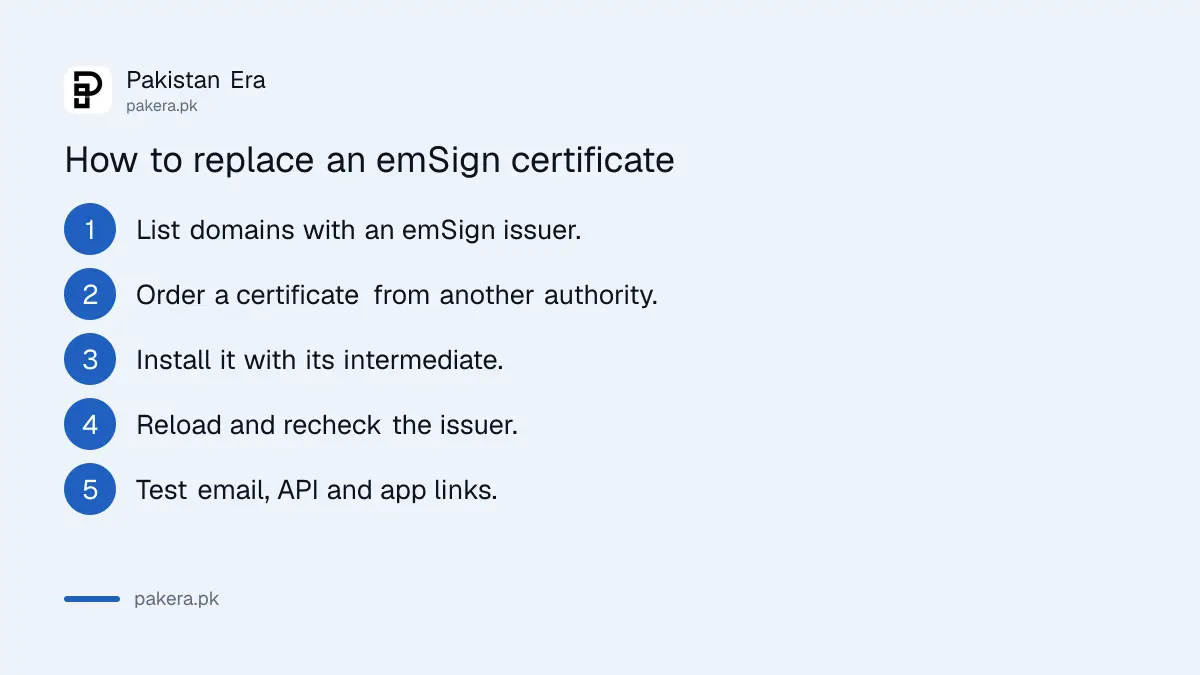
The advisory tells owners to reissue affected certificates under an unaffected trusted hierarchy before 27 October 2026. Order a new certificate from another authority, install it on the server, then confirm the issuer line has changed.
- Write down which domains show an emSign issuer.
- Order a new certificate from a different authority.
- Install it, including the intermediate certificate your new issuer provides.
- Reload the site and check that the issuer has changed.
- Test email, API and app connections that use the same domain.
Some hosts offer free certificates and renew them for you. Ask yours. Before you pay for any certificate, run through how to check a website's padlock, because fake certificate sellers exist.
Email servers, apps and devices may need attention too
A certificate is not only for websites. Mail servers, VPN gateways, payment links and internal tools may chain through emSign too. The advisory says that browser updates do not secure apps and devices that keep their own list of trusted certificates.
Ask your IT person to check Java, Python, Node.js and container images, and any appliance that inspects HTTPS traffic. Keep browsers updated on all office PCs and phones. Fixed browser releases came out within days of the report. If you find a problem, report it to PKCERT.
What happens if you do nothing
If a site relies on a root that Chrome stops trusting, visitors on Chrome see a full-page warning instead of your site. Most will leave. Payment pages, login pages and API calls from apps can fail without any warning to you.
Other browsers may not change on the same day. Mozilla blocked the eight compromised intermediates in Firefox within hours, and the advisory reports blocks from Apple and Microsoft in the days that followed. So the problem could show up first in one browser, and your own test on one device may look fine while customers on another see errors.
The cheapest fix is a new certificate from another authority, which many hosts provide free. The costly fix is repairing a broken checkout after customers complain. If your certificate is due to expire within a few weeks anyway, replace it now rather than renewing with the same issuer. Keep the old certificate files until the new one is confirmed working.
Common questions about checking a certificate issuer
Do ordinary visitors need to do anything?
No special step. They should keep their browser updated and not click through certificate warnings.
When does the emSign root leave Chrome?
National CERT says Google's removal is expected on 27 October 2026. We could not confirm the date on Google's own page.
Is my site unsafe if it uses emSign?
Not by that fact alone. The risk is that the root stops being trusted, so visitors would see errors.
Where do I find the expiry date?
In the same certificate window that shows the "Issued By" line.
Who do I ask if I cannot tell?
Ask your hosting company or web agency for the certificate list, or email the issuer in writing.
How we verified this
What we checked, where we read it, and what we could not confirm.
Last checked 22 October 2026. The affected certificate names, the Chrome removal date of 27 October and the replacement advice come from National CERT's advisory NCA-20.211026 and Mozilla's security blog post, both of which we read. The Chrome menu path is a common layout that we did not test on your site. We could not read Google's own announcement.
About the author

Technology Journalist & Multimedia Producer
Ahmad Ali is a technology journalist and multimedia producer at Pakistan Era, joining the team in October 2026. He covers consumer technology and digital life for Pakistani readers, combining research with hands-on product testing.