How to Recover a Lost Clash of Clans Account in Pakistan With Supercell ID
Recover a lost Clash of Clans village in Pakistan with Supercell ID on a new phone, or through in-game Support with your Player Tag. Account Protection too.
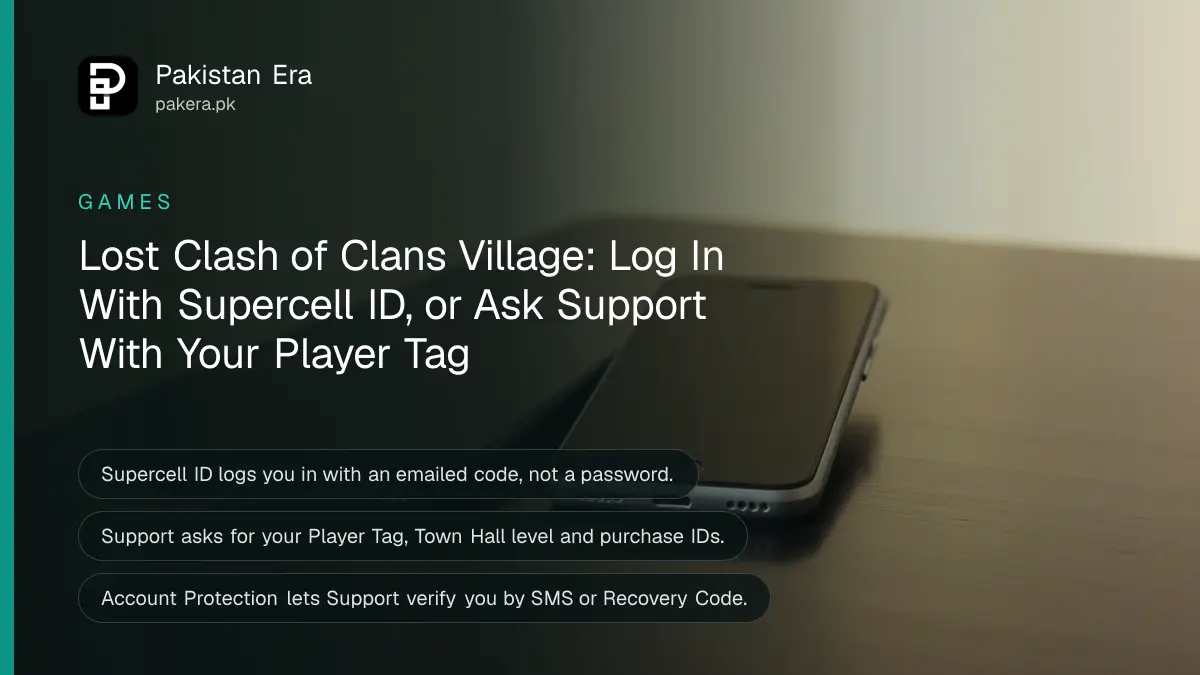
To get your Clash of Clans village back on a new phone, open Settings, tap Supercell ID, log in with the email on your account and enter the code Supercell sends. There is no password. If you never set up Supercell ID, or lost the email, contact Supercell in the game: Settings, Help and Support, then the button at the top right.
Supercell ID is free, and Supercell calls it the best way to keep a village safe and play it on any phone. On Android, Google Play Games can still switch you between Google-linked villages, as shown below. If you are reading this before losing anything, set it up today.
| Your situation | What to do |
|---|---|
| Village saved to Supercell ID, email works | Log in to Supercell ID in Settings, enter the code |
| Supercell ID set up, email lost | Contact Support; Account Protection speeds it up |
| Never set up Supercell ID | Contact Support with your Player Tag and proof |
| Wrong Google account on Android | Change the account in the Google Play Games app |
| Village taken over by someone else | Contact Support at once, with receipts |
Log in to Supercell ID to load your village
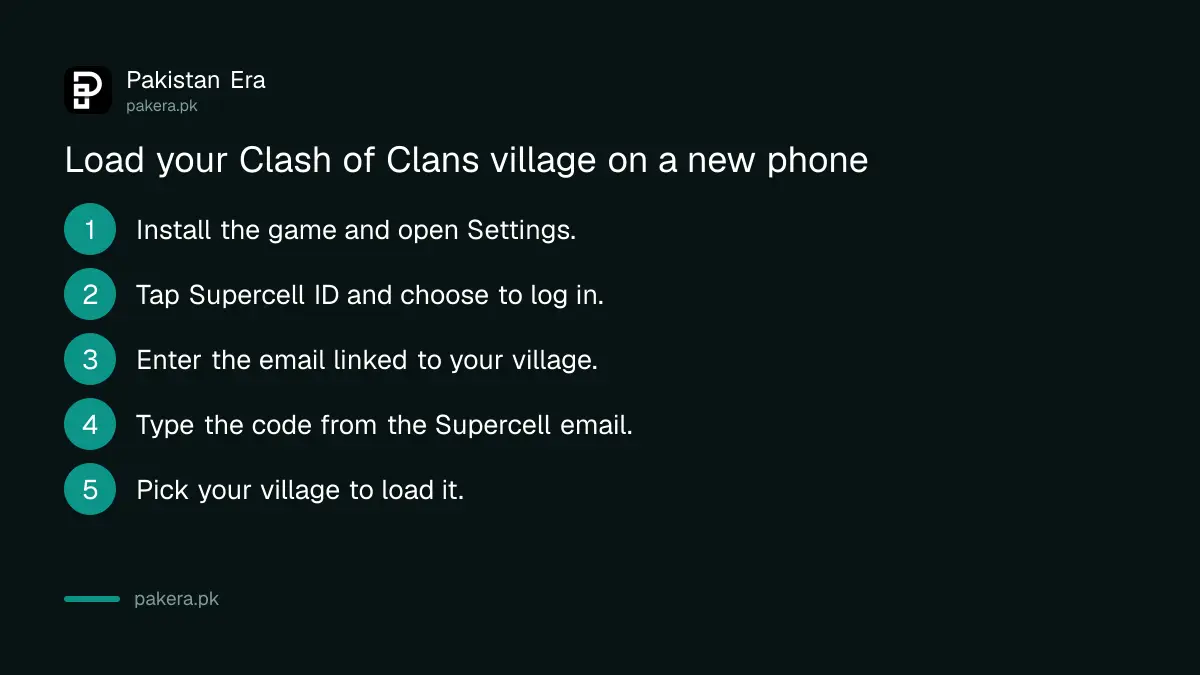
If the village was saved to Supercell ID, you can get it back yourself in about a minute. Install the game, open Settings, tap Supercell ID and log in with the email on that account. Supercell emails a fresh code each time instead of using a password.
- Install Clash of Clans from Google Play or the App Store and open it.
- Let the game load, then open Settings.
- Tap Supercell ID and choose to log in.
- Enter the email address linked to your village.
- Open the email from Supercell and type the verification code in the game.
- Pick your village. Tick Remember me on this device to skip codes next time.
No code arriving? Check spam and the Promotions tab in Gmail, and wait a few minutes before asking for a new one. Some email providers are not supported by Supercell ID, so a Gmail or Outlook address is safer than a little-known service.
On Android, a village linked to another Google account may only look lost. Open the Google Play Games app, tap the three dots, then Settings, then Change account for games, and pick the right Google account for Clash of Clans.
Contact Supercell Support when you cannot log in
If the village was never on Supercell ID, or you lost the email, Supercell Support can still help. Its team checks that you are the owner, then gives you access by connecting the village to a new email. Have a fresh email ready that is not already used for Supercell ID.
- Open Clash of Clans on your phone, even on a new empty village.
- Go to Settings and choose Help and Support.
- Tap the button in the top right corner of the screen and start a message.
- Say your village is lost and add the details below.
- Keep the chat open and answer each question from support.
Without Account Protection, Supercell asks for as much detail as possible. Send all of it in your first message:
| Detail | Example |
|---|---|
| Player Tag | Starts with #, such as #ABC123 |
| Account name | Your village name |
| Account level | Town Hall 10, XP level |
| Clan name | The clan the village is in now |
| Purchase transaction IDs | GPA.1234... on Android, or an Apple Order ID |
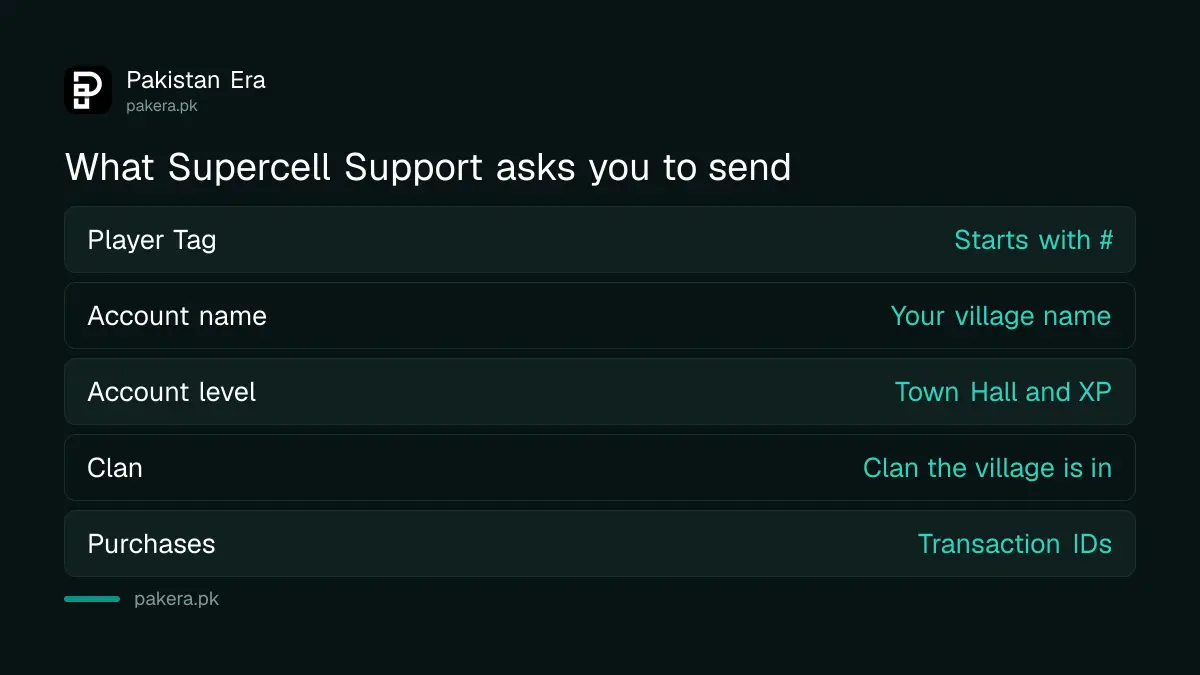
Supercell says the Player Tag helps find the village but is not enough on its own. Purchase transaction IDs are on its list, so find them first. On Android, open the Play Store, tap your profile icon, then Payments and subscriptions, then Budget and history. On iPhone, go to Settings, your name, Media and Purchases, then Purchase History. Hide your card number before sending a screenshot.
Find your Player Tag from outside the game
Your Player Tag starts with # and sits under your profile icon, at the top left of the game screen. If you cannot open the lost village, a clanmate can open your profile and send you the tag. Your second account's friends list also shows it.
Ask in your clan's chat group or a WhatsApp group with clanmates. Anyone who can see your village in the clan list can read the tag. Write the tag down now for every village you own, because it saves days if you ever lose one.
Turn on Account Protection to recover faster
Account Protection adds a phone number and Recovery Codes to your Supercell ID. If you ever lose the email, Support can verify you by SMS code or a Recovery Code, which Supercell says gets your problem sorted much faster. Pakistan is not on its list of blocked countries.
- Go to Settings and choose Supercell ID.
- Tap the settings cogwheel.
- Under Account Protection, tap Activate.
- Add your mobile number with +92.
- Save the Recovery Codes somewhere safe, away from the phone.
Account Protection cannot be turned off, even by Support. That protects the real owner. It is not available for Young Player accounts or accounts with unusual activity. If the SMS code does not arrive, switch airplane mode on and off, check the SMS spam folder, then wait a couple of hours if you asked too many times.
Change the Supercell ID email or stop a takeover
You can change the email on your Supercell ID as often as you like. Open Settings, Supercell ID, the cogwheel, then Change Email. You need a code from the current email. If someone else changed it, contact Support at once with your purchase IDs.
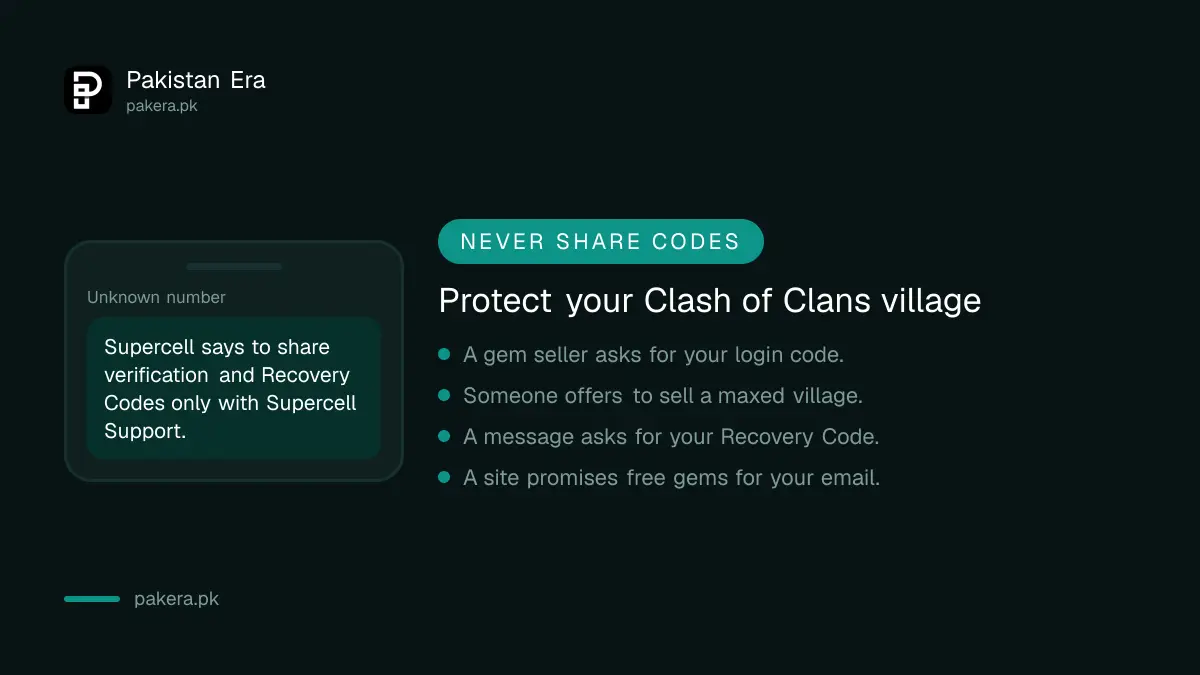
Never share a Supercell ID login code, a verification code or a Recovery Code with anyone except Supercell Support inside the game. A "gem seller" or "village trader" who asks for one is trying to take your account. Buying a village is risky too, since the first owner can often recover it. Gems should be bought only in the game, as in Clash of Clans gems price in Pakistan. If your Google account was taken as well, follow Gmail account recovery first.
The same Supercell ID also saves your progress in Clash Royale and Brawl Stars. Log in with the same email in each game.
Common questions
Can I recover my Clash of Clans account without Supercell ID?
Often, yes. Contact Support in the game with your Player Tag, village name, Town Hall level, clan and purchase transaction IDs. Support then links the village to a new Supercell ID.
Does Supercell ID have a password?
No. Each login sends a fresh verification code to your email. Tick Remember me on this device to switch villages without codes.
Can I play two villages on one phone?
Yes. Save each village to its own Supercell ID, then switch between them from the Supercell ID menu.
Can I remove Supercell ID from my village?
No. Since September 2023 you cannot opt out of Supercell ID. You can only change its email.
Is there a Clash of Clans helpline number in Pakistan?
No. Supercell handles recovery inside the game through Settings, Help and Support, and through the contact form on its support site.
Why is my Account Protection SMS not arriving?
Check your network and SMS spam folder, toggle airplane mode, and wait a few hours if you requested many codes in a short time.
How we verified this
What we checked and where we read it.
We checked this guide on 24 November 2026 against Supercell's Clash of Clans support articles: the lost access to an account article, Save Your Account With Supercell ID, About Supercell ID, Account Protection, Change Your Supercell ID Email, Player Tag, Where Do I Find My Purchase History? and The Google button is gone. Pakistan does not appear in the Account Protection list of unsupported countries, which names Belarus, Russia, China, Iran, Vietnam, Cuba and North Korea.
About the author

Technology Journalist & Multimedia Producer
Ahmad Ali is a technology journalist and multimedia producer at Pakistan Era, joining the team in October 2026. He covers consumer technology and digital life for Pakistani readers, combining research with hands-on product testing.