How to Recover a Hacked Genshin Impact Account in Pakistan
Recover a hacked Genshin Impact account in Pakistan: reset the password, use the HoYoverse Account Issues form if the email changed, and report stolen top-ups.
If your Genshin Impact account is hacked, reset the password at once in the HoYoverse Account Center: tap Log In, then Having problems?, then Forgot password?. If the hacker changed your email and you cannot reset it, submit the HoYoverse Account Issues Application Form from the HoYoverse Help Center, with as much proof as you can. Recovery is free, but HoYoverse says it is not guaranteed.
Speed matters. A hacker who still has your login can spend your Primogems, change your linked email and lock you out for good. Start with the password reset below, and keep your old email open, since HoYoverse sends codes and case updates there.
| Your situation | What to do first |
|---|---|
| You can still log in | Change the password, link email and phone, check trusted devices |
| Password changed, email still yours | Forgot password? in the HoYoverse Account Center |
| Email and password both changed | HoYoverse Account Issues Application Form |
| Money spent without your permission | Email genshin_payment@hoyoverse.com with proof |
| Progress missing after a new phone | Check you logged in with the same method as before |
Signs that someone else is using your Genshin account
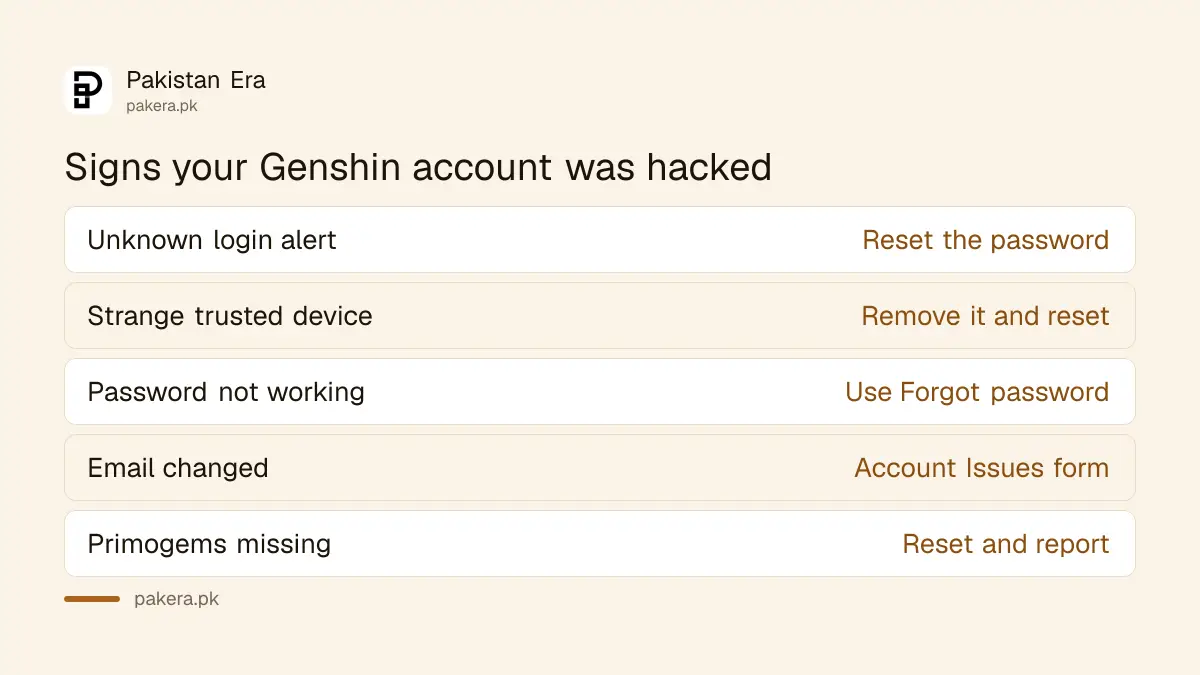
HoYoverse lists three warning signs: login alerts or trusted devices you do not recognise, a password that no longer works, and missing items, currency or changed account details. Any one of them is reason enough to reset the password now.
Missing progress is not always a hack. If you changed phones, you may have logged in with a different method. A Google or Apple login is a separate account from an email login with the same address, unless the two were linked. Try every login method you have used before you report a hack.
Reset your Genshin Impact password in the HoYoverse Account Center
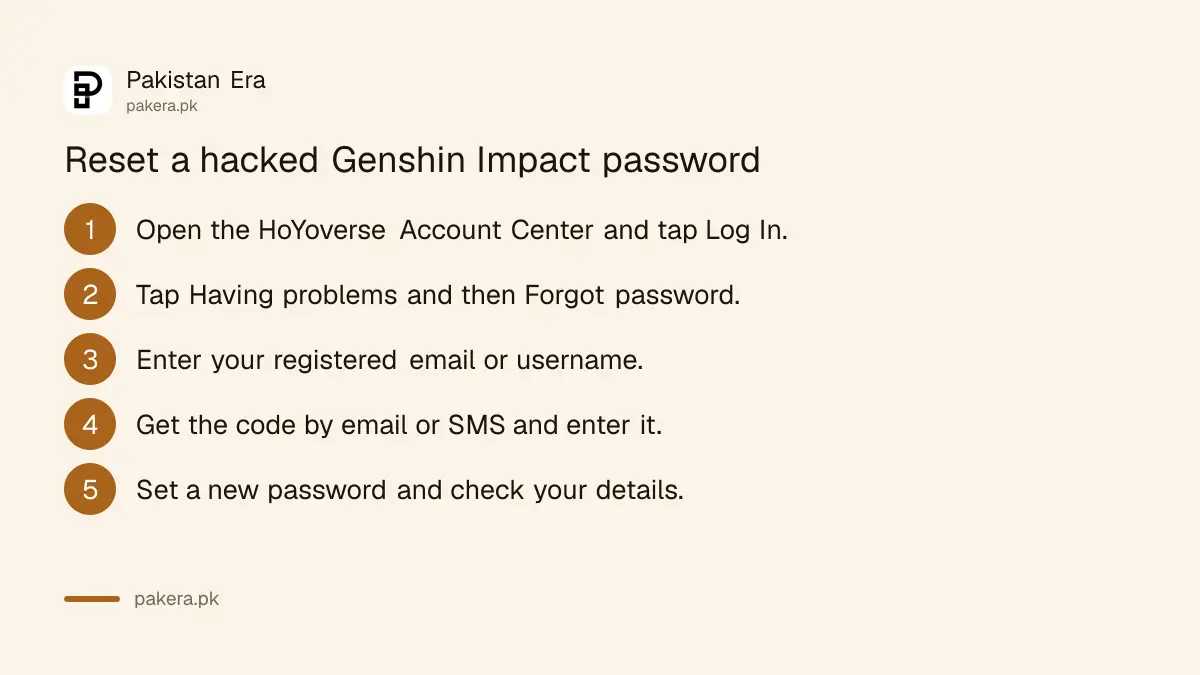
The password reset works as long as you still have the email or phone number on the account. HoYoverse sends a verification code by email or SMS, and you set a new password on the same page. Use a new password you have never used anywhere else.
- Open the HoYoverse Account Center at account.hoyoverse.com in a browser.
- Tap Log In, then Having problems? under the sign-in boxes.
- Choose Forgot password?
- Enter your registered email address or username.
- Choose email or SMS and get the verification code.
- Enter the code, then set a new password with letters, numbers and symbols.
- Log in with the new password and check your account details.
For a Pakistani number, the SMS goes to the number linked to the account. If that SIM is lost, get a duplicate SIM on the same number from your operator, such as a Jazz duplicate SIM, before you try the SMS route.
Recover the account when the hacker changed your email
If the reset fails because the email or phone is no longer yours, use the HoYoverse Account Issues Application Form. It is linked from the HoYoverse Help Center article on hacked or lost accounts. Fill it in carefully, because your answers are how support decides you are the owner.
HoYoverse asks for as much accurate information as possible. Gather these before you start:
- The original email you signed up with, and any later email.
- Your username and your in-game UID.
- Character details: your Adventure Rank, server and main characters.
- Past purchases: Google Play or App Store receipts, or card statements, with dates.
- Any recent security changes you noticed, such as a new email alert.
After you submit, check the email you gave on the form. Support may ask for more details to confirm your identity. Once verification succeeds, HoYoverse sends recovery instructions. Answer each request quickly and send one case, not many.
Your UID shows at the bottom right of the game screen. Write it down now, while you still have access to the account.
Report unauthorised top-ups to HoYoverse
If someone bought Genesis Crystals or a Welkin Moon with your money, email genshin_payment@hoyoverse.com. HoYoverse asks for proof of the transaction, your UID or account ID and linked email, and a clear description of what happened. Also tell your bank or Apple and Google.
| Send | Example |
|---|---|
| Proof of transaction | Receipt, bank deduction SMS or statement |
| Account details | UID, HoYoverse Account ID, linked email |
| Description | When it happened and what was bought |
For a bank card charge, call your bank's helpline and block the card too. Prices and official top-up methods are in the Genshin Impact Genesis Crystals price in Pakistan. HoYoverse warns that unofficial top-up services can lead to account loss, payment fraud and suspension.
Lock your Genshin account so it does not happen again
Once you are back in, link both an email and a phone number, turn on two-factor authentication and remove trusted devices you do not know. HoYoverse also asks for a unique password of at least 12 characters, used on no other account.
- In the HoYoverse Account Center, open Personal Information and link an email and a mobile number.
- Turn on two-factor authentication, so a login needs your password plus a code.
- Check the trusted devices list and remove any you do not recognise.
- Change your email's own password too, and turn on 2-step verification in Gmail.
- Log in only through the game or official HoYoverse websites.
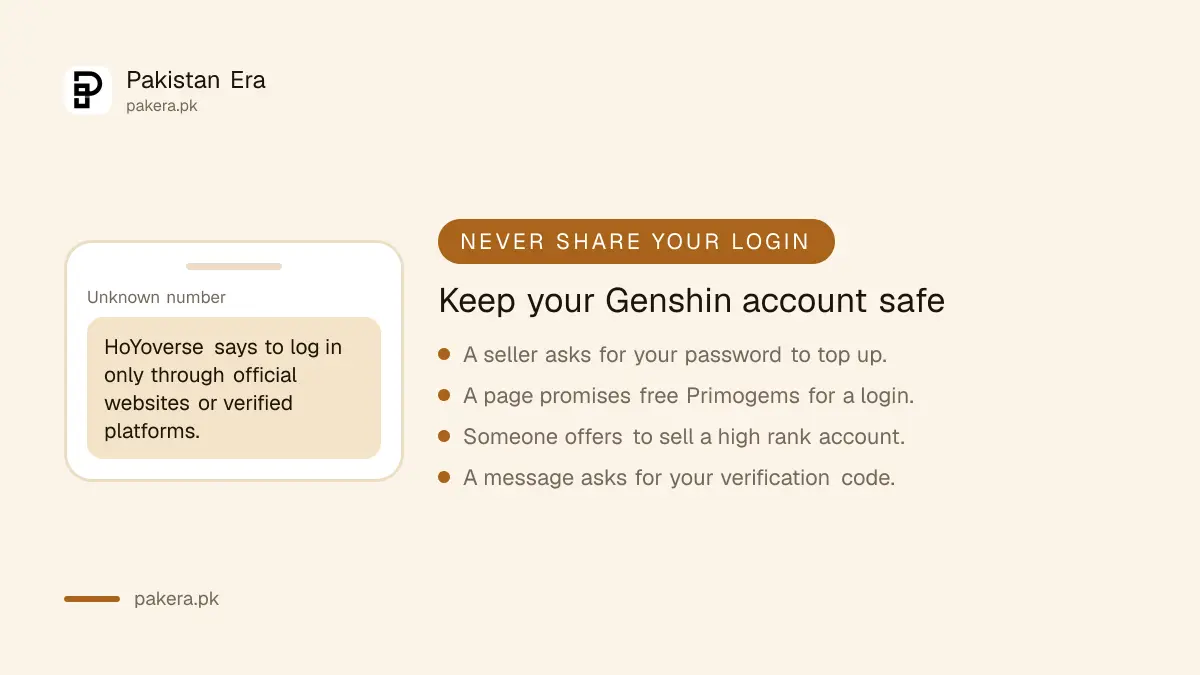
Most hacks start with a shared password, a bought account or a fake login page that promises free Primogems. Never share your login with a "top-up" seller or a friend. If the hacker also took your Gmail, follow Gmail account recovery first, and if money was stolen you can report the cybercrime to NCCIA.
Common questions
Can HoYoverse recover a hacked Genshin account without the email?
Possibly. Submit the HoYoverse Account Issues Application Form with your UID, past emails, character details and purchase receipts. HoYoverse says recovery is not guaranteed.
Where is my Genshin Impact UID?
At the bottom right of the game screen, and on your profile in the Paimon menu. Note it down while you can still log in.
Will HoYoverse give back Primogems a hacker spent?
HoYoverse says it cannot grant Primogems directly to accounts. For money spent without permission, email genshin_payment@hoyoverse.com with proof.
Is a Google login the same account as my email login?
No, not unless you linked them. A Google or Apple login is a separate HoYoverse account even with the same address.
How do I contact Genshin Impact customer service?
Use the in-game Help Center, the HoYoverse Help Center ticket page, or email genshin_cs@hoyoverse.com for general account help.
Can I unlink an email from my HoYoverse Account?
No. HoYoverse says a linked email cannot be unlinked, only switched to another email.
How we verified this
What we checked and where we read it.
We checked this guide on 24 November 2026 against HoYoverse Help Center articles: My account has been hacked or lost, what should I do? (updated 21 November 2026), How can I reset my password?, How do I request a refund for unauthorized top-ups?, How to enable two-factor authentication, How can I strengthen the security of my account?, the article on lost progress after changing devices, and How can I get more Primogems?. The support email addresses are those printed on those HoYoverse pages.
About the author

Technology Journalist & Multimedia Producer
Ahmad Ali is a technology journalist and multimedia producer at Pakistan Era, joining the team in October 2026. He covers consumer technology and digital life for Pakistani readers, combining research with hands-on product testing.