Claude App Download in Pakistan: Windows, Mac, Android, iPhone and Chrome (Free)
Download the Claude app free in Pakistan for Windows, Mac, Linux, iPhone, Android and Chrome. See system needs, install steps and which features are paid.
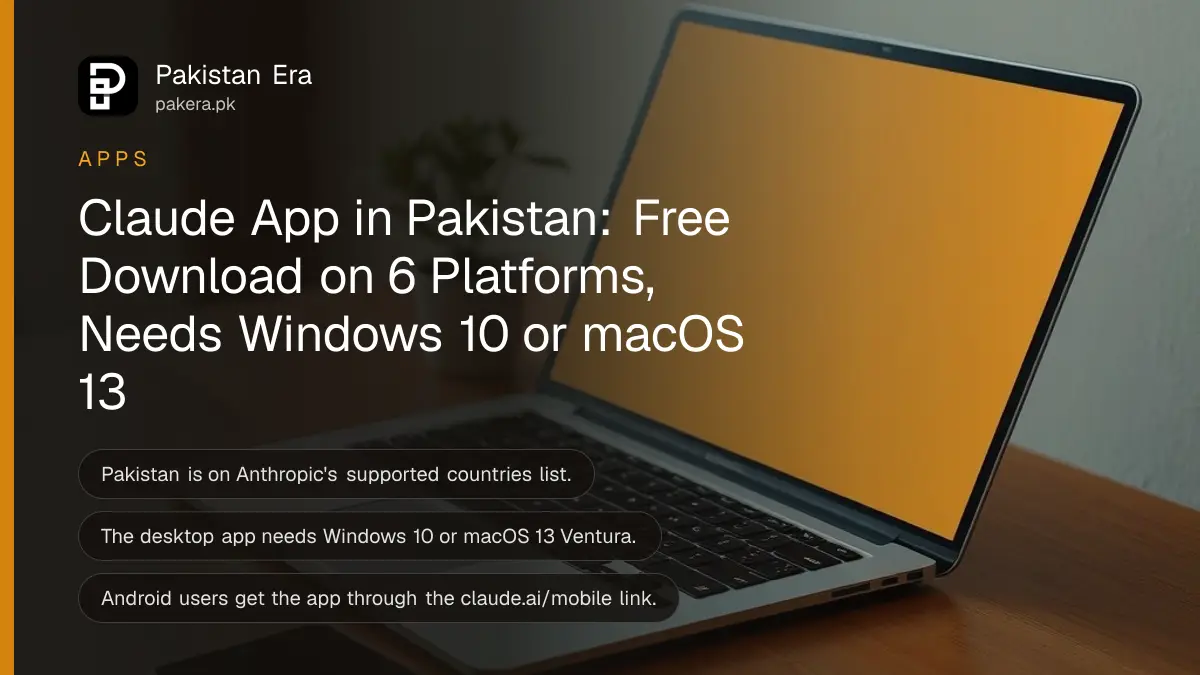
You can download the Claude app free in Pakistan from claude.com/download: Windows (x64, ARM64 or the Microsoft Store), Mac, Linux in beta, iPhone from the App Store, Android through the claude.ai/mobile link, and a Chrome extension. Pakistan is on Anthropic's list of supported countries, so the apps sign in and work here on the free plan.
Claude is Anthropic's AI assistant, a rival to ChatGPT and Gemini. We read Anthropic's download page, its desktop install guide and its supported countries list on 1 November 2026. Below is every Claude app, the system it needs, and which features stay locked to paid plans.
Pakistan is a supported country for every Claude app
Anthropic's supported countries page lists Pakistan, and the same list covers its apps (Claude.ai, Claude Code and Cowork) and its developer API. The page says any country not listed is unsupported, so Pakistani users can sign up directly without a workaround.
The page shows an effective date of 12 November 2026, which is a revised version of the list. Pakistan appears on it. That matters because people often assume an AI tool is blocked here when the real problem is a card payment or a slow network.
If Claude is not loading at all, check your internet first, then the account. The free plan needs no card, and paid plans are billed in US dollars; our breakdown of the Claude Pro price in Pakistan shows each plan in rupees.
Claude has apps for Windows, Mac, Linux, iPhone, Android and Chrome
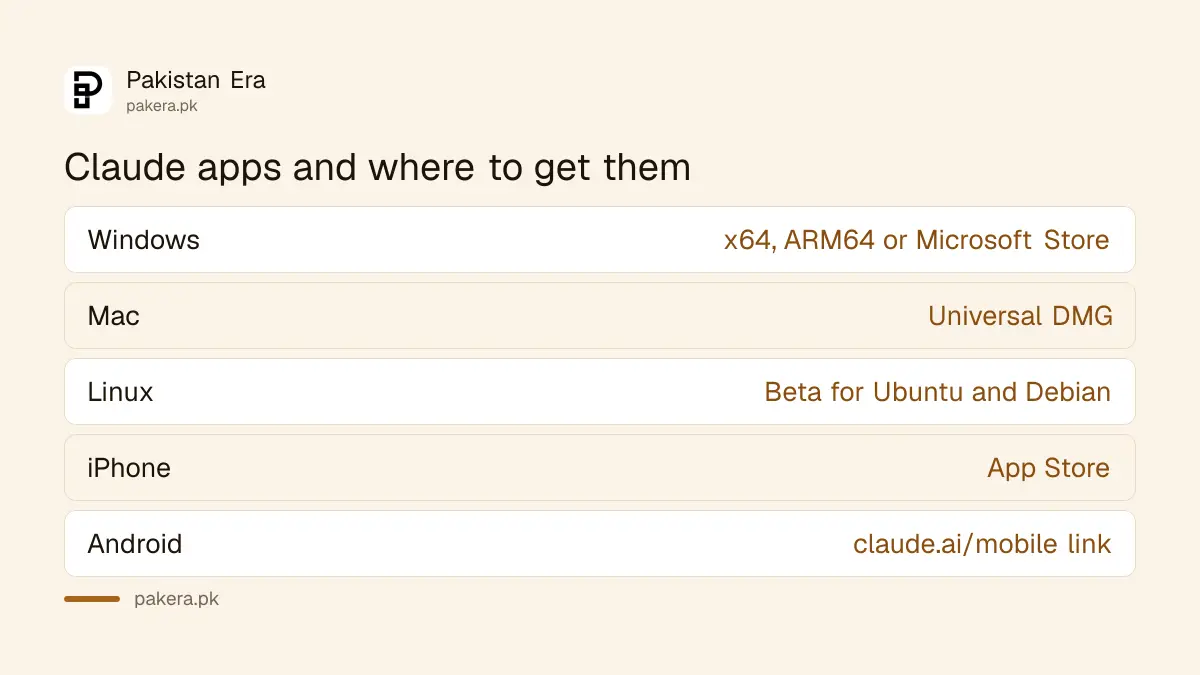
Anthropic offers desktop apps for Windows and Mac, a Linux beta for Ubuntu and Debian, an iPhone app, an Android route through claude.ai/mobile, a Chrome extension called Claude in Chrome, and Claude Code for programmers in the terminal, VS Code and JetBrains.
| Device | Where to get it | Note |
|---|---|---|
| Windows PC (Intel or AMD) | claude.com/download, x64 installer | Also on the Microsoft Store |
| Windows on ARM laptops | claude.com/download, ARM64 installer | For laptops with ARM chips |
| Mac | claude.com/download, universal DMG | Apple silicon and Intel |
| Linux | Anthropic's apt repository or a .deb file | Beta, Ubuntu and Debian only |
| iPhone and iPad | App Store, "Claude by Anthropic" | Free download |
| Android | claude.ai/mobile or the QR code on the download page | Google Play link not shown on the page |
| Chrome browser | Chrome Web Store, Claude in Chrome | Extension, not a separate app |
Most Pakistani laptops sold in the last few years run Intel or AMD chips, so the x64 installer is the right one. If you are not sure, Windows Settings, System, About shows the system type. Our walkthrough on how to check your laptop's processor and RAM covers the same screen.
The desktop app needs Windows 10 or macOS 13 Ventura
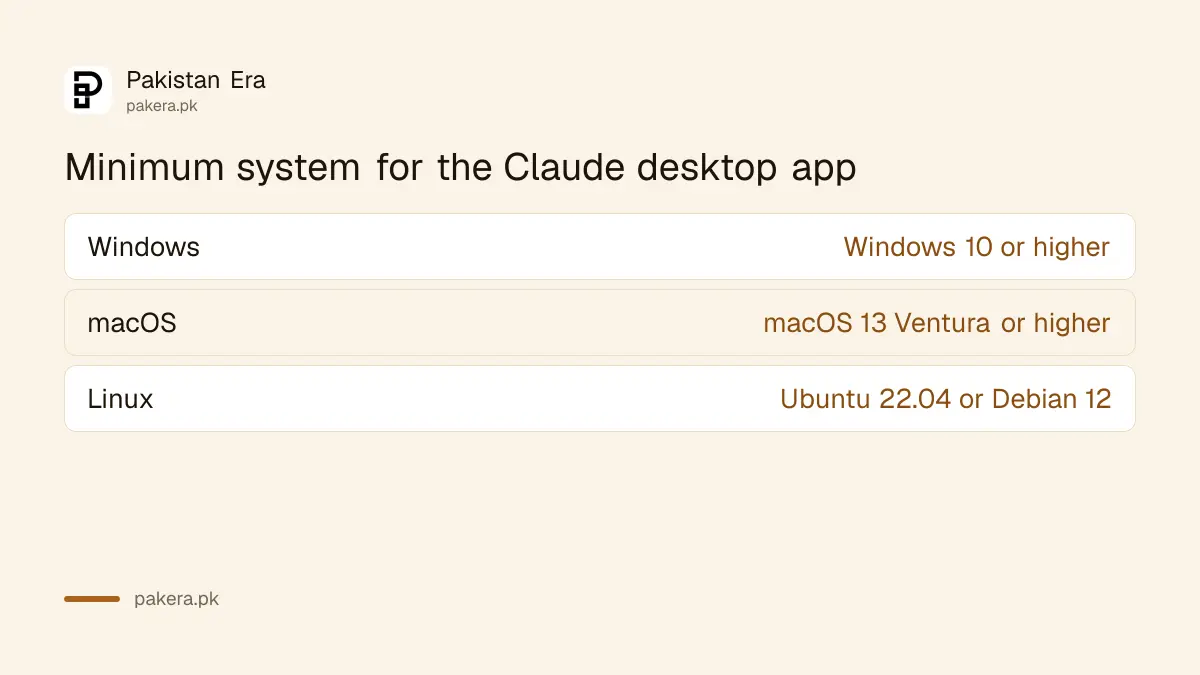
Anthropic's install guide sets the floor at Windows 10 or later and macOS 13 Ventura or later. The Linux beta needs Ubuntu 22.04 LTS or newer, or Debian 12, on x64 or arm64. Older systems should use claude.ai in a browser instead.
| System | Minimum version |
|---|---|
| Windows | Windows 10 or higher |
| macOS | macOS 13 Ventura or higher |
| Linux (beta) | Ubuntu 22.04 LTS or Debian 12, x64 or arm64 |
A lot of Pakistani offices still run Windows 7 or 8.1 on older PCs. Those are below the minimum. Use the website on Chrome, or upgrade; the steps to check whether a PC can run Windows 11 help you decide.
On Linux, two features are missing for now: computer use and dictation. The app also does not update itself there; updates come through your normal package updates.
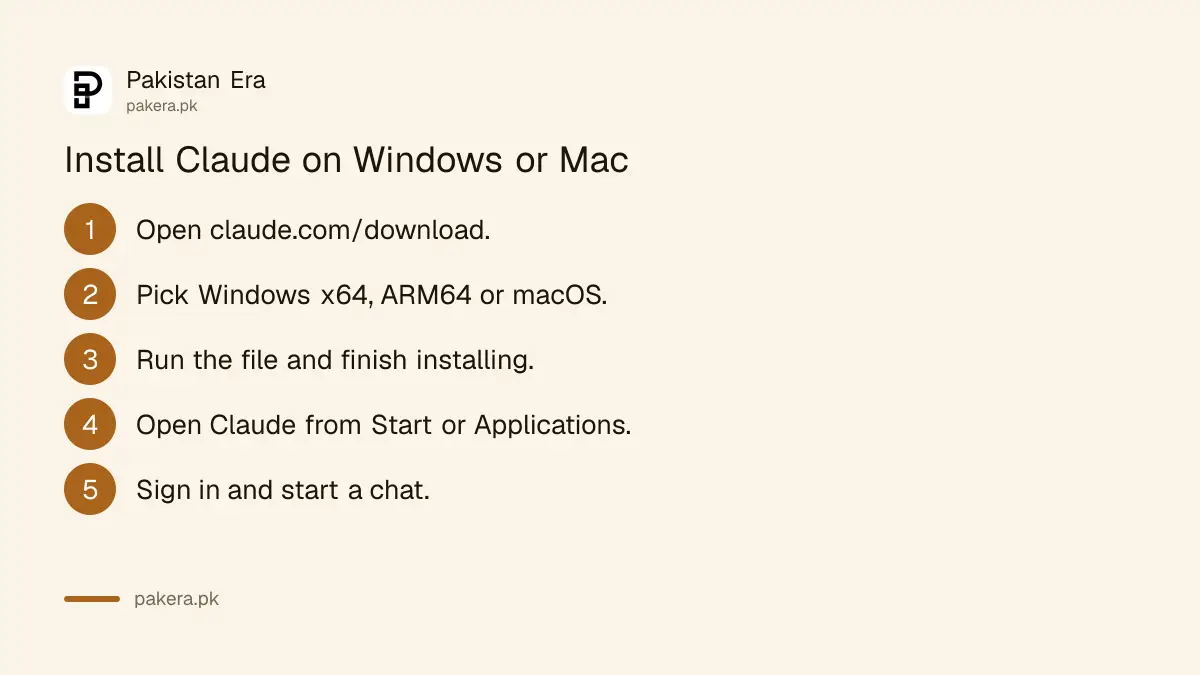
Five steps install Claude on a Windows or Mac computer
Download the installer for your system from claude.com/download, open the file, finish the install, launch Claude from the Start menu or Applications folder, and sign in with your Claude account. If you already use Claude on the web, the same login works in the app.
- Open claude.com/download in your browser.
- Choose Windows x64, Windows ARM64 or macOS, or open the Microsoft Store listing.
- Run the downloaded file and let it finish installing.
- Open Claude from the Start menu (Windows) or Applications folder (Mac).
- Sign in with your account and start a chat.
On a phone, scan the QR code on the download page or open claude.ai/mobile, which sends you to the right store. Search results in app stores often show copycat apps with similar names, so going through Anthropic's own page is the safer route.
The apps are free, but some features need a paid plan
Every Claude app is free to download and works on every plan: Free, Pro, Max, Ultra, Team and Enterprise. Anthropic notes that some features are paid only. On Linux, chat works on the free plan, while Claude Code and Cowork need Pro or higher.
Cowork is Anthropic's tool for longer tasks on your computer, and Claude Code is its coding assistant. Both use far more of your allowance than a normal chat. If you keep hitting a wall, read how Claude usage limits reset before you pay for a bigger plan.
Privacy is worth a minute too. Claude may use chats to improve its models unless you change the setting, and the steps to turn off Claude model training take under a minute on any app.
Common questions
Is the Claude app available in Pakistan?
Yes. Pakistan is on Anthropic's supported countries list, which covers the Claude apps, Claude Code, Cowork and the API.
Is the Claude app free?
Yes, the apps are free to download and work on the free plan. Some features, such as Claude Code on Linux, need a paid plan.
Will Claude run on Windows 7?
No. The desktop app needs Windows 10 or higher. On an older PC, use claude.ai in a browser.
Where is the Claude Android app?
Anthropic's download page sends Android users to claude.ai/mobile or a QR code, which opens the store listing. Use that link to avoid lookalike apps.
Do I need a VPN to use Claude in Pakistan?
No. Pakistan is a supported country, so you can sign up and use Claude directly.
How we verified this
What we checked, where we read it, and what we could not confirm.
We read Anthropic's Claude download page on 1 November 2026 for the list of apps, store links and plan notes, its desktop install guide for the Windows 10, macOS 13 and Linux minimums, and its supported countries page, which lists Pakistan and shows an effective date of 12 November 2026. We could not read the Google Play listing, so we do not state an Android version requirement, and the download page gives no iPhone version minimum.
About the author

Technology Journalist & Multimedia Producer
Ahmad Ali is a technology journalist and multimedia producer at Pakistan Era, joining the team in October 2026. He covers consumer technology and digital life for Pakistani readers, combining research with hands-on product testing.