Check Laptop Generation in Pakistan: Every Intel Gen From 4th to 14th and Core Ultra, by Model Number
Check your laptop generation with msinfo32 in 10 seconds. Read any Intel model from 4th to 14th Gen and Core Ultra, find the RAM, and test a seller's claim.
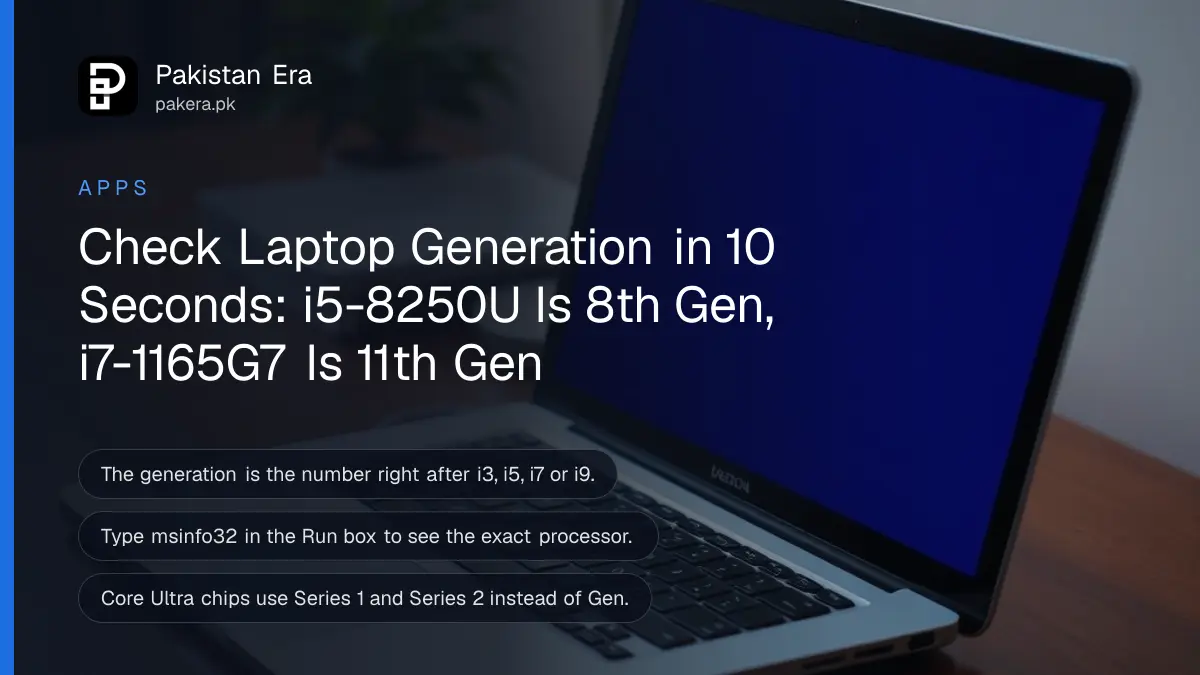
To check your laptop's generation, press Windows key + R, type msinfo32 and press Enter, then read the Processor line: the number right after i3, i5, i7 or i9 is the generation, so i5-8250U is 8th Gen and i7-1165G7 is 11th Gen. Below is every Intel generation from 4th to 14th with examples, the newer Core Ultra names, three ways to find the processor and RAM, and how to catch a seller's wrong claim before you pay.
In Pakistan's used laptop markets, a listing says "Core i5 8th Gen, 8 GB, 256 SSD" and the price rests on that one word, generation. A 6th Gen machine can be sold as 8th Gen, and a buyer who does not check will never know. We read Intel's guide to finding the processor generation on 27 October 2026 and ran the checks below on one of our own Windows 11 laptops.
The generation is the number right after i3, i5, i7 or i9
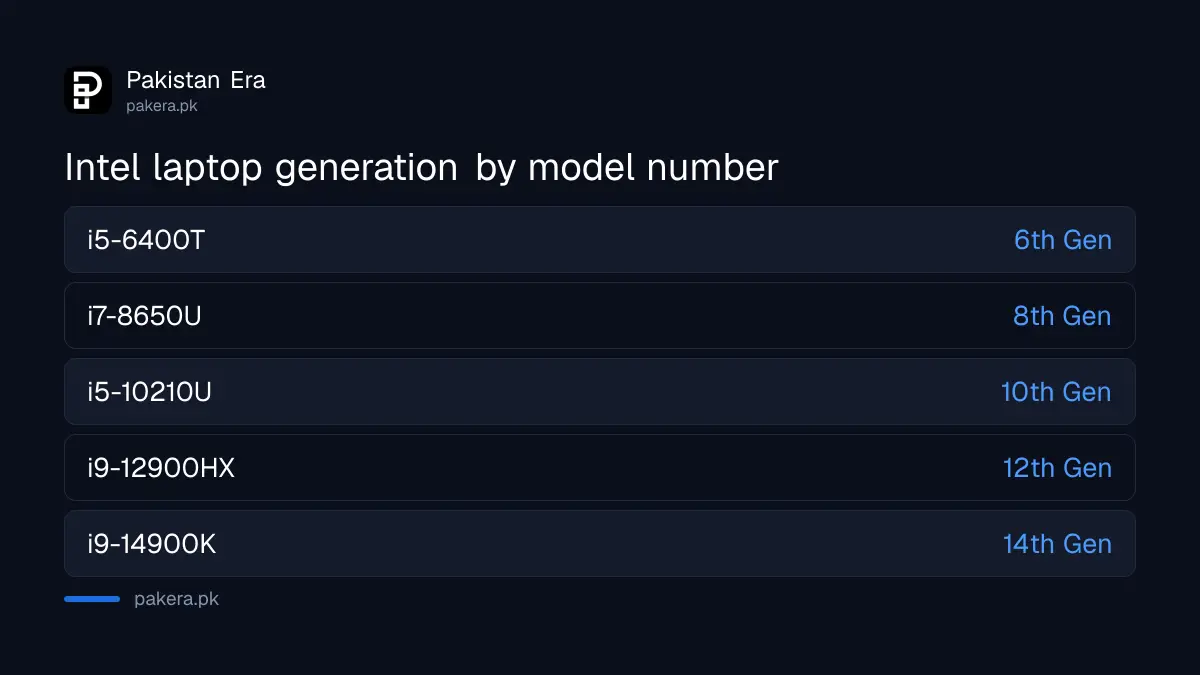
Intel's rule is short. In a Core processor name, the generation is the one or two digits that follow i3, i5, i7 or i9. In Intel's examples, four-digit numbers belong to 4th to 9th Gen, and five-digit numbers starting with 10 to 14 belong to 10th to 14th Gen.
| Model number | Generation | How to read it |
|---|---|---|
| i3-4300U | 4th Gen | 4 after i3 |
| i7-5650U | 5th Gen | 5 after i7 |
| i5-6400T | 6th Gen | 6 after i5 |
| i5-7200U | 7th Gen | 7 after i5 |
| i7-8650U | 8th Gen | 8 after i7 |
| i5-9300H | 9th Gen | 9 after i5 |
| i5-10210U | 10th Gen | 10 after i5 |
| i9-11900H | 11th Gen | 11 after i9 |
| i9-12900HX | 12th Gen | 12 after i9 |
| i7-13700K | 13th Gen | 13 after i7 |
| i9-14900K | 14th Gen | 14 after i9 |
Every example in the table is Intel's own. The trap is a 10th or 11th Gen chip read as 1st Gen. In i5-10210U, the generation is 10, not 1. If the number after the dash has five digits, take the first two.
Find the processor in Windows in three ways
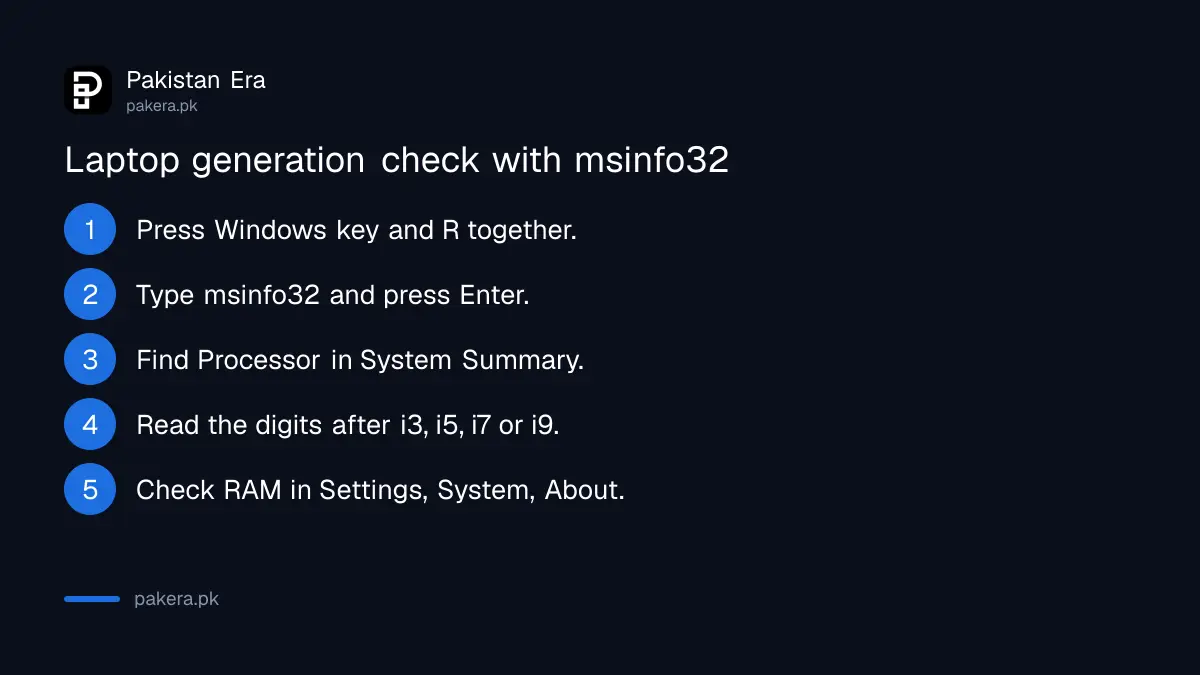
System Information is the method Intel recommends. Press Windows key + R, type msinfo32 and press Enter, then read Processor in System Summary. Settings, System, About and Task Manager's Performance tab show the same name, along with installed memory.
- Press Windows key + R to open the Run box.
- Type msinfo32 and press Enter.
- In System Summary, find the line called Processor.
- Read the model, for example i5-8250U, and apply the rule above.
- For RAM and 32-bit or 64-bit, open Settings, System, About and look under Device specifications.
We ran this on a laptop in our office. The processor line read "11th Gen Intel(R) Core(TM) i7-1165G7 @ 2.80GHz". Newer Intel chips write the generation into the name itself, which makes a seller's claim easy to test. Windows reported 15.7 GB of usable memory on that machine.
Microsoft's About page instructions say Device specifications lists the processor, the RAM installed, and whether Windows is 32-bit or 64-bit. That one screen answers most buyer questions.
The letters at the end tell you what kind of laptop chip it is
The suffix after the number shows the chip's purpose. U means power efficient, common in thin office laptops. H means highest performance, common in gaming laptops. HX is the top performance tier, and G1 to G7 mark the level of built-in graphics.
| Suffix | Intel's description | Typical laptop |
|---|---|---|
| U | Power efficient | Thin office and student laptops |
| H | Highest performance | Gaming and editing laptops |
| HX | Highest performance, unlocked | High-end gaming laptops |
| G1 to G7 | Graphics level | Thin laptops with better built-in graphics |
| K | High performance, unlocked | Desktop PCs, not laptops |
A K chip in a "laptop" listing is a warning sign. Intel lists K as a desktop suffix. The typical laptop column is our reading of Intel's descriptions, not an Intel table.
Core Ultra chips use Series 1 and Series 2 instead of Gen
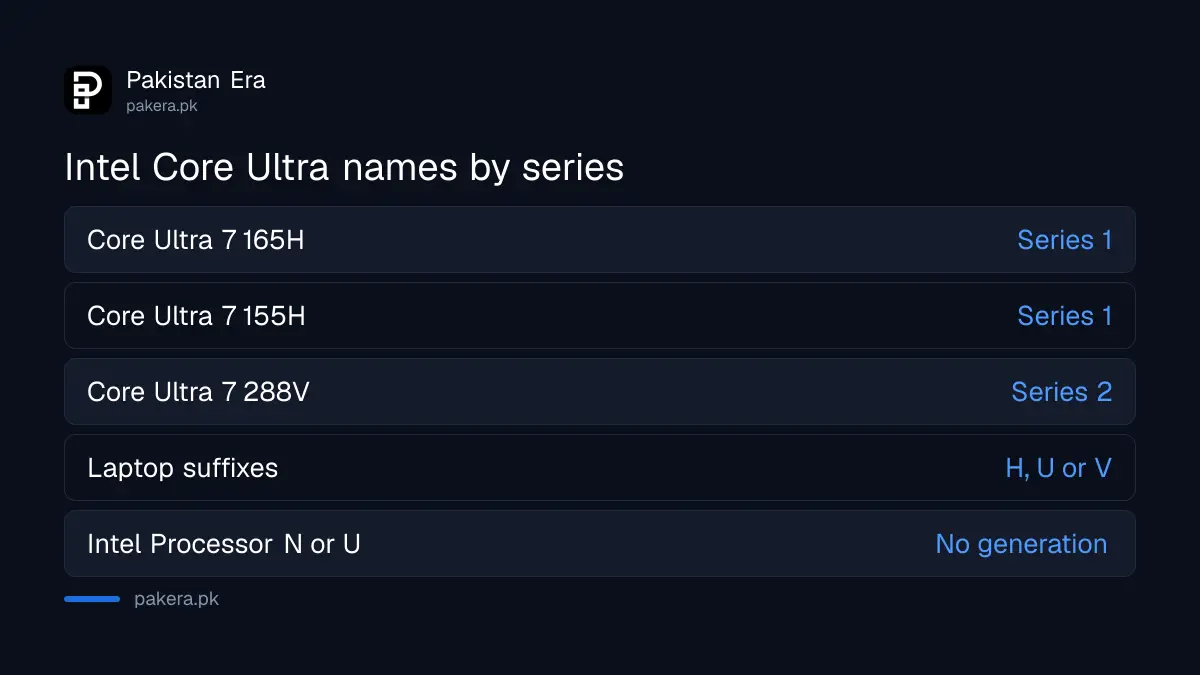
Intel's newer laptops drop the i3 to i9 names. A Core Ultra chip is named Core Ultra 5, 7 or 9, then a three-digit number. Intel says the first digit, 1 or 2, is the generation, so Core Ultra 7 165H is Series 1 and Core Ultra 7 288V is Series 2.
Core Ultra laptop chips end in H, U or V. Intel also sells plain "Intel Processor" models starting with N or U, and Intel says those carry no generation number at all. If a seller calls one of these "11th Gen", the claim is wrong.
AMD Ryzen laptops follow a different naming scheme that this table does not cover. Check the full model on the AMD product page before you pay.
Check the generation before you pay for a used laptop
Do not trust the sticker on the palm rest. Stickers can be swapped and boxes can belong to another machine. Open msinfo32 on the laptop itself, in the shop, and compare the processor line and memory with the listing.
Check the battery report while you are there, using the steps for a laptop battery health check. Then run through the rest of the checklist before buying a laptop: screen, keyboard, ports, charger and Windows activation.
If you plan to run Windows 11, the processor must also be on Microsoft's approved list. The quick way to test that is the Windows 11 requirements check with PC Health Check.
Common questions
How do I know my laptop is 8th Gen?
Open msinfo32 and read the Processor line. If the model after i3, i5 or i7 starts with 8, such as i5-8250U, it is 8th Gen.
Is i5-1135G7 10th or 11th Gen?
11th Gen. The model has five digits, so the first two, 11, are the generation. G7 shows its graphics level.
Can I check the generation without turning on Windows?
Intel says you can read the markings on the processor or the box label, but on a laptop those are hidden. Running msinfo32 is far more reliable.
What does Core Ultra 7 155H mean?
Core Ultra 7 is the performance tier. The first digit, 1, means Series 1. H means a high performance laptop chip.
Where can I see how much RAM my laptop has?
Open Settings, System, About. Device specifications shows the RAM installed, the processor and the system type.
How we verified this
What we checked, where we read it, and what we could not confirm.
We read Intel's support article on finding the generation of Intel Core processors (article 000032203), Intel's guide to identifying your processor (article 000006059), Intel's processor names and numbers page, and Microsoft's page on finding your Windows version and device specifications on 27 October 2026. We ran the processor and memory check on one Windows 11 laptop the same day. Intel's own article labels its i3-4300U example "listed after i5", a small slip on Intel's page; the generation, 4th, is still correct. We did not verify AMD naming.
About the author

Technology Journalist & Multimedia Producer
Ahmad Ali is a technology journalist and multimedia producer at Pakistan Era, joining the team in October 2026. He covers consumer technology and digital life for Pakistani readers, combining research with hands-on product testing.