Moving Abroad? Convert Your Pakistani SIM to eSIM Before You Fly: Zong and Ufone Steps, Rs 1,500
Keep your Pakistani number abroad: convert your Zong or Ufone SIM to eSIM before you fly. Rs 1,500, biometric check, QR steps, roaming and lost phone rules.
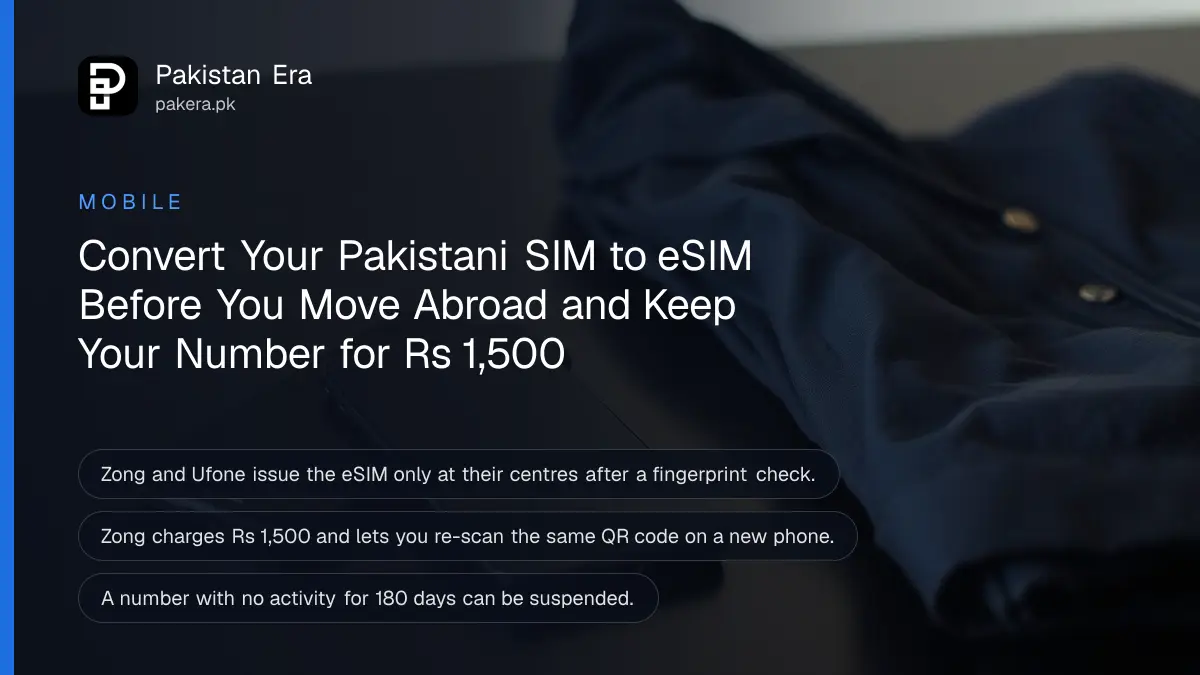
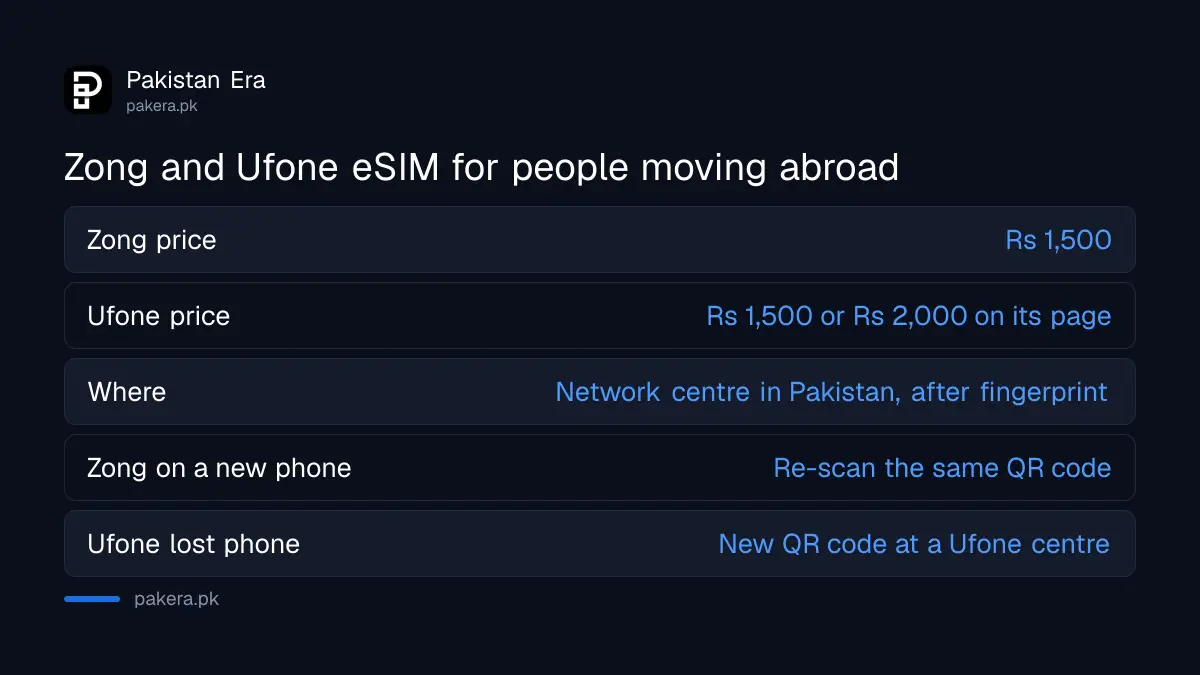
Moving abroad and want to keep your Pakistani number? Convert it to an eSIM before you fly. Then the same phone can carry your new country's SIM and your Pakistani number for bank and NADRA codes. Zong and Ufone do the switch at their own centres after a fingerprint check. Zong charges Rs 1,500. Ufone's page shows Rs 1,500 in one place and Rs 2,000 in another.
It has to be done in Pakistan. Both networks hand over the eSIM as a QR code at the counter, after a biometric check against NADRA. Once you leave, nobody can do that check for you.
| Point | Zong | Ufone |
|---|---|---|
| Where | Customer service centre or franchise | Service centre, franchise or 24/7 self service booth |
| Check | Biometric verification | Biometric verification |
| Price | Rs 1,500 | Rs 1,500 in the price section, Rs 2,000 in its FAQ and terms |
| You get | A voucher with a QR code | An eSIM jacket with a QR code |
| Works on roaming | Yes | Yes |
| New phone later | Re-scan the same QR code | Lost or stolen phone needs a visit for a new QR code |
An eSIM keeps your Pakistani number in a dual SIM phone
An eSIM is a SIM built into the phone, switched on by scanning a QR code. Converting your physical Pakistani SIM frees the card slot for a local SIM abroad, while your Pakistani number stays on the same phone for calls, SMS codes and WhatsApp.
Both networks say your existing services and tariffs move to the eSIM. Zong and Ufone also say their eSIM works on roaming. The phone must support eSIM, and Ufone says a carrier-locked handset will not take its eSIM until it is unlocked.
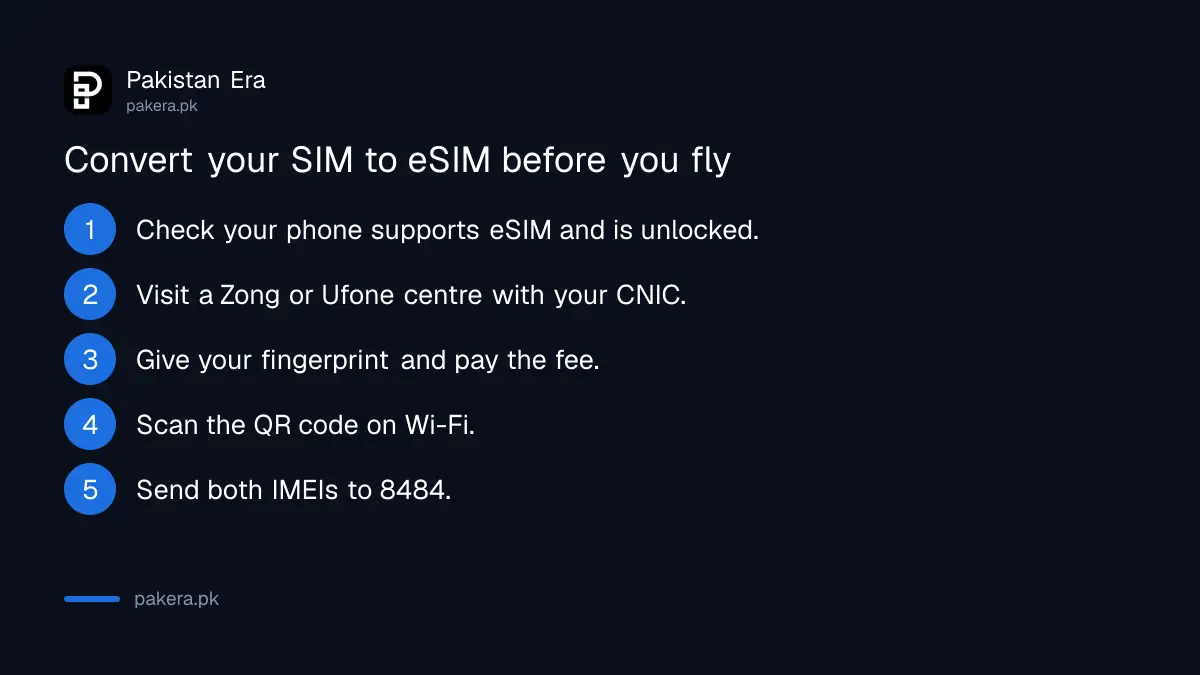
Convert your SIM in seven steps before you fly
Visit the network's centre with your CNIC, give your fingerprint, pay, and scan the QR code on your phone with Wi-Fi on. Finish it at least a week before the flight, so you can test calls and codes while you are still in Pakistan.
- Check your phone is on the network's eSIM list and is not carrier locked.
- Visit a Zong customer service centre or franchise, or a Ufone service centre, franchise or self service booth.
- Ask to replace your existing number with an eSIM and give your fingerprint for the biometric check.
- Pay the eSIM fee and take the QR code voucher.
- Connect the phone to Wi-Fi. On an iPhone go to Settings, Cellular, Add Cellular Plan. On Android go to Settings, SIM Card Manager, eSIM, Add Mobile Plan.
- Scan the QR code. Type 0000 if the phone asks for a PIN.
- Send both IMEI numbers to 8484 and email screenshots of IMEI 1 and IMEI 2 to typeapproval@pta.gov.pk, as Zong and Ufone advise, so PTA's DIRBS system does not block the eSIM.
The eSIM replaces your physical SIM on that number. Keep the QR voucher in a safe place and never share it, because it carries your number.
Turn on roaming and keep the number active
Zong says international roaming has been on by default for all its customers since 1 December 2025, so nothing needs switching on. On other networks, ask for roaming before you leave. Then use the number at least once every few months, or it can be suspended for non-usage.
PTA's 180 day rule counts calls made or received, outgoing SMS, data sessions and paid services as activity. An incoming SMS, such as a bank code, is not in the list. A short call or one outgoing SMS on roaming every few months keeps the number safe. The full rule is in PTA's 180 day non-usage rule, and roaming set-up for each network is in activating international roaming in Pakistan.
Roaming charges come from your Pakistani network, not your new one. Turn off data roaming for the Pakistani line in your phone's settings and use the local SIM for internet.
What happens if you change or lose your phone abroad
This is where Zong and Ufone differ. Zong says you can re-scan your existing QR code if you switch phones or the eSIM profile is deleted. Ufone says a lost or stolen phone means a visit to a Ufone service centre or franchise for a new QR code.
| Situation abroad | Zong | Ufone |
|---|---|---|
| New phone | Re-scan the same QR code | Visit a Ufone centre for a new QR code |
| Profile deleted by mistake | Re-scan the same QR code | Visit a Ufone centre for a new QR code |
| Carrier-locked phone | Check the supported phone list | Not supported until unlocked |
So for someone who will be away a long time, the Zong voucher is worth keeping safe. Block a lost phone's number at once by calling the network, as set out in blocking a lost SIM in Pakistan. A phone bought abroad is a separate question from PTA registration, covered in using a non-PTA phone on roaming abroad.
Fixes when the eSIM does not work
Most failures come from a phone that does not support eSIM, a scan without internet, or a blocked IMEI. Test everything in Pakistan before you leave. The table gives each problem and its fix.
| Problem | Fix |
|---|---|
| QR scan fails | Connect to Wi-Fi first, then scan again |
| Phone asks for a PIN | Type the default 0000 |
| No service after a few days | Send both IMEIs to 8484 and email PTA's type approval desk; pay any phone tax due |
| No signal abroad | Check roaming is on for the eSIM line and select a network by hand |
| Phone will not add the eSIM | Check it is unlocked and on the supported list |
Jazz and Telenor also offer eSIMs. Their steps are in converting a Jazz SIM to eSIM and getting a Telenor eSIM.
Common questions
Can I convert my Pakistani SIM to eSIM from abroad?
Not on Zong or Ufone. Both ask you to visit their centre in Pakistan and give your fingerprint before they issue the eSIM QR code.
Will my Pakistani eSIM work abroad?
Yes, on roaming. Zong and Ufone both say their eSIM works while roaming. Zong turns roaming on by default.
How much does it cost to convert a SIM to eSIM?
Zong charges Rs 1,500. Ufone's page lists Rs 1,500 in its price section and Rs 2,000 in its FAQ and terms, so ask at the counter.
Can I move my Zong eSIM to a new phone abroad?
Yes. Zong says you can re-scan your existing QR code on a new phone, or if the eSIM profile is deleted.
What if I lose my phone with a Ufone eSIM?
Ufone says you must visit a Ufone service centre or franchise for a new QR code. Block the number first by calling Ufone.
Will my Pakistani number be cut off while I live abroad?
It can be suspended after 180 days without activity. Make a call or send an SMS every few months to keep it active.
How we verified this
What we checked and where we read it.
Last checked 22 November 2026. We checked Zong's eSIM page (centre or franchise, biometric verification, QR voucher, Rs 1,500, re-scan on a new phone, IMEIs to 8484, roaming) and its FAQ page for roaming on by default from 1 December 2025. We checked Ufone's eSIM page for the centres and self service booths, the biometric check, the QR jacket, the lost phone rule, locked handsets, roaming and the IMEI steps. Ufone's page gives Rs 1,500 in its price section and Rs 2,000 in its FAQ and terms. The non-usage rule comes from PTA's Telecom Consumers Protection (Amendment) Regulations, 2025.
About the author

Lifestyle & Clothing Writer
Mahnoor Siddiqui is a lifestyle and clothing writer at Pakistan Era, joining the new lifestyle desk in November 2026.