How to Download Google Translate Languages for Offline Use in Pakistan
Download Google Translate languages to use offline in Pakistan: the Android and iPhone steps, the mobile data setting, and how to update or remove a language.
Short answer: Connect to Wi-Fi, open the Google Translate app and tap the language you want. Next to it, tap Download. If there is no Download button, Google says that language cannot be downloaded. Once saved, it shows as Downloaded and works without internet.
A Pakistani student abroad, a worker on a site with poor signal and a traveller on a roaming SIM all have the same problem. The translation stops when the data stops. Downloaded language files fix that, and they are free.
We read Google's help pages for Translate, for Android and for iPhone, on 13 October 2026. We did not test every language, so check the Download button for yours inside the app.
Download a language on Android over Wi-Fi
Open the Translate app and tap the language at the bottom of the screen. Next to the language, tap Download. If asked to download the language file, tap Download again. Google advises using Wi-Fi first, because the files take mobile data.
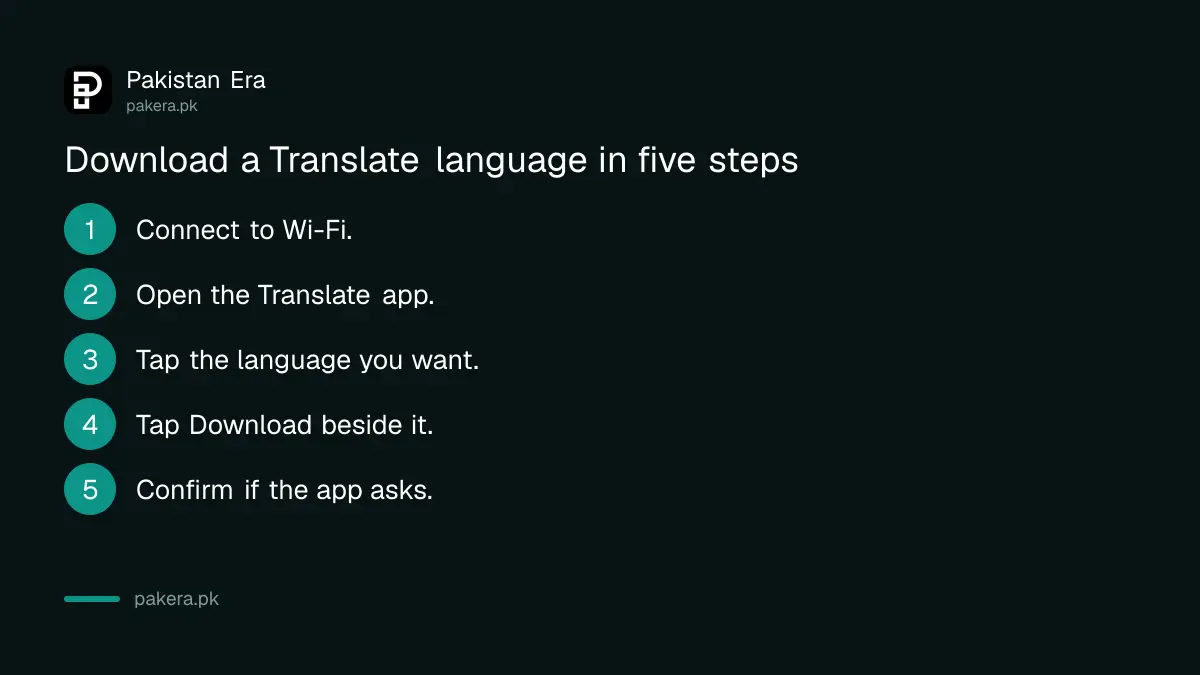
- Connect your phone to Wi-Fi.
- Open the Translate app.
- At the bottom, tap the language you want.
- Next to the language, tap Download.
- If asked, tap Download once more.
Your saved languages show as Downloaded in the list. Download the language you read and the language you write, because a translation needs both.
Download a language on iPhone or iPad
On an iPhone, tap the language at the top of the screen, on either side. Next to the language you want, tap Download. Google's iPhone page says the saved languages then show as Downloaded. The idea is the same as on Android.
The menu names differ a little between the two systems. Android uses the bottom of the screen. The iPhone uses the top. If you cannot find the button, tap the language list and look beside each name.
Check one thing before you travel. Switch on airplane mode and translate a short sentence. If it works, the file is on your phone.
Use mobile data only when you must
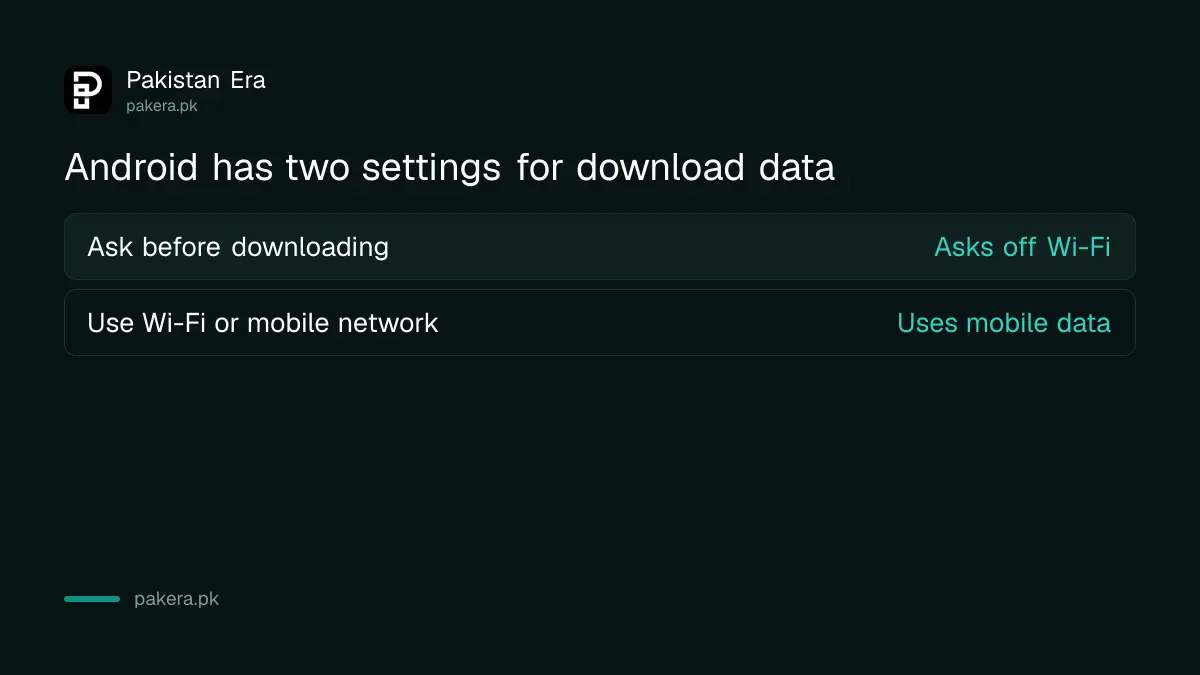
Language files are small, so Google allows downloads on mobile data on Android. You can set this in the app: Menu, Settings, Data usage, then Downloaded languages. Choose Ask before downloading or Use Wi-Fi or mobile network.
| Setting | What it does |
|---|---|
| Ask before downloading | The app asks every time you are off Wi-Fi |
| Use Wi-Fi or mobile network | The app downloads on mobile data when Wi-Fi is not available |
Google warns that mobile data may affect your carrier charges. If you have a small data bundle, keep the first option. Our guide to saving mobile data on Android and iPhone has more settings that help.
Update, upgrade or remove a downloaded language
On Android, tap Menu, then Downloaded languages. Next to a language you can tap Upgrade for a larger, higher quality pack, Update for the newest version, or Remove to free space. On iPhone, tap Settings, then Offline translation.
Do this on Wi-Fi. A better pack means a bigger file, so check your free space first. If the phone is nearly full, read how to fix a phone with full storage before you add more.
When you remove a language, the app asks you to confirm. You can download it again later at no cost.
Translate with the camera after downloading
Google says that after you download a language you might be able to translate it with your camera. Not every language supports instant camera translation. Google keeps a separate list of the languages that do.
Point the camera at a sign, a label or a menu. The text changes on your screen. This is useful for medicine boxes and forms in a foreign language. Do not rely on it for legal papers or dosage. Ask a person who knows the language.
If you type in Urdu on your phone, set up the Urdu keyboard so you can enter your own text without trouble.
A simple habit helps. Download your languages the night before a trip, while the home Wi-Fi is strong. Then check the list once. If a language shows Downloaded, you are ready, even in a place with no signal at all.
Common questions
How do I use Google Translate without internet?
Download the languages first on Wi-Fi. In the app, tap the language and tap Download. Saved languages then work offline.
Why is there no Download button for my language?
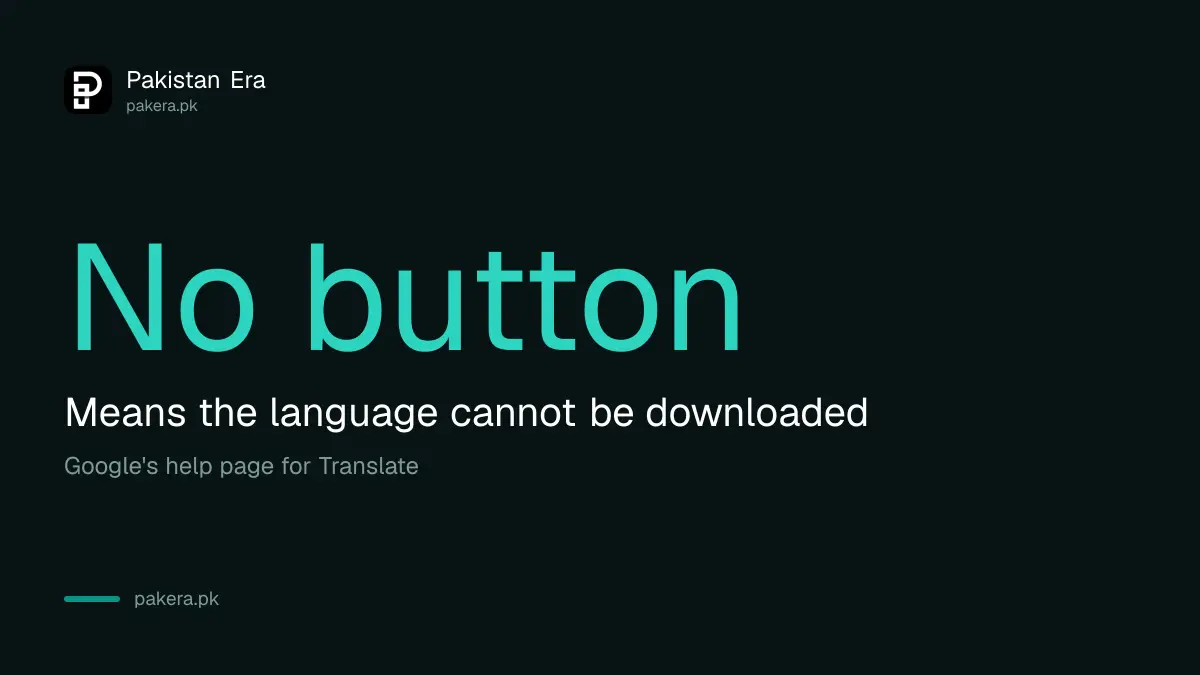
Google says that if the button is not there, the language cannot be downloaded. You need a connection to translate it.
Does downloading use my mobile data?
Only if you allow it. Google advises downloading on Wi-Fi. On Android you can choose to download on mobile data, which may add to your carrier charges.
How do I delete a downloaded language?
On Android, open Menu, then Downloaded languages, and tap Remove. On iPhone, open Settings, then Offline translation, and tap Remove.
What does Upgrade do?
Google says Upgrade replaces a language pack with a larger, higher quality pack. Update gets the newest version of the same pack.
Can I translate with the camera offline?
Google says you might be able to, once the language is downloaded. Only some languages work with instant camera translation.
How we verified this
What we checked, where we read it, and what we could not confirm.
Last checked on 13 October 2026, Pakistan time. We read Google's help pages on downloading Translate languages for Android phones and tablets and for iPhone and iPad. We did not confirm which languages, including Urdu, can be downloaded, or which work with the camera. Check the button in your own app.
About the author

Technology Journalist & Multimedia Producer
Ahmad Ali is a technology journalist and multimedia producer at Pakistan Era, joining the team in October 2026. He covers consumer technology and digital life for Pakistani readers, combining research with hands-on product testing.