Easypaisa OTP Not Received: Every Fix, the 3 a Day Limit and the Helpline Number
Easypaisa OTP not received? Check the registered SIM, signal and SMS inbox first, since you get 3 tries a day. Then call 3737 or 042-111-003-737 for help.
If the Easypaisa OTP does not arrive, make sure the SIM with your registered number is in the phone and has signal, then request the code again. Easypaisa allows 3 OTP requests a day; after that, call 3737 from Telenor or 042-111-003-737 from any other network. There is no way to log in without the OTP. Below are the causes we see most often, a fix for each, and the one thing you must never do with the code once it arrives.
We read the Easypaisa FAQ on 24 October 2026. It confirms three rules that shape every fix: the OTP goes only to the registered mobile number, you get 3 tries a day, and the OTP is compulsory for login. Knowing those saves you from burning your tries on the wrong problem.
Easypaisa sends the OTP only to your registered number
When you log in, Easypaisa sends a one-time password to the mobile number on your account. The app reads it automatically and takes you to the PIN screen. Easypaisa's FAQ says you cannot log in without the OTP, as it is compulsory.
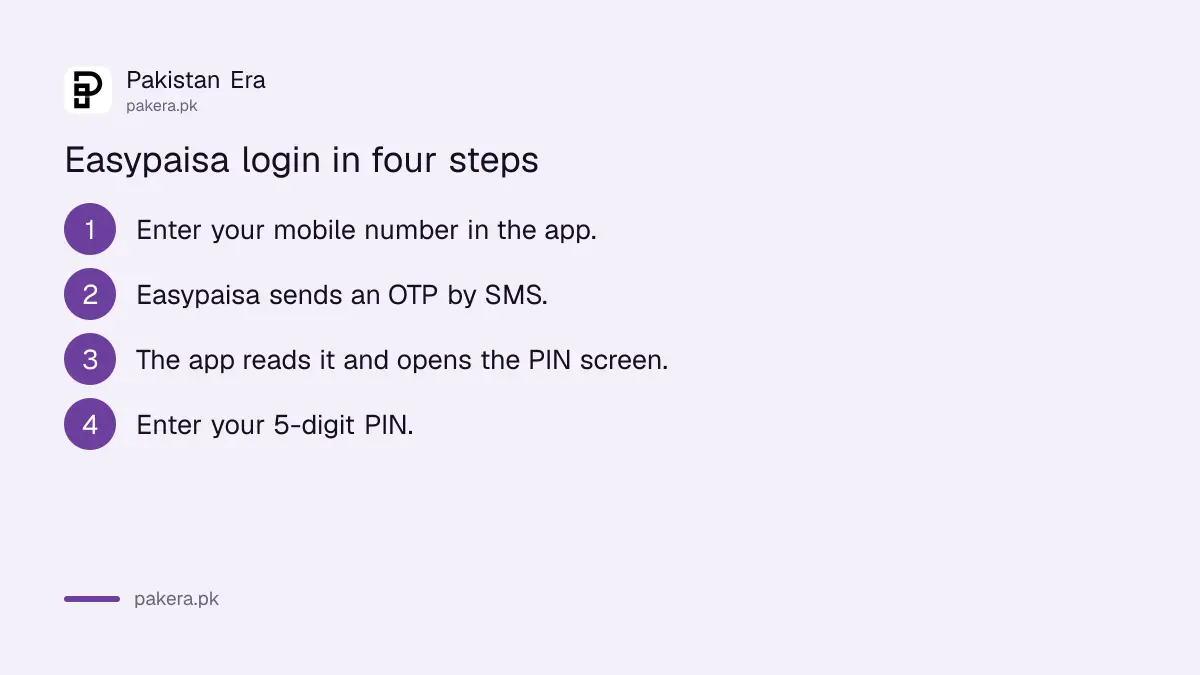
The login works like this, according to the FAQ:
- Open the Easypaisa app and enter your mobile number.
- Easypaisa sends an OTP by SMS, which the app fetches by itself.
- The app opens the PIN screen.
- Enter your 5-digit PIN to log in.
So if the SIM with that number is not in the phone you are holding, the code will never reach the app. That sounds obvious. Yet it is the most common reason we see in dual-SIM phones and on a new handset.
You get 3 OTP requests a day, so fix the cause before you retry
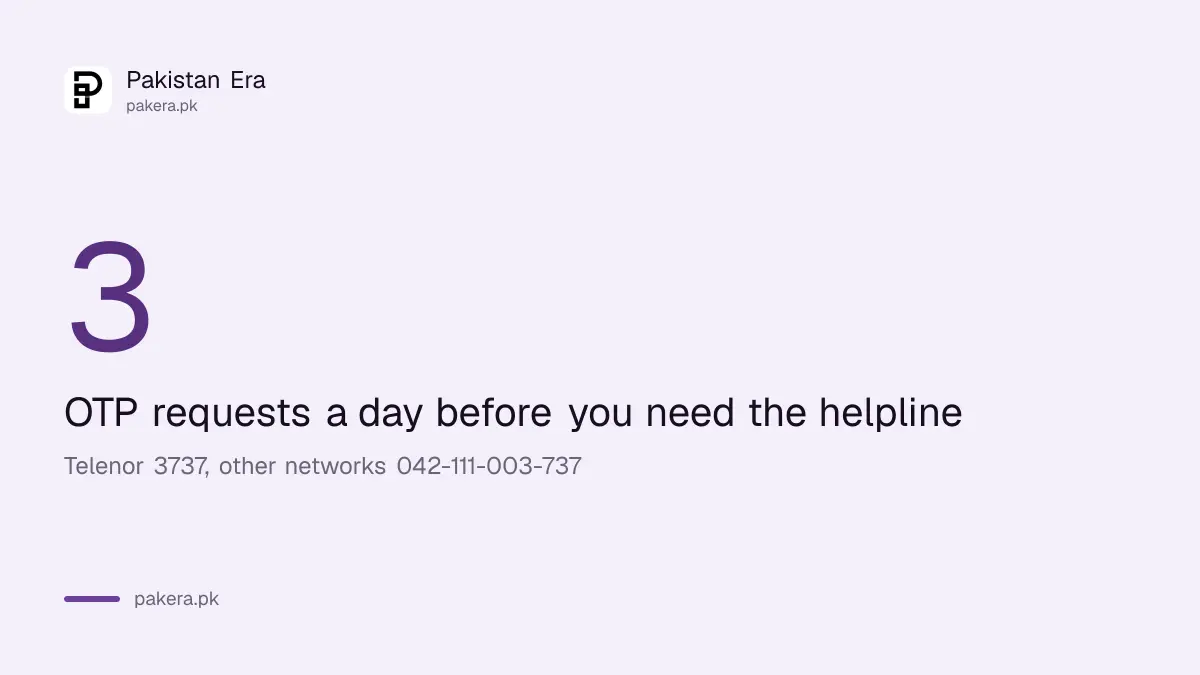
Easypaisa's FAQ says you can get an OTP 3 times in a day. If the problem continues after that, Telenor users call 3737 and users on other networks call 042-111-003-737. Tapping resend repeatedly simply uses up your daily tries.
Take a minute between tries. Check the causes in the next section first, then request the code again. If all 3 tries are gone, either wait for the next day or call the helpline.
Six causes explain most missing Easypaisa OTPs
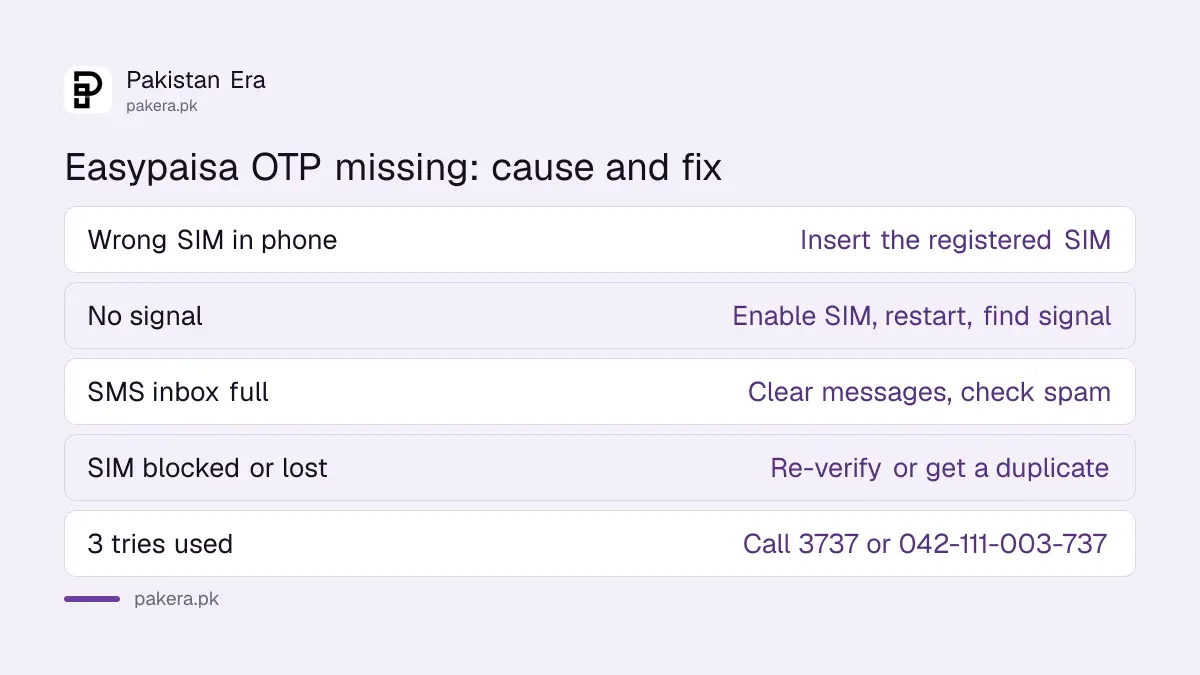
Most missing codes come down to the SIM, the signal or the SMS inbox, not to Easypaisa. Work through the list below in order. Each check takes under a minute and none uses up an OTP try.
| Cause | How to tell | Fix |
|---|---|---|
| Registered SIM not in this phone | App number differs from the SIM in the slot | Insert that SIM or log in on the phone that has it |
| No signal or SIM switched off | No bars, or the SIM is disabled in dual-SIM settings | Enable the SIM, move to signal, restart the phone |
| SMS inbox full or SMS app blocked | Other SMS also not arriving | Clear old messages, check the spam folder |
| SIM blocked for re-verification | Calls and SMS stopped together | Re-verify the SIM with your operator |
| Lost or broken SIM | SIM not detected at all | Get a duplicate SIM on the same number |
| 3 tries used today | Resend no longer works | Call 3737 or 042-111-003-737 |
A SIM that stopped working for both calls and messages may have been blocked by the operator. The checks for a SIM blocked for biometric re-verification tell you how to restore it. For a lost SIM, the replacement keeps your number, and getting a Telenor duplicate SIM shows what to bring.
A new phone works, but only one phone at a time
Easypaisa's FAQ says you can use your account on any phone with the Easypaisa app by entering your details, but not on two phones at the same time. Logging in on a new phone moves the session there.
If you changed phones and kept the same SIM, the OTP should arrive normally. If you also changed the number, the OTP still goes to the old registered number, which is why the FAQ advises opening Easypaisa on the number you actively use. A change of number needs the helpline.
Expect a short limit after a device change too. Under State Bank rules, some apps cap payments for a while on a new device, which is set out in why a banking app blocks payments for 2 hours on a new phone.
Never share the Easypaisa OTP with anyone
The OTP is the key to your account, alongside the PIN. Easypaisa's FAQ says to keep the PIN safe and tell it to no one. Treat the OTP the same way, because together they let someone log in to your wallet on their phone.
One scam starts with a call asking you to "read back the code we just sent" for a parcel, a prize or a verification. That code is usually your OTP. The pattern is explained in the fake courier OTP scam. If you shared it, call 3737 or 042-111-003-737 at once and ask them to secure the account.
A SIM PIN adds one more lock if your phone is stolen, since a thief cannot then move your SIM to another handset to receive codes. The steps to lock your SIM with a PIN take two minutes.
Common questions
Why is my Easypaisa OTP not coming?
Usually the registered SIM is not in the phone, has no signal, or cannot receive SMS. Fix that first, then request the code again.
How many times can I request an Easypaisa OTP?
Easypaisa's FAQ says 3 times in a day. After that, call 3737 from Telenor or 042-111-003-737 from other networks.
Can I log in to Easypaisa without an OTP?
No. Easypaisa's FAQ says the OTP is compulsory for verification.
Can I use Easypaisa on two phones?
No. You can log in on any phone with the app, but not on two phones at the same time.
Does Easypaisa work on Jazz, Zong and Ufone numbers?
Yes. Easypaisa says an account can be made on any network. The OTP goes to whichever number is registered.
I no longer have my registered number. What now?
Easypaisa says you need the mobile number to get the OTP. Get a duplicate SIM on the same number, or call the helpline to discuss your account.
How we verified this
What we checked, where we read it, and what we could not confirm.
Last checked 24 October 2026. We read the Easypaisa FAQ at easypaisa.com.pk on 24 October 2026 for the login steps, the OTP rule, the 3 a day limit, the helpline numbers, the one-phone rule and the network rule. The table of causes is our own checklist from how SMS delivery works, not a list Easypaisa publishes. We did not test an Easypaisa login.
About the author

Senior Writer, Public Services and Technology
Shahid joined us in 2024 as an author. He is a senior contributor to Pakistan's leading technology websites. He writes detailed articles, mostly covering his expertise in the latest tech, mobiles, apps, gadgets, and step-by-step guides. His ideology is to help people understand the latest trends and explain complex methods through very easy-to-understand guides.