Electricity New Connection Status Check Online in Pakistan: Track on ENC by Tracking ID or CNIC, 9 Companies
Check your electricity new connection status on enc.com.pk by tracking ID or CNIC. Steps, what each ENC button does, the 30-day stages and fixes for errors.
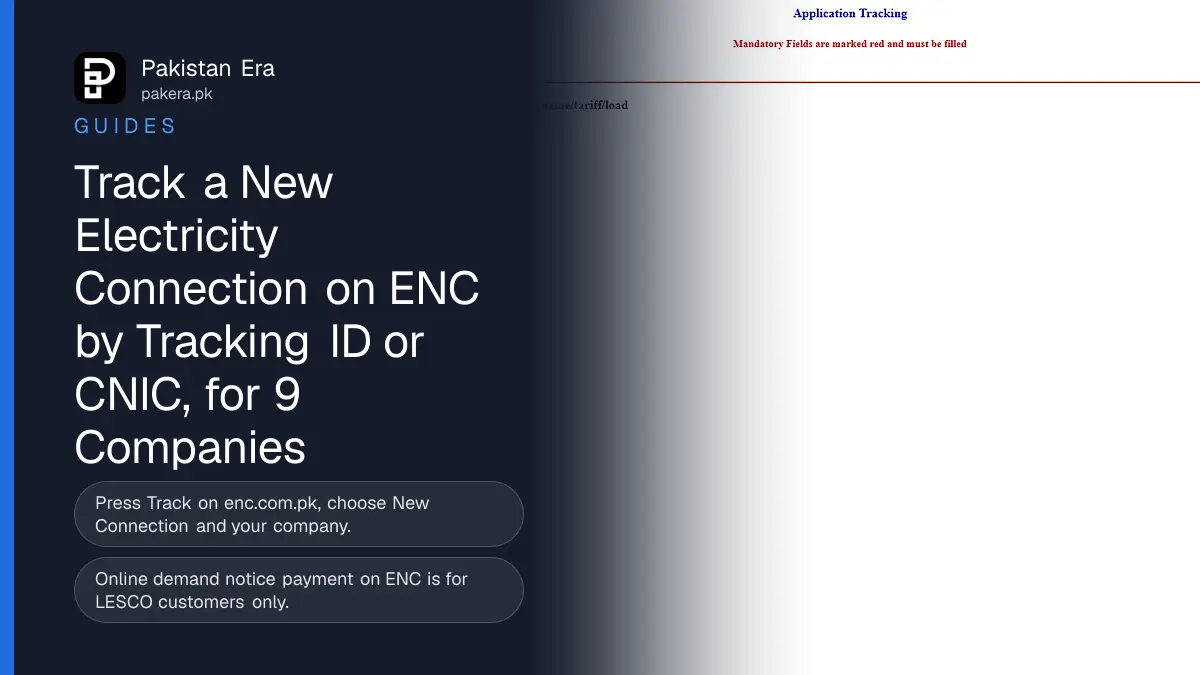
Check your electricity new connection status online at enc.com.pk: press Track, choose New Connection, pick your company and enter your tracking ID or your CNIC without dashes. The same portal prints your form and demand notice, takes online payment for LESCO only, and lets everyone else upload a paid demand notice.
ENC, the Electricity New Connection system, carries the footer "Powered By PITC", the power sector's IT company. Its tracking page lists nine companies: LESCO, GEPCO, MEPCO, PESCO, HESCO, SEPCO, QESCO, TESCO and HAZECO. We opened every public page of the portal on 11 November 2026 and read what each button asks for.
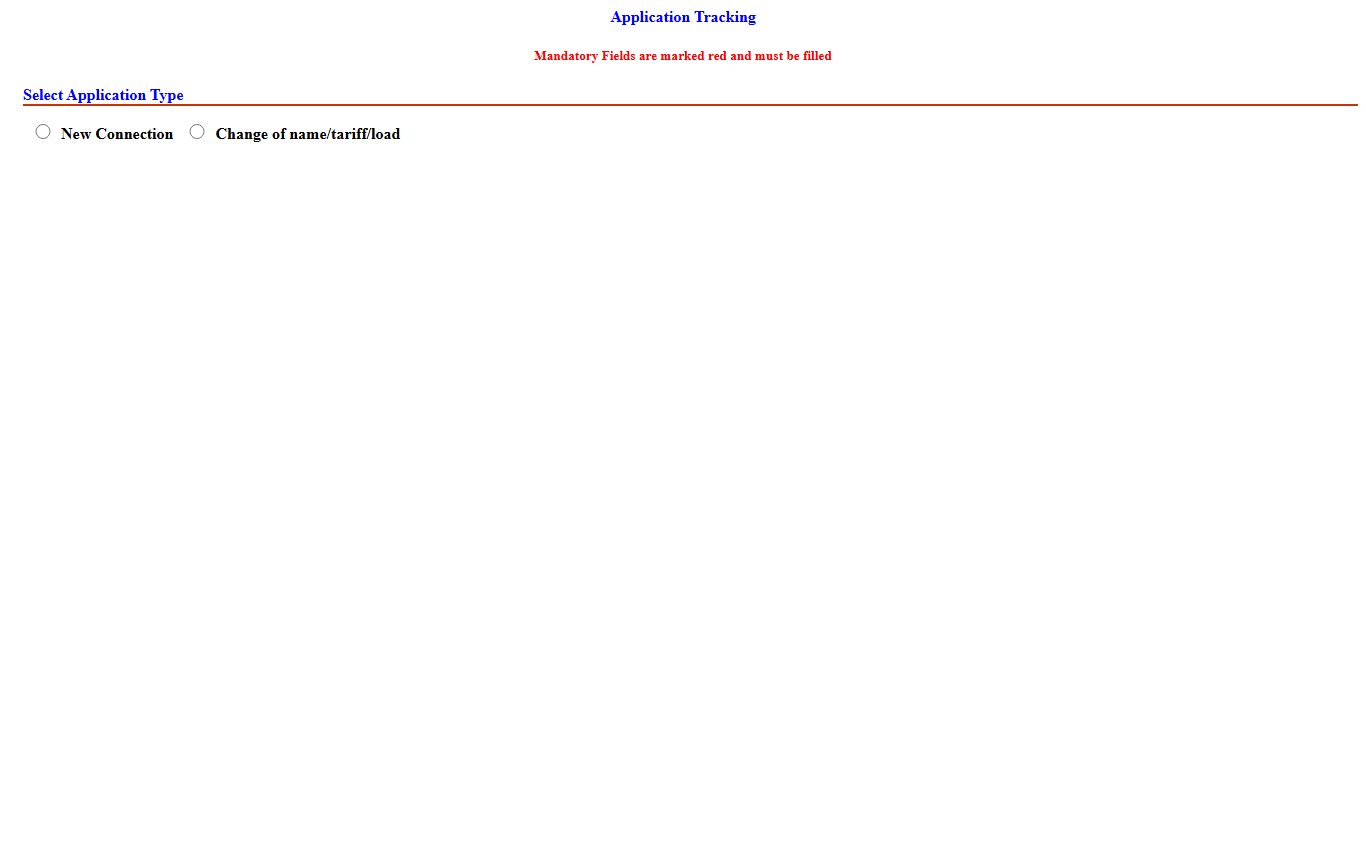
Steps to track a new connection on ENC
Tracking takes under a minute. You need only the company name and either the tracking ID from your application or the applicant's CNIC. The page marks the required boxes in red.
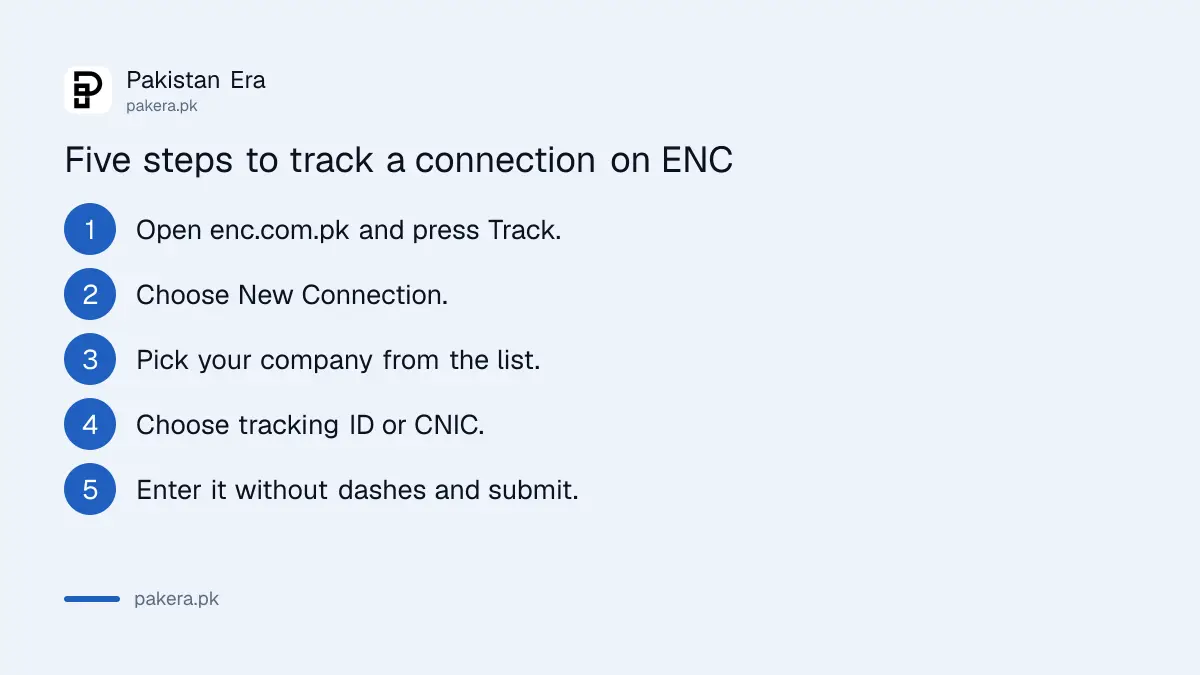
- Open enc.com.pk and press Track in the left menu.
- Under "Select Application Type", choose New Connection.
- Choose your company from the list, for example LESCO or PESCO.
- Pick whether you will search by tracking ID or by CNIC.
- Type the tracking ID, or the CNIC with no dashes, and press submit.
For a change of name, tariff or load, choose the second option, "Change of name/tariff/load", and enter that case's tracking ID or CNIC. Net metering has its own green Track Net Metering button. For that, see our guide to net metering application status.
What each ENC button does
The ENC menu has eight main buttons. Five of them work with your tracking ID or CNIC once you have applied: Track, Print Form, Print DN, Pay DN and Upload DN. "DN" means demand notice, the bill for your connection cost and security deposit.
| Button | What it asks for | What it does |
|---|---|---|
| Apply | Reference number, company, load, five files | Starts a new connection application |
| Change | Your existing connection's details | Applies for a change of name, tariff or load |
| Track | Company, tracking ID or CNIC | Shows where your case stands |
| Print Form | Company, tracking ID or CNIC | Prints your submitted application |
| Print DN | Application type, tracking ID or CNIC | Prints the demand notice once it is issued |
| Pay DN | Tracking ID or CNIC | Online payment, marked "FOR LESCO CUSTOMERS ONLY" |
| Upload DN | Tracking ID and CNIC | Uploads your paid demand notice |
The Pay DN page shows the company, sub-division, applicant name, CNIC, mobile, address, reference number and demand notice amount before you pay. Customers of other companies pay at the bank named on the demand notice, then use Upload DN, which asks for both the tracking ID and the CNIC.
The stages your application goes through
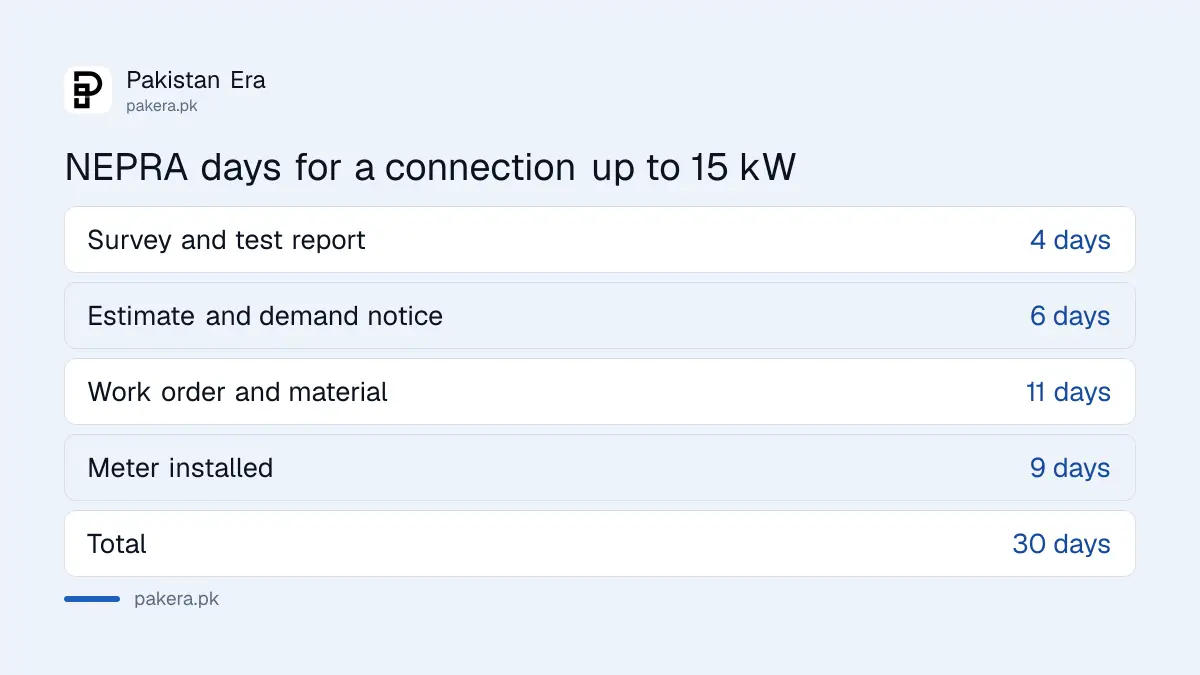
NEPRA's Consumer Service Manual sets four stages and fixed days for each. For a home load up to 15 kW, the total is 30 days, and the clock for the last two stages starts after you pay the demand notice in full.
| Stage | Up to 15 kW | 16 to 70 kW |
|---|---|---|
| Registration, wiring test report, site survey | 4 days | 4 days |
| Cost estimate and demand notice issued | 6 days | 6 days |
| Work order and material | 11 days | 25 days |
| Meter installed | 9 days | 9 days |
| Total | 30 days | 44 days |
You then have 30 days to pay the demand notice. If you need longer, ask in writing at least three days before it expires, and the company may allow 30 more. After payment, the manual says the company sets a new final priority number for your connection.
Lost tracking ID and other common problems
If you lost the tracking ID, search by the applicant's CNIC instead. Upload DN is the exception: it needs both. If ENC says "Invalid Tracking id or CNIC", check that you chose the right company and application type.
- Wrong company: PESCO and HAZECO are listed separately, as are MEPCO and the rest. Choose the company named on your receipt.
- CNIC with dashes: the box wants 13 digits only.
- FESCO and IESCO: neither is in the ENC tracking list we saw. FESCO runs its own fesco.enc.com.pk portal, which our FESCO new connection guide covers. For IESCO, see our IESCO new connection charges page.
- Stuck at one stage: NEPRA's manual says the company must give written reasons for each day of delay, with a copy to NEPRA.
Paper applicants get a serial number or case ID on the receipt. If ENC does not find a paper case, ask your sub-division whether it was entered online.
Where to complain about a delayed connection
Start with the SDO of your sub-division, carrying your tracking ID, the demand notice and the bank receipt. If nothing moves, call 118, the national electricity helpline, then take the complaint to NEPRA with the same three papers.
Our guide to checking an electricity complaint status shows how to follow a 118 ticket. The documents and fees for each company are in our guides for LESCO, GEPCO and MEPCO.
Common questions
How can I check my new electricity connection status?
Open enc.com.pk, press Track, choose New Connection and your company, then enter your tracking ID or CNIC.
Can I track without a tracking ID?
Yes. The Track page lets you search by the applicant's CNIC, typed without dashes.
Can I pay my demand notice online?
ENC's Pay DN page says it is for LESCO customers only. Others pay at the bank on the notice and upload it.
Which companies does ENC tracking cover?
LESCO, GEPCO, MEPCO, PESCO, HESCO, SEPCO, QESCO, TESCO and HAZECO, as listed on the Track page.
How long does a new connection take after I pay?
For loads up to 15 kW, NEPRA's manual allows 30 days in total across four stages.
Where do I print my demand notice?
Press Print DN on enc.com.pk, choose the application type and enter your tracking ID or CNIC.
What we checked and sources
We opened the ENC portal and its Track, Print Form, Print DN, Pay DN and Upload DN pages, and read NEPRA's Consumer Service Manual of 26 November 2025, on 11 November 2026. We did not enter anyone's tracking ID or CNIC, so we have not seen a live status result. Last checked 11 November 2026.
About the author

Tax, Bills and Technology Writer
Ali Akhtar is a young and curious voice here at Pakistan Era. He is currently pursuing his A-Levels and has a growing interest in Pakistan’s changing industrial landscape and educational trends. Ali likes to write in a way that helps him explain and explore the world around him. His writing reflects the perspective of the new generation navigating the evolving trends of Pakistan where technology, youth innovation, and shifting opportunities are reshaping the country’s future.