Net Metering Application Status Check in Pakistan: Track on PITC's Net Billing Portal by Tracking ID, CNIC or Reference Number (All DISCOs)
Check net metering application status on PITC's Net Billing Portal for LESCO, IESCO, GEPCO, FESCO, MEPCO and more by tracking ID, CNIC or reference number.
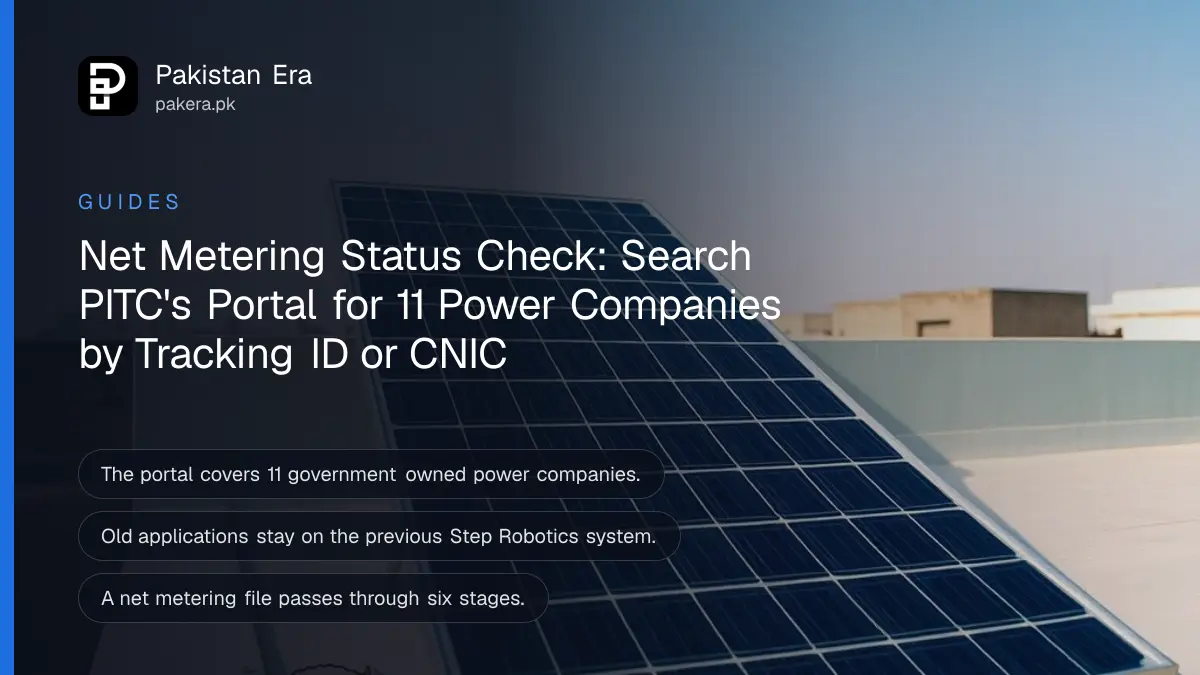
To check a net metering application in Pakistan, open PITC's Net Billing Portal at nmp.pitc.com.pk, click Search Application, choose your electricity company, and search by tracking ID, CNIC or 14 digit reference number. The portal covers LESCO, GEPCO, FESCO, IESCO, MEPCO, PESCO, HESCO, SEPCO, QESCO, TESCO and HAZECO. K-Electric customers in Karachi use K-Electric's own net billing route.
Solar owners can wait weeks for a two way meter without knowing where the file is. This portal shows it. We read it on 2 November 2026, including its search form, its process chart and its notices to consumers and installers.
Search your net metering application three ways
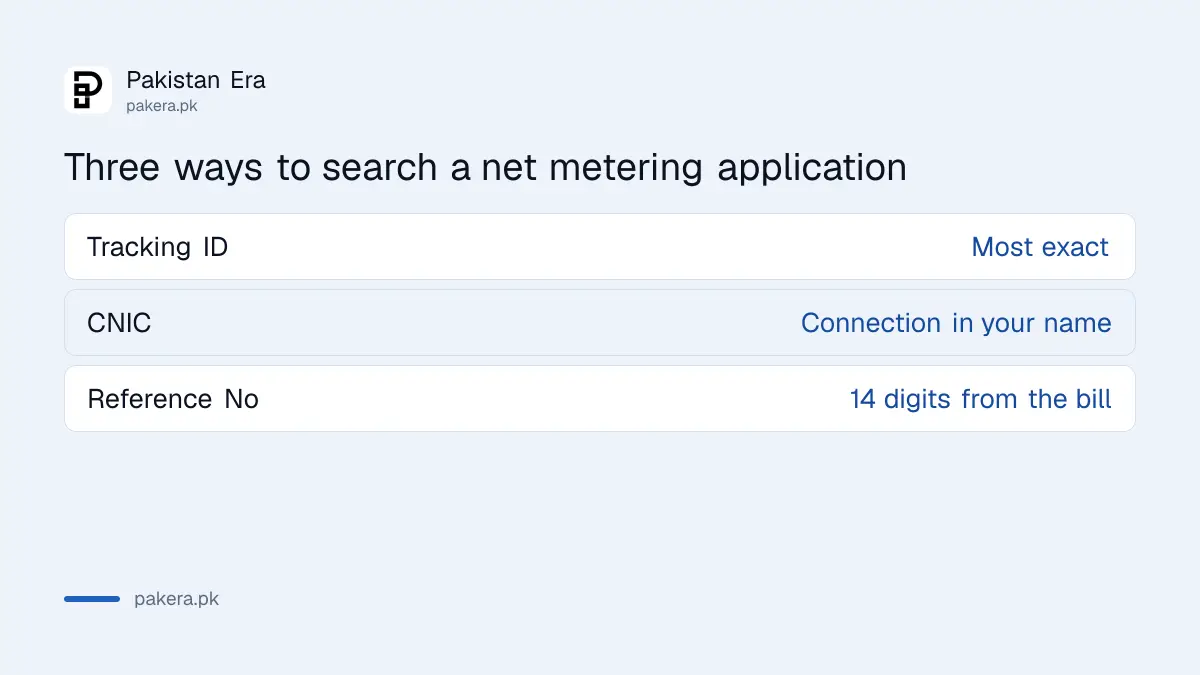
The Search Application page asks for your company first, then one of three identifiers. The tracking ID is the most exact. CNIC and reference number work when the installer applied for you and you never received the tracking ID.
| Search by | Where to get it | Best when |
|---|---|---|
| Tracking ID | Issued with the application | You or your installer kept it |
| CNIC | Your own CNIC, 13 digits | The connection is in your name |
| Reference No | 14 digit number on your electricity bill | The installer applied and kept the tracking ID |
Check net metering status in five steps
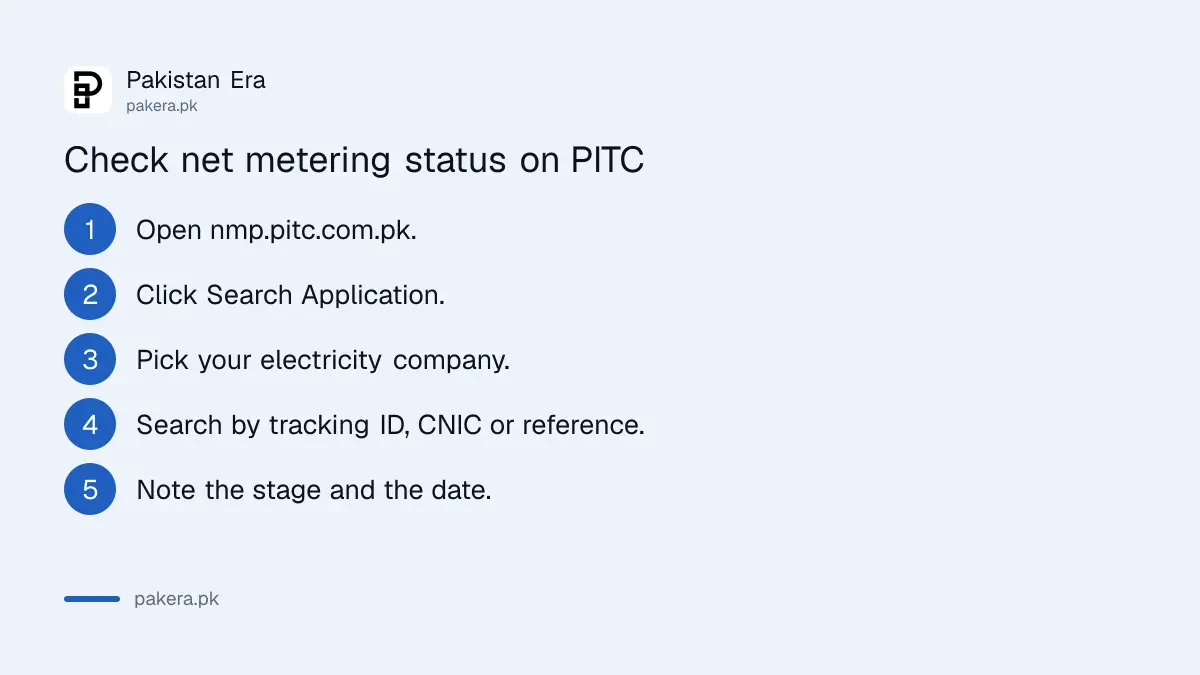
The search takes a minute. Choose the company that sends your electricity bill, not your installer's city. A Lahore house is LESCO even if the installer is in Islamabad, and a Gujranwala house is GEPCO.
- Open nmp.pitc.com.pk and click Search Application.
- Select your company from the list: LESCO, GEPCO, FESCO, IESCO, MEPCO, PESCO, HESCO, SEPCO, QESCO, TESCO or HAZECO.
- Choose Tracking Id, CNIC or Reference No.
- Type the value without spaces or dashes and search.
- Note the stage shown and the date, so you can tell later whether it has moved.
If your application does not appear, check the date you applied. The portal says that applications filed on the previous Step Robotics system are still processed and tracked there, not on the new portal.
The stages an application goes through
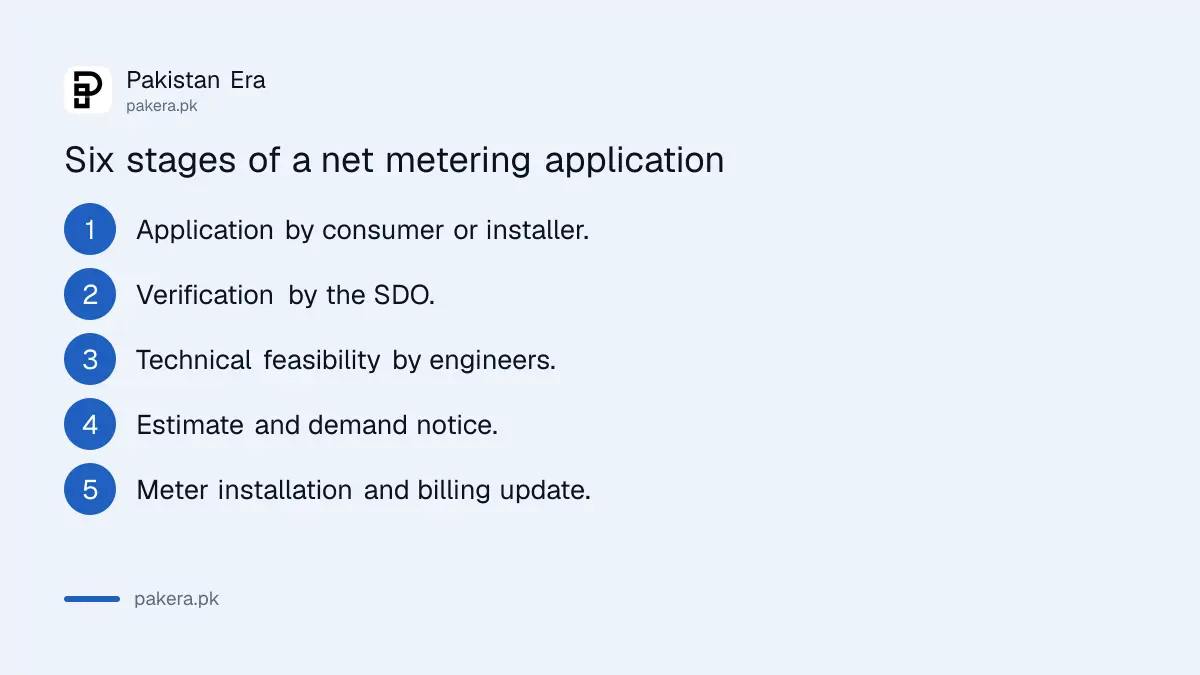
PITC's process chart shows six stages. The consumer or installer applies, the SDO verifies the application, the company's engineers check technical feasibility, an estimate and demand notice are issued, the meter is installed, and the revenue office updates billing.
| Stage | Who handles it | What you do |
|---|---|---|
| 1. Application | Consumer or installer | Submit forms and documents |
| 2. Verification | SDO, operations | Answer any query quickly |
| 3. Technical feasibility | XEN, SE or CEO, depending on size | Wait, or ask about your transformer |
| 4. Estimate and demand notice | Company engineering | Pay the demand notice |
| 5. Meter issue, installation and MCO | Company, SDO, operations | Be available for installation |
| 6. Billing update | Revenue office | Check the next bill shows exported units |
MCO means meter change order, the paper that records the old meter coming out and the new one going in. If your bill still shows the old meter after stage 5, the billing update has not happened, and that is the revenue office's job, not the installer's.
Apply, enhance capacity or check your transformer on the same portal
The portal also takes new applications, by installer or by consumer, and applications to enhance solar capacity. It has a transformer overloading check, because a busy transformer can block a new solar connection, and downloadable NEPRA schedules and the interconnection agreement.
- Apply For Net Billing: separate buttons for installers and consumers.
- Apply for DG Capacity Enhancement: for adding panels to an approved system.
- Check Transformer Overloading: worth doing before paying an installer.
- Documents: NEPRA Schedules II to V, the interconnection agreement, and AEDB customer agreement schedules.
Extension of load is not done here. The portal sends most consumers to enc.com.pk, FESCO consumers to fesco.enc.com.pk and IESCO consumers to iesco.enc.com.pk, and MEPCO consumers to a customer facilitation centre or the Power Smart app.
The rules behind all this, including deadlines for each step and the 25 kW threshold, are set out in the net metering rules for 2026. What exported units now earn is covered in what solar export pays now.
When the application is stuck
An application that sits at one stage for weeks needs a written push. Start with your SDO, quoting the tracking ID. If the company misses NEPRA's deadlines, complain to NEPRA, which has a separate route for net metering delays.
The steps for that route are in filing a net metering complaint with NEPRA. For a Lahore application, the LESCO SDO and XEN mobile numbers help you reach the right office. Installers with registration problems are told to contact PPIB on 051-9222360-61, extension 212, and other queries go to netmetering@pitc.com.pk.
If your meter is installed but exported units are missing from the bill, that is a different problem, explained in how exported units are credited when a net meter fails.
Common questions
How can I check my net metering application status?
Go to nmp.pitc.com.pk, click Search Application, pick your company and search by tracking ID, CNIC or reference number.
Does the portal work for K-Electric?
No. It lists the government owned companies only. K-Electric runs its own net billing applications in Karachi.
My application is not found. Why?
It may have been filed on the old Step Robotics system, which the portal says still tracks older cases. Or the wrong company was chosen.
Is it net metering or net billing now?
The portal is titled Net Billing Portal. Exports are now settled under net billing, though many pages still say net metering.
Who do I contact about a stuck net metering file?
Your SDO first, with the tracking ID. Then NEPRA if deadlines are missed. General queries go to netmetering@pitc.com.pk.
Can I apply for net metering myself, without an installer?
The portal has a consumer application button. The documents still include installer and AEDB forms, so expect to work with a certified installer either way.
How we verified this
What we checked, where we read it, and what we could not confirm.
We read PITC's Net Billing Portal, its Search Application form and its Net Metering Flow chart on 2 November 2026. The portal also links a directory of focal persons for each company, last updated June 2026; its email column appears shifted against the company names, so we have not reproduced it. We did not search a real application, so we cannot list the exact status words shown.
About the author

Global Affairs & Political Economy Writer
Muhammad Hatim is a book lover who started writing because he enjoys it. At Pakistan Era he writes about international relations, geopolitics and the global economy, with a particular interest in South Asia and the forces behind current events.