How to Spot a Fake Pakistan Post SMS Asking for Customs Duty or an Address Update
A Pakistan Post SMS asking for customs duty or an address update through a link is fake. Check your parcel on ep.gov.pk, forward the SMS to 9000, and act fast.
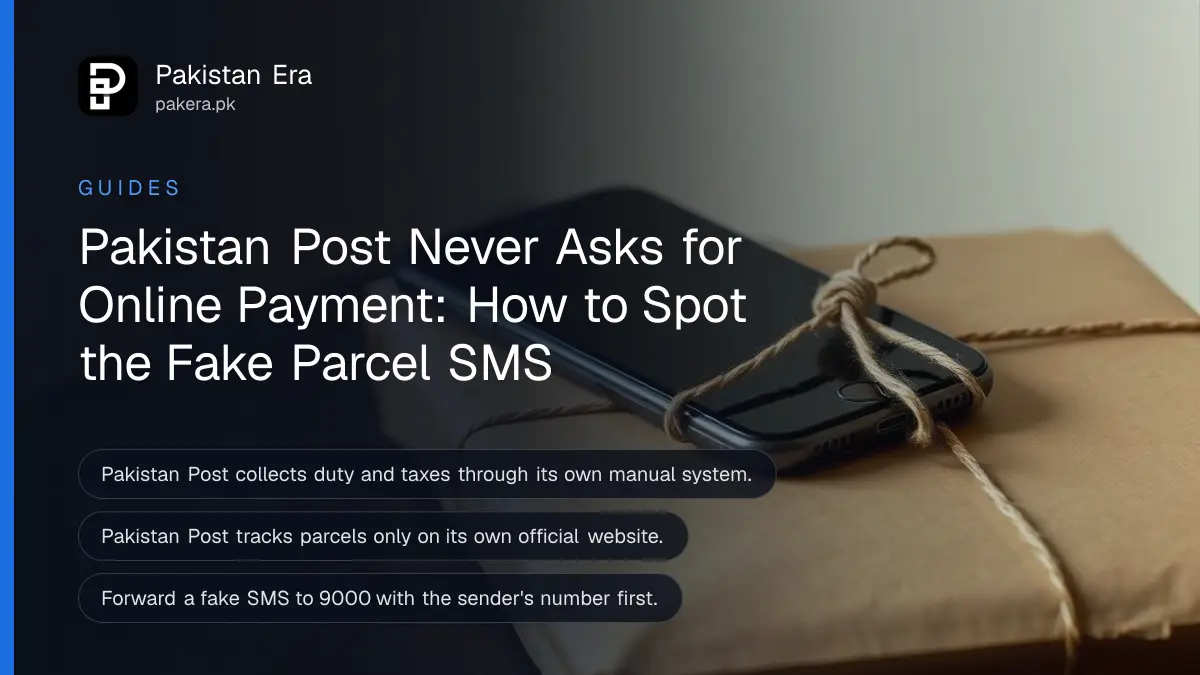
A text saying your Pakistan Post parcel is held and asking you to pay customs duty, a delivery fee or an "address update" through a link is fake. Pakistan Post says it never asks for any online payment through its website and has no online system or call centre to collect money. Its only official sites are ep.gov.pk and pakpost.gov.pk. Do not tap the link. Forward the SMS to 9000 and delete it.
The message usually looks urgent: a parcel "on hold", a small fee of a few hundred rupees, and a short link that opens a page dressed in Pakistan Post colours. The page then asks for your card number, expiry date, CVV and the one time code. That code is what empties the account.
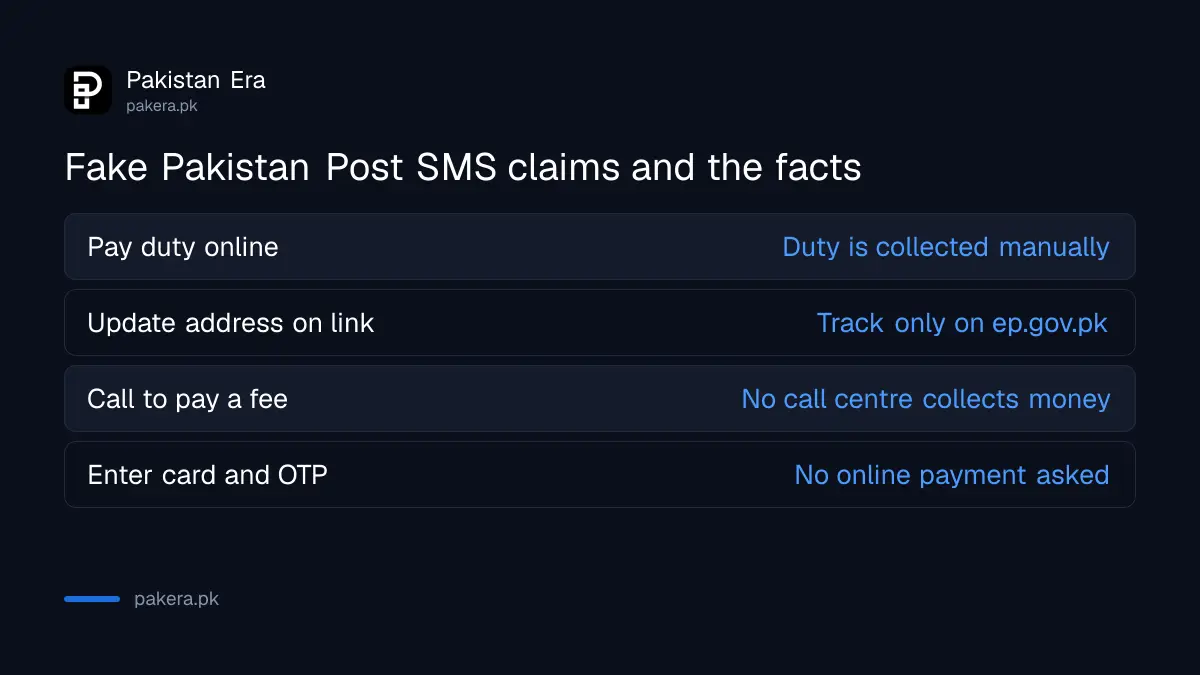
| What the message says | What Pakistan Post actually does |
|---|---|
| Pay customs duty online to release your parcel | Collects duty and taxes through its own manual system, not online |
| Update your address on this link | Tracks parcels only on ep.gov.pk |
| Call this number to pay a delivery fee | Has no call centre that collects money |
| Enter your card details and OTP | Never asks for any online payment through its website |
Pakistan Post's own warning rules out every online payment request
Pakistan Post's tracking site carries a standing warning. It says Pakistan Post never asks for online payment through its website, that any other tracking link does not belong to it, and that duty is collected manually. It also warns against paying through any cash app or card.
The same warning adds that Pakistan Post will not be responsible for money lost to such links. So the loss falls on you, which is why the first rule is simple: never pay a parcel fee through a link in a text, WhatsApp or email, however official it looks.
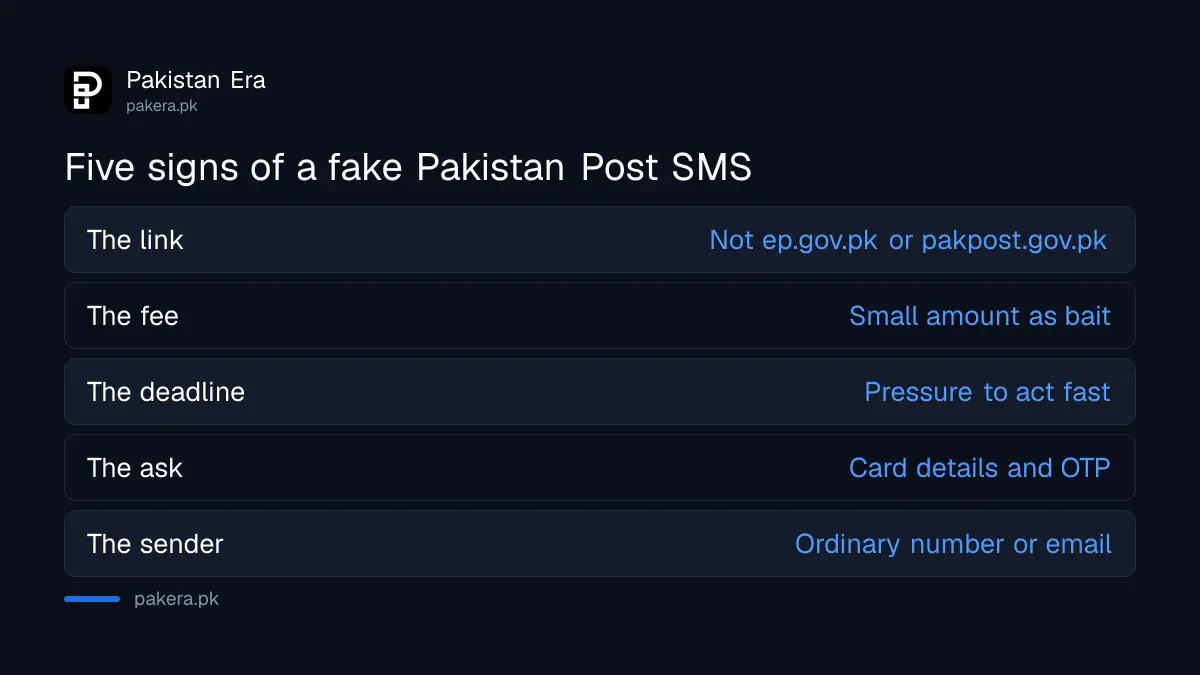
Check the five signs of a fake Pakistan Post SMS
A fake message nearly always has a link that is not ep.gov.pk or pakpost.gov.pk, a small fee, a time limit, a request for card details, and a sender that is an ordinary mobile number or an email address. One of these is enough to stop.
- The link. Look at the address before the first single slash. Anything other than ep.gov.pk or pakpost.gov.pk is not Pakistan Post. Look-alike names with extra words, dashes or other endings are fake.
- A small fee. Scammers ask for a small amount because people pay small amounts without thinking. The amount is bait for your card details.
- A deadline. "Within 12 hours or the parcel returns" is pressure, not policy.
- Card details and an OTP. No delivery needs your CVV or a bank code.
- An odd sender. A message from a random 03xx number or an email address is not an official Pakistan Post alert.
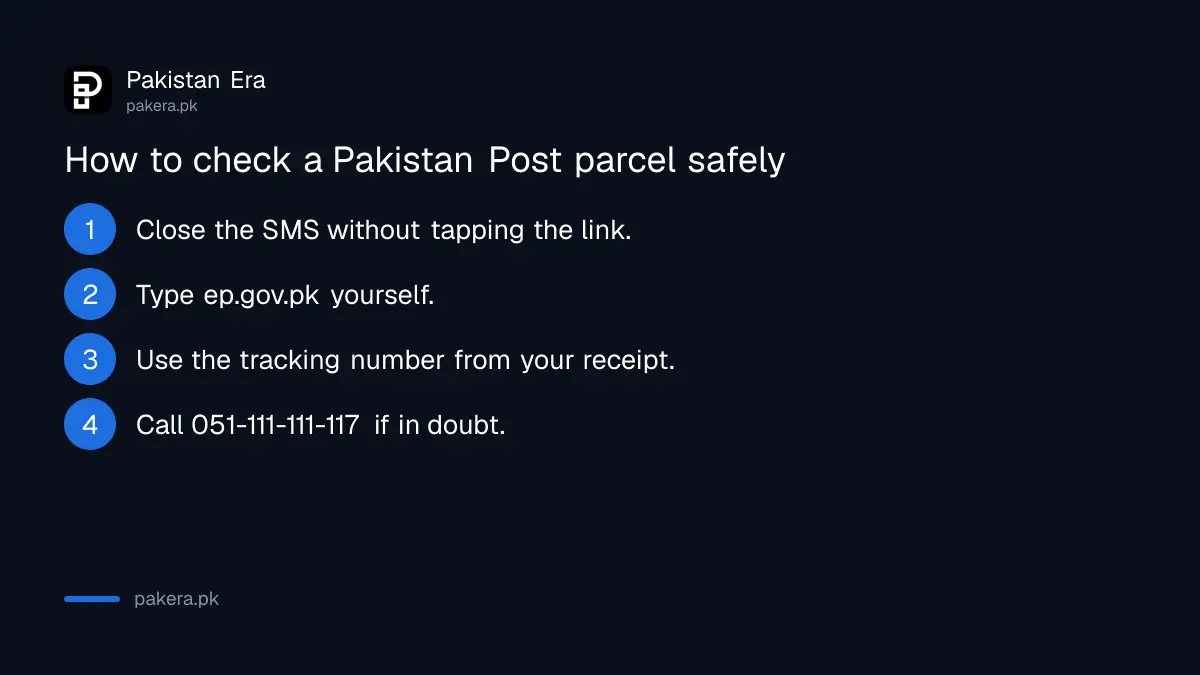
Check your parcel the safe way in four steps
Ignore the link and check the parcel yourself. Type ep.gov.pk into the browser by hand, enter the tracking number from your own receipt or order, and read the status. If you are unsure, call the helpline 051-111-111-117.
- Close the message without tapping the link.
- Type ep.gov.pk yourself in the browser address bar.
- Enter the tracking number from your booking receipt or the seller's order page, not from the SMS.
- If the status shows a problem, call 051-111-111-117 or visit the delivery post office.
If you are not expecting any parcel at all, the message is almost certainly fake. How to read the tracking history is covered in the guide to Pakistan Post tracking online. If a real import parcel does attract duty, the rules are in the guide to customs duty on parcels in Pakistan.
Report the SMS to PTA and Pakistan Post
Forward the fake SMS to PTA's short code 9000, with the sender's number and a space at the beginning of the message. PTA passes the report to the mobile operator for action on that number. Then delete the message.
| Report to | How | When |
|---|---|---|
| PTA | Forward the SMS to 9000 with the sender's number first | Every fake SMS |
| Pakistan Post | Email customercare@pakpost.gov.pk with a screenshot | When the page copies Pakistan Post's name or logo |
| Your bank or wallet | Call the number on the back of your card | At once, if you entered any card detail or code |
| NCCIA | Online cybercrime complaint | If money was taken |
The exact 9000 format, with an example, is in the guide to stopping spam SMS and calls with PTA. The same trick also arrives as phone calls asking for a courier OTP, covered in the guide to the fake courier call scam.
Already paid or shared a code? Act in this order
Call your bank or wallet first and ask it to block the card and raise a fraud dispute. Speed matters, because the money moves on within minutes. Then change any password you typed, and file an NCCIA complaint with screenshots of the SMS and the payment.
- Call your bank or wallet helpline and block the card or account.
- Ask for a fraud dispute and note the complaint number.
- Change any password or PIN you entered on the fake page.
- Take screenshots of the SMS, the link and the payment message.
- File a cybercrime complaint with NCCIA online.
State Bank rules set deadlines for your bank once you report the fraud, explained in the guide to claiming a digital fraud refund. The NCCIA form, field by field, is in the guide to the NCCIA complaint form.
Common questions
Does Pakistan Post send SMS asking for customs duty?
No online payment request is genuine. Pakistan Post says it collects duty and taxes through its own manual system and has no online system or call centre to collect money.
What is the official Pakistan Post tracking website?
ep.gov.pk. Pakistan Post says any other link or website for tracking does not belong to it. Its main website is pakpost.gov.pk.
I only opened the link and did not enter anything. Am I safe?
Close the page and do not enter anything. If the page asked you to download a file or an app, do not install it. If you did, remove it and change your important passwords.
How do I report a fake Pakistan Post SMS?
Forward it to 9000 with the sender's number and a space at the start. You can also email a screenshot to customercare@pakpost.gov.pk.
Will Pakistan Post refund money lost to a fake link?
Pakistan Post's warning says it is not responsible for fraud or loss through such links. Contact your bank at once and file an NCCIA complaint.
What is the Pakistan Post helpline?
051-111-111-117. Use it to confirm any message about a parcel before you act on it.
How we verified this
What we checked and where we read it.
We checked the warning on Pakistan Post's tracking site, ep.gov.pk, and the Pakistan Post website on 24 November 2026. The lines on online payment, manual duty collection, the two official sites, the absence of a call centre that collects money, and Pakistan Post's position on losses are as the ep.gov.pk warning states them. The helpline and customer care email come from the Pakistan Post website. The 9000 forwarding format comes from PTA's instruction, as covered in our PTA spam guide. The fees and deadlines in the signs list describe the pattern of scam messages, not any Pakistan Post charge.
About the author

Global Affairs & Political Economy Writer
Muhammad Hatim is a book lover who started writing because he enjoys it. At Pakistan Era he writes about international relations, geopolitics and the global economy, with a particular interest in South Asia and the forces behind current events.