Fix the IBCC Portal Upload Error in Pakistan: Compress Your File to 200 KB
Fix the IBCC portal upload error in Pakistan: files must be 200 KB or smaller. Compress the scan, keep names and stamps readable, then upload it again.
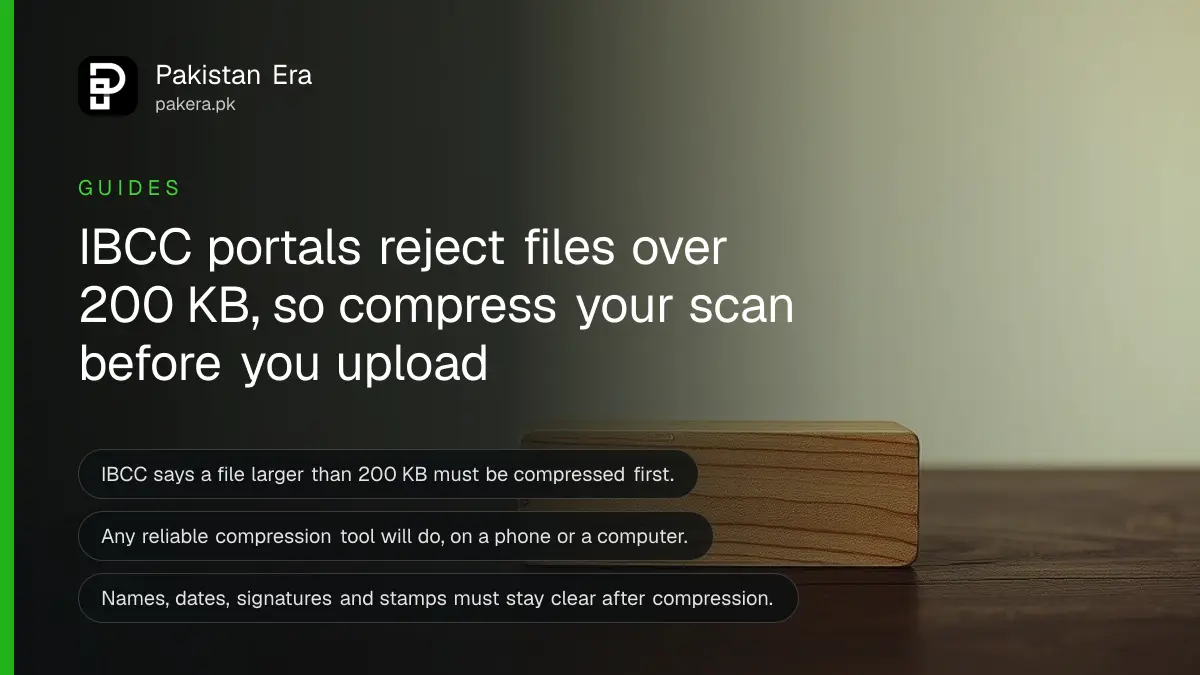
Short answer: IBCC's online portals reject any document larger than 200 KB. To fix the upload error, compress the scan or photo to 200 KB or less with any compression tool, open the saved file to check names, dates, stamps and signatures are still clear, then upload it again. Start from your original file each time.
You fill in every field, pay the fee, and then the upload button refuses your certificate. It is a small error that costs an hour of the day. And IBCC's office is open only Monday to Thursday, so a stuck upload late in the week is a real nuisance.
We read the notice on how to compress files before uploading to IBCC portals on the Inter Boards Coordination Commission (IBCC) website on 14 October 2026. IBCC posted it on 22 August 2026. This guide follows that notice and adds the checks we think matter.
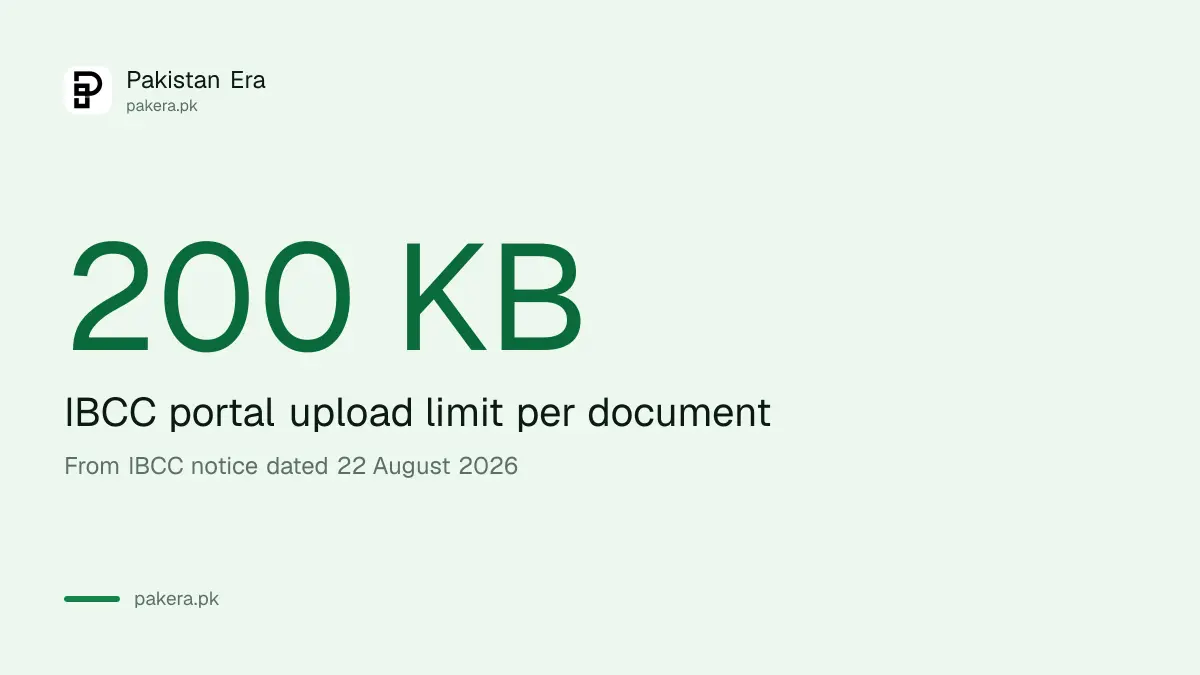
The IBCC portals accept files up to 200 KB
IBCC says that if you cannot upload a document because it exceeds the 200 KB file size limit, you should compress it first. The limit applies to uploads on IBCC's online portals.
IBCC gives its reason in plain words. The portals receive thousands of applications and uploads, and more files mean more storage and more cost. Keeping each file small keeps the service reliable. The limit is not a sign that your document is wrong.
Photos taken on a modern phone are often much larger than 200 KB, so a straight photo of your certificate may fail. A cropped, lower resolution scan has a much better chance. Remember that a KB is a small unit: 200 KB is a fifth of one megabyte.
Compress the file in six steps
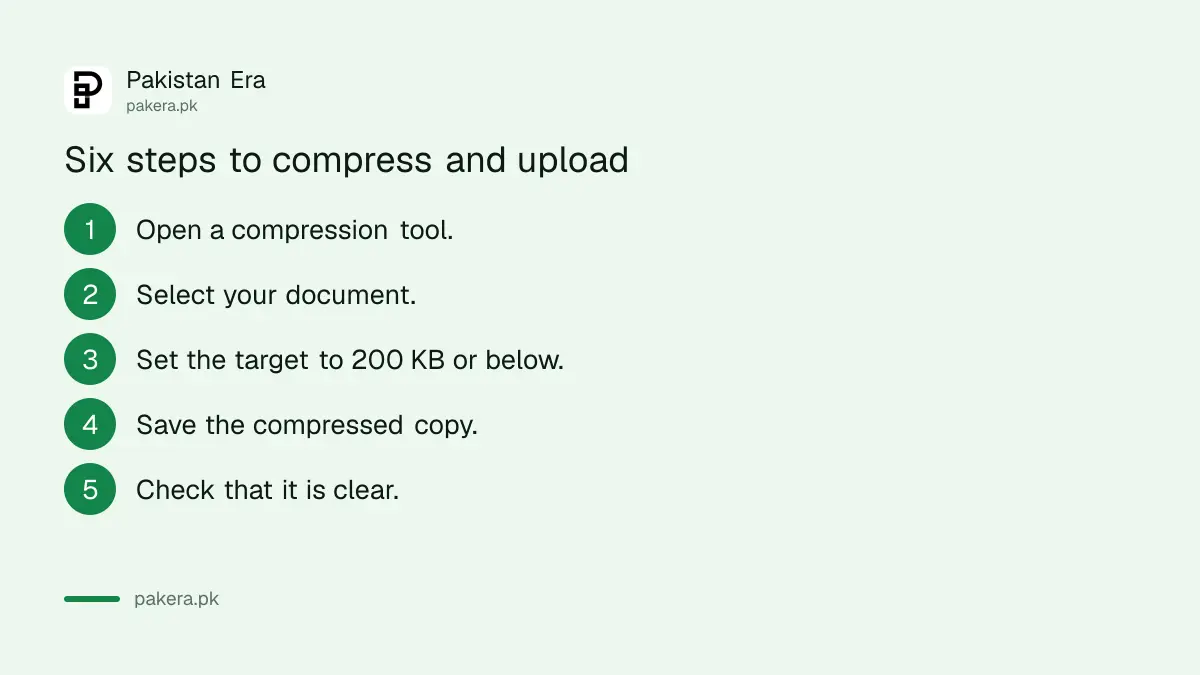
IBCC says any reliable tool will do, on a computer, a phone or online. It does not require a particular one. Set the target size to 200 KB or below, save the new file, and open it to check it is clear before you upload.
- Open a file compression tool on your phone or computer.
- Select the document or image you want to upload.
- Set the target size to 200 KB or below.
- Compress and save the file as a new copy.
- Open the compressed file and check it is clear and readable.
- Upload the compressed file to the IBCC portal.
Save the compressed file under a new name. Keep your original untouched. If the first attempt is still too big, you will need that original to try again.
Keep every name, date and stamp readable
IBCC warns against uploading a file so heavily compressed that its contents cannot be read. Check that names, dates, signatures, stamps and other key details are still clear.
Zoom in on the file before you upload it. Look at your name, your roll number, your marks and the board stamp. If any of them look blurred, the compression went too far. Go back to the original and try a slightly larger target, such as 190 KB instead of 150 KB, which still sits under the limit.
| Problem | What IBCC says to do |
|---|---|
| File is over 200 KB | Compress it to 200 KB or less |
| Compressed file is still too big | Compress the original again with a slightly smaller target |
| Text looks blurred after compression | Do not upload it, because contents must stay clear |
| Photo file is large | JPG is usually smaller than PNG |
| Scan has empty margins | Crop the unneeded areas |
Four habits make files smaller from the start
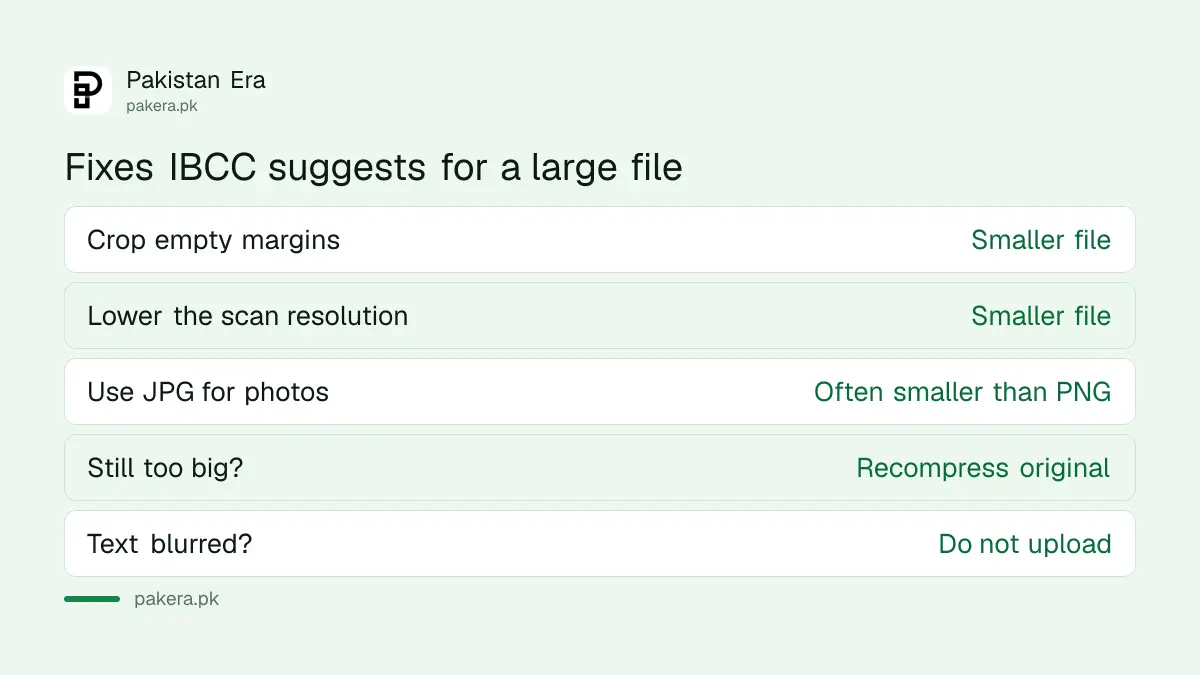
IBCC lists several tips. Crop unnecessary areas from scans and photos. Avoid unnecessarily high resolution scans. For photographs, JPG is usually smaller than PNG. If the compressed file is still too big, compress the original again with a smaller target.
Following those habits saves repeat work. A scan set at a lower resolution to begin with needs less squeezing later. A tight crop removes dead space that adds size but no information. Do this once for each document, and you can reuse the same files for another IBCC application, such as a fresh equivalence certificate request.
Know which IBCC service you are applying for
The size limit sits on top of each service's own document list. For matric and inter certificates, read the steps in IBCC attestation of matric and inter certificates. For equivalence of a US school diploma, see how to get IBCC equivalence for a US high school diploma.
Once you hold an IBCC equivalence certificate with a QR code, no extra attestation is needed, so you avoid a second round of uploads. The compression rule is the same on each portal, but the list of papers you must upload is different.
Where to get help if the upload still fails
IBCC's website lists a Customer Care link at support.ibcc.cloud, and a helpline on (051) 111 114 222. Its office timing is Monday to Thursday, 8 am to 4 pm. The head office is in G-10/4, Islamabad, with regional offices in Lahore, Karachi, Peshawar, Quetta and Bahawalpur.
Before you contact them, note down the exact error message and the file size you tried. Use the Customer Care link first if you can, since it leaves a written record. We have not tested the helpline, so we cannot say how fast it answers.
Common questions
What is the IBCC upload size limit?
It is 200 KB per document. IBCC says to compress any larger file before you upload it.
Which tool should I use to compress my file?
Any reliable tool works. IBCC says you are not required to use a particular one, on a computer, phone or online.
What if my compressed file is still too large?
Go back to your original file and compress it again with a slightly smaller target. Do not compress an already compressed copy.
Is JPG or PNG better for IBCC uploads?
IBCC says JPG is usually smaller than PNG for photographs, which helps you stay under 200 KB.
Can I upload a blurred file if it is under 200 KB?
No. IBCC asks you not to upload a file so compressed that its contents cannot be clearly read.
When is the IBCC office open?
It is open Monday to Thursday, from 8 am to 4 pm, according to the IBCC website.
How we verified this
What we checked, where we read it, and what we could not confirm.
Last checked on 14 October 2026, Pakistan time. We read IBCC's notice on how to compress files before uploading to IBCC portals, dated 22 August 2026, and the IBCC home page for office timing and contacts. We did not upload a file to the portals, so we have not tested the 200 KB limit ourselves. The notice does not list which portals it covers, so confirm for your service with IBCC before you rely on it.
About the author

Public Services and Education Journalist
Fajr Riaz is a journalist and content writer at Pakistan Era, based in Lahore. She covers the questions people meet in everyday life in Pakistan: how a public service works, what a change in the rules means, and where to find a reliable answer.