Gemini Notebook Adds a Review Step for Slides and Video Overviews in Pakistan
Gemini Notebook now shows an outline you can edit before it makes slides or a Video Overview. It reaches all users in Pakistan in the week from 19 October.
Google's Gemini Notebook now lets you check and change the plan for a slide deck or a Video Overview before it is made, through a new Review toggle, Google said on 19 October 2026. The change is rolling out to all Gemini Notebook users worldwide over the week from 19 October, so users in Pakistan should see it by about 26 October.
Until now, you asked Gemini Notebook for slides, waited, and got whatever it produced. If the order was wrong or a key point was missing, you started again. We read Google's announcement of the new slides and video flow on 20 October 2026. Here is what changes, and how to use it once it reaches your account.
Gemini Notebook now shows you a plan before it builds slides or a video
When you ask for slides or a Video Overview, Gemini Notebook first suggests topics from your sources. You confirm them, then steer the content, style and format. With Review switched on, you can edit the outline before anything is rendered.
Google calls this "co-creation". In plain words, the tool stops guessing what you want and asks first. For a student building a presentation from three chapters of a textbook, or a shop owner turning a price list into a short explainer, that saves a lot of rework.
Gemini Notebook is the tool many people still know as NotebookLM. It answers from the files and links you add, which Google calls sources, rather than from the open web. If you have not used it before, the basics are in how to use Gemini Notebook to study from your PDFs.
The Review toggle opens outline notes for slides and producer notes for video
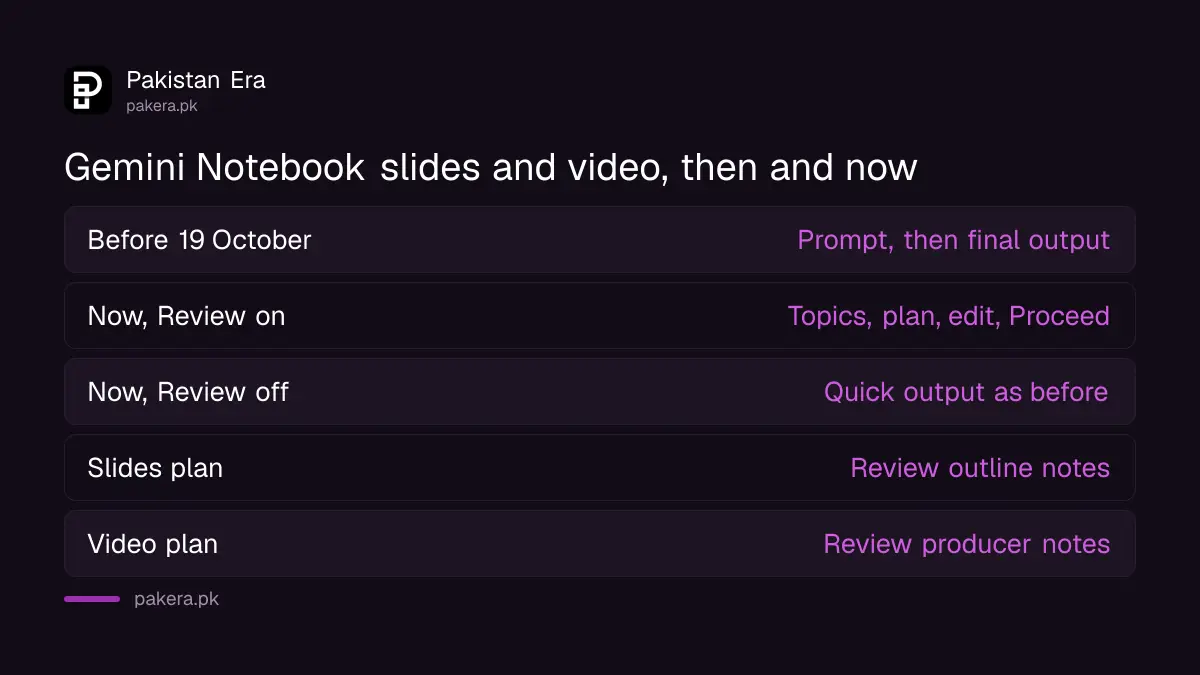
With the Review toggle on, the studio panel shows "Review outline notes" for a slide deck and "Review producer notes" for a Video Overview. You can add feedback, such as an executive summary at the start or a different scene order, then press Proceed.
| Output | What you review | Example change Google gives | Button to finish |
|---|---|---|---|
| Slide Deck | Review outline notes | Add an executive summary at the beginning | Proceed |
| Video Overview | Review producer notes | Swap the order of a scene | Proceed |
| Either, quick mode | Nothing, Review toggle off | None, output made directly | Not needed |
Nothing renders until you press Proceed. That is the useful part. Rendering a video can take a while, so fixing the plan first is faster than fixing the result.
How to use the new review step
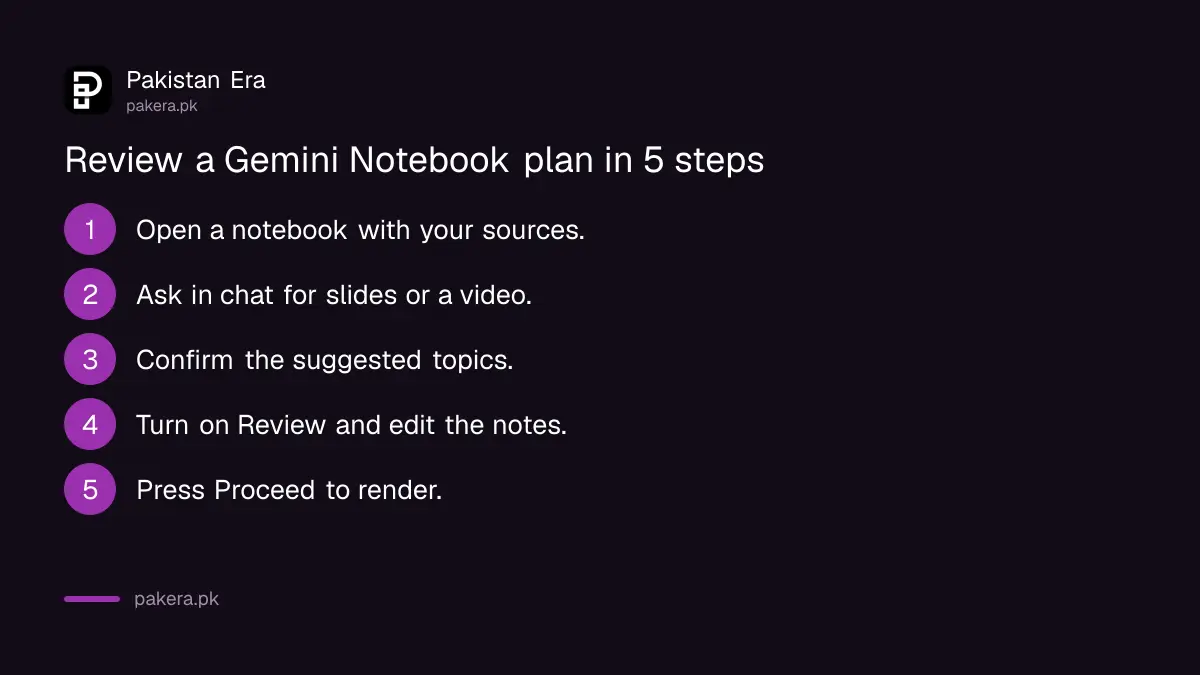
Open your notebook, ask in the chat for slides or a video overview, confirm the suggested topics, switch on Review, edit the outline or producer notes, then press Proceed. If your prompt already says exactly what you want, Notebook goes straight to the review stage.
- Open Gemini Notebook and pick a notebook that already has your sources.
- In the chat, ask it to create slides or a video overview, for example "Make 8 slides for a Class 10 chemistry revision session".
- Look at the topics it suggests from your sources and confirm them.
- Turn on the Review toggle if you want to check the plan.
- In the studio panel, click Review outline notes (slides) or Review producer notes (video).
- Type your changes, such as "start with a one-slide summary" or "move the cost section to the end".
- Click Proceed when the plan looks right.
Be specific about length and audience in the first prompt. "8 slides for parents, simple Urdu terms explained" gets closer on the first try than "make slides".
You can still skip the review and get a quick result
The old one-click way stays. Go to the studio panel, click the output you want and leave the Review toggle off. Notebook then makes the slides or video directly, as before. The review step is a choice, not a new required stage.
That matters if you only need a rough draft, or if your connection is slow and you would rather not go back and forth. For students preparing for exams, a quick deck is often enough to revise from. For anything you will present to a teacher, a client or a boss, the review step is worth the extra minute.
Who gets it, and when, in Pakistan
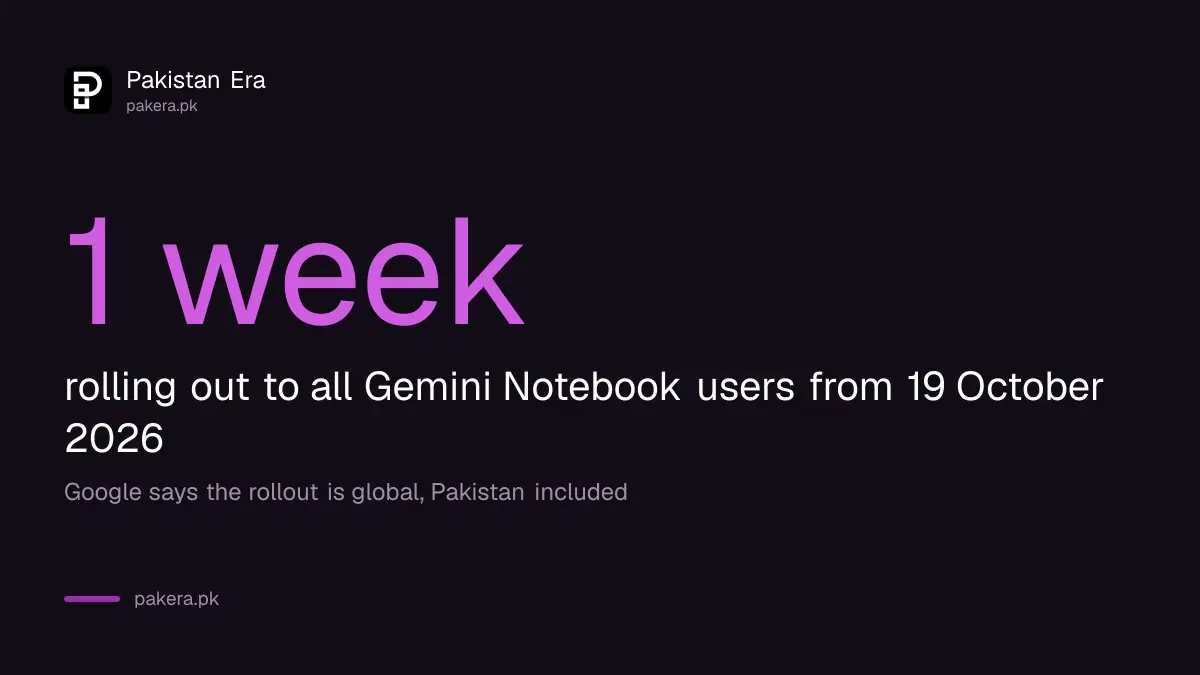
Google says the feature is rolling out globally to all Gemini Notebook users over the coming week. Gemini Notebook works in the countries where the Gemini app is available, and Google's list of those countries includes Pakistan.
Gemini Notebook's own help page adds two conditions. You must verify your age in your Google Account to use it. And if you use a work or school email, your administrator may need to switch the app on. A personal Gmail account is the simplest route.
Google did not say whether the new flow is limited to paid plans. Its post says "all Gemini Notebook users", so we expect free accounts to get it too, but we could not test it on a Pakistani account before publishing. If you are a student, check whether you qualify for Google's free year of Gemini for students, which raises usage limits.
Check the slides before you present them
Gemini Notebook builds from your sources, but it can still get things wrong or leave things out. Read every slide and watch every video before you share it. Check names, dates and numbers against your original files.
Do not upload documents you would not want stored online, such as CNIC copies or bank statements. If you want to clear old work, the steps to delete Gemini chats and turn off activity saving apply to your Gemini history.
Common questions
What did Google change in Gemini Notebook on 19 October 2026?
It added a review step for Slide Decks and Video Overviews. You can now see and edit the plan before the output is made.
When will the review step reach Pakistan?
Google said it is rolling out globally over the week from 19 October 2026. Most accounts should see it by about 26 October.
Is the review step compulsory?
No. Leave the Review toggle off and Notebook makes the slides or video directly, as before.
What is the difference between outline notes and producer notes?
Outline notes are the plan for a slide deck. Producer notes are the plan for a Video Overview, such as the order of scenes.
Is Gemini Notebook available in Pakistan?
Yes. It works where the Gemini app is available, and Google's country list includes Pakistan. You need to verify your age first.
Can I make slides in Urdu?
Google's post does not say which languages the new flow supports. Try asking for Urdu in your prompt, and check the result carefully.
How we verified this
What we checked, where we read it, and what we could not confirm.
Last checked 20 October 2026. We read Google's blog post "How to shape your slides and videos with Gemini Notebook", dated 19 October 2026, on blog.google; the Gemini Notebook help page on access, which links to the Gemini app country list; and Google's "Where you can use the Gemini web app" page, which lists Pakistan, all on 20 October 2026. We have not tested the new review flow ourselves. We could not confirm whether it works on free plans or in Urdu.
About the author

Technology Journalist & Multimedia Producer
Ahmad Ali is a technology journalist and multimedia producer at Pakistan Era, joining the team in October 2026. He covers consumer technology and digital life for Pakistani readers, combining research with hands-on product testing.