How to Hide Sensitive Apps on Android With Private Space in Pakistan
Set up Android private space from Settings, Security and privacy, to hide apps and files behind a separate lock. Learn the limits before you hide a bank app.
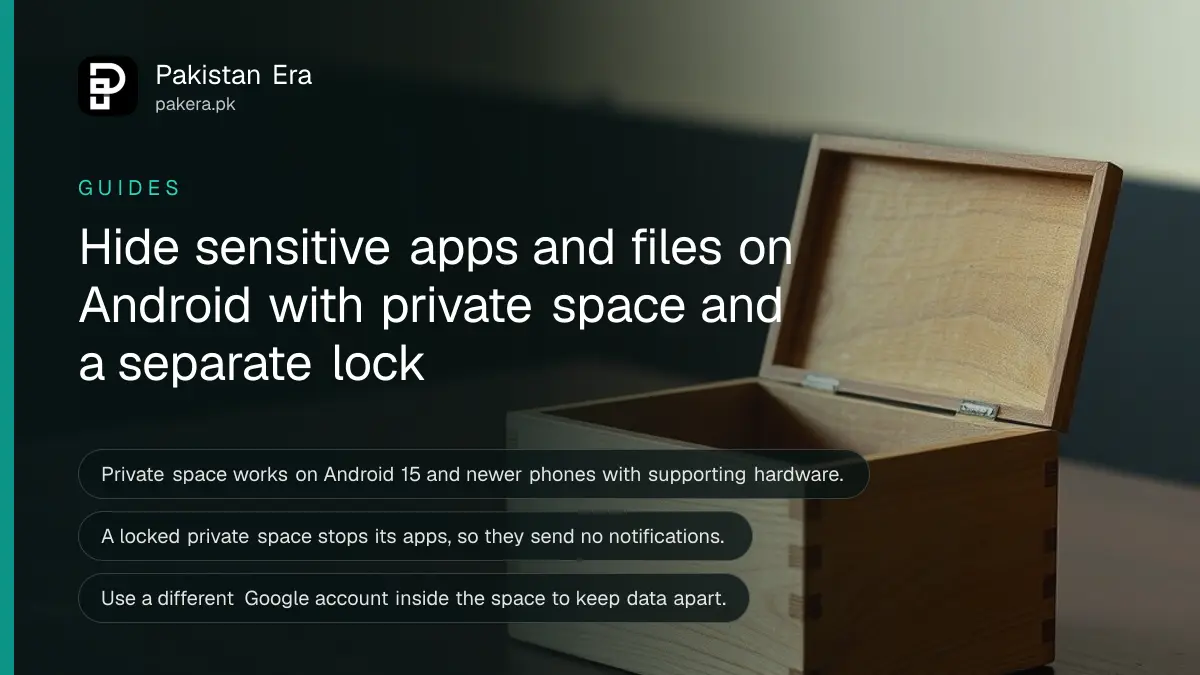
Short answer: On an Android 15 or newer phone, open Settings, tap Security and privacy, then Private space, and follow the set up. Apps you place inside it are hidden from the app list, search and settings, and need a separate lock. Do not use it for an app that must send alerts, because a locked private space stops its apps.
A phone is rarely only yours. A child borrows it for a video, a cousin looks for a photo, a shopkeeper holds it while you count change. Private space is a locked room inside your Android phone, made for the apps and files you would rather not have anyone open by accident.
We read Google's Android Help page "Hide sensitive apps with private space" on 12 October 2026. This guide explains it for people in Pakistan, including one trap with banking alerts. We did not test it on a handset for this update.
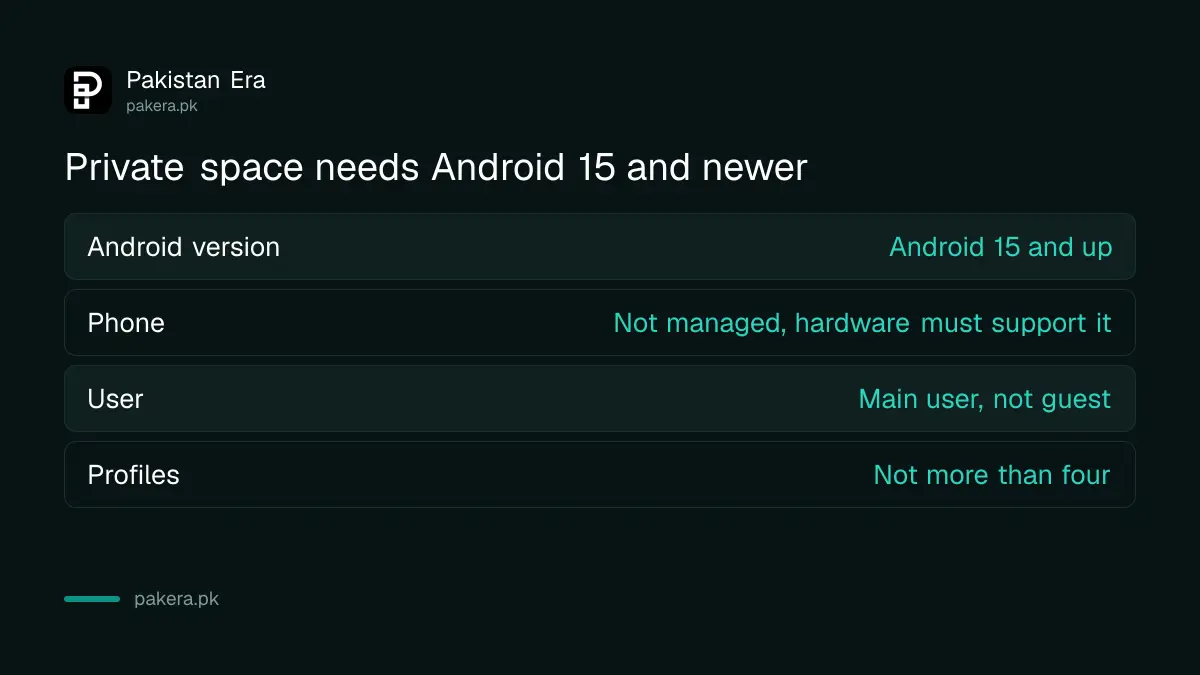
Private space needs Android 15 or newer and supporting hardware
Google says some of the steps work only on Android 15 and up, and only on devices with supporting hardware. If you do not see "Private space" under Security and privacy, your phone may not support it yet. The maker of your phone decides this, so Google sends you to the manufacturer for details.
You can use private space when your phone is not a managed device, such as one run by an employer, and when no supervised Google account is signed in on the main space. You cannot use it inside a secondary user or a guest profile, and not if the phone has more than four users or profiles.
| Requirement | What Google says |
|---|---|
| Android version | Android 15 and up |
| Phone type | Not a managed device, hardware must support it |
| Account | No supervised account signed in on the main space |
| User | Main user only, not guest or secondary user |
| Profiles | Not more than four users or profiles |
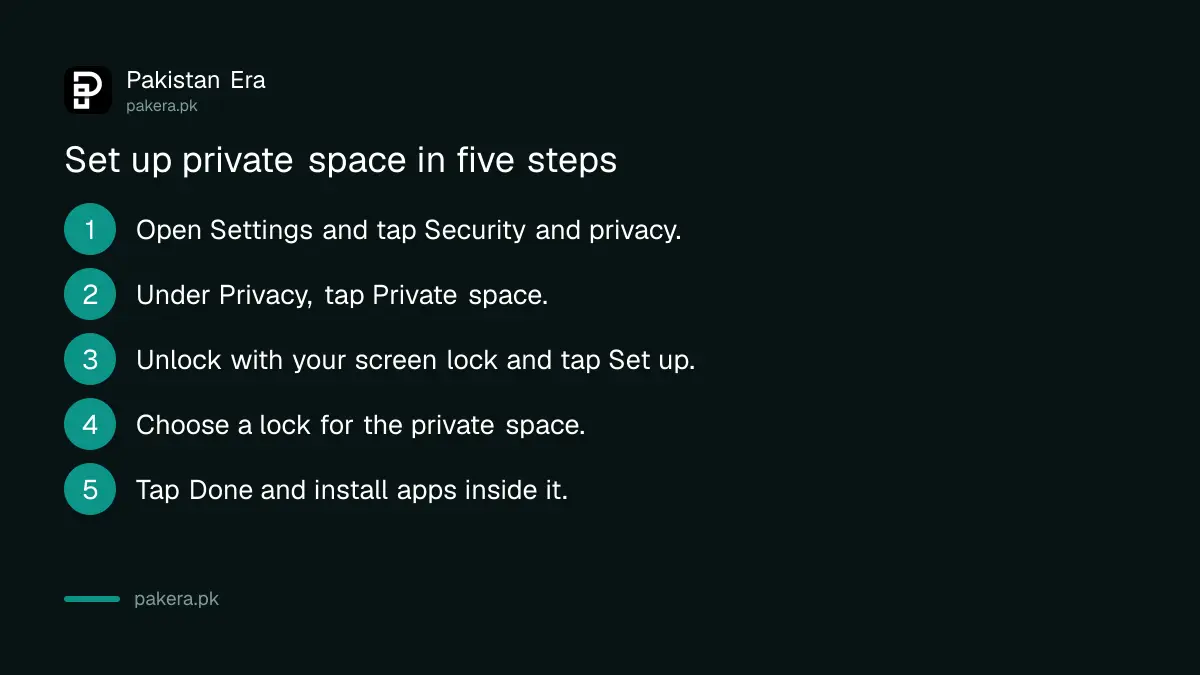
Set up private space in seven steps
The set up takes a couple of minutes. You need a screen lock on the phone first, and Android will ask you to create one if you do not have it.
- Open the Settings app on your phone.
- Tap Security and privacy.
- Under Privacy, tap Private space.
- Unlock with your screen lock.
- Tap Set up, then Got it.
- Choose a lock for the private space. You can use your normal screen lock or choose a new pattern, PIN or password.
- Tap Done.
A different lock is wiser. If the private space uses the same lock as the phone, anyone who knows your phone PIN can open both.
Use a separate Google account inside the space
Private space is a separate profile, so it does not read the accounts in your main space. You sign in again if you want a Google account there. Google recommends a different account for this.
The reason is data sharing. If you sign in with the same account you use elsewhere, some data becomes available outside the private space. Google lists synced photos, files, email, contacts and calendar, app download history and recommendations, and browsing history, bookmarks and saved passwords.
For privacy this matters more than the lock. A hidden app that syncs its history to the account on your main space is not very hidden.
Locked means stopped, and banking alerts stop too
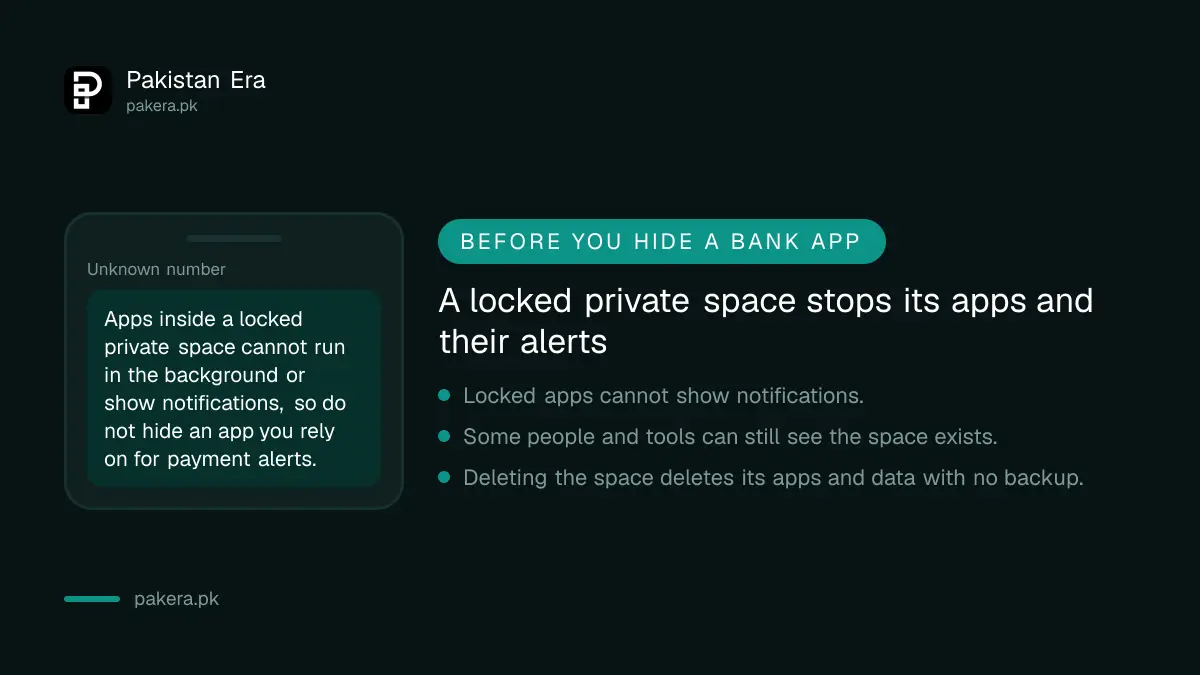
When private space is locked, Google says its apps are completely stopped. They cannot do foreground or background work, such as showing notifications. They are also not searchable in quick search and are hidden from the launcher, recent apps and settings, including the permission settings.
That is the trap for money apps. If you put your bank app or wallet in private space, you will not see its payment alerts while the space is locked. You may miss a fraud warning.
- Good fits: a photo vault, a file manager with scanned documents, a notes app, a second social media account you use rarely.
- Poor fits: a banking app or wallet you depend on for alerts, a messaging app, a health tracker, or anything that must run in the background.
If you want to protect a bank app that must keep alerting, a plain app lock is a better tool. The wallet and bank app checks are covered in our guide to Google Play Protect and app permissions, which also shows which apps can see your location and contacts.
Install apps and move files into the space
With the space unlocked, you can install a new app inside it. Google says the new copy is separate, and the old one on your main screen is not copied or changed.
- In All Apps, touch and hold an app and tap Install app in Private space.
- Or open private space, tap Install, and get the app from the Play Store.
- To move files, open private space, tap Add, then Add files, pick your files and choose Copy or Move.
Copy keeps the original in your main storage. Move deletes it from the main profile and puts it in the Downloads folder of the private space. Google says private space does not let you move an app's data from the main space copy into the private copy, to keep a clean separation.
Know what it cannot hide and what deleting does
Google is careful about the limits. In some cases you cannot hide that a private space exists. That includes people who install apps on your phone, people who connect your phone to a computer with developer tools, apps that detect private space use, and device logs.
Deleting private space removes the apps and their data with no backup. If an app syncs to its own cloud, you can get the data back after signing in again. A phone backup does not restore private space, and on device data in it is not backed up.
Because of this, private space is for privacy from casual users, not for hiding things from a determined person. If you are worried about someone who can touch your phone, our guide to checking for spyware and stalkerware is the next step. And if the phone is snatched, see how to block a lost or stolen phone.
Common questions
Is private space the same as a second user?
No. It is a locked area inside your own profile. It cannot be used from a guest or secondary user, and Google lists those as cases where it does not work.
Can I put WhatsApp in private space?
You can install another copy of the app there, but it will not run while the space is locked, so you will not get messages. It suits a second account you check only now and then.
Will private space slow my phone?
Google does not state a speed effect on its page. Apps inside are stopped when locked, which saves their background use.
I cannot find the setting. What now?
Check your Android version in Settings, About phone. If it is below Android 15, or your maker has turned the feature off, it will not appear.
Does private space protect me from a thief?
It adds a lock, but a thief who gets past your screen lock may reach it. Turn on theft protection too, which we cover in Android theft protection.
How we verified this
What we checked, where we read it, and what we could not confirm.
We read Google's Hide sensitive apps with private space page on 12 October 2026. Menu names can differ by phone brand, so follow your own Settings search for "private space".
About the author

Technology Journalist & Multimedia Producer
Ahmad Ali is a technology journalist and multimedia producer at Pakistan Era, joining the team in October 2026. He covers consumer technology and digital life for Pakistani readers, combining research with hands-on product testing.