Limit Charge to 80 Percent on Samsung and Pixel Phones in Pakistan
Samsung One UI 6.1 or later has Maximum mode at 80 percent. Pixel 6a and later has Limit to 80 percent. Exact menu steps and which to pick, for Pakistan.
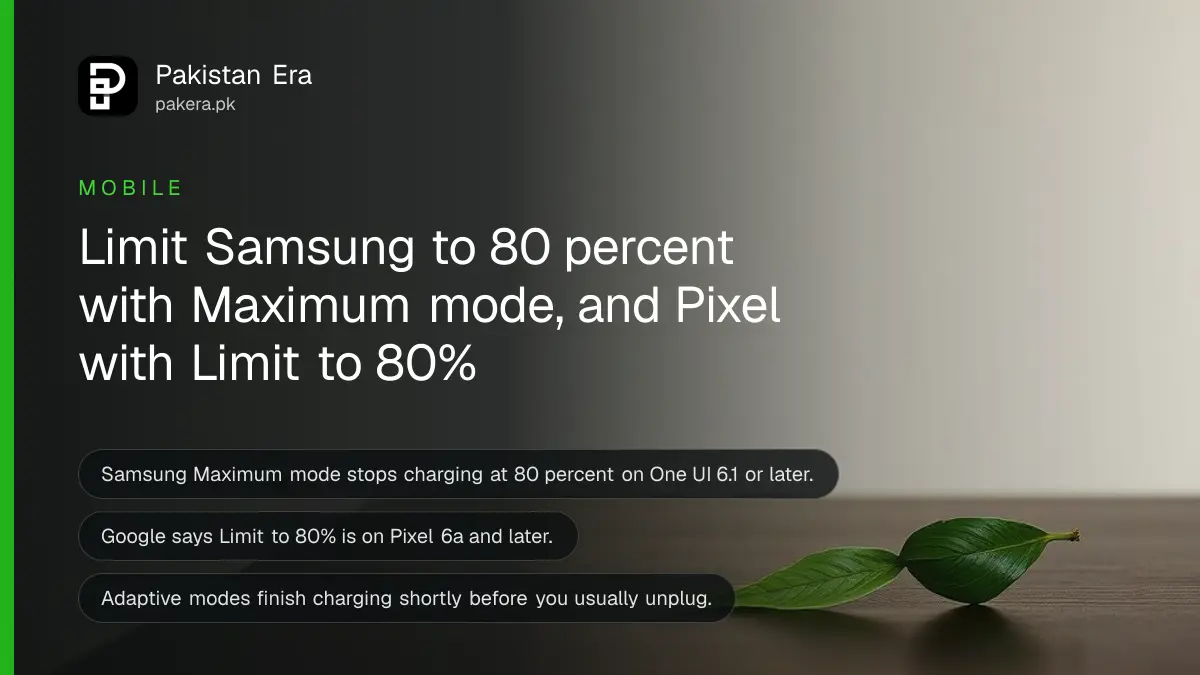
Short answer: On a Samsung Galaxy with One UI 6.1 or later, open Settings, Battery, Battery protection and choose Maximum to stop charging at 80 percent. On a Pixel 6a or later, open Settings, Battery, Battery health, Charging optimization and choose Limit to 80%. Both are free settings built to slow battery wear.
A phone battery loses capacity every year, and a hot Pakistani summer speeds it up. Keeping a phone at 100 percent for hours does extra harm. Both Samsung and Google now ship a charge cap. Few owners turn it on, because it sits deep in the menu.
We read Samsung's and Google's own support pages on 13 October 2026. The menu paths, mode names and the 80 percent limit below are from those pages. Other brands such as Xiaomi, Oppo, Vivo and Infinix have similar settings under different names, and we did not check those.
Samsung Galaxy has three battery protection modes
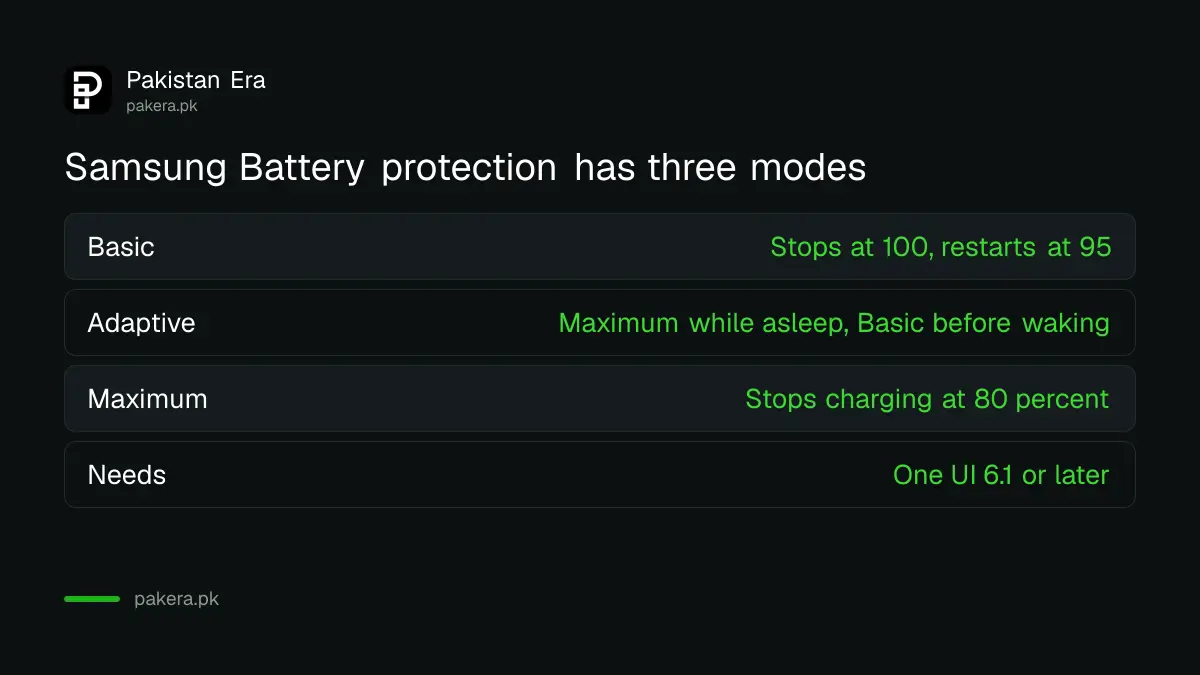
Samsung's page lists three modes on Galaxy phones running One UI 6.1 or later. They are Basic, Adaptive and Maximum. You turn the feature on, then pick one.
| Mode | What Samsung says it does |
|---|---|
| Basic | At 100 percent, charging stops until the battery drops to 95 percent, then starts again |
| Adaptive | Uses Maximum while you sleep and Basic before you wake, based on your usage pattern |
| Maximum | Charging stops when the battery reaches 80 percent |
For an older Galaxy phone on an earlier software version, Samsung says the battery extension option is limited to capping charge at 85 percent. So an old phone may show a different choice.
Not sure which One UI version you have? Open Settings, then About phone, then Software information. Our page on the Samsung One UI 9 update shows how version names work.
Turn on Samsung Battery protection in four taps
- Open Settings and tap Battery.
- Tap Battery protection.
- Turn the switch on.
- Choose Maximum for an 80 percent cap, or Adaptive if you want a full battery by morning.
Adaptive suits a night charger who wants the phone full when the alarm rings. Samsung says it may not work well if your sleep hours are irregular. If you often charge in the day, Maximum is more predictable.
Pixel has Adaptive Charging and a Limit to 80% option
Google's page says Pixel phones have two choices under Charging optimization. Adaptive Charging finishes charging about an hour before you usually unplug. Limit to 80% is aimed at the long term health of the battery.
Google says Limit to 80% is available on Pixel 6a and later. Adaptive Charging needs about 14 days to learn your habits, and it may not turn on if your habits vary, for example when you travel.
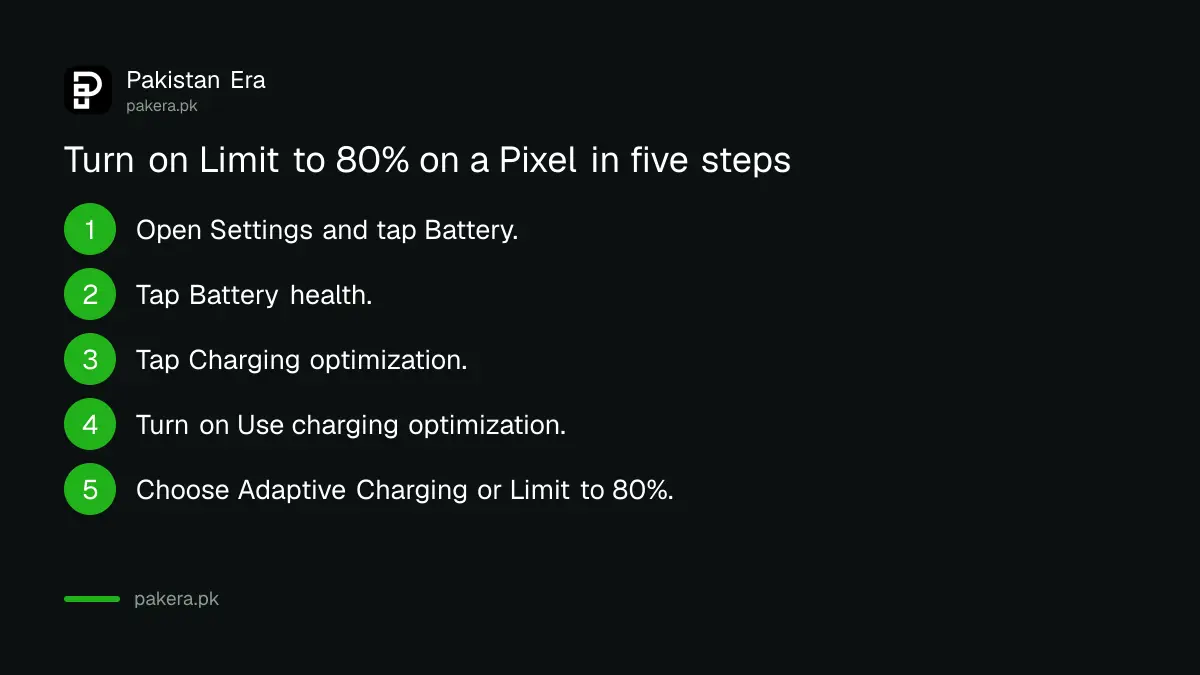
- Open Settings and tap Battery.
- Tap Battery health.
- Tap Charging optimization.
- Turn on Use charging optimization.
- Choose Adaptive Charging or Limit to 80%.
Google adds that a Pixel needs a full charge on every 10th cycle to read its battery accurately. Leave the phone plugged in for at least 30 minutes after it reaches 100 percent on those cycles, even with the 80 percent limit on.
Google also says Pixel phones from the Pixel 3 on Android 11 or later limit charging to about 70 to 80 percent on their own in some conditions, such as long charging in high heat. You can override this with the Charge to full option when you need it.
Choose a limit by how you use the phone
An 80 percent cap gives you less battery in a day. That is the cost. If you use your phone as a hotspot, a map or a camera, you may run short. Pick the setting that fits your day, and switch it off before a long trip.
| Your habit | Samsung choice | Pixel choice |
|---|---|---|
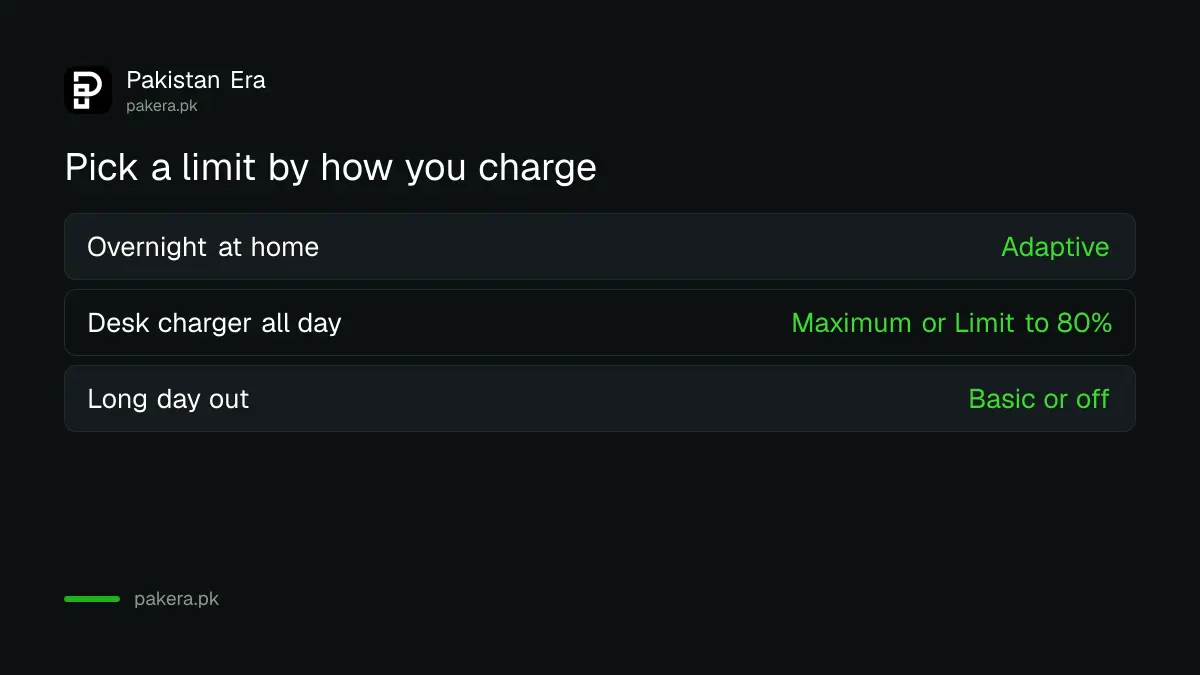
| Charge overnight at home | Adaptive | Adaptive Charging |
| Phone sits on a desk charger all day | Maximum | Limit to 80% |
| Long day out, need every percent | Basic or off | Turn charging optimization off |
A limit does not repair a battery that is already tired. To see where yours stands, use our guide to checking battery health on Android and iPhone. If the phone is swollen, stop using it and read what to do about a swollen phone battery.
Common questions
Does an 80 percent limit make a battery last longer?
Samsung says keeping the battery at a full 100 percent for a long time can reduce its lifespan, and battery protection is built to help. We did not measure the gain for this page.
Which Samsung phones have Maximum mode?
Samsung says the three modes are on Galaxy phones with One UI 6.1 or later. Older software may only offer an 85 percent cap.
Which Pixel phones have Limit to 80%?
Google says Pixel 6a and later. Older Pixels still have Adaptive Charging.
Why does my battery percentage look wrong with a limit on?
Google says a Pixel needs a full charge on every 10th cycle for accurate readings, so let it reach 100 percent occasionally.
Can I turn the limit off for a trip?
Yes. Switch the mode back to Basic or turn off charging optimization, and the phone charges to full again.
How we verified this
What we checked, where we read it, and what we could not confirm.
Last checked on 13 October 2026, Pakistan time. The Samsung modes, menu path and One UI 6.1 note are from Samsung's Battery protection support page. The Pixel menu path, Limit to 80% and the 14 day and 10th cycle notes are from Google's Pixel battery support page. We did not test either setting on a live phone, and we did not check other Android brands. The habit table is our own advice.
About the author

Technology Journalist & Multimedia Producer
Ahmad Ali is a technology journalist and multimedia producer at Pakistan Era, joining the team in October 2026. He covers consumer technology and digital life for Pakistani readers, combining research with hands-on product testing.