National Jobs Portal (NJP) Registration and Apply Online by CNIC: Sign Up, CV, Password Reset and Helpline
Register on the National Jobs Portal with your CNIC, email and password, fill your CV and apply free on njp.gov.pk. Password reset, missing degree and helpline.
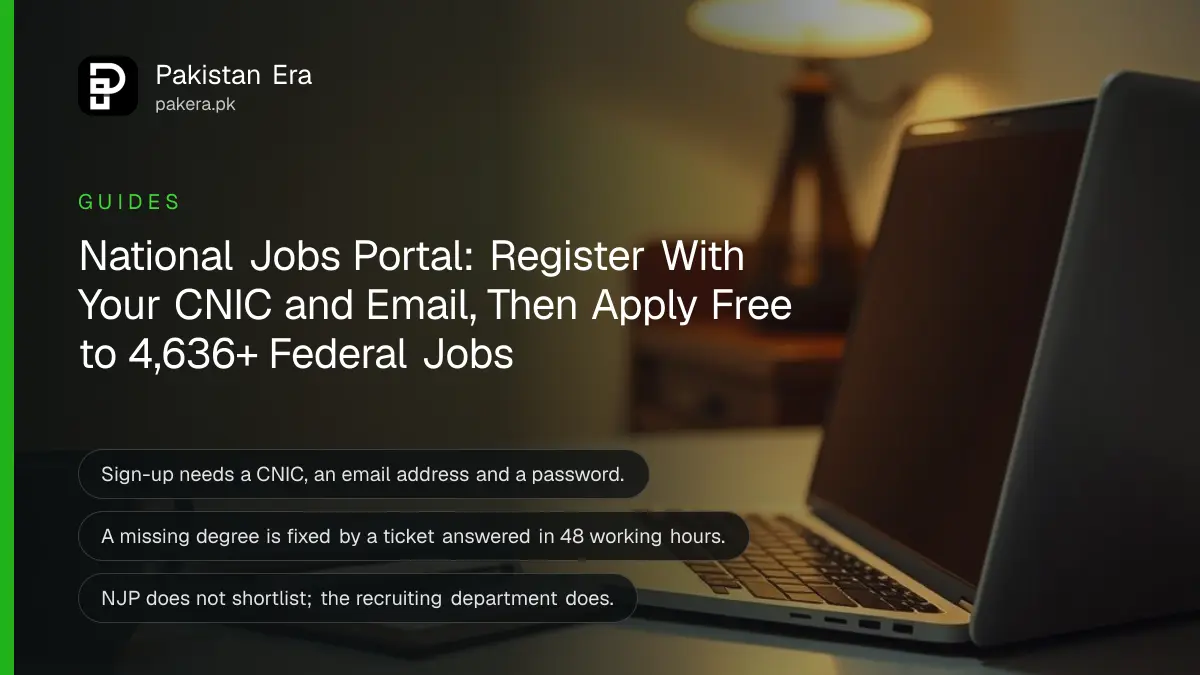
To apply for a federal government job on the National Jobs Portal, open njp.gov.pk, press Sign Up, choose Candidate Signup and register with your CNIC, an email address and a password, then verify the email, fill your CV and press Apply on the job. Registration and applications are free. Below are the exact fields, how to reset a forgotten password, what to do when your degree is missing from the list, and the helpline numbers.
The portal matters more than usual this month. It now carries 4,599 federal posts reserved for Balochistan, from QESCO, Pakistan Railways, BISP, the Navy and 51 other departments, all set out in the Balochistan jobs list on NJP. We opened the portal's sign-up, sign-in and help pages on 31 October 2026 and read every field and rule.
The National Jobs Portal is the federal government's free job site
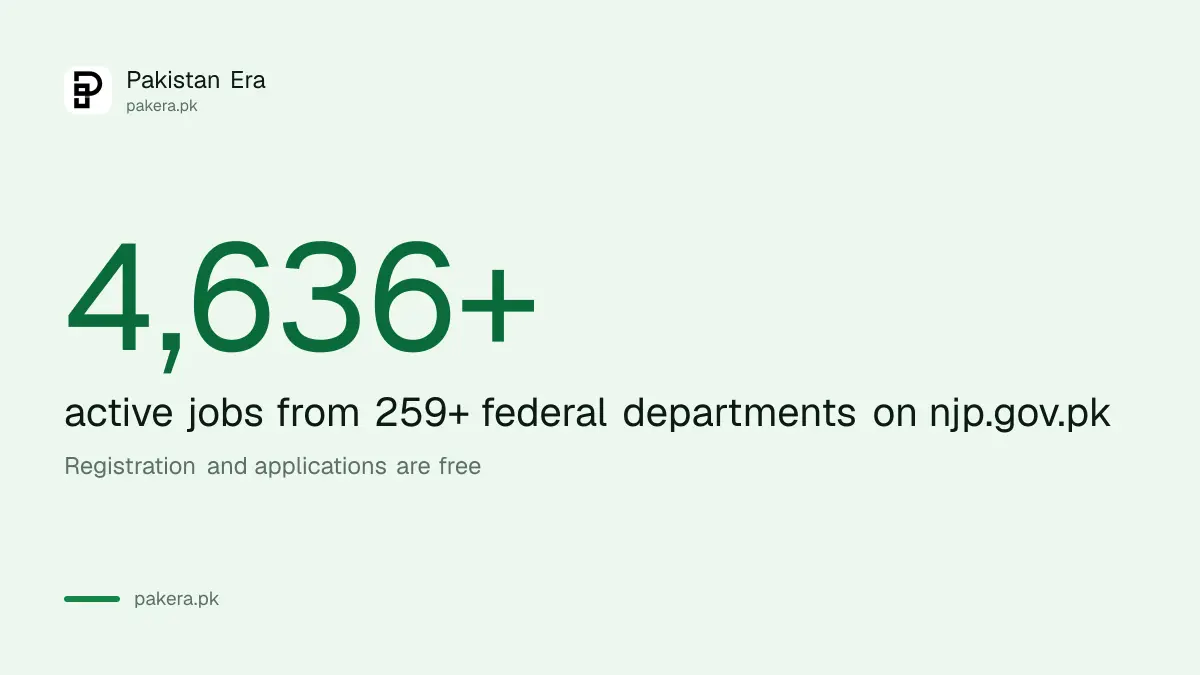
The National Jobs Portal (NJP) at njp.gov.pk is run by the National Information Technology Board (NITB) for the Government of Pakistan. Federal ministries and companies post vacancies there, and candidates apply online with one account. On 31 October 2026 its front page showed 4,636+ active jobs and 259+ departments.
The portal says registration and job applications are free, and that it "does not collect any application fee from candidates". A department can still ask for a test fee later through a testing service, and that comes with its own official challan. For how those fees work, see the rules on paying job test fees by PSID and 1Bill.
NJP is not the only route into government work. Commission jobs still go through the FPSC, PPSC and other commissions, as the broader walk-through on applying for government jobs online explains. Punjab has its own Punjab Job Portal as well.
NJP sign-up needs only your CNIC, an email and a password
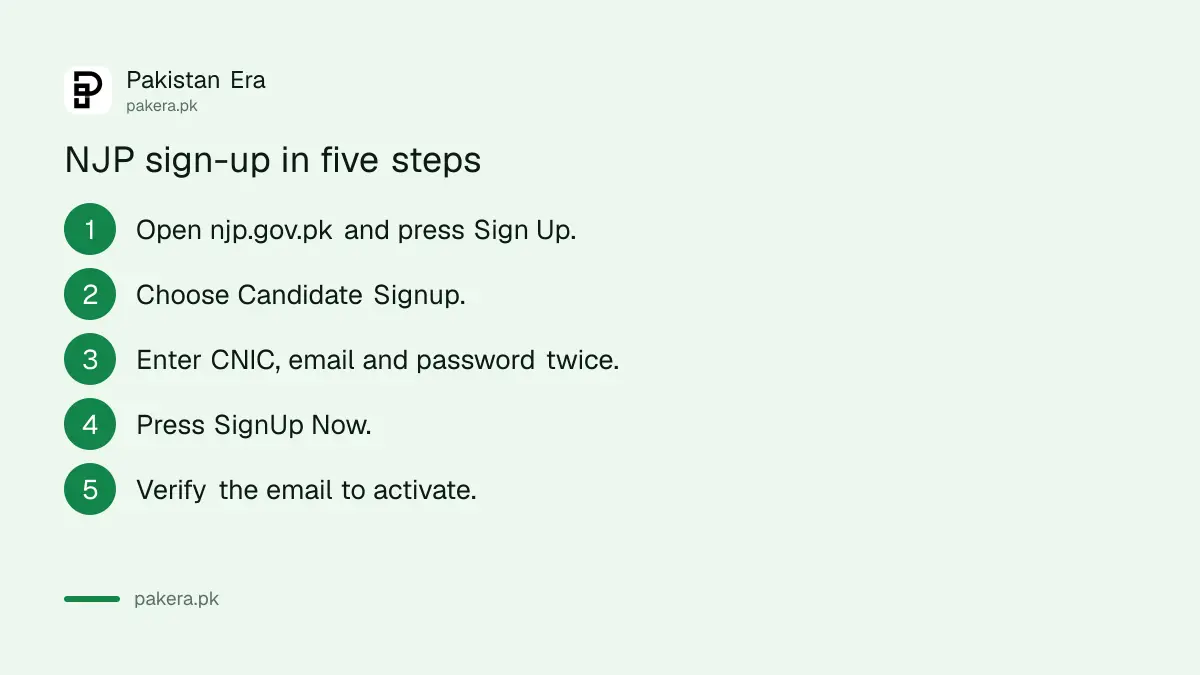
The sign-up form has five fields: account type, CNIC number, email address, password and the password again. Pick Candidate Signup as the account type. Type the CNIC in the 00000-0000000-0 format; the form adds the dashes as you type.
- Open njp.gov.pk and press Sign Up at the top.
- Under Account Type choose Candidate Signup.
- Enter your 13 digit CNIC, an email you can open, and a password twice.
- Press SignUp Now.
- Open the verification email and follow its link to activate the account.
Use an email you will keep. The portal sends verification and reset codes to it, and you need it again every time you sign in. A shop's email or a cousin's account is a trap: if they lose access, so do you.
Employers cannot sign up here. The page says departments must write officially to NITB for an employer account, so a "recruiter" who claims to have one through a friend is not credible.
Sign in with CNIC, email and password together
NJP's sign-in page asks for all three: your CNIC number, your email address and your password. That is different from most sites, which take one or the other. If any of the three does not match what you registered with, the sign-in fails.
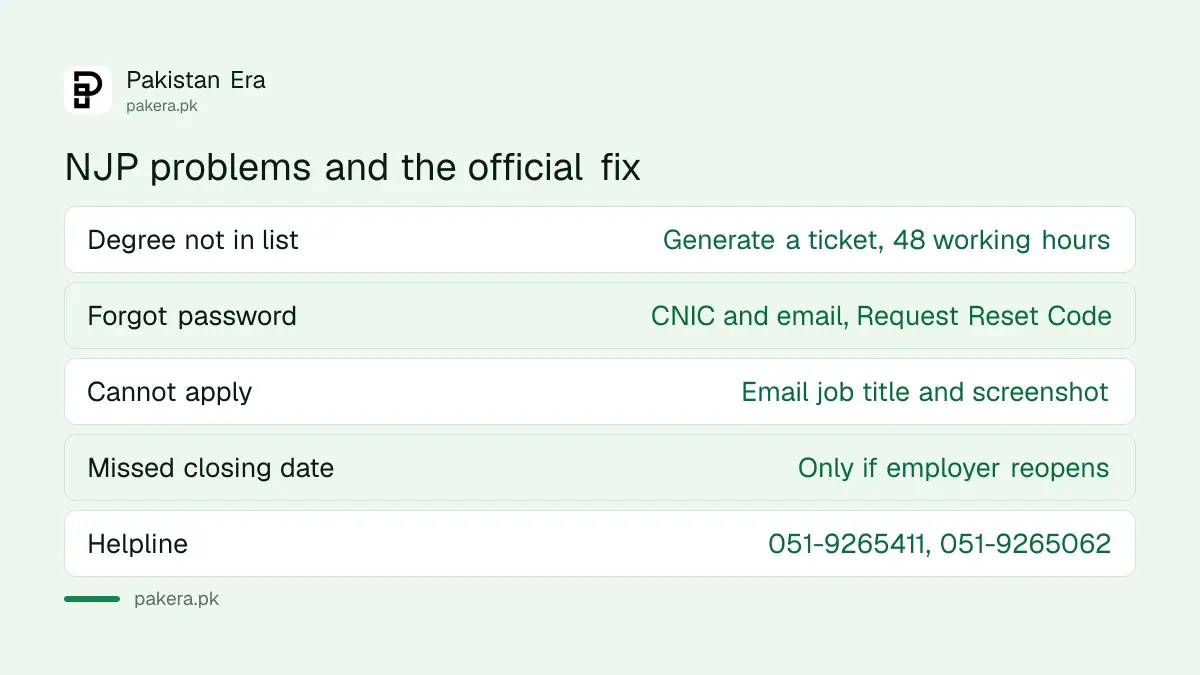
If you forget the password, press Forgot Password on the sign-in page, enter your CNIC and email, and press Request Reset Code. The code goes to your registered email. If the email no longer works, you cannot reset the password yourself; contact the support team below.
Fill your CV before you press Apply
Each application is built from your CV on the portal. Sign in, open the CV section from your dashboard, and fill personal details, domicile, education and work experience. The portal checks your CV against each job's filters, so a blank or wrong field can block an application.
| Problem | What the portal says to do |
|---|---|
| Cannot apply despite having the qualification | Check your education details match the post. If the filter is wrong, email info@njp.gov.pk with the job title, advert details and a screenshot |
| Your degree is not in the drop-down list | Press Generate Ticket in the education section of the CV; tickets are answered within 48 working hours |
| Experience seems short | Enter exact joining and leaving dates; overlapping jobs are not counted twice |
| Forgot password | Forgot Password, then CNIC and email, then Request Reset Code |
| Error on registration or submission | Take a screenshot and contact the helpline or email |
| Missed the closing date | The portal does not accept applications after closing unless the employer extends or reopens the job |
Raise a degree ticket early. Forty eight working hours can mean four calendar days over a weekend, and several Balochistan posts close on 11 and 12 November. For help writing the CV itself, the tips on making a CV in Pakistan apply here too.
How to find a job and apply on njp.gov.pk
Use Find Jobs to search all vacancies, or Balochistan Jobs for the posts reserved for Balochistan domicile holders. Open a listing, read the qualification, age, domicile and last date, then press Apply. Each job is a separate application.
- Sign in and open Find Jobs or Balochistan Jobs.
- Filter by job type, scale, experience or age if you want.
- Open the listing and read every line of the job description.
- Press Apply, review your CV and submit before the deadline.
- Screenshot the confirmation and note the job title and date.
Read the listing before you apply, not after. In the Balochistan drive, for example, the Motorway Police constable post asks for both a car and a motorcycle licence and an age of 25 at most. Even when the portal accepts an application, the department checks eligibility again at scrutiny.
NJP does not shortlist, and nobody can buy you a seat
The portal says the recruiting department scrutinises applications, decides eligibility, shortlists and makes the hiring decision. NJP only provides the platform. So the department, not the portal, will contact you about tests and interviews.
That also means nobody at the portal can push your name up a list. NJP's own FAQ warns candidates about "unauthorized persons demanding payment in exchange for jobs or recruitment assistance". If a caller or WhatsApp message asks for money, read the signs of a fake online job offer before you reply.
For technical help, NJP's support team answers Monday to Friday, 8:30 am to 4:30 pm, on 051-9265411 and 051-9265062, or at info@njp.gov.pk. Its office is at Plot 24-B, Street 6, Sector H-9/1, Islamabad.
Common questions
Is registration on the National Jobs Portal free?
Yes. NJP says registration and applications are free and that it collects no application fee.
What do I need to register on njp.gov.pk?
Your CNIC number, an email address you can open, and a password. You then verify the email.
How do I reset my NJP password?
Press Forgot Password on the sign-in page, enter your CNIC and email, and press Request Reset Code.
How do I check my application status on NJP?
The portal does not track shortlisting. The recruiting department contacts candidates about tests and interviews.
My degree is not in the NJP list. What should I do?
Generate a ticket from the education section of your CV. NJP says tickets are resolved within 48 working hours.
What is the NJP helpline number?
051-9265411 and 051-9265062, Monday to Friday, 8:30 am to 4:30 pm, or email info@njp.gov.pk.
How we verified this
What we checked, where we read it, and what we could not confirm.
Last checked on 31 October 2026, Pakistan time. We read the NJP sign-up page and sign-in page for the fields and counters, the NJP FAQ page for registration, password reset, CV, tickets, experience, deadlines, shortlisting, fees and support, and the About page for NITB's role. We did not create an account, so we have not seen the inside of the CV builder or the confirmation screen, and the labels inside the dashboard may differ slightly from the FAQ's wording.
About the author

Senior Writer, Public Services and Technology
Shahid joined us in 2024 as an author. He is a senior contributor to Pakistan's leading technology websites. He writes detailed articles, mostly covering his expertise in the latest tech, mobiles, apps, gadgets, and step-by-step guides. His ideology is to help people understand the latest trends and explain complex methods through very easy-to-understand guides.