Open a Meezan Bank Account Online in Pakistan: Digital Account App, CNIC Only, No Minimum Deposit
Open a Meezan Bank account online with the Meezan Digital Account Opening App: CNIC and own SIM, no minimum deposit, instant opening, Asaan limit Rs 3 million.
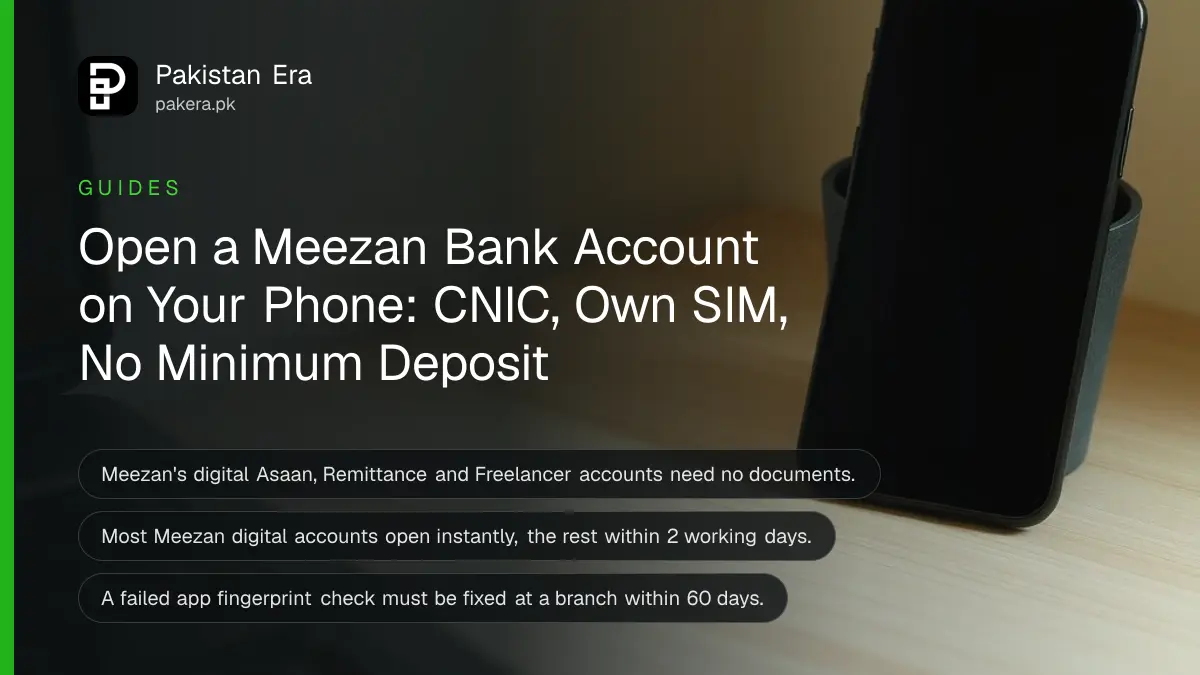
You can open a Meezan Bank account online from your phone with the Meezan Digital Account Opening App, using your CNIC and a SIM registered in your own name. No minimum deposit is needed, and the account opens instantly in most cases. Asaan, Remittance and Freelancer accounts need no documents. A full Rupee Current, Rupee Savings or Bachat account needs a photo of your CNIC and proof of income.
Meezan's digital onboarding is open to every resident Pakistani who does not already bank with it. Below are the account types you can open, what you need, the steps, the limits on each account, and what to do if the fingerprint check in the app fails.
Five kinds of Meezan account open through the app
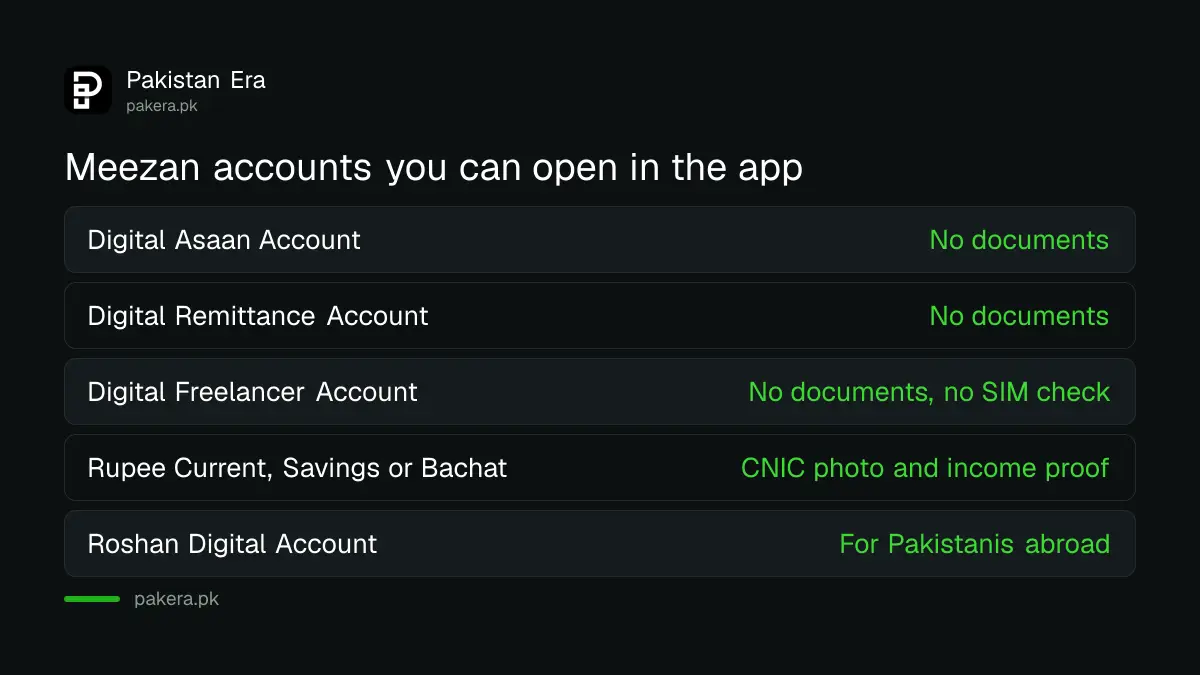
The Meezan Digital Account Opening App opens five account types: Digital Asaan, Digital Remittance, Digital Freelancer, the regular Rupee Current, Rupee Savings or Bachat account, and the Roshan Digital Account for overseas Pakistanis. Each comes in a current or savings version.
| Meezan account in the app | Who it suits | Documents in the app |
|---|---|---|
| Digital Asaan Account | Low income users, first account | None, CNIC and fingerprint check only |
| Digital Remittance Account | People receiving money from abroad | None, CNIC and fingerprint check only |
| Digital Freelancer Account | Freelancers paid from abroad | None, and the SIM check is skipped |
| Rupee Current, Rupee Savings or Meezan Bachat | Salaried and business users | CNIC photo, source of income, proof of funds |
| Roshan Digital Account | Pakistanis living abroad | As set by the Roshan Digital process |
A Digital Student Asaan Account is also listed on Meezan's digital accounts page. The account you open online has the same contract, features and profit as one opened at a branch. Only the way you sign up is different.
You need a smartphone, your CNIC and a SIM in your own name
To open a Meezan account online, you need a smartphone, the Meezan Digital Account Opening App, your original CNIC and a mobile number registered on your own CNIC. For the regular Rupee accounts, you also need proof of your source of income. Housewives and unemployed people must give the earning person's details.
- CNIC: your valid original CNIC or Smart National Identity Card from NADRA.
- SIM: it must be registered in your name. If it is not, Meezan asks you to visit a branch instead. Freelancer accounts are the exception.
- Source of income: needed for Rupee Current, Rupee Savings and Bachat accounts, for example a salary slip or business proof.
- Beneficial owner details: housewives and unemployed applicants give the ID and details of the person who supports them.
- Existing customers: the app is only for people new to Meezan Bank. If you already hold a Meezan account, open another one at a branch.
Check your SIM's owner before you start by sending your CNIC number to 668, the PTA's SIM check service. A SIM in a family member's name is the most common reason a digital sign up stops early. Banks must also explain terms in plain language, as set out in your right to the account form and terms.
How to open a Meezan account online in 7 steps
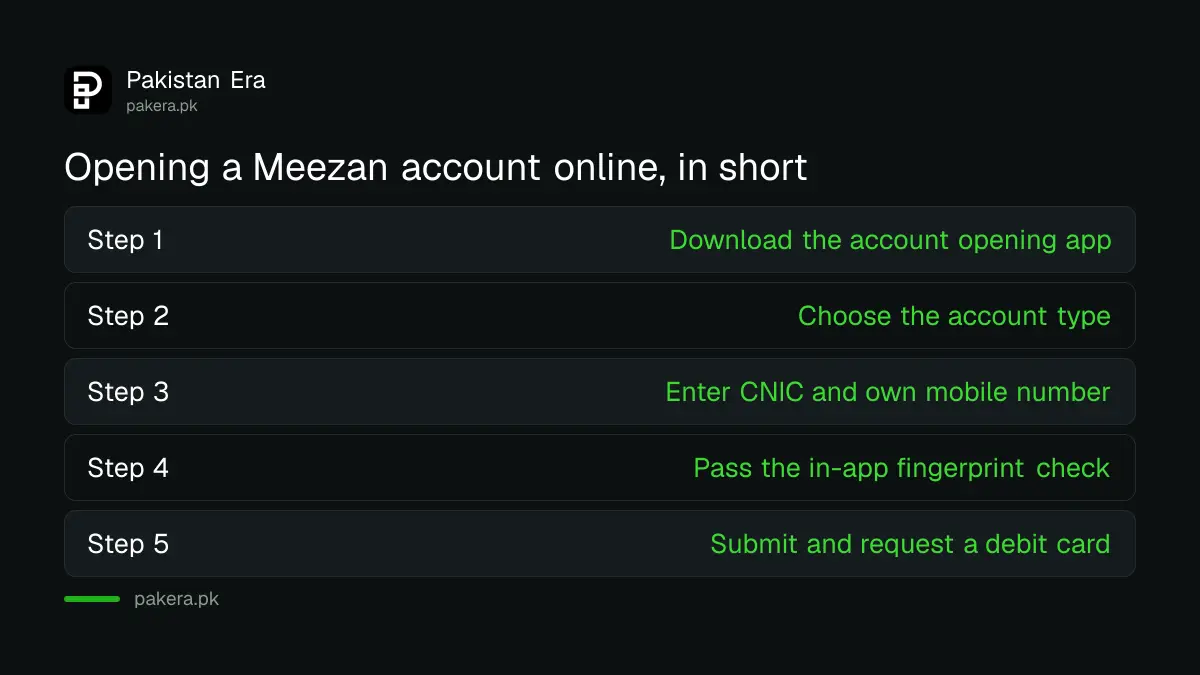
Download the Meezan Digital Account Opening App, choose your account type, enter your CNIC and mobile number, pass the fingerprint check in the app, add documents if your account needs them, and submit. Meezan opens most accounts instantly once its checks pass.
- Download the Meezan Digital Account Opening App from the Google Play Store or the Apple App Store. It is a separate app from the Meezan Mobile Banking app.
- Pick the account: Asaan, Remittance, Freelancer, Rupee Current, Rupee Savings, Bachat or Roshan Digital, and choose current or savings.
- Enter your CNIC details and the mobile number registered in your name.
- Complete the biometric check inside the app.
- For a Rupee Current, Rupee Savings or Bachat account, upload a photo of your CNIC and your income proof.
- For a savings account, choose whether to claim Zakat exemption at this stage if you are eligible.
- Submit, and request your debit card in the app. The account number arrives once the account is open.
If Meezan needs extra checks, the account opens within 2 working days of your papers being complete. Once it is open, register for internet banking with your CNIC and account number, and set up the app using Meezan app registration.
A failed fingerprint check gives you 60 days to visit a branch
If the biometric check fails in the app, you can try it again on your phone. If it still fails, visit any Meezan branch within 60 days to verify your fingerprints. An account left unverified after 60 days is debit blocked, so money cannot leave it.
Worn or dry fingers often cause a mismatch. NADRA's own record also has to be clear. If the branch scan fails too, the State Bank allows other checks, explained in fingerprint not matching at the bank. A failed app check also means Meezan asks for a photo of your CNIC, even for an Asaan account.
Meezan digital account limits and charges
Meezan's key fact statement of 3 November 2026 lists no maintenance fee on its digital accounts. The Digital Asaan Savings account can hold up to Rs 3 million in total credit and allows Rs 1 million in debits a month. The Rupee and Bachat accounts carry no such limit.
| Item | Meezan digital accounts |
|---|---|
| Minimum deposit to open | None |
| Account maintenance fee | Rs 0 |
| Asaan account balance limit | Rs 3,000,000 total credit |
| Asaan account debit limit | Rs 1,000,000 a month |
| Remittance account, daily cash withdrawal | Rs 500,000 |
| Remittance account, daily transfers | Rs 500,000 |
| October 2026 profit on savings, up to Rs 10 million | 6.79% a year |
| First debit card | Free: Visa Classic, Mastercard Classic or PayPak |
| Cheque book | Rs 25 a leaf |
The free first card comes with free delivery, but the yearly fee applies from the next year. Profit on savings changes every month. The latest rate is in Meezan saving account profit rates. Meezan's older FAQ sheet still shows a lower Rs 1 million balance cap on the Asaan account, so check the key fact statement in the app before you choose.
Cheque books and cards come after the account opens
A Meezan digital account gives you internet banking and the mobile app straight away. You can ask for a debit card in the app, at a branch, or on 021-111-331-331. A cheque book is requested through internet banking, the call centre or a branch.
When you collect a cheque book, take your original CNIC to the branch and sign the signature specimen card. Until then, use Raast or the app for payments. The debit card choices and their yearly fees are in the Meezan Bank schedule of charges.
Common questions
Can I open a Meezan Bank account online?
Yes. Any resident Pakistani with a valid CNIC and a SIM in their own name can open one in the Meezan Digital Account Opening App, without visiting a branch.
What is the minimum deposit for a Meezan digital account?
None. Meezan says no minimum deposit is required to open an account through the app.
How long does Meezan take to open an online account?
Most accounts open instantly once checks pass. Cases needing extra verification open within 2 working days after the documents are complete.
Can an existing Meezan customer use the app?
No. The digital account opening app is only for customers new to Meezan Bank. Existing customers open further accounts at a branch.
What happens if my fingerprints fail in the Meezan app?
Try again in the app, or visit a Meezan branch within 60 days. After 60 days an unverified account is debit blocked.
Can a company open a Meezan account in the app?
No. The app is only for resident individual customers. Businesses must open their accounts at a branch.
How we verified this
What we checked and where we read it.
We checked Meezan Bank's digital accounts page, its Meezan Digital Account Opening App FAQs and internet banking guidelines (PDFs linked from that page), and the key fact statement for Meezan Digital Accounts dated 3 November 2026, all on 17 November 2026. The FAQ sheet gives a Rs 1 million Asaan balance limit while the key fact statement gives Rs 3 million; we follow the newer key fact statement. The FAQ does not list the app's screens one by one, so the order of steps 3 to 6 is a general outline.
About the author
Public Services and Education Journalist
Fajr Riaz is a journalist and content writer at Pakistan Era, based in Lahore. She covers the questions people meet in everyday life in Pakistan: how a public service works, what a change in the rules means, and where to find a reliable answer.