How to Pay a NADRA Pak ID App Fee: Raast QR, Card, Easypaisa, JazzCash or e-Sahulat
Pay a NADRA Pak ID app fee by Visa or Mastercard, Raast QR, Easypaisa, JazzCash or e-Sahulat cash. Steps for each, which applications they cover, and fixes.
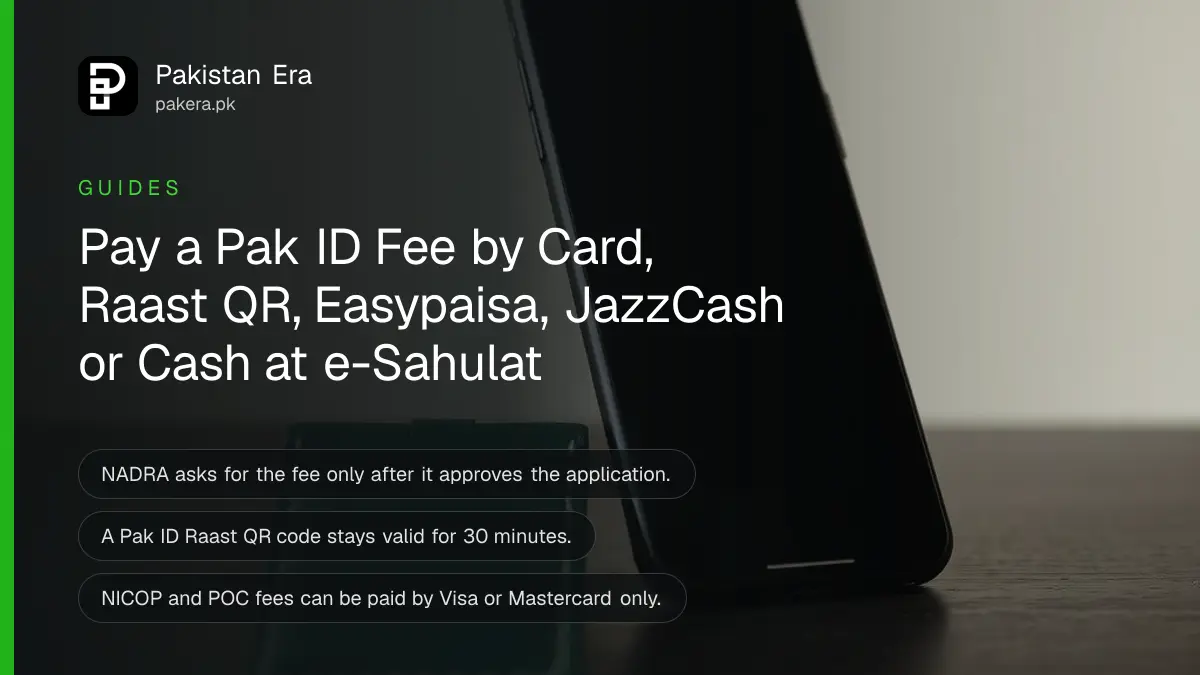
You pay a NADRA Pak ID app fee only after NADRA approves your application. Open the app, tap the Inbox icon, tap Pay Now next to your Tracking ID, and choose a Visa or Mastercard card, a Raast QR code, Easypaisa, JazzCash or an e-Sahulat franchise. Cards work for every application. The other routes work only for some.
That order surprises people. You fill in the form, capture your photo and fingerprints, and submit. NADRA reviews it first. Only then does the app ask for the fee, and the processing time starts once the payment goes through.
Pak ID accepts five ways to pay the fee
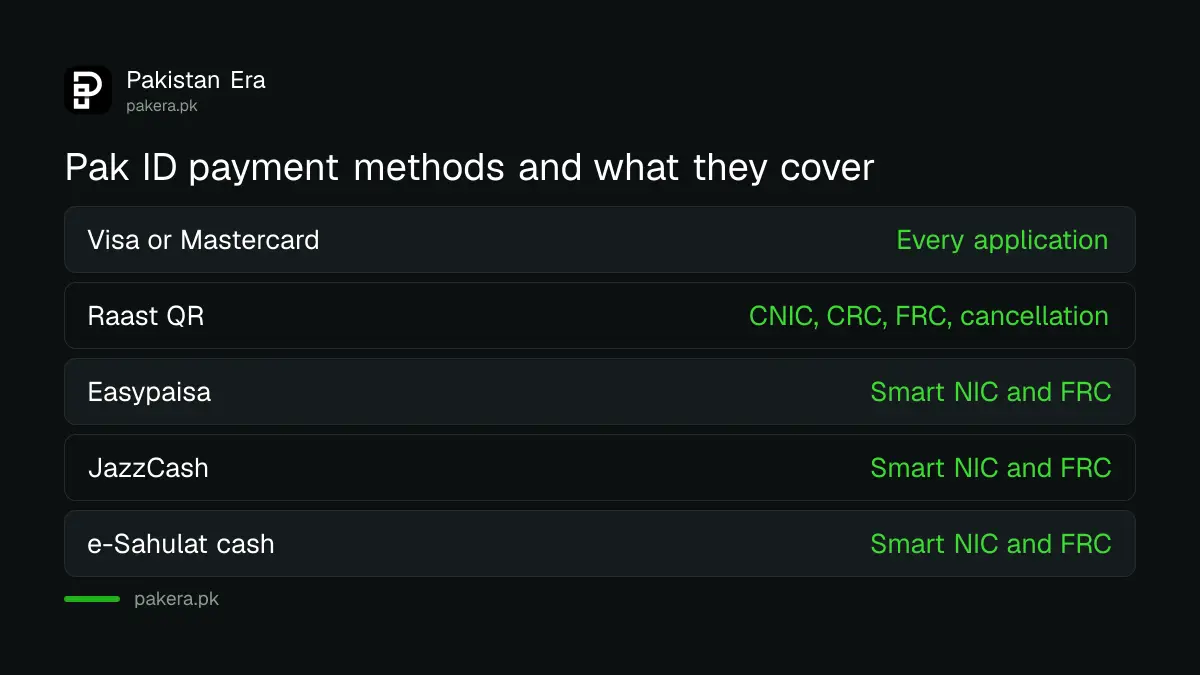
NADRA lists five ways to pay in the Pak ID app: a credit or debit card, Raast, e-Sahulat franchises, Easypaisa and JazzCash. Cards must be Visa or Mastercard. The wallet and franchise routes are limited to certain applications, mostly CNIC and FRC.
| Payment method | Which applications | What you need |
|---|---|---|
| Credit or debit card | All, including NICOP and POC | Visa or Mastercard, card OTP |
| Raast QR | CNIC, CRC, FRC, cancellation | Any bank app with Scan QR |
| Easypaisa | Smart NIC and FRC on NADRA's payment page | Easypaisa account, Tracking ID |
| JazzCash | Smart NIC and FRC on NADRA's payment page | JazzCash account, Tracking ID |
| e-Sahulat franchise | Smart NIC and FRC on NADRA's payment page | Tracking ID, cash at the shop |
Two NADRA pages word the limits differently. The payment guidelines page says e-Sahulat, Easypaisa and JazzCash take Smart NIC and FRC applications only. The Pak ID FAQ says CRC, CNIC, FRC and cancellation fees can also go through e-Sahulat, Raast, Easypaisa and JazzCash, but not POC. If a wallet refuses your Tracking ID, use a card or Raast instead.
The fee itself depends on the document and the speed you pick. The full list sits in the NADRA fee structure for every document, so check the amount before you open your wallet.
Pay by Raast QR from any bank app
Raast is the State Bank's instant payment system, and most Pakistani bank apps can scan a Raast QR code. Pak ID makes the code for you. It lasts 30 minutes, so have your bank app ready before you generate it.
- Log in to the Pak ID app.
- Tap the Inbox icon.
- Next to your Tracking ID, tap Pay Now.
- On the Payment Methods screen, tap Generate Raast QR.
- Take a screenshot of the QR code so it saves to your gallery.
- Open your bank app, choose Scan QR, then Upload Photo and pick the screenshot.
- Check the fee shown in the bank app and tap Confirm.
- Go back to Pak ID and tap Verify Payment. A Payment Confirmation message should appear.
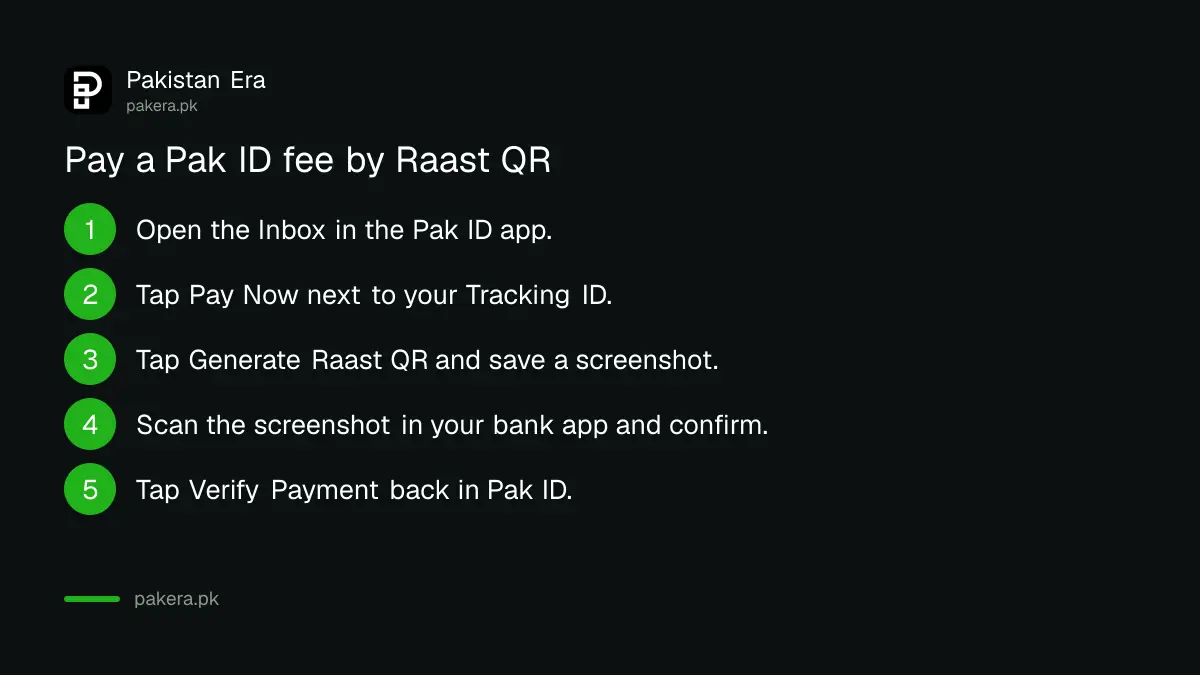
Missed the 30 minutes? Generate a new code. The old one stops working. If you do not yet have a Raast ID, the steps to create a Raast ID in your bank app take a few minutes, though you do not need one just to scan a QR.
Pay through Easypaisa or JazzCash with your Tracking ID
Both wallets have a NADRA bill option. You type your Pak ID Tracking ID, the wallet fetches the bill, and you pay. NADRA's own Easypaisa screenshots show a 0.5% service charge on top of the fee.
Easypaisa
- Reach the payment stage in Pak ID first.
- Open Easypaisa and tap NADRA Fee.
- Choose NIC Fee Payment.
- Enter your NADRA Tracking ID and tap Next.
- Check the bill, tap Pay in Full, then Pay Now.
In NADRA's example, a Rs 1,033 bill became Rs 1,038.16 with the 0.5% charge. Small, but it is there.
JazzCash
- Reach the payment stage in Pak ID first.
- Open JazzCash and tap Search.
- Type "nadra" and open Nadra under Other Payments and Services.
- Choose NIS.
- Enter your Pak ID Tracking ID in the ticket ID box and continue to pay.
JazzCash calls it an NIS Ticket ID. It is the same Pak ID Tracking ID. Wallet charges change from time to time, and the current JazzCash and Easypaisa charges are worth a look if you pay often.
Pay by card inside the app
A Visa or Mastercard credit or debit card is the one route that works for every Pak ID application, including NICOP and Pakistan Origin Card. You type the card holder's details, the card number and the OTP your bank sends.
- Tap Pay Now next to your Tracking ID.
- Choose card payment.
- Enter the card holder's name, address, email and phone number.
- Enter the card details and the OTP from your bank.
- Submit the payment.
You can pay with somebody else's card. NADRA's FAQ allows it, but only with the card holder's consent. Many debit cards in Pakistan block online or international payments by default, so turn on online payments in your bank app if the card is declined.
Pay cash at an e-Sahulat franchise
No card and no wallet? Take your Tracking ID to any NADRA e-Sahulat franchise and pay the agent in cash. Then log in to Pak ID again and carry on. This works for Smart NIC and FRC applications.
Franchises sit in markets across the country, often inside mobile shops. What else you can do there is set out in NADRA e-Sahulat franchise services. Keep the receipt until your card or certificate arrives.
When a Pak ID payment fails
Most failures come from a card that blocks online use, an expired Raast QR, or a wallet that does not accept that application type. For a card problem NADRA asks you to file a complaint on its complaint portal with the Tracking ID, bank name, card provider and screenshots.
- Card declined: turn on online payments in your bank app, or try another card.
- Raast QR expired: generate a new one and pay within 30 minutes.
- Wallet says bill not found: check the Tracking ID, then try card or Raast.
- Money gone, app still unpaid: tap Verify Payment, then complain with screenshots.
Cash on delivery is not offered. There is no way to pay the courier when the card arrives. Paid and still waiting? The Pak ID approval wait explains the gap between submitting and the next step. If NADRA defers or rejects the application instead, the steps for a rejected or deferred Pak ID application show what to send back.
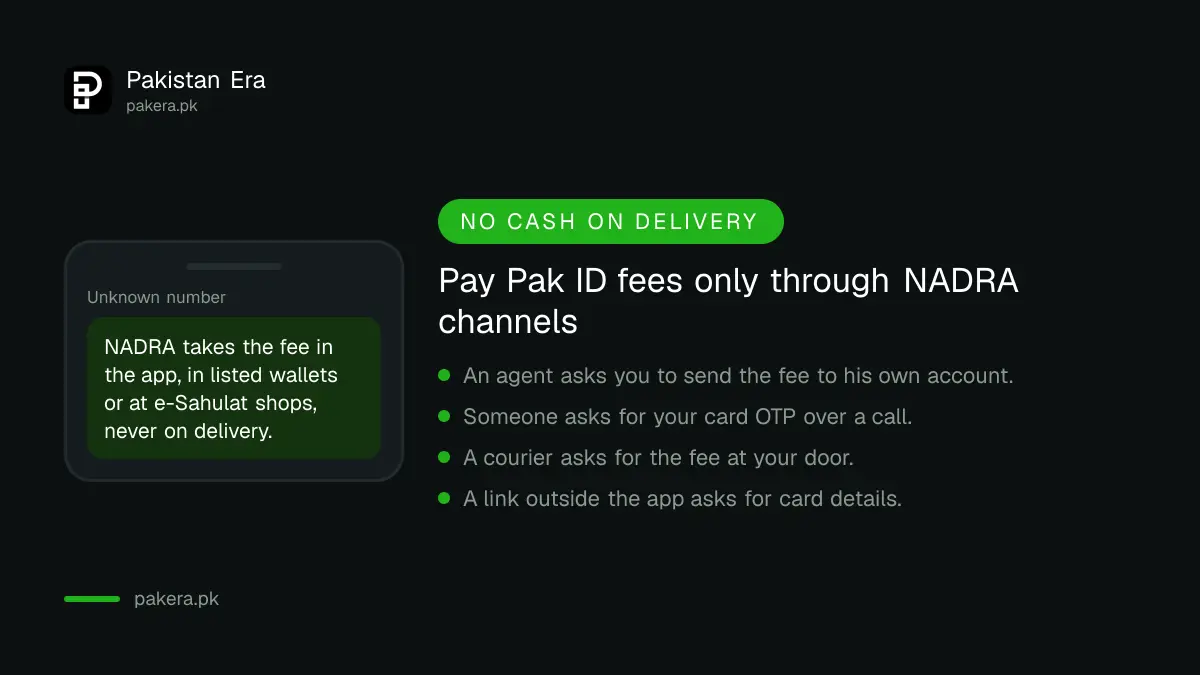
Pay only through the app or the channels NADRA lists. Nobody needs your card OTP except your bank's own screen.
Common questions
When do I pay the fee in the Pak ID app?
After NADRA approves your application. The app notifies you, and you pay from the Inbox by tapping Pay Now next to the Tracking ID.
Can I pay a Pak ID fee with Easypaisa?
Yes, for Smart NIC and FRC applications. Choose NADRA Fee, then NIC Fee Payment, and enter your Tracking ID. NADRA's example shows a 0.5% service charge.
How long is the Pak ID Raast QR code valid?
30 minutes. After that, generate a new code from the Payment Methods screen.
Can I pay a NICOP fee through JazzCash?
NADRA lists only card payment for NICOP and POC. Use a Visa or Mastercard credit or debit card.
Is cash on delivery available for NADRA cards?
No. NADRA's Pak ID FAQ says cash on delivery is not available. The fee must be paid before processing.
Where do I complain if my Pak ID payment failed?
On NADRA's complaint portal at complaints.nadra.gov.pk, or the 1777 helpline. Give your Tracking ID, bank name, card provider and screenshots. The steps are in NADRA's helpline and complaint routes.
How we verified this
What we checked and where we read it.
Last checked 14 November 2026. Payment modes, the Raast, card, e-Sahulat, Easypaisa and JazzCash steps, and the Smart NIC and FRC limit come from NADRA's Payment Guidelines page. The 0.5% Easypaisa service charge and the Rs 1,033 example are from NADRA's own Easypaisa screenshots on that page. Payment after approval, other people's cards, no cash on delivery and the complaint details come from the Pak ID FAQ on NADRA's Pak ID pages. The FAQ lists Raast, e-Sahulat, Easypaisa and JazzCash for CRC, CNIC, FRC and cancellation fees, while the payment page limits e-Sahulat, Easypaisa and JazzCash to Smart NIC and FRC; we have set out both.
About the author

Public Services and Education Journalist
Fajr Riaz is a journalist and content writer at Pakistan Era, based in Lahore. She covers the questions people meet in everyday life in Pakistan: how a public service works, what a change in the rules means, and where to find a reliable answer.