How to Pay a PPSC Fee Online in Punjab With a PSID Through GoPb
Pay your PPSC application fee in Punjab with the PSID from your form: ATM, JazzCash, Easypaisa, bank app or branch, plus the rules on refunds and extra charges.
Short answer: To pay a PPSC fee, apply online first and get the 17 digit PSID for your post. Then open your bank app, JazzCash, Easypaisa or an ATM, choose the GoPb biller under Bill Payment, enter the PSID and confirm the amount. Keep the receipt. The fee is not refundable.
A PPSC application is not complete when you finish the form. It is complete when the fee reaches the commission. Many candidates in Punjab lose a chance because they pay late, pay under the wrong biller or pay extra to a middleman.
We read the Punjab Public Service Commission's own E-Pay user manual and the payment note printed on its Advertisement No. 10/2026 on 13 October 2026. The steps below follow those two documents. We did not make a live payment, so the bank menus on your phone may look a little different.
You get the PSID while applying online
The PSID is a payment slip number that is made for one post. PPSC says an applicant gets a PSID for a specific case number or post while applying on the commission website. You pay against that number, so it must match the post you want.
If you apply for three posts, you need three PSIDs and three payments. Do not reuse one PSID for another post. The amount is fetched by the bank from the PSID, so you never type the fee yourself.
Check the PSID before you leave the page. It has 17 digits. Print or save the slip, because a bank counter will ask for it.
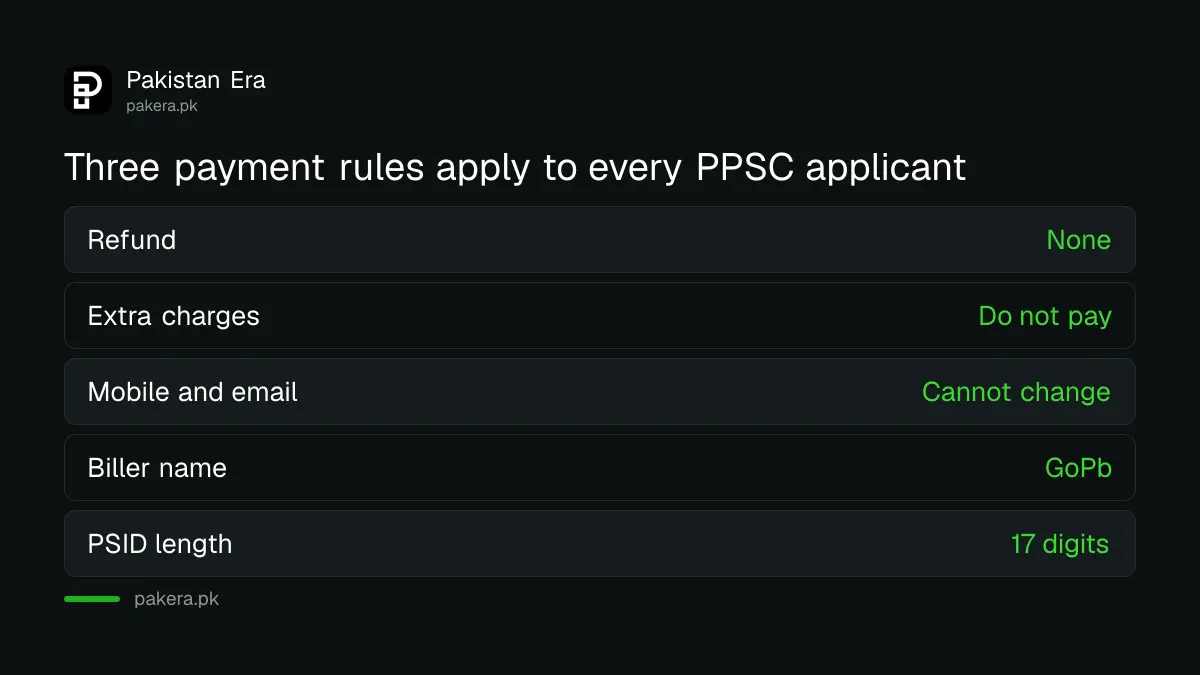
The commission also warns that your mobile number and email address cannot be changed after you register. Use a number you will still hold when the roll number slip is sent. For the full application steps, see how to apply for a PPSC job and get your roll number slip.
Four payment methods are allowed
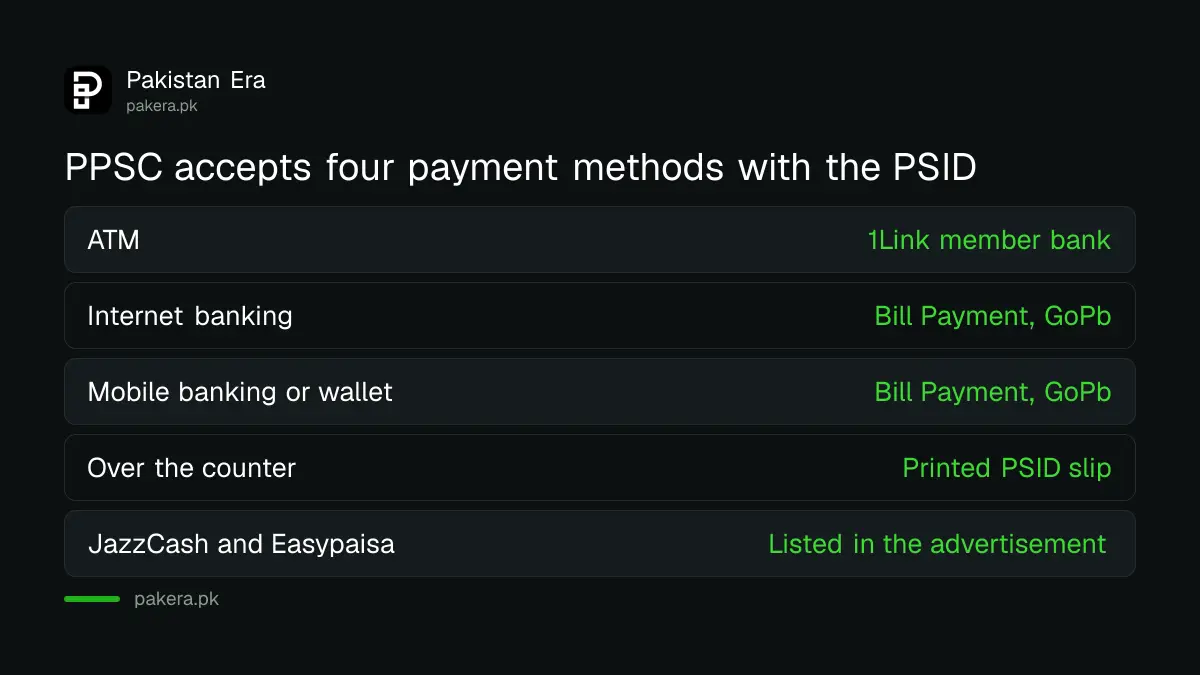
PPSC lists ATMs, mobile phone banking, internet banking and over the counter payment at a 1Link member bank branch. Its advertisement adds JazzCash, Easypaisa, U Paisa and other microfinance banks. It says to use these mediums only.
| Method | What you need | Where to go |
|---|---|---|
| ATM | Debit card, PIN and the 17 digit PSID | Any ATM of a 1Link member bank |
| Internet banking | Your online banking login and the PSID | Bill Payment, then GoPb |
| Mobile banking or wallet | Your bank app, JazzCash, Easypaisa or U Paisa, and the PSID | Bill Payment, then GoPb |
| Over the counter | A printed PSID slip | A 1Link member bank branch, teller or cashier |
The word to look for is GoPb. It is the biller name for Government of the Punjab payments. If your app shows no GoPb option, update the app or try another method. Do not pay through a random agent.
Pay by ATM, app or branch in seven steps
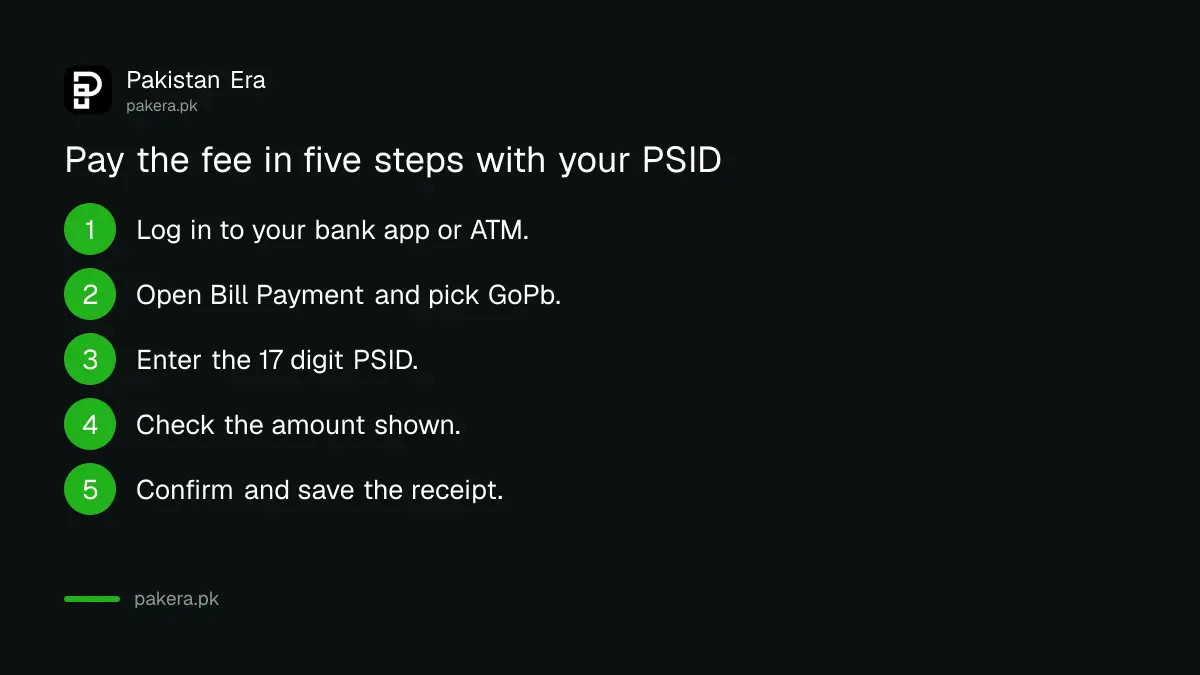
The manual gives the same seven steps for the ATM, internet banking and mobile banking. Only the first step changes. Over the counter is simpler, because the teller does the work.
- Log in to your banking app, internet banking or ATM with your PIN.
- Open Bill Payment.
- Select GoPb.
- Enter the 17 digit PSID.
- Check the amount that appears on the screen.
- Press Pay, Submit or Finish.
- Wait for the success message, then look for the SMS and email.
At a branch, take the printed PSID to a 1Link member bank and ask the teller to take the fee under GoPb. The system then sends you an SMS and email once the teller has paid it in.
Check the amount before you confirm
The screen shows the amount due for your PSID. Compare it with the fee in your advertisement. If it is different, stop and do not pay. The manual tells applicants not to pay any extra charges, so a bank or agent asking for more is a warning.
We cannot give one fee for every post, because it depends on the advertisement. Open your own advertisement on the commission website and read the fee line there. For example, the page on PPSC Veterinary Officer posts shows how a fee is stated for one advertisement.
Two rules are worth remembering. All payments are non-refundable, so a mistake on the post cannot be fixed with a refund. And if a post is later withdrawn, the commission has a separate rule for adjusting that fee against a new application, explained in how PPSC adjusts the fee of a withdrawn post.
Keep the receipt and know what comes back
After payment the system sends a message by SMS and email, plus a PDF receipt. Save the PDF and take a screenshot of the success screen. You may need either one if the payment does not show on your application.
The manual says you can also check the status of each transaction. If the money left your account but the application still shows unpaid, wait a short time and check again before you pay a second time. A double payment cannot be refunded.
Think of the receipt as your proof. Without it, a complaint is only your word against a system.
Complain through the commission if a payment fails
PPSC has a complaint system for payment problems. Visit ppsc.gop.pk/cmsnew, sign up or log in, and file under the category For Complaints Related to Online Payments. Attach your PSID and receipt.
Before you file, be sure you are on the real site. Fake pages copy the commission look and ask for money. Read how to check you are on the real PPSC website first. The advertisement also says that no information shared by anyone other than the commission website is authentic.
Also pay well before the closing date. Applications close on a fixed day, and a late bank or app outage is not accepted as a reason. Keep a spare day.
Common questions
What is a PSID in a PPSC application?
It is a 17 digit payment slip number made for one post while you apply online. The bank fetches the fee amount from it.
Which biller do I choose to pay a PPSC fee?
Choose GoPb under Bill Payment in your bank app, internet banking or ATM menu. At a branch, ask the teller to pay it under GoPb.
Can I pay a PPSC fee with JazzCash or Easypaisa?
Yes. PPSC lists JazzCash, Easypaisa and U Paisa among the allowed mediums in its advertisement.
Can I get my PPSC fee back?
No. The E-Pay manual says all payments are non-refundable.
Can I change my mobile number after applying?
No. The manual says the mobile number and email address are not allowed to change, so use ones you will keep.
Where do I complain about a failed payment?
Use the commission complaint system at ppsc.gop.pk/cmsnew and pick the online payments category.
How we verified this
What we checked, where we read it, and what we could not confirm.
Last checked on 13 October 2026, Pakistan time. We read the PPSC E-Pay user manual and the payment note on Advertisement No. 10/2026 on the PPSC website. We did not make a live payment, so bank menu names may differ. Fee amounts are not given here because each advertisement sets its own.
About the author

Global Affairs & Political Economy Writer
Muhammad Hatim is a book lover who started writing because he enjoys it. At Pakistan Era he writes about international relations, geopolitics and the global economy, with a particular interest in South Asia and the forces behind current events.