Phone Camera Not Working in Pakistan: Fix a Black Screen, Camera Failed or Blurry Photos on Android and iPhone
Phone camera not working in Pakistan? Fix a black screen, Samsung Camera failed, blurry photos, app permissions and flash on Android and iPhone, step by step.
Camera black, blurry or showing "Camera failed"? Take off the case and any lens attachment, wipe the lenses with a soft cloth, and restart the phone. On Android, also check that Camera access is on in Quick Settings. On a Samsung that says "Warning: Camera failed", install the Google Play system update under Settings, Security and privacy, Updates.
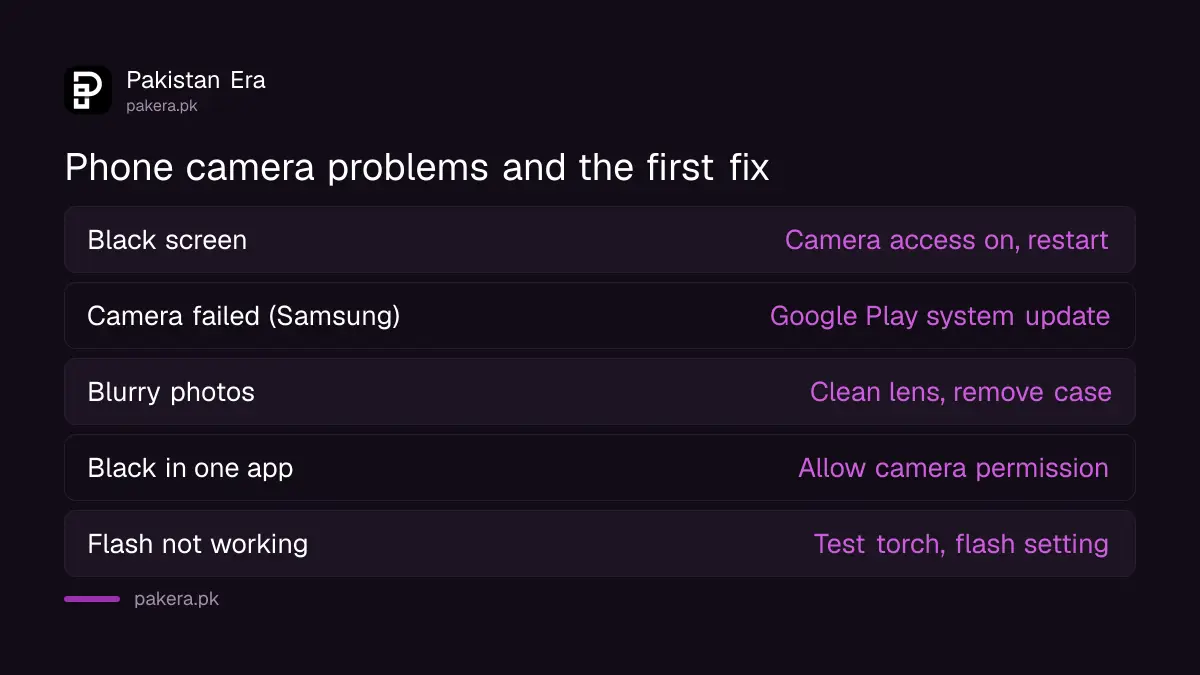
Those steps fix most camera faults without a repair shop. Find your symptom in the table, then follow the matching section.
| Symptom | Likely cause | First fix |
|---|---|---|
| Black screen in the camera app | Camera access off, app stuck, or hardware | Camera access on, restart, diagnostics |
| "Warning: Camera failed" on Samsung | Out-of-date Google Play system files | Google Play system update, restart |
| Blurry or hazy photos | Dirty lens, case or magnetic mount | Clean lenses, remove accessories |
| Works in one app, not another | Missing camera permission | Allow the camera for that app |
| Flash or torch not working | Flash set to Auto, or the phone is hot | Test the torch, change the flash setting |
Start with the lens, the case and a restart
Apple's first steps for any camera fault are to remove the case, film or accessory that could block the lens or flash, clean the lenses with a microfiber cloth, and restart. Magnetic mounts and metal cases can also upset the camera.
- Take off the case, any lens protector film, clip-on lenses and magnetic car or ring mounts.
- Wipe the front and back lenses with a clean microfiber cloth. Skin oil on the lens is the most common cause of hazy photos.
- Restart the phone.
- Open the camera and switch between the front and back cameras. Note whether one, or both, fail.
If only one camera fails after a restart, it points to a hardware fault in that camera. If both fail, software is the more likely cause, so work through the next sections first.
Fix a black camera screen on Android
On Android 12 and newer, a Camera access switch in Quick Settings can block every app from using the camera. When it is off, the camera shows black. Turn it back on, then clear the Camera app's cache and test again in Safe Mode.
- Swipe down twice from the top and look for Camera access. If it is off, tap it on. If you cannot see it, tap the pencil (Edit) and look among the extra tiles.
- Close the camera fully and reopen it.
- Go to Settings, Apps, Camera, Storage, and tap Clear cache. Do not clear data unless the cache step fails, as it resets camera settings.
- Install any system update: Settings, Software update.
- Boot into Safe Mode: hold Power, then press and hold Power off until Safe Mode appears. If the camera works there, a downloaded app is grabbing it. Uninstall apps added just before the problem started, starting with flashlight, beauty camera and cleaner apps.
Samsung "Warning: Camera failed"
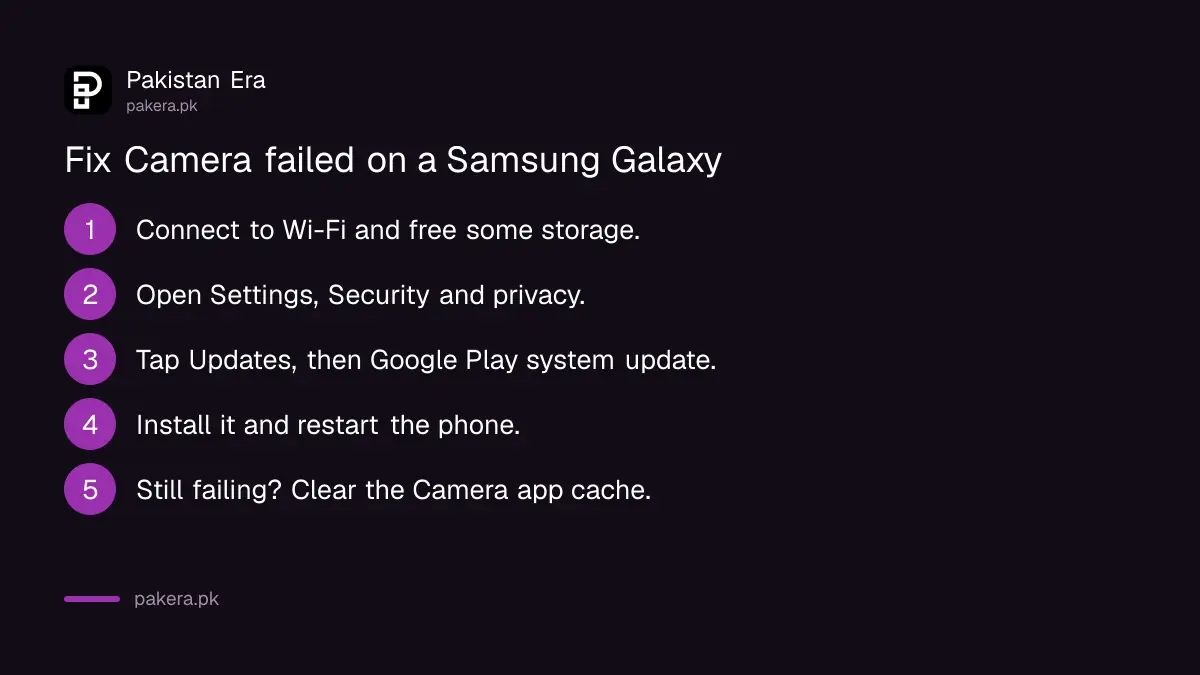
Samsung says this error often follows a Google security update and is fixed by updating the Google Play system files. Samsung names the Galaxy A13, A12, A21s, M13, A14, A04s, M12 and Xcover 5 as affected.
- Connect to stable Wi-Fi and free some storage.
- Open Settings, Security and privacy, then Updates or System updates.
- Tap Google Play system update and install any update.
- Restart when asked, then open the camera.
- Still failing? Clear the Camera app cache, as above.
Fix a black camera screen on iPhone
Apple's steps for a black camera screen: update iOS, test both cameras, and if it stays black, run the built-in Mobile Resource Inspector in Recovery Assistant's Diagnostics Mode. If that test finds a problem, the iPhone needs service.
- Update to the latest iOS: Settings, General, Software Update.
- Open Camera and tap the rotate button to switch between front and rear cameras.
- Remove any lens converter, metal case or magnetic lens mount if you see blur in low light.
- If the screen stays black, turn the iPhone off. Press and hold the side button as it starts up to open Recovery Assistant.
- Tap Diagnostics Mode, then choose Mobile Resource Inspector and tap Start Diagnostic.
- If it reports an issue, book a repair with an Apple Authorised Service Provider.
Fix the camera in WhatsApp, banking apps and video calls
If the camera app works but WhatsApp, a bank's selfie check or Zoom shows black, that app lacks camera permission or another app is holding the camera. Allow the camera for the app, and close any other app that might be using it.
- Android: Settings, Apps, the app, Permissions, Camera, then Allow only while using the app. Google's Privacy dashboard and the tools for checking app permissions on Android show which apps used the camera recently.
- iPhone: Settings, Privacy and Security, Camera, then turn the app on. A green dot in the status bar means an app is using the camera right now.
- Bank and wallet selfie checks: many need good light and a clean front lens. Face a window, remove glasses if they glare, and keep your face inside the frame.
- Only one camera at a time: close video calls, screen recorders and Snapchat or TikTok before opening another camera app.
Flash, heat and storage problems
If the flash fires only sometimes, the camera is probably set to Auto flash. Apple suggests testing the torch from Control Center first. A very hot phone may also block the flash or close the camera until it cools, which is common in summer or while charging.
- Test the torch from Quick Settings or Control Center. If the torch works, the flash LED is fine, and the setting is the issue: tap the flash icon in the camera and choose On.
- Let a hot phone cool for ten minutes away from the charger. Gaming, long video and charging together heat phones quickly, and the steps to stop a phone overheating while charging help.
- Check free storage. A phone with almost no space can fail to save photos or videos, even when the preview works.
- After a drop or water exposure, a cracked lens cover or moisture inside can cause haze and black spots. That needs a repair.
For an Infinix or Tecno phone, Carlcare handles camera repairs. For Samsung, use an authorised Samsung service centre, and back up photos before you hand the phone over.
Common questions
Why is my phone camera showing a black screen?
On Android, check Camera access in Quick Settings is on, then restart and clear the Camera app cache. On iPhone, update iOS and run Mobile Resource Inspector in Diagnostics Mode. If only one camera is black after this, it is likely hardware.
How do I fix "Warning: Camera failed" on Samsung?
Go to Settings, Security and privacy, Updates, and install the Google Play system update. Restart the phone. If the warning stays, clear the Camera app cache, then visit a Samsung service centre.
Why are my phone photos blurry?
Usually a smudged lens. Clean the front and back lenses with a microfiber cloth and remove the case or any magnetic mount. Blur in low light can also come from lens converters and metal cases.
Why does WhatsApp camera not work but the normal camera does?
WhatsApp does not have camera permission, or another app is using the camera. Allow the camera for WhatsApp in Settings and close other camera or video call apps.
Can a phone camera be fixed without a repair shop?
Software faults, yes: restart, updates, cache clearing and permissions fix most of them. A cracked lens, water damage or a failed diagnostic needs an authorised repair centre.
How we verified this
What we checked and where we read it.
We checked these official pages on 25 November 2026: Apple's "If the camera or flash on your iPhone or iPad isn't working" (support.apple.com/102514), for the accessory and lens steps, front and rear camera test, Recovery Assistant Diagnostics Mode with Mobile Resource Inspector, and the flash checks; and Samsung's Gulf page "Fix Warning Camera Failed Error on Samsung" (samsung.com), updated 5 July 2026, for the Google Play system update fix and the list of affected Galaxy models. Menu names differ by model and software version.
Free on WhatsApp
Get last dates and rule changes on WhatsApp
We post new last dates, fee changes and fixes for common problems, a few short posts a day.
Follow Pakera on WhatsAppOther followers cannot see your number.
Pakera Solves It
Which online process wasted your time this week?
A portal that will not load, a form nobody explains, a complaint that went nowhere. Tell us. Every week we pick one, solve it step by step and publish the answer.
About the author

Technology Journalist & Multimedia Producer
Ahmad Ali is a technology journalist and multimedia producer at Pakistan Era, joining the team in October 2026. He covers consumer technology and digital life for Pakistani readers, combining research with hands-on product testing.