iPhone SIM Not Supported, Invalid SIM or No SIM in Pakistan: Check the Carrier Lock and Fix It
iPhone shows SIM Not Supported, Invalid SIM or No SIM in Pakistan? Check Carrier Lock in Settings, then six fixes for an unlocked iPhone and eSIM-only models.
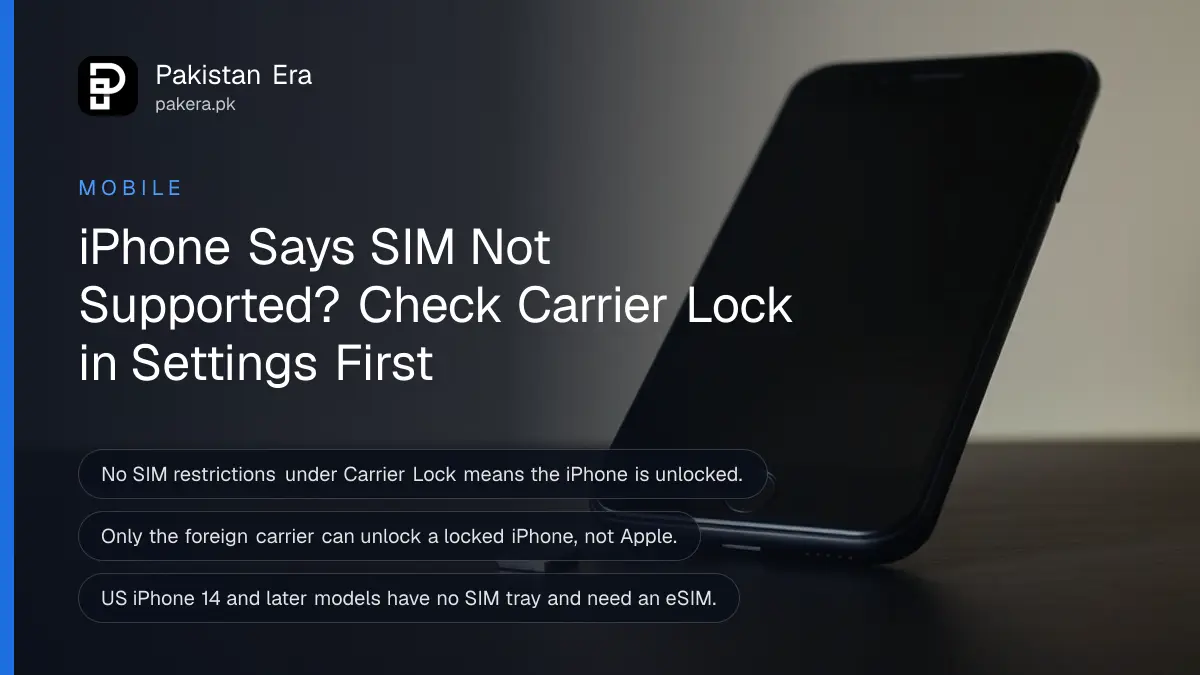
Open Settings, General, About and look at Carrier Lock. If it says "No SIM restrictions", your iPhone is unlocked and an "Invalid SIM" or "No SIM" alert is a SIM or settings problem you can fix at home. If it shows a carrier name, the iPhone is locked to that foreign network, and only that carrier can unlock it, which is why it says "SIM Not Supported" with a Jazz, Zong, Ufone, Telenor or Onic SIM.
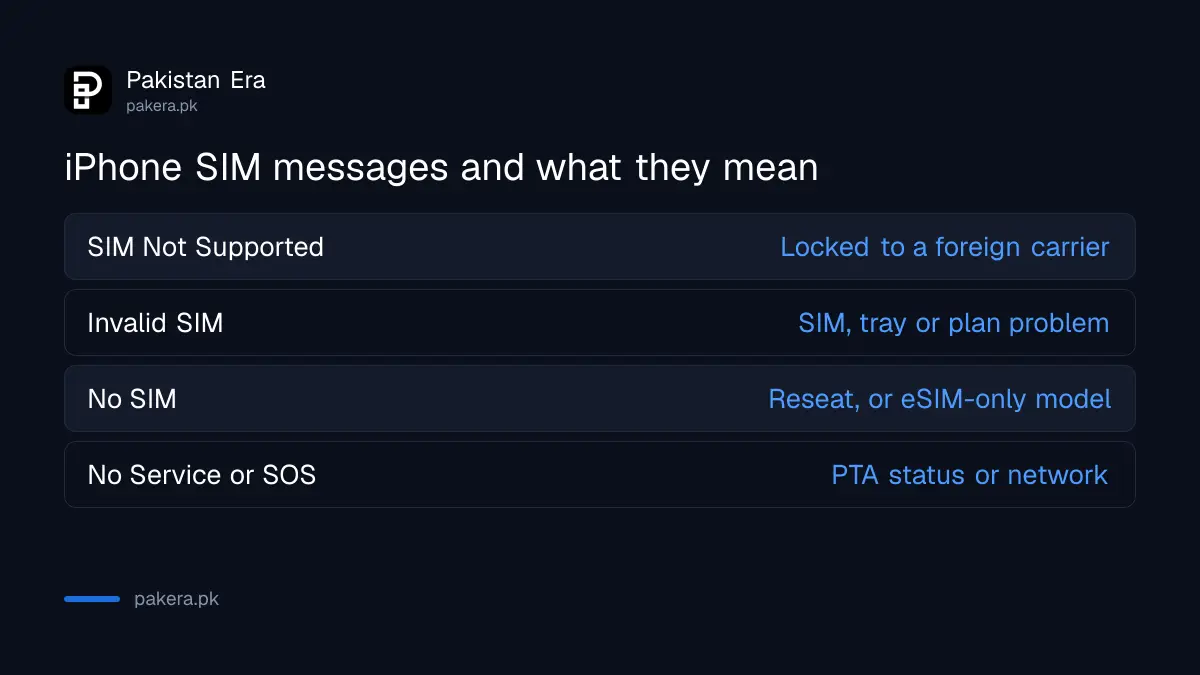
This check takes ten seconds and tells you which of three problems you have. The table matches the message on your screen to the cause and the fix.
| Message on the iPhone | Usual cause | What fixes it |
|---|---|---|
| SIM Not Supported | iPhone locked to a foreign carrier | Unlock by that carrier only |
| Invalid SIM | SIM, tray or plan problem, or a locked phone | Restart, reseat, carrier update, new SIM |
| No SIM | SIM not seated, damaged, or no tray on the model | Reseat, test another SIM, or use eSIM |
| No Service or SOS, SIM shown | Phone not PTA registered, or network issue | Check PTA status, then network settings |
Check if your iPhone is carrier locked
Go to Settings, General, About and find Carrier Lock. "No SIM restrictions" means the iPhone is unlocked and works with any Pakistani SIM. Anything else, such as a carrier name or "SIM locked", means it is tied to one network abroad.
- Open the Settings app.
- Tap General, then About.
- Scroll to Carrier Lock. Some regions label it Network Provider Lock.
- Read the value next to it. "No SIM restrictions" is what you want.
Do this check before you buy a used iPhone, not after. Many iPhones that arrive in Pakistan were bought on a contract in the US, UK or Gulf, and a contract phone usually stays locked to that carrier until the contract is paid off. A shop label of "factory unlocked" means nothing until Carrier Lock confirms it.
SIM Not Supported means only the foreign carrier can unlock it
Apple says it cannot unlock an iPhone for use with a different carrier. Only the carrier the phone is locked to can do it, and the request can take a few days. No Pakistani operator, PTA or Apple store in Pakistan can remove that lock.
Apple's support page quotes the full message you may see: "The SIM card inserted in this iPhone does not appear to be supported. Only compatible SIM cards from a supported carrier may be used to activate iPhone." On iOS 14 or later, the fix is to confirm Carrier Lock shows "No SIM restrictions". If it does not, the original carrier has not unlocked it.
Your options with a locked iPhone:
- Ask the original owner or seller to request the unlock from the carrier. Most carriers need the account holder, or the IMEI and proof the device is paid off.
- Check the carrier's own unlock page if you know which carrier it is. Many US and UK carriers take unlock requests online with the IMEI. Find the IMEI under Settings, General, About.
- Return the phone if the seller sold it as unlocked. A locked iPhone is worth much less in Pakistan, and buyers should be told.
Sellers in Pakistan sometimes offer locked iPhones with a thin chip that sits under the SIM to get past the lock. These setups can stop working after an iOS update, and calls, SMS or OTPs may fail without warning. That is a risk for anyone who relies on the phone for bank codes.
After the carrier confirms the unlock
- Take out the old SIM and put in your Pakistani SIM. The iPhone should activate.
- No second SIM to hand? Back up the iPhone, erase it, then restore it from the backup.
- Go back to Settings, General, About and confirm "No SIM restrictions".

Fix Invalid SIM or No SIM on an unlocked iPhone
On an unlocked iPhone, Invalid SIM or No SIM is usually a SIM that has moved, a loose tray, an expired SIM, or a pending carrier update. Apple's steps: check the plan is active, restart, update carrier settings, reseat the SIM, then try another SIM.
- Check the SIM is active. Put it in another phone. If it shows no signal there too, the SIM is blocked or expired, and the operator must fix it.
- Restart the iPhone.
- Check for a carrier settings update: Settings, General, About. If one is ready, a prompt appears. Tap Update.
- Reseat the SIM. Remove the tray, put the SIM back, and close the tray fully. A tray from another iPhone model or another brand may not fit.
- Try a different SIM. If another SIM works, your old one needs replacing at the operator's franchise.
- Still no SIM? The iPhone may need repair. Book a check with an Apple Authorised Service Provider.
A SIM can also stop working on the network side. A SIM unused for months, or one blocked for biometric re-verification, shows no signal even though the phone reads it. In that case the problem sits with the operator, not the iPhone, and steps like those for a Jazz SIM that stops working apply.
Some US iPhones have no SIM tray at all
iPhone models sold in the United States from the iPhone 14 onwards have no physical SIM tray. On those, "No SIM" simply means no eSIM is installed yet. You need an eSIM from a Pakistani operator, and the phone must still be unlocked and PTA registered.
Look at the side of the phone. No tray slot means eSIM only. All four main operators issue eSIMs in Pakistan at their own centres, and the steps for Zong eSIM activation or a Jazz eSIM by QR code work on any unlocked iPhone with eSIM support.
No Service with the SIM showing is a different problem
If the iPhone shows the operator's name or the SIM in Settings but says No Service or SOS, the SIM is read correctly. The usual causes in Pakistan are a phone not registered with PTA's DIRBS, or a network or settings fault.
Check the IMEI by sending it to 8484, or use the PTA DIRBS website. An unregistered iPhone works on a local SIM only for a limited period, then loses service until it is registered and the PTA tax is paid. The full set of fixes for an iPhone stuck on No Service or SOS covers this, including network reset.
Common questions
Can a Pakistani shop unlock a carrier-locked iPhone?
Not properly. Apple says only the carrier the iPhone is locked to can unlock it. Shops can fit a chip under the SIM, but that is not an unlock and may stop working after an update.
How do I know if a used iPhone is factory unlocked?
Go to Settings, General, About, Carrier Lock. It must say "No SIM restrictions". Check this with your own Pakistani SIM inserted before you pay.
Will paying PTA tax unlock a locked iPhone?
No. PTA registration lets the phone use Pakistani networks, but it does not remove a carrier lock. A locked iPhone still shows SIM Not Supported after the tax is paid.
Why does my iPhone say Invalid SIM after an update?
Restart, then check Settings, General, About for a carrier settings update. If the alert stays, reseat the SIM and try another SIM. A phone that worked only through a SIM chip may lose service after an iOS update.
My iPhone has no SIM tray. Can I use it in Pakistan?
Yes, with an eSIM, if the iPhone is unlocked and PTA registered. Get the eSIM from your operator's customer centre with your CNIC.
How we verified this
What we checked and where we read it.
We checked Apple's support pages on 25 November 2026: "How to unlock your iPhone for use with a different carrier" (support.apple.com/109316), for the Carrier Lock check, the full SIM Not Supported message and the rule that only the carrier can unlock; and "If you see Invalid SIM or No SIM on your iPhone or iPad" (support.apple.com/108914), for the six troubleshooting steps. The 8484 IMEI check is PTA's DIRBS service.
Free on WhatsApp
Get last dates and rule changes on WhatsApp
We post new last dates, fee changes and fixes for common problems, a few short posts a day.
Follow Pakera on WhatsAppOther followers cannot see your number.
Pakera Solves It
Which online process wasted your time this week?
A portal that will not load, a form nobody explains, a complaint that went nowhere. Tell us. Every week we pick one, solve it step by step and publish the answer.
About the author

Technology Journalist & Multimedia Producer
Ahmad Ali is a technology journalist and multimedia producer at Pakistan Era, joining the team in October 2026. He covers consumer technology and digital life for Pakistani readers, combining research with hands-on product testing.