How to Record Phone Calls in Pakistan on Samsung, Android and iPhone
Record calls in Pakistan: the Samsung Record call and auto record steps, the Google Phone app button, why iPhone recording is off here, and safe alternatives.
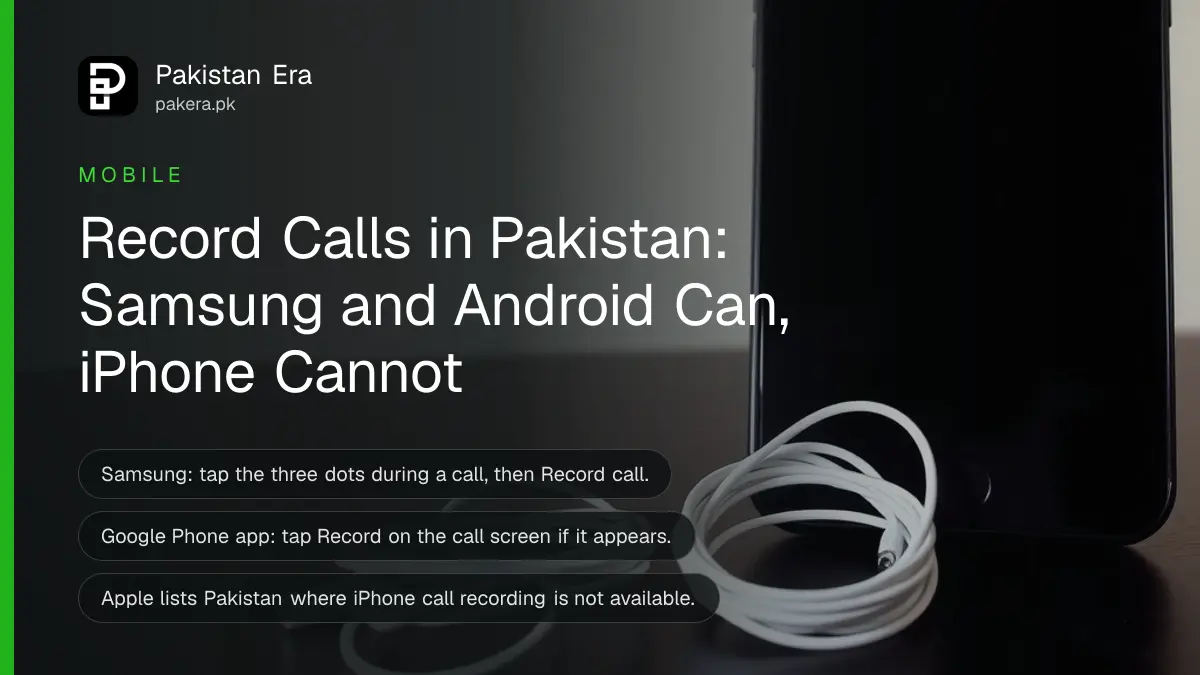
On a Samsung Galaxy, open the Phone app, tap the three dots during a call and choose Record call. On a phone that uses the Google Phone app, tap Record on the call screen. On an iPhone in Pakistan, the built-in Call Recording button is not available: Apple lists Pakistan among the countries where it is switched off.
That is the short answer. Call recording in Pakistan depends on two things: which phone app your handset uses, and whether the maker has turned the feature on for your country. The table below shows where each phone stands, and the sections after it give the exact taps.
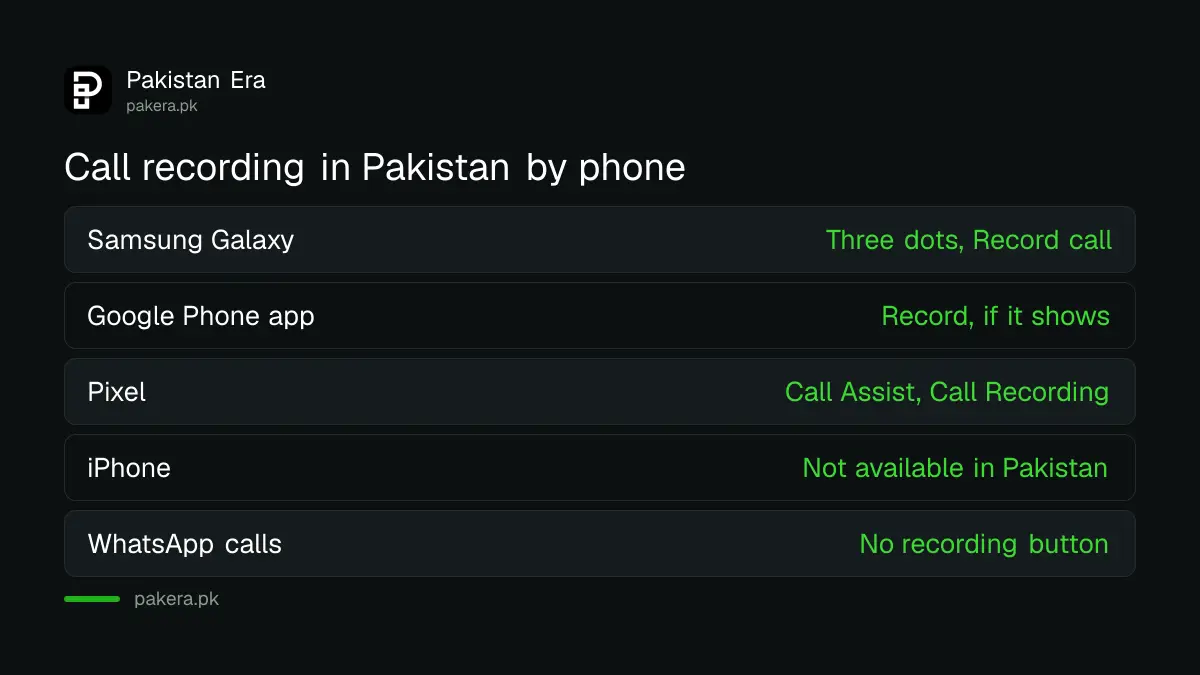
| Phone | Built-in call recording in Pakistan | Where to tap |
|---|---|---|
| Samsung Galaxy (Phone app by Samsung) | Yes, on models and One UI versions that offer it | Three dots, then Record call |
| Phones with the Google Phone app (many Xiaomi, Infinix, Tecno, Pixel) | Only if Record appears on the call screen | Record (Pixel: Call Assist, then Call Recording) |
| iPhone | No, Apple lists Pakistan as not available | Settings has no working option here |
| Any phone, WhatsApp call | No recording button in WhatsApp | Not offered |
Record a call on a Samsung Galaxy phone
Samsung's own Phone app has a Record call option inside the three-dot menu during a call, and an Auto record setting for all calls, unsaved numbers or chosen contacts. Samsung says support depends on the model, region and One UI version.
Record one call
- Make or answer the call in the Samsung Phone app.
- Tap the three dots (More options) on the call screen.
- Tap Record call. Tap it again, or hang up, to stop.
Record every call automatically
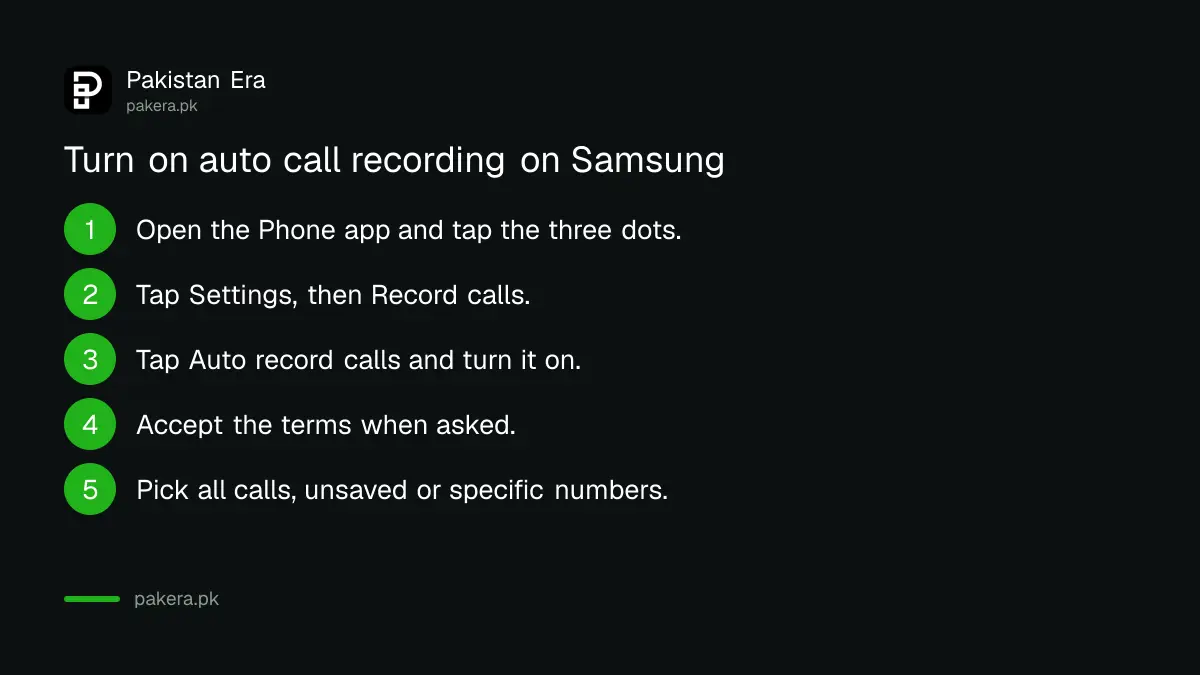
- Open the Phone app and tap the three dots at the top right.
- Tap Settings, then Record calls.
- Tap Auto record calls and turn the switch on.
- Accept the terms when asked.
- Choose All calls, Unsaved numbers or Specific numbers.
To play a recording later, go to Phone, three dots, Settings, Record calls, Recorded calls. If the menu has no Record call option at all, update the phone in Settings, Software update, and check again. Older One UI versions and some network settings can hide it.
Record a call with the Google Phone app
Many Android phones sold in Pakistan use Google's Phone app as the dialer. Google says call recording there needs Android 9 or later (Pixel 6 or newer on Android 14 for Pixels), the latest Phone app, and a country, device and carrier that support it.
- Update the Phone by Google app from the Play Store.
- Make or answer a call. You cannot record before the call is answered, while it is on hold, or while you set up a conference call.
- On a non-Pixel phone, tap Record on the call screen. On a Pixel, tap Call Assist, then Call Recording.
- Tap Stop recording (on a Pixel, Call Assist, then Stop) when you are done.
Both people hear a disclosure when the recording starts and stops. That is by design, and the app gives no way to turn it off.
For automatic recording, open the Phone app, go to Settings, Call recording, and under Always record choose numbers not in your contacts or selected contacts. Recordings stay on the phone and are not backed up off the device. Find them in History under the call, and swipe left to delete one. Deleting the call log entry also deletes its recording.
No Record button on your call screen? Then the Phone app on your phone, your carrier or your country is not covered at the moment. Nothing in the settings will add it.
iPhone call recording is not available in Pakistan
Apple added Call Recording to the iPhone Phone app with iOS 18, but its own support page lists Pakistan among the countries where call recording is not currently available, alongside the UAE, Saudi Arabia, Qatar, Oman, Turkey and the European Union.
Where the feature works, it sits behind a button on the call screen, both people hear an audio notice, and the recording goes to a Call Recordings folder in Notes. In Pakistan that button does not appear. Changing the iPhone region to record calls is not a fix we suggest: Apple decides availability on its side, and a region change also affects the App Store, payments and other settings.
What an iPhone user can do instead:
- Put the call on speaker and record it on a second device with a voice recorder app, after telling the other person.
- For a business call, ask the caller to send the key points by SMS, WhatsApp or email afterwards, which gives you a written record.
- For a complaint call to a bank or operator, note the complaint number and the agent's name and time of call. The company keeps its own recording of calls to its helpline.
Third-party call recorder apps carry real risks
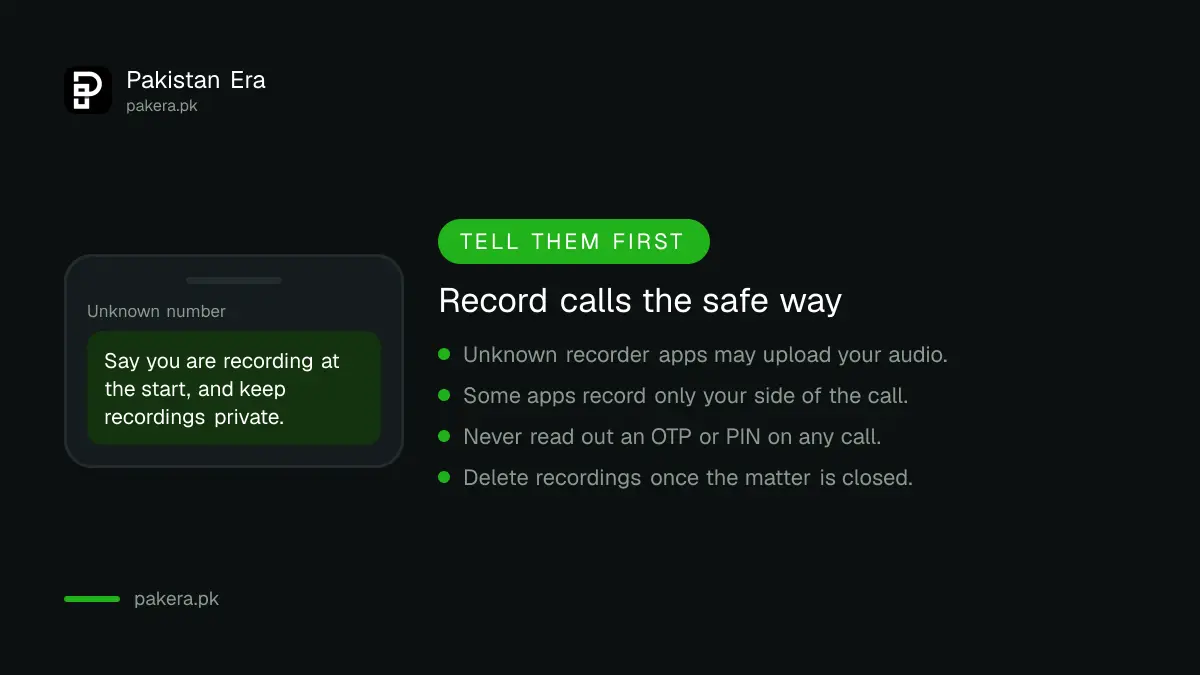
Recorder apps from the Play Store often record only your side of the call, need wide permissions, and may upload audio to their own servers. Apple warns that some apps can record a call without warning the other person. Use the built-in option where it exists.
If you do try an app, check these points first:
- The developer is a known company, the app has a privacy policy, and it does not ask for SMS, contacts or accessibility access it does not need.
- Recordings are saved on your phone, not only in the app's own cloud.
- You can delete recordings, and the app stops when you uninstall it.
Worried that someone is recording you through a hidden app? Look for signs of spyware or stalkerware on your phone and remove any app you did not install.
Tell the other person before you record
Apple asks you to make sure the other person is willing to be recorded, and Google says you are responsible for following the law on recording calls. The simple rule in Pakistan: say "I am recording this call" at the start.
A recording made in secret can damage trust with a customer, a relative or an employer. It can also become a privacy problem if it is shared on social media. Keep recordings private, share them only with the person who needs them, such as a lawyer or a company's complaint desk, and delete them once the matter is closed.
Recordings also take space. On a busy phone, auto-recording every call can fill storage within weeks, so set Samsung's Auto record to unsaved or specific numbers, and use Google's Delete recordings setting to clear old files automatically. If space is already low, clearing a full phone storage takes a few minutes.
Turn call recording off
On Samsung, go to Phone, three dots, Settings, Record calls, and turn off Auto record calls. In the Google Phone app, go to Settings, Call recording, and switch off Always record. On an iPhone, the setting is under Settings, Apps, Phone, Audio Call Recording.
Turning recording off on your phone does not stop the other person recording you. Treat any call with a stranger as if it could be recorded, and never read out an OTP, PIN or card number on a call. Unknown callers who keep pushing can be screened with silence unknown callers on both Android and iPhone.
Common questions
Can I record calls on iPhone in Pakistan?
Not with the built-in feature. Apple's support page lists Pakistan among the countries where Call Recording is not currently available. You can put the call on speaker and record it on another device after telling the other person.
Does the other person know when I record a call?
With the Google Phone app, yes: both people hear a disclosure when recording starts and stops. On iPhone, where the feature is offered, both hear an audio notice. Samsung's page does not say whether the other side is alerted, so tell them yourself.
Where are Samsung call recordings saved?
Open the Phone app, tap the three dots, then Settings, Record calls and Recorded calls. Every saved recording is listed there, and you can play or share it from that screen.
Why is there no Record button on my Xiaomi, Infinix or Tecno phone?
If the phone uses the Google Phone app, Record appears only where Google supports it for that device, carrier and country. Update the Phone app first. If the button still does not show, the feature is not offered on your phone.
Can I record WhatsApp calls?
WhatsApp has no built-in call recording. The Samsung and Google recording features work on normal mobile calls, not on WhatsApp voice or video calls.
How do I stop my phone recording every call?
On Samsung, turn off Auto record calls under Phone, Settings, Record calls. In the Google Phone app, switch off Always record under Settings, Call recording.
How we verified this
What we checked and where we read it.
We checked these official pages on 25 November 2026: Apple's iPhone User Guide page "Record and transcribe a call on iPhone" (support.apple.com), which lists Pakistan among the countries where call recording is not currently available; Google's Phone app help page "Record calls" (support.google.com/phoneapp), for the Android 9 and Pixel requirements, the disclosure to both parties and on-device storage; and Samsung's support page on the call recording feature (samsung.com), for the Record call and Auto record steps. Samsung's page notes that the menus differ by model and One UI version.
Free on WhatsApp
Get last dates and rule changes on WhatsApp
We post new last dates, fee changes and fixes for common problems, a few short posts a day.
Follow Pakera on WhatsAppOther followers cannot see your number.
Pakera Solves It
Which online process wasted your time this week?
A portal that will not load, a form nobody explains, a complaint that went nowhere. Tell us. Every week we pick one, solve it step by step and publish the answer.
About the author

Technology Journalist & Multimedia Producer
Ahmad Ali is a technology journalist and multimedia producer at Pakistan Era, joining the team in October 2026. He covers consumer technology and digital life for Pakistani readers, combining research with hands-on product testing.