Phone Stolen With SadaPay, NayaPay, UPaisa or Zindigi on It in Pakistan: What to Block in the First Hour
Phone stolen with SadaPay, NayaPay, UPaisa or Zindigi on it? The number to call for each wallet, the order to block wallet, card and SIM, and how to log in.
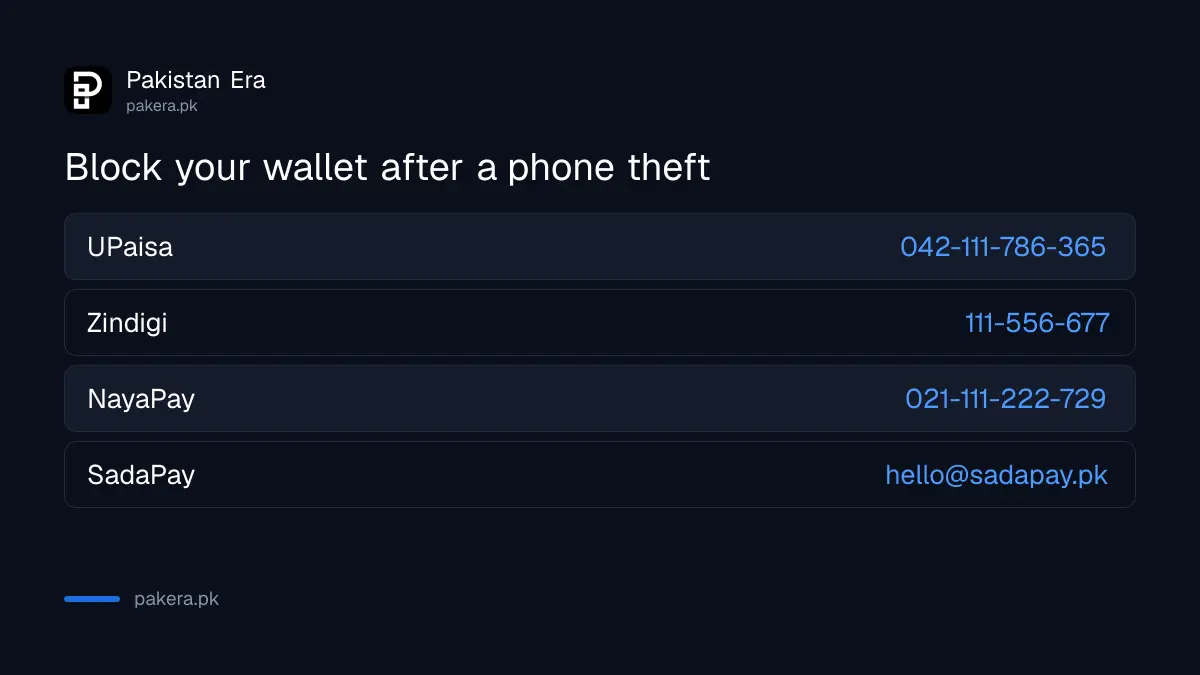
Phone stolen with a wallet app on it? Within the first hour, do three things. Call or message the wallet to block the account or card. Block the SIM with your operator. Then log in on a new phone so your account is tied to you again. For UPaisa call 042-111-786-365. For Zindigi call 111-556-677. For NayaPay call 021-111-222-729. SadaPay has no phone line, so email hello@sadapay.pk.
A thief with your phone has two keys: the app and the SIM that receives your codes. Each wallet guards the app with a PIN. But a stolen SIM can receive login codes, and a card left active can still be used. The steps below close both doors, wallet by wallet.
Block your wallet first: numbers for each app
Each wallet handles a stolen phone in its own way. UPaisa, Zindigi and NayaPay take block requests on the phone. SadaPay works only through email and in-app chat. Call from a family member's phone and have your CNIC number ready, because agents verify you first.
| Wallet | Who to contact | What to ask for |
|---|---|---|
| UPaisa | 042-111-786-365, or 7777 from a Ufone SIM | Block the mobile account |
| Zindigi | 021-111-556-677 or 051-111-556-677, 24/7 | Block the debit or credit card and report the loss |
| NayaPay | 021-111-222-729, or +1 650 468 2078 from abroad | Freeze or block the card; report fraud |
| SadaPay | hello@sadapay.pk, or in-app chat on a new phone | Report the phone and card stolen |
Write down the time you called and any complaint number. If money later goes missing, the time you reported the loss matters.
The first hour after a phone is stolen, in order
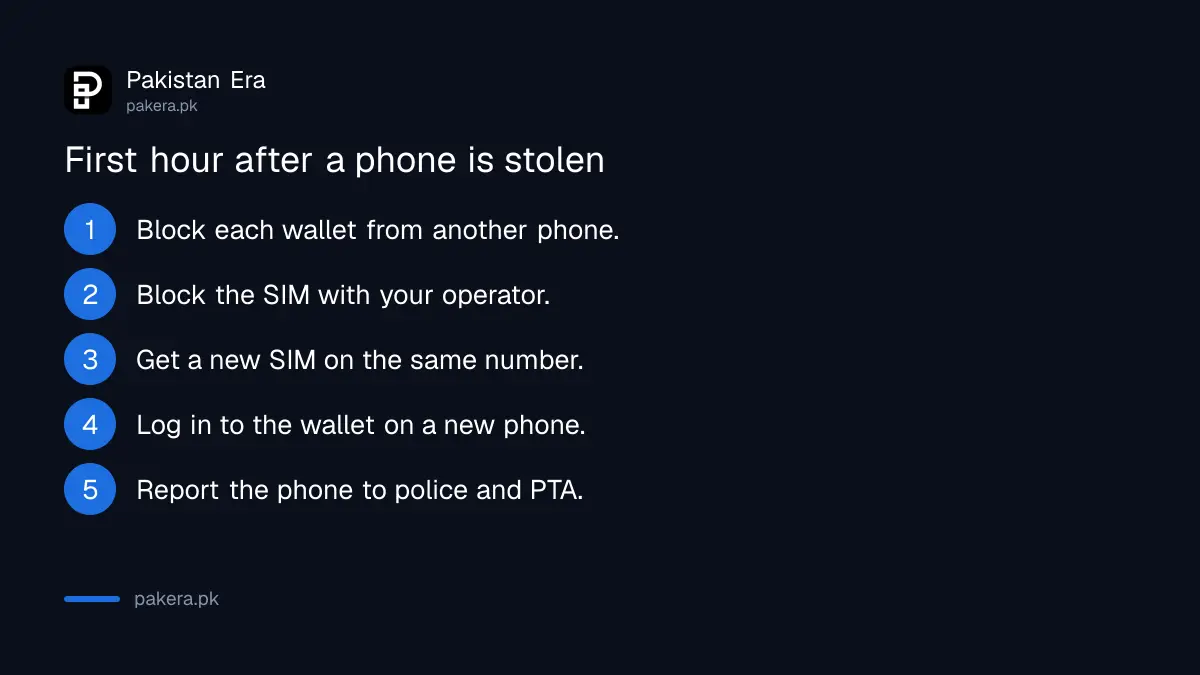
Block the wallet, then the SIM, then log in elsewhere. That order cuts off the thief's access to your money first and to your codes second. Report the phone to PTA and the police after that.
- From another phone, call or email each wallet on the stolen phone and ask for a block.
- Call your mobile operator's helpline and block the SIM.
- Get a replacement SIM on the same number at the operator's service centre, with your CNIC and biometric verification.
- Install the wallet app on a new phone and log in, so the account moves to your new device.
- Change your wallet PIN and any app passwords.
- Report the phone to the police and block its IMEI through PTA.
The police report and the PTA IMEI block are covered in how to block a lost or stolen phone in Pakistan. If the phone may only be lost, try Find Hub or Find My before you wipe it.
SadaPay: your PIN protects transfers, but report the theft
SadaPay says your account stays protected because your secret PIN is still needed for any transfer. It still asks you to report a stolen phone or card as soon as possible. Its card can be frozen for a while or reported stolen, which disables it for good.
- Email hello@sadapay.pk from your registered email and say the phone was stolen.
- Once logged in on a new phone, use More, then Help Center, then Messages to confirm.
- Freeze the card if it might turn up. Report it stolen if it is gone; SadaPay then sends a new one and charges its card fee.
SadaPay moved away from phone support, so anyone who calls you claiming to be SadaPay is not. That matters after a theft, when scammers sometimes call victims offering "help".
NayaPay: your card still works, so freeze it
NayaPay says its debit card keeps working without your phone. That is useful if you need cash, but it also means a stolen card can be used. Freeze it from the app, or call 021-111-222-729. Then install NayaPay on a new phone and log in with an OTP.
| Action | What it does |
|---|---|
| Freeze card | Temporarily stops most card use; you can unfreeze it any time |
| Block card | Permanently disables it; you must order a new card |
| Log in on a new phone | Uses your NayaPay ID, password and an OTP to your registered number |
| Five wrong MPIN tries | Locks the account; unlock by security question, in-app biometrics or a Meezan Bank ATM |
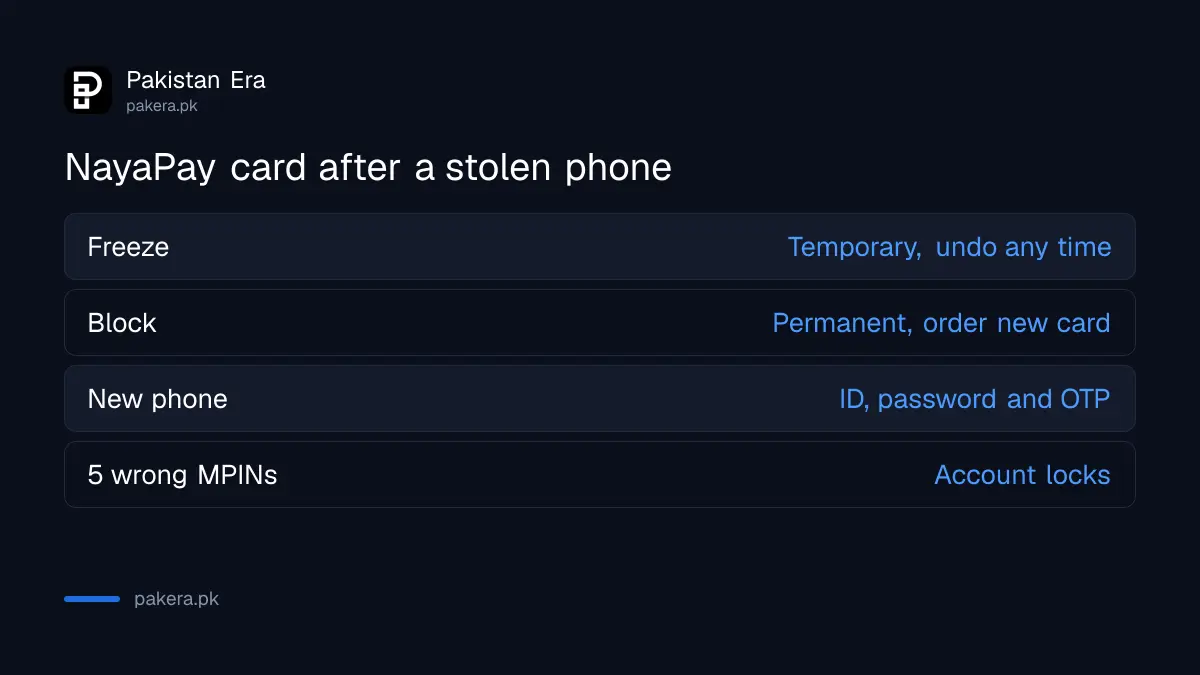
Note one gap: NayaPay says recurring payments such as subscriptions keep going through on a frozen card. Block the card if the thief could have added it to a service. More on NayaPay password, MPIN and locked accounts.
UPaisa and Zindigi: block by phone, then wait out the checks
UPaisa's terms say a stolen phone or Ufone SIM must be reported immediately so the bank can block the account. Zindigi takes card blocks on 111-556-677. On a new phone, Zindigi asks for biometric verification and then holds the login for 2 hours.
For UPaisa, getting the same Ufone number back on a new SIM is not the end. Its terms say a SIM change needs a PIN change through the helpline before you use the account. For Zindigi, the 2-hour wait also applies after a PIN reset or email change. That wait is a fraud control, and it also slows down a thief who tries the same thing.
Protect your SIM so a thief cannot read your codes
Your SIM receives the OTPs that open new devices and reset PINs. Block it the moment the phone is gone, and put a SIM PIN on your new one. A SIM PIN stops anyone using the SIM in another phone without the code.
Set it up with the steps in how to lock your SIM with a PIN in Pakistan. If you get "SIM changed" messages you did not ask for, treat it as SIM swap fraud and call your wallets at once.
Common questions
Can someone use my SadaPay if my phone is stolen?
SadaPay says transfers still need your secret PIN, so your account stays protected. Report the theft to hello@sadapay.pk anyway, and freeze or report your card.
How do I block NayaPay without my phone?
Call NayaPay on 021-111-222-729, or +1 650 468 2078 from abroad, and ask them to freeze the card. Then log in on a new phone.
What is the UPaisa number to block my account?
Call 042-111-786-365 from any network, or 7777 from a Ufone SIM, and ask the agent to block the mobile account.
Why does Zindigi make me wait 2 hours on my new phone?
Zindigi holds a new device login for 2 hours after biometric verification. It is a cooling-off control to stop account takeover.
Should I freeze or block my wallet card?
Freeze it if you might find it. Block it if it is stolen. A block cannot be undone, and you will need a new card.
Do I need to report a stolen phone to the police?
Yes. A police report helps the PTA IMEI block and any fraud claim with your wallet. Keep a copy.
How we verified this
What we checked and where we read it.
Last checked 15 November 2026. SadaPay steps come from its help articles What if my phone or SIM card is stolen?, What if my card is lost or stolen? and Phone Support. NayaPay steps come from its help centre, including My phone has been lost or stolen, I lost my card, freezing versus blocking a card, and My account is locked. UPaisa rules come from the UPaisa terms and conditions and its Contact Us page. Zindigi's numbers and its 2-hour cooling-off rules come from its Customer Touchpoints and Security pages.
About the author

Technology Journalist & Multimedia Producer
Ahmad Ali is a technology journalist and multimedia producer at Pakistan Era, joining the team in October 2026. He covers consumer technology and digital life for Pakistani readers, combining research with hands-on product testing.