Use the PSCA Public Safety App in Punjab: Alert-15, E-Challans, Blood Donors and Missing Persons
PSCA Public Safety app in Punjab: Alert-15 calls Police-15 and shares your live location, plus e-challans, blood donors and missing persons. Setup steps inside.
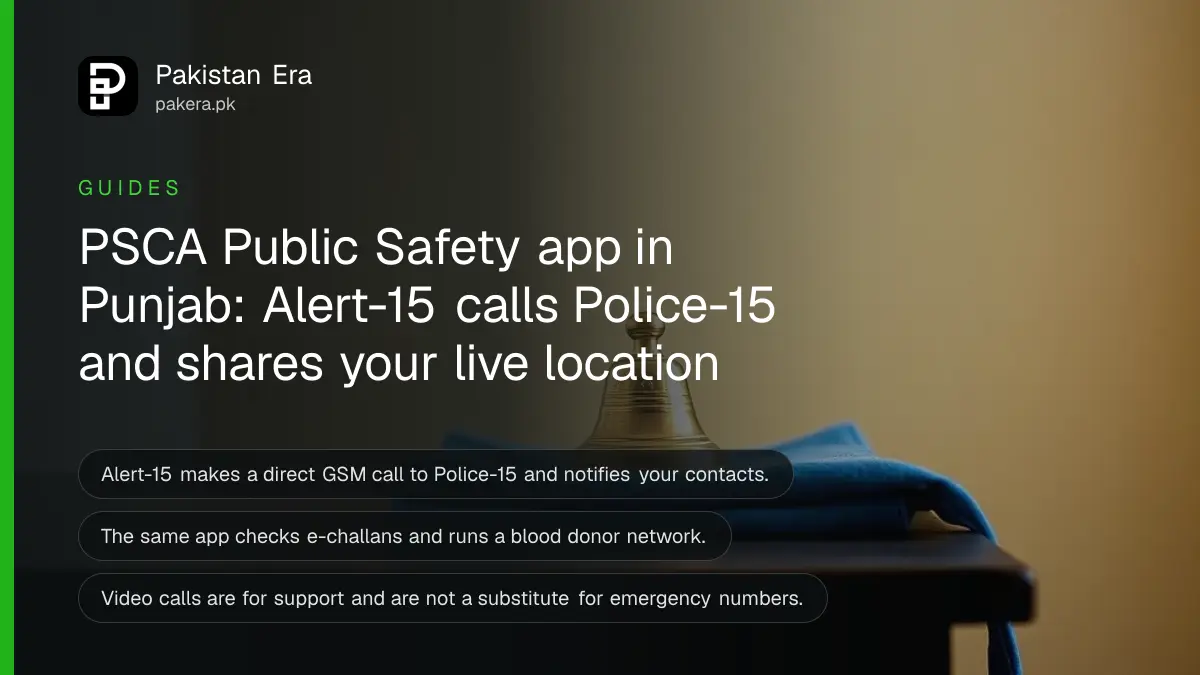
Short answer: The PSCA Public Safety app, from the Punjab Safe Cities Authority, puts several services on one phone. Its Alert-15 button makes a direct call to Police-15 and sends your live location to your emergency contacts. It also checks e-challans, tracks complaints, runs a blood donor network and reports missing persons.
Most people hear about the Safe Cities cameras but not about the app behind them. The Punjab government lists it on its own mobile applications page. This guide explains what each feature does and which ones you should set up before you need them.
We read the app's store listing, last updated on 15 June 2026, and the Punjab government's mobile applications page on 13 October 2026. We did not install the app or press Alert-15. Where we say what a button does, that is the Authority's own description. We could not test response times.
Alert-15 calls Police-15 and tells your contacts where you are
The listing says the Alert-15 Emergency Button instantly makes a direct GSM audio call to Police-15. It also notifies the authorities and your emergency contacts with your live location. GSM means an ordinary phone call on the mobile network, not an internet call.
This matters because many people freeze or cannot explain where they are. A call that already carries your location saves time. Add your emergency contacts in the app first. If they are missing, nobody but the police is told.
The latest update note on the listing says users can now track their 15 complaints through the app. They can also give feedback on police behaviour and response time. That gives you a record of what you reported.
Live chat and video connect you to support desks
The app can connect you by live chat and video to the Virtual Women Police Station (VWPS), the Virtual Center for Child Safety (VCCS) and other citizen support platforms. It also offers sign language video calls for hearing impaired citizens so that they can reach support staff.
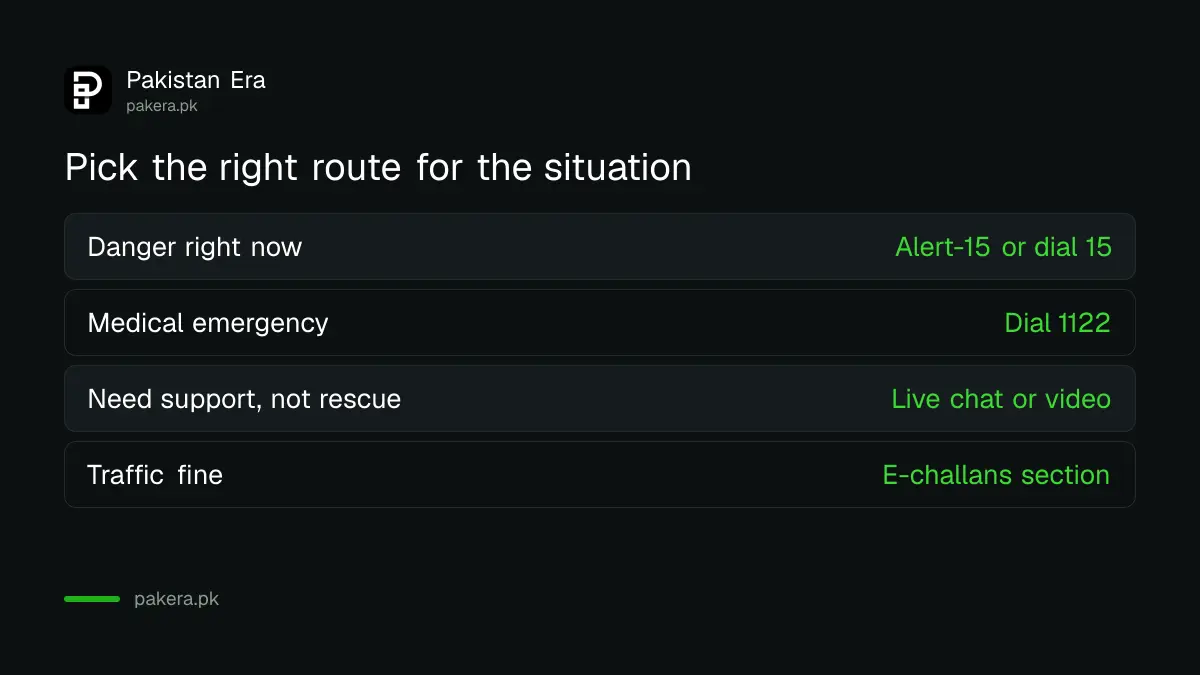
The listing includes a clear disclaimer. Video calls are for citizen support and accessibility. They are not a replacement for emergency numbers like 15 or 1122, and they are not used for them. In a real emergency, use the Alert-15 button or dial 15.
The app also lets you file and track complaints for Police-15, VWPS, VCCS and the Meesaq Minorities Center. For a complaint about an officer's conduct, the separate route is the Punjab Police 1787 complaint centre.
E-challans, blood donors and missing persons
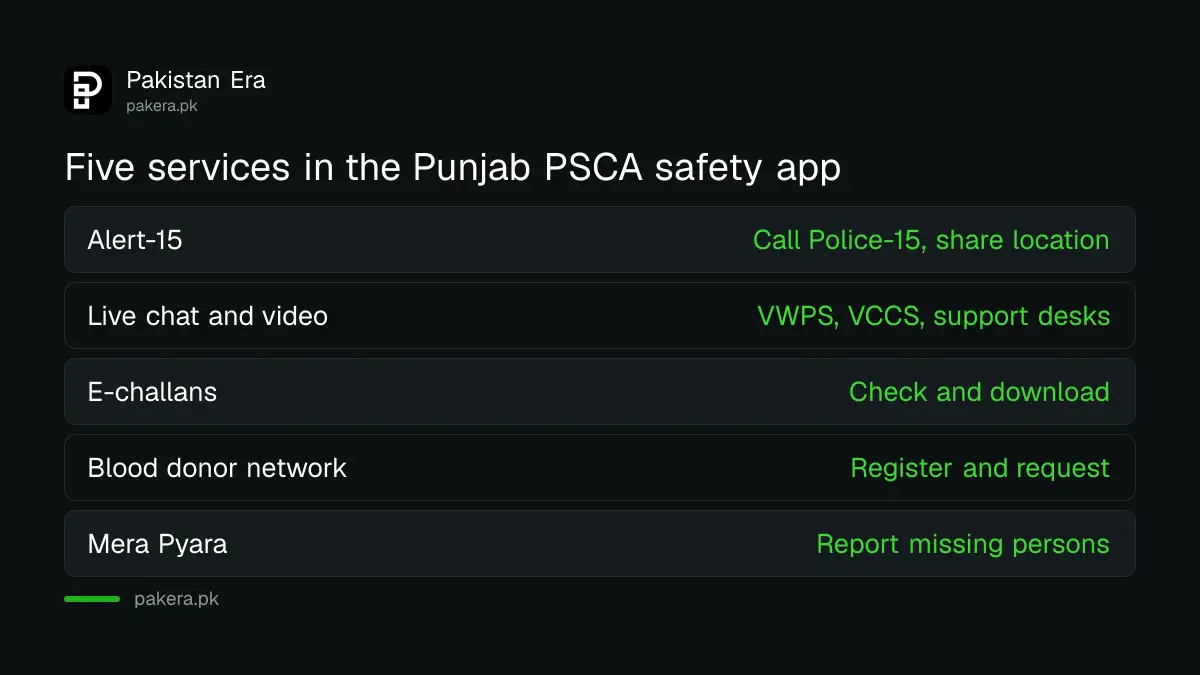
Three practical services sit in the same app. First, e-challans: the listing says you can check, download and manage challans. Second, a blood donor network: you can register as a donor, request blood and track progress in real time. Third, a service called Mera Pyara, where you can report missing or found persons and children.
The app also has GPS based services. It can show your nearest police station and give contact details for Rescue 1122, the Motorway Police and Punjab Highway Patrol. For motorway fines, see how to check and pay a motorway challan. For a missing person case, the full steps are in the guide to reporting a missing person in Pakistan.
| Feature | What the listing says it does | Use it when |
|---|---|---|
| Alert-15 | Direct call to Police-15, live location to your contacts | You are in danger now |
| Live chat and video | Connects to VWPS, VCCS and support desks | You need support, not an emergency response |
| E-challans | Check, download and manage challans | You want to see a traffic fine |
| Blood donor network | Register, request blood, track progress | You or a patient needs blood |
| Mera Pyara | Report missing or found persons and children | A person has gone missing |
| Nearest police station | GPS based, with Rescue 1122 and highway contacts | You need a station or a number |
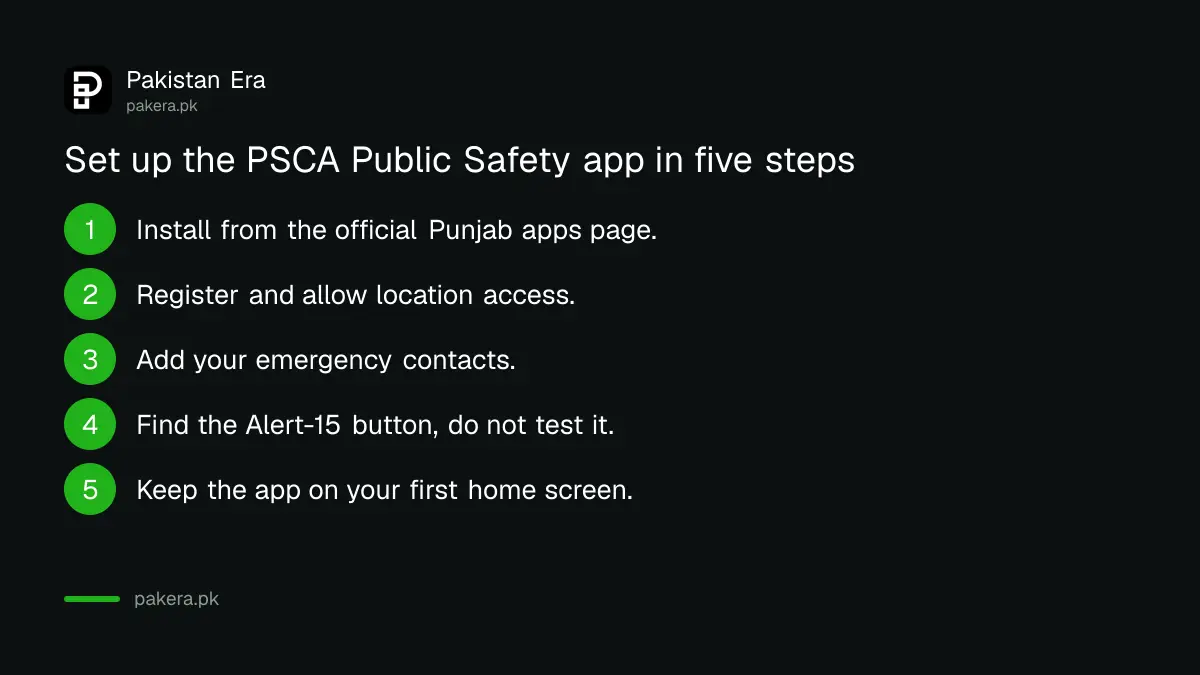
Set up the app in five steps
- Install the PSCA Public Safety app using the link on the Punjab government's mobile applications page.
- Register with your own number and allow location access.
- Add your emergency contacts so they receive your live location.
- Find the Alert-15 button on the home screen and do not press it for a test.
- Save the app to your first home screen, so it opens quickly under stress.
A blocked or blacklisted vehicle is a different Safe Cities service, explained in the guide to removing a vehicle from the Punjab Safe Cities blacklist. In Lahore you can also use the physical buttons listed in the safe city panic button locations.
Common questions
What does the Alert-15 button do?
It makes a direct audio call to Police-15 and sends your live location to the authorities and your emergency contacts, according to the app listing.
Can I use video calling for an emergency?
No. The listing says video is for citizen support and accessibility, not for emergency numbers. Use Alert-15 or dial 15.
Can I check my traffic challan in the app?
Yes, the listing says you can check, download and manage e-challans. It does not name which cities are covered, so check your result against the challan itself.
Can I give blood through the app?
You can register as a donor, request blood and track progress, says the listing. We could not verify how many donors are registered.
Who runs the PSCA Public Safety app?
The Punjab Safe Cities Authority runs it. The Punjab government lists it on its official mobile applications page.
Does the app replace calling 15 or 1122?
No. It adds a faster route for some cases, but the numbers 15 and 1122 remain the emergency lines.
How we verified this
What we checked, where we read it, and what we could not confirm.
Last checked on 13 October 2026, Pakistan time. We read the Punjab government's mobile applications page and the app's store listing. We did not install the app or test any button. We could not verify response times, which cities the e-challan feature covers or how many people use the blood donor network.
About the author

Senior Writer, Public Services and Technology
Shahid joined us in 2024 as an author. He is a senior contributor to Pakistan's leading technology websites. He writes detailed articles, mostly covering his expertise in the latest tech, mobiles, apps, gadgets, and step-by-step guides. His ideology is to help people understand the latest trends and explain complex methods through very easy-to-understand guides.