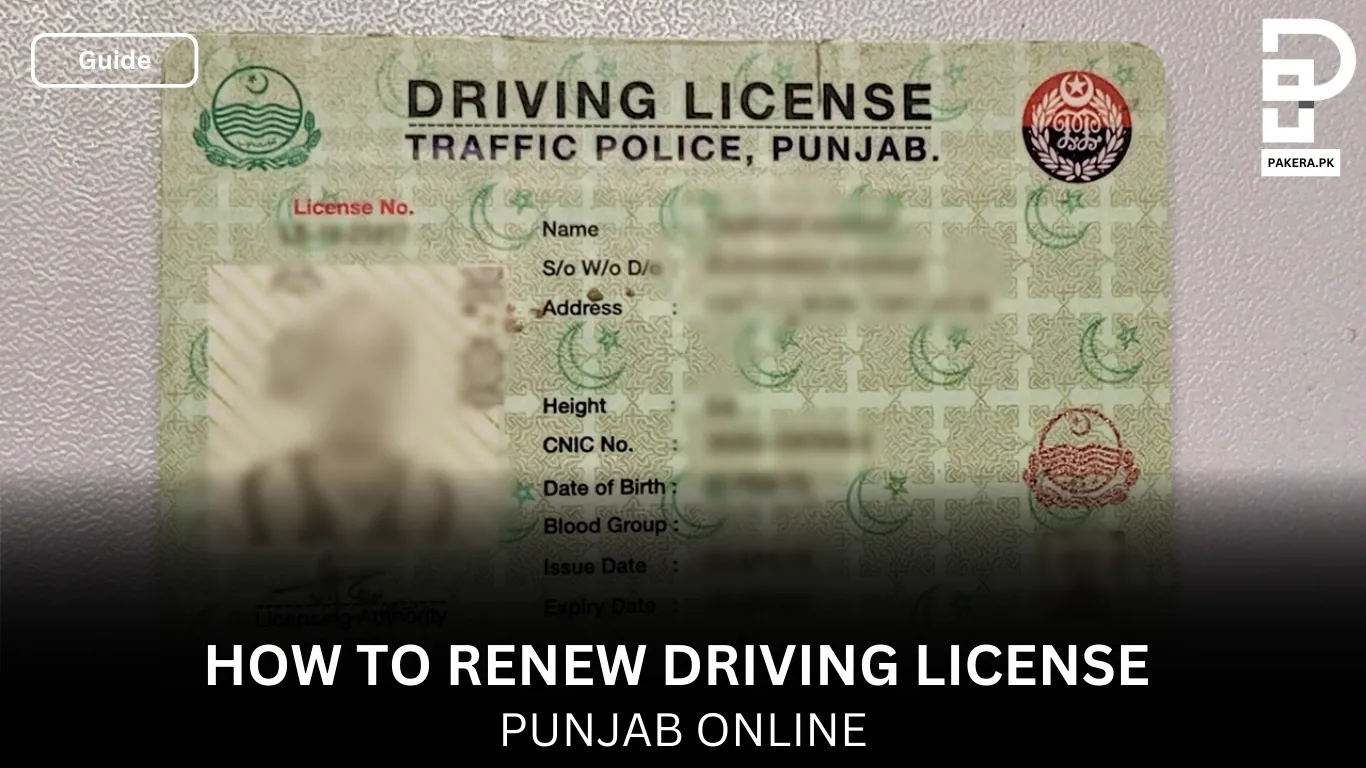
Below I turned your raw notes into a clean, step-by-step guide while keeping your tone and wording as much as possible. I fixed grammar, clarified steps, and added short answers to common Google questions (with official sources cited where helpful).
Quick summary (what you’ll do)
- Download the Dastak app and create an account. Dastak App
- Choose renew driving license → pick regular license (not international).
- Enter previous license number, issue date and how many years you want to renew.
- Verify details, check required documents and apply (don’t click payment yet).
- You’ll get a ticket for a mouvin (agent). He/she will contact you, collect docs, generate a PSID, and you pay via your bank app. After payment the mouvin will complete the process, you get an e-license within ~2 days and physical copy by courier.
Step-by-step: Renewing your driving license (your wording preserved)
1. Download the app & sign in
- First download Dastak app from App Store or Play Store and create account or login.
2. Start the renewal
- Click renew driving license, and select regular license not international.
- The app will require: previous license number, issue date, and how many years of renewal you want.
- Add all information and then it will verify and confirm.
3. Check documents and apply (do not pay yet)
- After confirmation, check all documents required and scroll down and apply, please do not click on payment.
- When you apply, you will generate a ticket for the mouvin (agent).
4. Mouvin (agent) will contact you
- The mouvin will contact you and ask for the details and documents.
- Either he will visit you at your address or you can share documents via WhatsApp.
- Typical details/documents required:
- CNIC copy
- Old license picture (if available)
- New passport size images with white background
- If previous license is lost → provide a copy of FIR (for duplicate request).
- After checking docs, the mouvin (agent) will generate a PSID (payment slip ID) for you to pay.
5. Pay using the PSID (from your bank app)
- Copy that PSID and go to your bank app → Bill Payment section and search for GoPb / Govt Payments / PSID (name can vary by bank).
- Paste PSID, validate amount and pay. Then share payment confirmation with the mouvin. Banks and ATMs that support 1LINK accept PSID payments.
6. Mouvin completes application → e-license & courier
- After payment the mouvin will forward/proceed with your application.
- You should receive e-license within about 2 days (timing may vary) and the physical card is sent via courier.
Documents checklist (short)
- CNIC (original for verification / copy when asked)
- Old driving license (photo or original)
- Passport-size photos (white background)
- Medical certificate (if asked — follow app/traffic police prompts).
- FIR (if license was lost/stolen and you’re applying for duplicate)
Driving License Fees in Punjab Online
Fees depend on the vehicle category and whether you’re also taking a duplicate or other services. Example fee categories and amounts are published on DLIMS / Dastak fee pages, check the fee structure in the app or DLIMS website for exact amount for your category.
Common mistakes while renewing Driving License (avoid these)
- Clicking payment before mouvin contacts you, do not pay until mouvin gives you the PSID and confirms documents.
- Uploading low-quality photos or incorrect document formats, always check size/format requirements in the app.
- Not saving PSID or payment screenshot, always keep payment proof and share it with the mouvin.
FAQ
Yes, Punjab’s Dastak / DLIMS system supports online renewal and doorstep service through facilitators. Use the Dastak app or DLIMS portal.
Download Dastak → login → choose renew (regular) → fill license number, issue date and renewal years → apply → wait for mouvin → mouvin issues PSID → pay via bank app → mouvin completes process → receive e-license. (Steps above cover exact flow.)
CNIC, old license, passport-size photos (white background). If license lost, FIR copy. Some renewals may ask for a medical fitness certificate — check the app/traffic police page for your case.
Fees vary by vehicle category (motorcycle, car, LTV, HTV, PSV, etc.) and whether duplicate is needed. See DLIMS fee structure for exact charges.
Follow the app steps, submit docs, wait for the mouvin/agent, pay PSID through bank channels, then receive e-license. If unsure, call the Dastak support or traffic police helpline listed in the app/website.