Search Console Security Issues in Pakistan: Check If Google Flagged Your Site as Hacked, and Fix It in 5 Steps
Check the Search Console Security issues report for your Pakistani website: every hacked and malware issue type, 5 fix steps, review times and the 30 day rule.
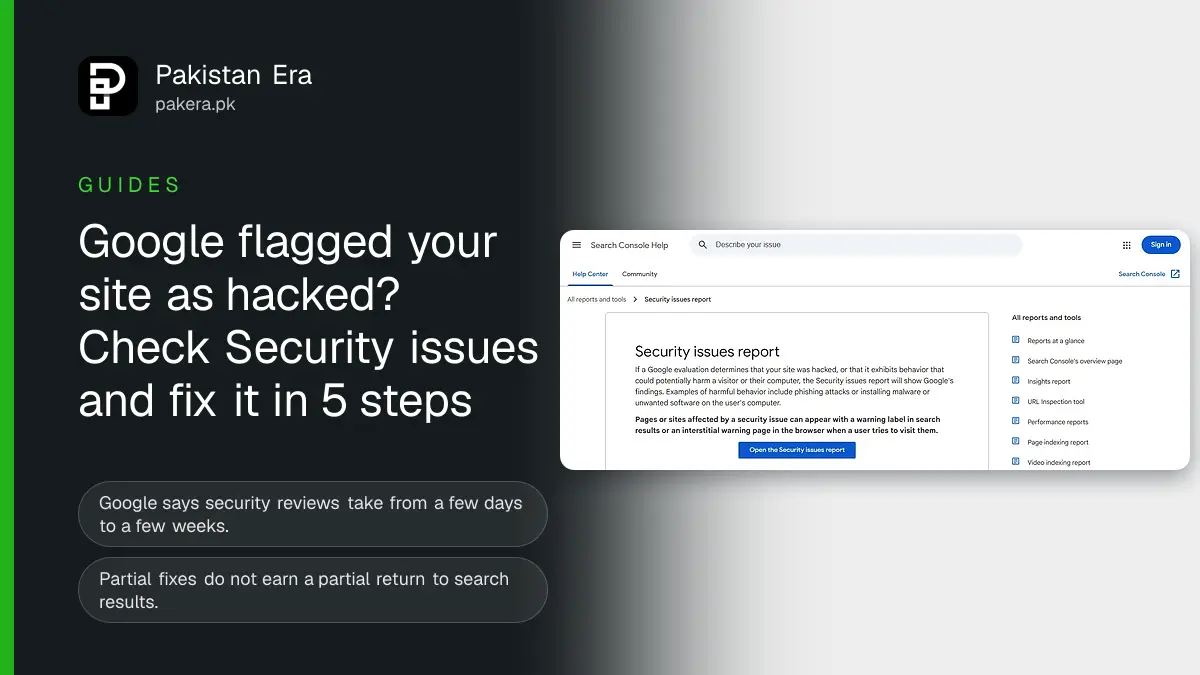
To check if Google has flagged your Pakistani website as hacked or harmful, open Search Console, go to Security and Manual Actions, then Security issues. A green tick means Google found nothing. If it lists issues, fix every one on every page, then click Request Review. Google says reviews take from a few days to a few weeks. Spam hacks take the longest, and a request sent too early can mark you a repeat offender for 30 days.
We read Google's Search Console Help pages on the Security issues report and on sites labelled dangerous, plus Google Search Central's Safe Browsing repeat offender policy, on 9 November 2026. Every label, issue type and time frame below is from those pages. We did not clean a hacked client site for this article.
The Security issues report shows what Google found on your site
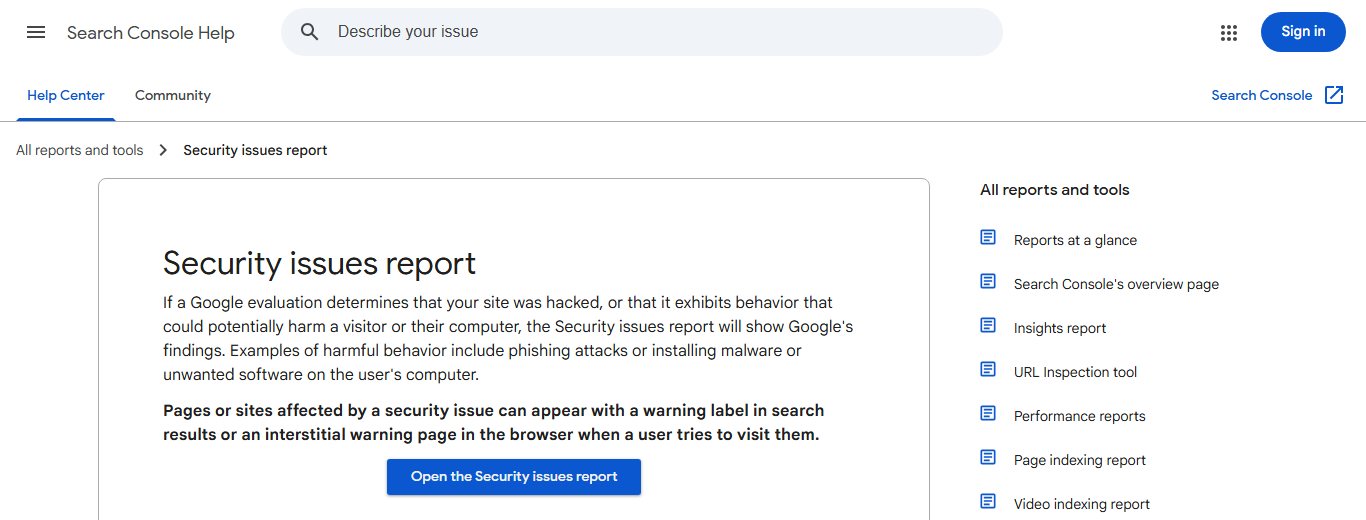
The report lists Google's findings when it decides a site was hacked or could harm visitors. A count of issues sits at the top. A green check mark means no issues. Each issue shows sample affected URLs, but Google says that list may not be complete.
You need a verified property to see the report. If you have not added your site yet, follow our guide to verifying a website in Search Console. An agency or developer can get access through our guide to adding a user in Search Console.
Not the owner? Google says anyone can enter a URL in the Safe Browsing site status tool on the Google Transparency Report to see if it is marked dangerous. Owners should use Security issues and Manual actions in Search Console, because the report is Google's source of truth.
Google shows two warning labels on flagged sites
Affected pages can carry a warning label in search results, or a full warning page in the browser when someone tries to open them. Google lists two search labels: "This site may be hacked" and "This site may harm your computer". Either one stops most visitors from clicking.
For a shop or clinic in Lahore or Karachi, that warning on your brand search costs orders and calls the same day. So check the report weekly, not only when sales drop.
Every issue type in the Security issues report
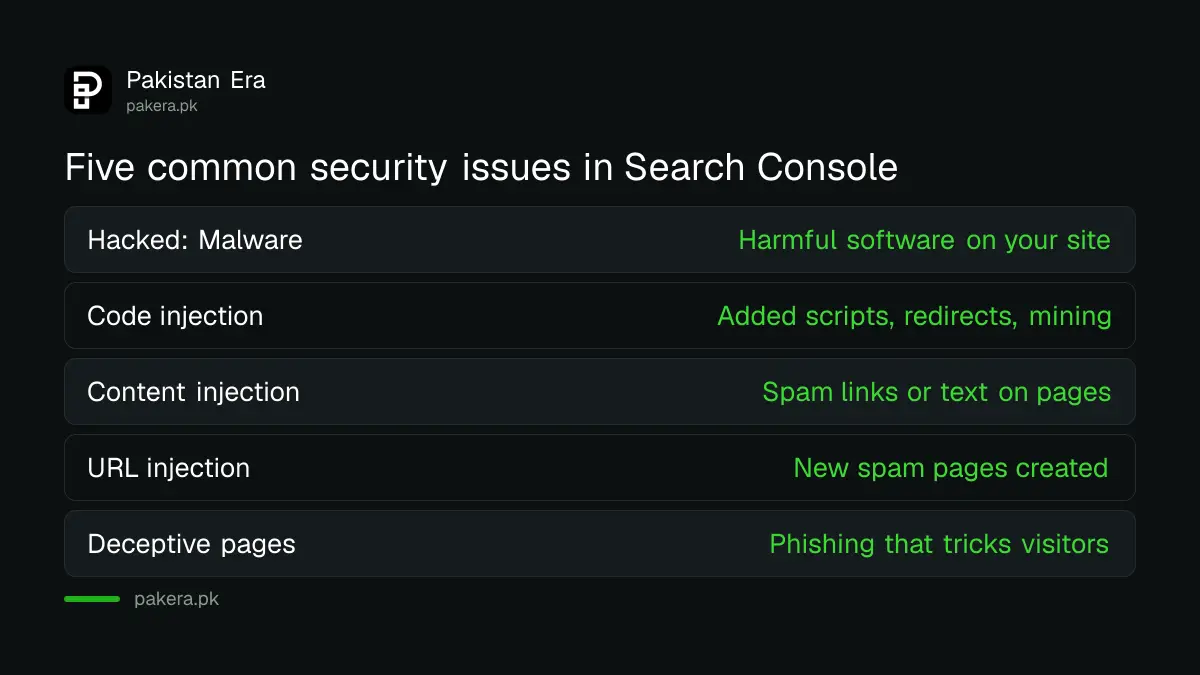
Google groups problems into hacked content, malware and unwanted software, and social engineering, which means pages that trick visitors into giving away details or downloading software. The table lists each issue type Google names.
| Issue | What it means | Level |
|---|---|---|
| Hacked: Malware | Harmful software placed on your site | Error |
| Hacked: Code injection | Scripts added to pages, such as redirects or cryptomining | Error |
| Hacked: Content injection | Spam links or text added to your pages | Error |
| Hacked: URL injection | New spam pages created on your site | Error |
| Deceptive pages | Pages that trick visitors, such as phishing | Error |
| Deceptive embedded resources | Ads or third party content that misleads | Error |
| Harmful downloads, and links to them | Files that can damage a device | Error |
| Unclear mobile billing | Charges to a phone bill that are not made clear | Error |
| Possible phishing detected on user login | A login page that may collect details falsely | Warning |
| Suspected deceptive pages | Pages that may be deceptive | Warning |
| Uncommon downloads | Files Google has not yet judged safe | Warning |
Injected Japanese or pharmacy spam pages are the URL injection type. They often appear on old WordPress sites with outdated plugins. Our guide to updating PHP on cPanel hosting covers one common weak point.
Fix a hacked Pakistani website in 5 steps
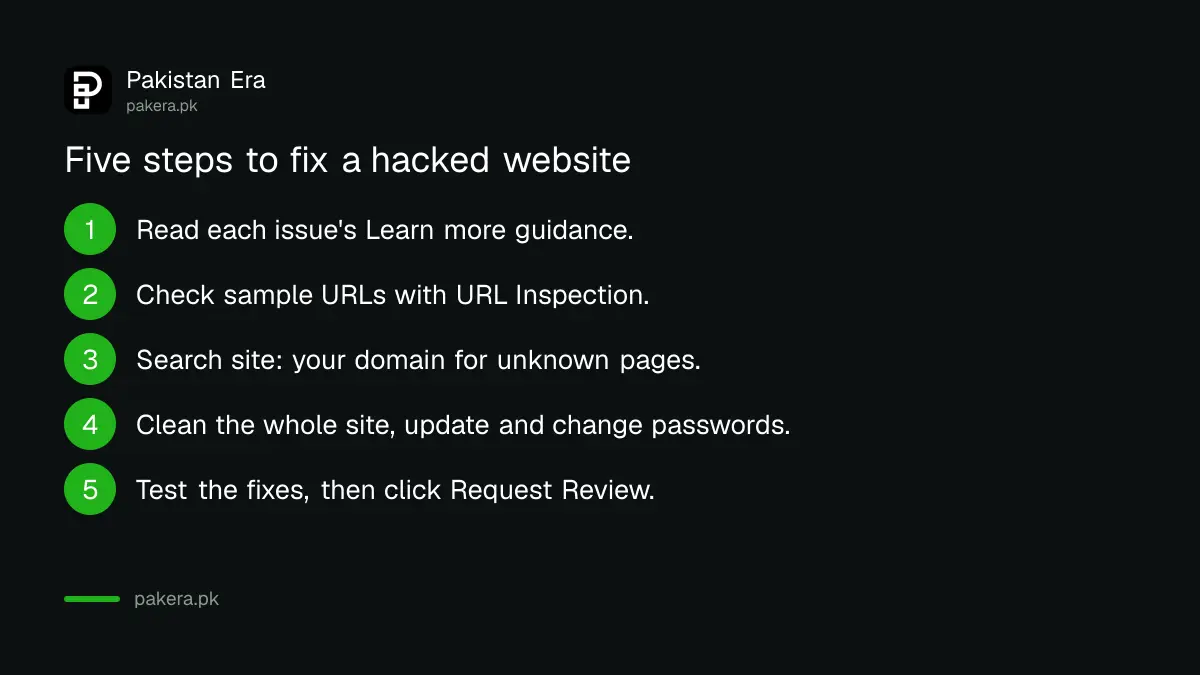
Google's method is to understand the problem, fix it across the whole site, then ask for a review. It stresses one rule: fix every listed issue. Partial fixes do not earn a partial return to search results.
- In the report, expand each issue and read its Learn more guidance.
- Check the sample URLs with the URL Inspection tool, so you see what Google sees without opening a harmful page in your own browser.
- Search Google for site: followed by your domain and look for pages you never made.
- Clean or delete the bad content across the whole site. Replace files from a clean backup if needed, then update your CMS, theme and plugins and change every password.
- Test your fixes, then request a review.
Ask your hosting company for its malware scan and access logs. They often show how the attacker got in. Without closing that door, the hack usually comes back, and that is what triggers the repeat offender rule below.
Request a review only when every issue is fixed
When all issues are fixed on all pages, select Request Review in the Security issues report. In the request, explain the exact issue, the steps you took and the result. Google emails you when it receives the request and again when the review is done.
| Case | What Google says about review time |
|---|---|
| Hacked, malware and other security issues | A few days to a few weeks |
| Sites infected with malware | A few days |
| Sites hacked with spam | Up to several weeks |
| Uncommon downloads warning | Lifted automatically once Safe Browsing verifies the files; a request can speed it up |
| Repeat offender status | No new review through Search Console for 30 days |
Do not send a second request while one is open. Google says a request sent before the problem is fixed can slow the next one or get you marked a repeat offender. Under the Safe Browsing policy, sites that keep switching between clean and harmful in a short time get that status, it lasts 30 days, and the owner is told by email.
A security issue is different from a manual action for spam, though a hack can trigger both. Check the Manual actions report too, and use our guide to fixing a Google manual action if one is listed.
After the review, check traffic and spam pages
Once Google clears the site, the warning label should go. Google's final step is to confirm the site no longer triggers a warning. Then remove the spam URLs from search faster with our guide to the Removals tool, and keep an eye on the Page indexing report for pages you did not create.
Common questions
Where is the Security issues report in Search Console?
In the left menu, under Security and Manual Actions, select Security issues. You need a verified property to see it.
How long does Google take to review a hacked site?
Google says a few days to a few weeks. Malware reviews usually take a few days, and spam hack reviews can take up to several weeks.
What does "This site may be hacked" mean in Google?
Google thinks someone added content to your site without permission, often spam pages or links. Check the Security issues report for the details and sample URLs.
Can I request a review before fixing everything?
You should not. Google says partial fixes do not bring partial results, and an early request can slow the next one or mark you a repeat offender.
What is a repeat offender in Google Safe Browsing?
A site that keeps switching between clean and harmful in a short time. It cannot request a review through Search Console for 30 days.
The report shows no sample URLs. Is my site clean?
Not always. Google says a missing URL list does not mean no pages are affected, so check the whole site.
How we verified this
What we checked, where we read it, and what we could not confirm.
Last checked 9 November 2026. Sources: Search Console Help, Security issues report and Why is my site labelled as dangerous in Google Search, and Google Search Central, Safe Browsing Repeat Offenders Policy.
About the author

Founder and Editor
Umer Kureshi founded Pakistan Era in July 2024 and runs it as administrator, SEO lead and writer, overseeing website operations, search growth, content strategy and coverage of technology and current affairs.