How to Study 340 Free Virtual University Courses on VU Open Courseware
VU Open Courseware puts 340 Virtual University courses online free. How to open a course, watch or download lectures, the top 10 courses and the licence rules.
Virtual University of Pakistan puts 340 of its courses online for free at ocw.vu.edu.pk. Open Courses, pick a subject, open a course and press Lecture Videos. No admission, fee or login is needed to browse. You get the lectures and the course outline, but no degree, credit or certificate.
A first-year BS student stuck on programming, a commerce student before an auditing paper, or a parent who wants to learn Excel: all three can use the same VU lectures that enrolled students watch. VU Open Courseware, or OCW, is the free library where the university publishes them.
VU Open Courseware lists 340 free courses in 19 subjects
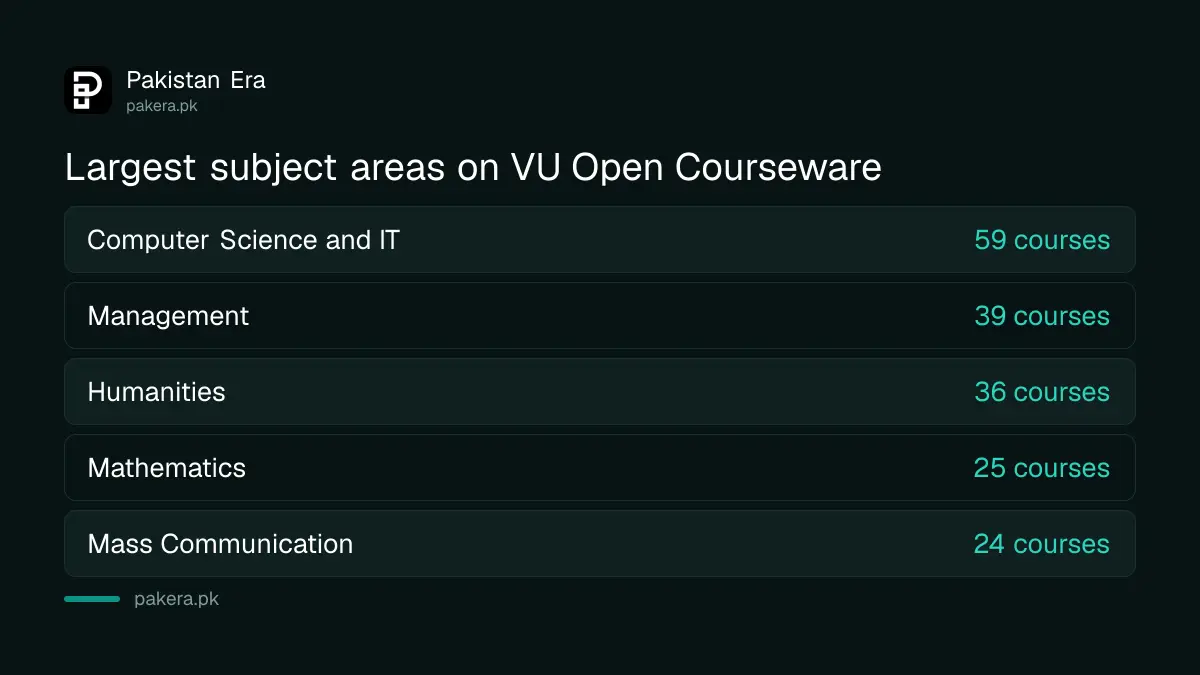
The All Courses list on VU's OCW site numbers 340 courses, grouped in 19 subject areas. Computer Science and IT is the largest with 59 courses, followed by Management with 39 and Humanities with 36. Every course is free to open.
The courses are the same ones VU teaches in its degree programmes, at undergraduate and graduate level. Each one keeps its VU course code, such as CS101 or MGT101, which helps when a teacher or a friend at another university names the course.
| Subject area on OCW | Courses listed |
|---|---|
| Computer Science and IT | 59 |
| Management | 39 |
| Humanities | 36 |
| Mathematics | 25 |
| Mass Communication | 24 |
| Accounting, Banking and Finance | 23 |
| Biotechnology | 22 |
| English | 21 |
| Psychology | 19 |
| Marketing | 13 |
| Bioinformatics | 11 |
| Economics | 10 |
| Molecular Biology, Probability and Statistics | 9 each |
| Sociology | 8 |
| Zoology | 5 |
| Law | 3 |
| Physics | 2 |
| Power System | 1 |
Open a course and watch its lectures in five steps
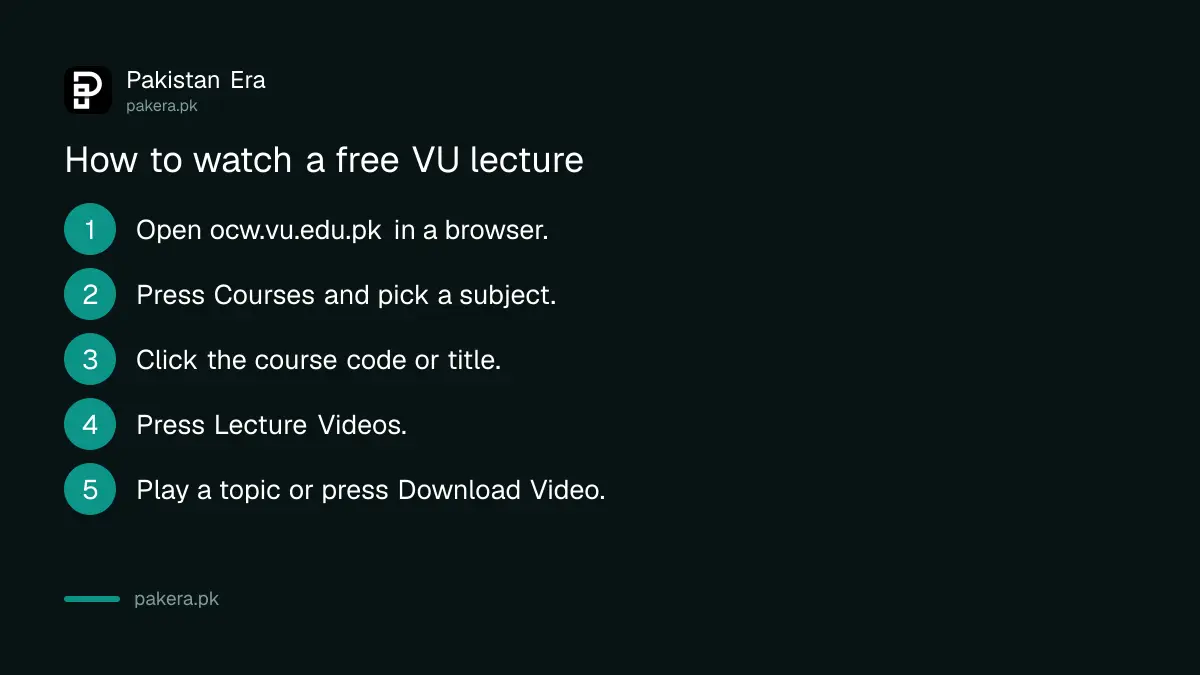
Go to ocw.vu.edu.pk, press Courses, choose a subject area, then click the course code or title. On the course page, press Lecture Videos and click any topic number. The whole route takes under a minute on a phone or a laptop.
- Open ocw.vu.edu.pk in your browser.
- Press Courses in the top menu, or pick a subject from the Find Courses list on the left.
- Click the course code or title, for example CS101 Introduction to Computing.
- Press Lecture Videos in the course menu.
- Click a topic number to play it, or use the Download Video button on the same page.
Lectures are split into short numbered topics rather than one long video per week. CS101, for example, runs from Topic 001 to Topic 234. The Course Overview tab maps those topics to weeks, so you can follow the same pace as VU's own students.
Every course page has the same five sections
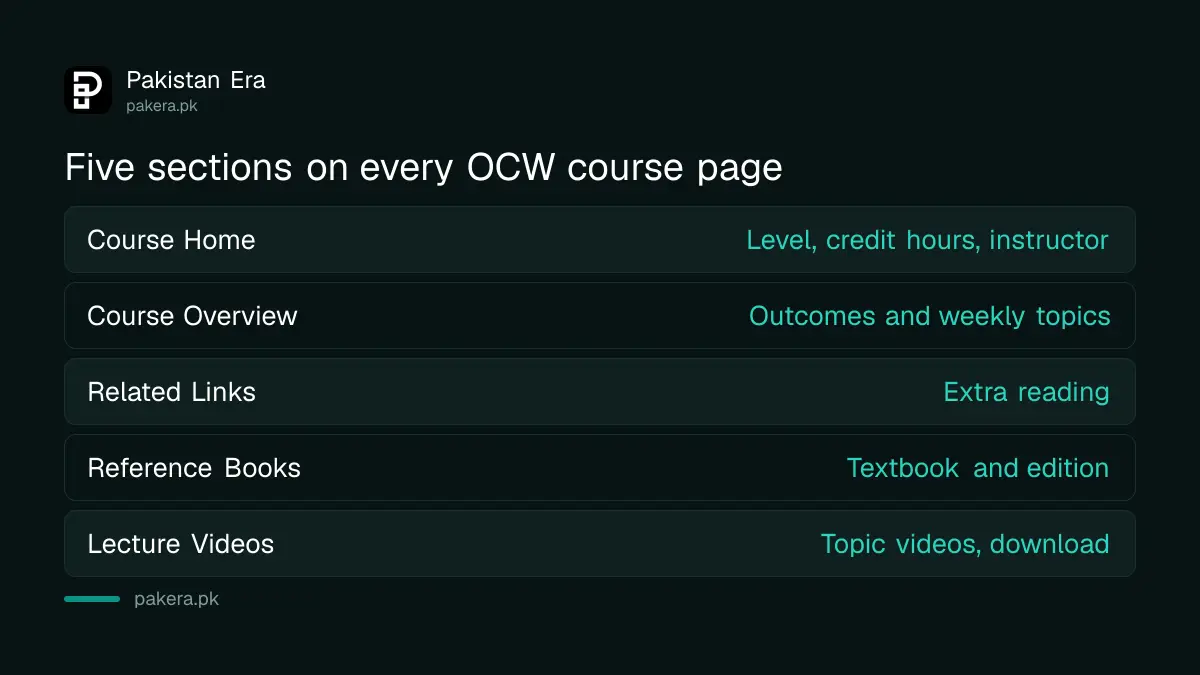
Each course on OCW opens with Course Home, showing the level, credit hours, prerequisites, instructor and contents. Beside it are Course Overview, Related Links, Reference Books and Lecture Videos. Reference Books names the textbooks the course follows, with edition and publisher.
| Section | What you find there |
|---|---|
| Course Home | Category, level, credit hours, prerequisites, instructor and the list of contents |
| Course Overview | Learning outcomes and a week-by-week calendar of topics |
| Related Links | Extra reading chosen for the course |
| Reference Books | Textbook title, author, edition and publisher |
| Lecture Videos | Numbered topic videos and the Download Video button |
We opened CS101 as a test case. Its Course Home lists it as a 3 credit hour undergraduate course with no prerequisite, taught by Dr. M. Tanvir Afzal. Its outline runs from search techniques and data storage to operating systems, networks, algorithms, Excel and web pages.
The ten most popular courses are a good place to start
OCW keeps a Most Popular Courses list. The top ten mix computing, English and accounting: Introduction to Computing, Web Design and Development, Elementary English, Introduction to Programming and Financial Accounting lead it. Beginners usually do best starting with CS101 or ENG001.
| Rank | Code | Course |
|---|---|---|
| 1 | CS101 | Introduction to Computing |
| 2 | CS506 | Web Design and Development |
| 3 | ENG001 | Elementary English |
| 4 | CS201 | Introduction to Programming |
| 5 | ACC311 | Fundamentals of Auditing |
| 6 | ENG101 | English Comprehension |
| 7 | MGT101 | Financial Accounting |
| 8 | CS301 | Data Structures |
| 9 | CS304 | Object Oriented Programming |
| 10 | ACC501 | Business Finance |
If you want a structured course with weekly quizzes and a certificate instead, the free DigiSkills courses are run by VU for Ignite, and NAVTTC lists free AI and freelancing courses for ages 18 to 35.
OCW gives no degree, credit or certificate
VU's terms of use say plainly that OCW is not a degree-granting or credit-bearing initiative. It gives no access to VU teachers, and the material may not cover a whole course. To earn credit, you must apply for admission to VU and pay its fees.
The material is released under a Creative Commons licence, CC BY-NC-SA 3.0. You can share and adapt it for non-commercial use, as long as you credit VU and share your version on the same terms. You cannot use the VU name or logo to suggest VU backs your work.
So a teacher can play a VU lecture in a free class. An academy that charges fees and sells the same videos as its own course would break the licence. If you want VU credit, the steps are in the guide to Virtual University admission, and the VU need-based scholarship can cut the fee.
Fixes when a lecture or page does not open
OCW is an older site. If a lecture does not play, switch to a desktop browser such as Chrome or Edge, or use the Download Video button. VU also runs its own YouTube channel, linked at the bottom of every OCW page.
- A course is missing from the subject list: open Courses for the full list of 340, then search the page for the course code.
- The video will not play on a phone: try the Download Video button, or open the course on a laptop.
- The page asks you to log in: sign-up is free with your name, institute, email and a password of at least 5 characters, or with Facebook.
- Someone asks you to pay for VU lectures: do not pay. VU publishes them free on OCW.
Common questions about VU Open Courseware
Is VU Open Courseware really free?
Yes. VU's terms describe OCW as a free and open publication of its courses. There is no fee to watch the lectures or read the course pages.
Do I need to be a VU student?
No. Anyone can open the courses. VU's own About page says the material is widely used by students and teachers at other universities.
Can I get a certificate from OCW?
No. VU's terms say OCW is not degree-granting or credit-bearing. For a free certificate, DigiSkills issues an e-certificate through VU when you pass a batch.
Can I download VU lectures?
The Lecture Videos page of each course has a Download Video button. Use the files for your own study or free teaching, and credit VU.
How many lectures does a course have?
It varies by course. CS101 Introduction to Computing has 234 short topic videos, mapped to weeks in its Course Overview.
Can I use VU lectures in my own free classes?
Yes, under the CC BY-NC-SA 3.0 licence, as long as the class is non-commercial, you credit VU, and you do not use the VU logo to suggest VU backs it.
How we verified this
What we checked and where we read it.
Last checked 25 November 2026. We opened the VU Open Courseware site, its All Courses list (340 courses), each of the 19 subject lists, the Most Popular Courses list, the OCW terms of use, the About VU page, the login page, and the CS101 Course Home, Course Overview, Reference Books and Lecture Videos pages. The site footer still carries a 2011 date, and the lecture page also links to a RealPlayer download, which modern browsers do not need. Course counts per subject add up to 339 against 340 on the All Courses list, one fewer than the All Courses list. VU can add or remove courses at any time.
Free on WhatsApp
Get last dates and rule changes on WhatsApp
We post new last dates, fee changes and fixes for common problems, a few short posts a day.
Follow Pakera on WhatsAppOther followers cannot see your number.
Pakera Solves It
Which online process wasted your time this week?
A portal that will not load, a form nobody explains, a complaint that went nowhere. Tell us. Every week we pick one, solve it step by step and publish the answer.
About the author

Technology Journalist & Multimedia Producer
Ahmad Ali is a technology journalist and multimedia producer at Pakistan Era, joining the team in October 2026. He covers consumer technology and digital life for Pakistani readers, combining research with hands-on product testing.