Update WhatsApp Now: National CERT Warns Pakistan Users of 5 Security Flaws
National CERT advisory NCA-28.231126 tells WhatsApp users in Pakistan to update now. The safe version numbers, and how to turn off media auto-download in steps.
یہ صفحہ اردو میں پڑھیں
Short answer: Pakistan's National Cyber Emergency Response Team (National CERT) has told every WhatsApp user in Pakistan to update WhatsApp and WhatsApp Business now. Its advisory NCA-28.231126, dated 23 November 2026, covers five security flaws on Android, iPhone, Windows and Mac. The fix is free: open the Play Store or App Store, search WhatsApp and tap Update.
National CERT also asks users to switch off automatic downloads of photos, audio, videos and documents. One of the five flaws, CVE-2026-23871, may already have been used together with spam messages, according to WhatsApp's own report quoted in the advisory.
National CERT issued the WhatsApp warning on 23 November 2026
The National CERT, part of the federal government in Islamabad, issued advisory NCA-28.231126 on 23 November 2026. It covers five WhatsApp flaws that WhatsApp has fixed in newer versions of the app. It applies to government offices, companies and ordinary users alike.
The flaws could let an attacker delete files WhatsApp stores on your phone, leak a small piece of chat database information, reveal your device's IP address (the internet address that can show your rough location and network), make your phone load media from a link the attacker chose, or run a harmful file on Windows that looks like a normal document.
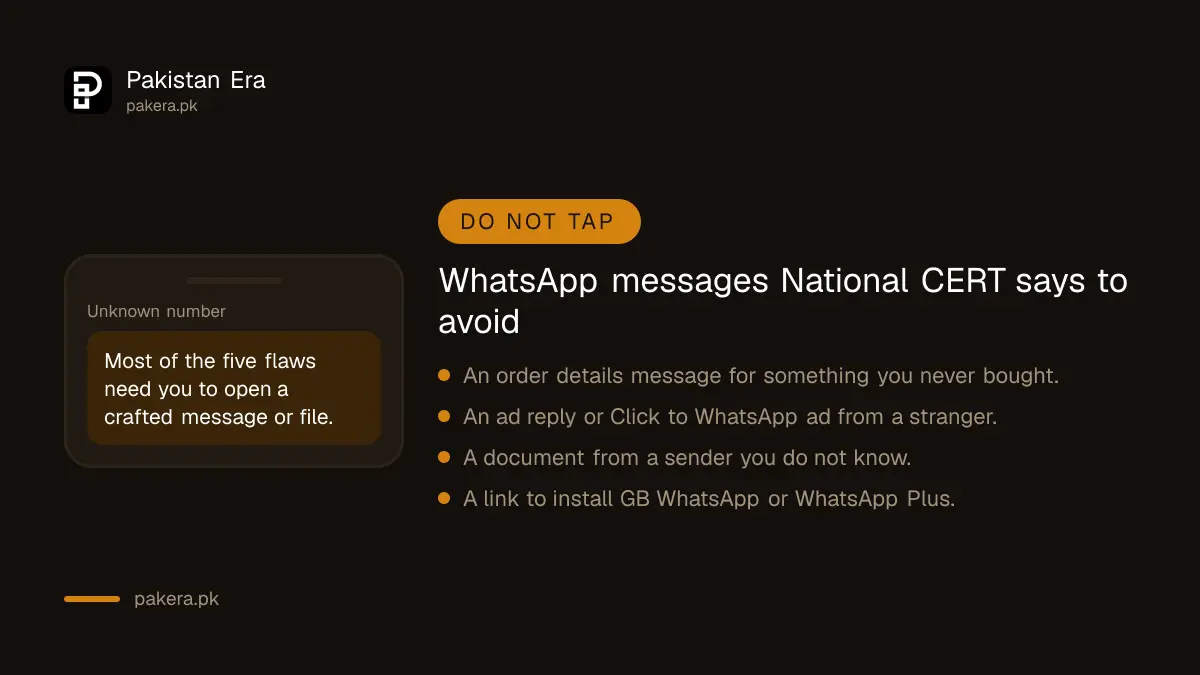
Most of these need you to open or tap a crafted message or file. That is why the advisory pairs the update with simple habits: do not tap strange messages, and do not let WhatsApp download files on its own.
The five WhatsApp flaws and the version that fixes each
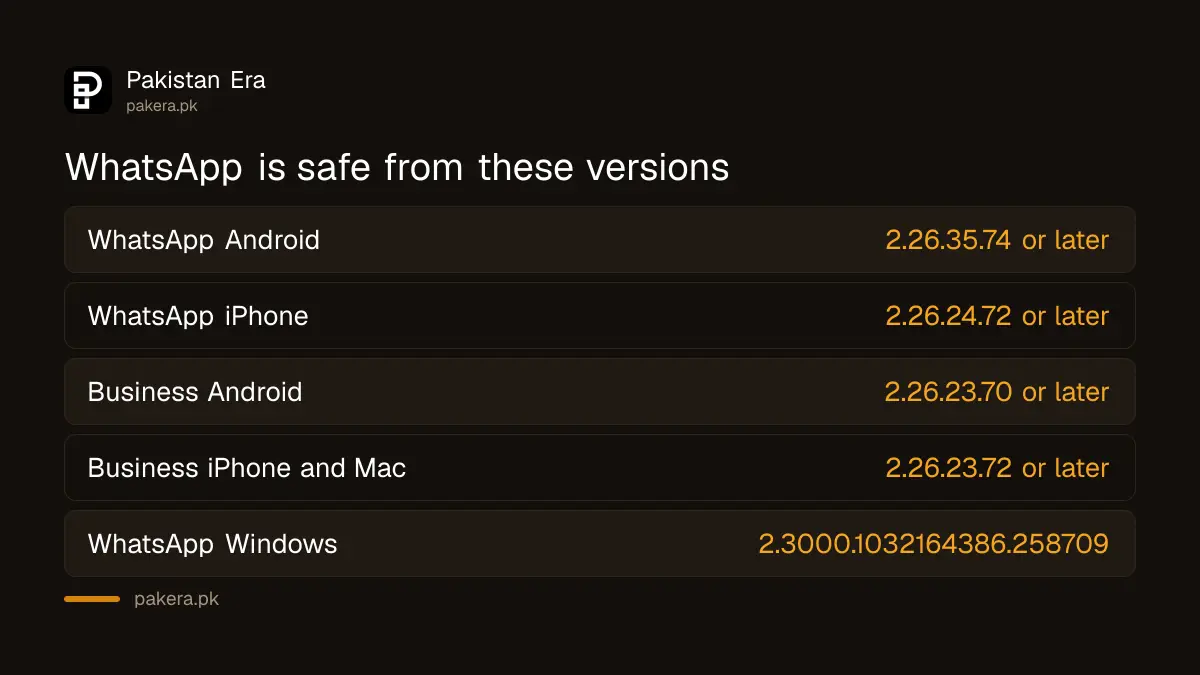
Each flaw is fixed from a specific WhatsApp version. If your app is at or above the version in the table, that flaw is closed. The simplest rule is to install the latest version from the official store, which is above every number listed here.
| Flaw | Which app | Fixed from version | What it could do |
|---|---|---|---|
| CVE-2026-102769 | WhatsApp for Android | 2.26.35.74 | Delete local WhatsApp files through a fake "order details" message |
| CVE-2026-44908 | WhatsApp iPhone, Android, Business, Mac | iPhone 2.26.24.72; Android 2.26.23.74; Business Android 2.26.23.70; Business iPhone and Mac 2.26.23.72 | Weak certificate check in the Meta AI privacy system |
| CVE-2026-23871 | WhatsApp and WhatsApp Business for Android | 2.26.17.4 | Reveal your IP address through a fake "Click to WhatsApp" ad reply |
| CVE-2026-23866 | WhatsApp for iPhone and Android | iPhone 2.26.15.73; Android 2.26.7.11 | Make the app load media from an attacker's link through an AI reply |
| CVE-2026-23863 | WhatsApp for Windows | 2.3000.1032164386.258709 | Run a harmful program disguised as a document |
WhatsApp reports no sign that four of these were used in real attacks. For CVE-2026-23871, the Android ad reply flaw, it says the issue may have been abused together with specific spam messages. That one only reveals IP details, not your chats, but it is a reason not to wait.
How to update WhatsApp and check your version
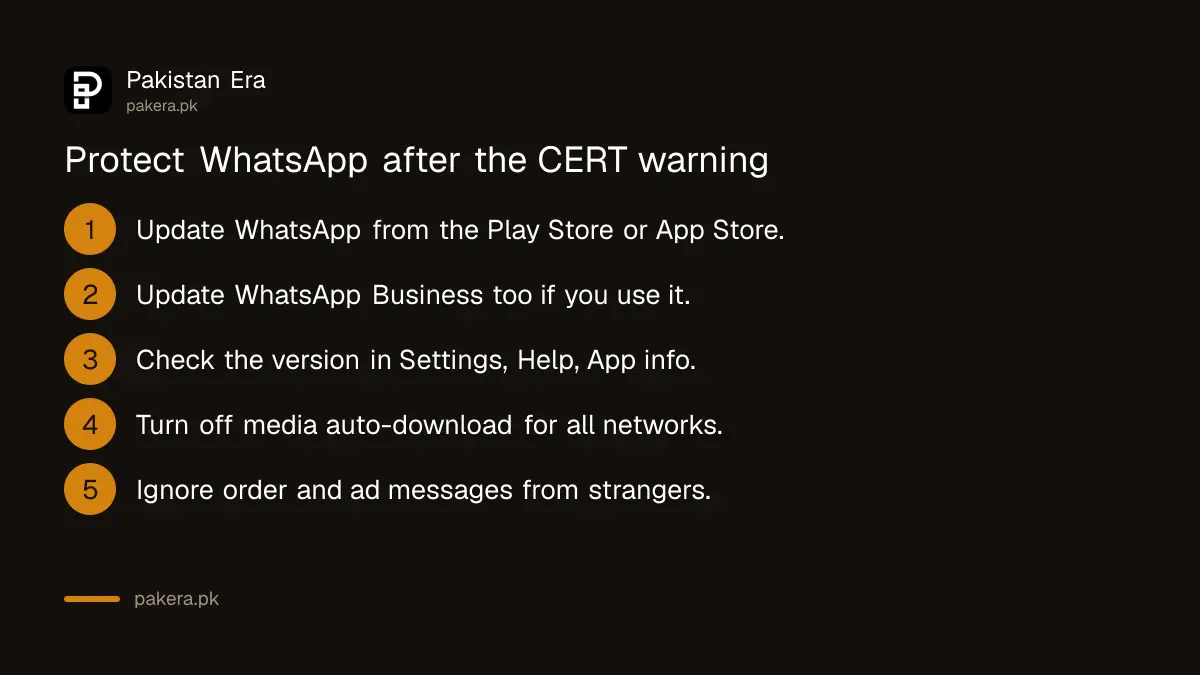
Updating takes about two minutes on mobile data or Wi-Fi. Use only the Google Play Store, Apple's App Store, the Microsoft Store or WhatsApp's own website. Then check the version number inside the app to be sure it changed.
- Android: open the Play Store, search WhatsApp (and WhatsApp Business if you use it) and tap Update.
- iPhone: open the App Store, tap your profile picture, scroll to pending updates and tap Update next to WhatsApp.
- Windows: open the Microsoft Store, go to Library and tap Get updates.
- Mac: update WhatsApp from the Mac App Store or download the latest version from WhatsApp's website.
- Open WhatsApp, go to Settings, then Help (called Help and feedback on newer versions), then App info, and compare the version number with the table above.
If the store shows Open instead of Update, you already have the newest version. If the Play Store will not load, the fixes in Play Store not opening cover cache, date and account problems.
Turn off automatic media downloads in WhatsApp
National CERT asks users to stop WhatsApp from downloading photos, audio, videos and documents on its own. A harmful file then cannot land on your phone until you choose to open it. It also saves mobile data, which matters on small bundles.
- Android: Settings, then Storage and data, then Media auto-download. Open When using mobile data, When connected on Wi-Fi and When roaming, and untick Photos, Audio, Videos and Documents in all three.
- iPhone: Settings, then Storage and Data, then Media Auto-Download, and set Photos, Audio, Video and Documents to Never.
After this, a photo or file shows a download arrow. Tap it only when you know the sender. Family group photos still arrive; you just tap once to see them.
Messages National CERT says you should not tap
The advisory names three kinds of message to treat with care: unexpected "order details" messages, ad replies, and "Click to WhatsApp" adverts from senders you do not know. It also warns against documents from unverified senders, especially on Windows computers.
These are the same routes scammers in Pakistan already use for fake parcel, prize and job messages. If a stranger sends an order you never placed, delete it and block the number. Never install modified WhatsApp versions such as "GB" or "Plus" apps: National CERT says unofficial clients are a source of the crafted messages. If someone has already tried to take over your account, the steps in WhatsApp code you did not request show how to lock it down.
On a Windows PC, check what a file really is before opening it. Turn on file extensions in File Explorer (View, then Show, then File name extensions). A "document" that ends in .exe, .scr or .bat is a program.
What offices and businesses should do
National CERT asks organisations to list every WhatsApp install on office phones and computers, check the versions, and update the staff who handle sensitive information first. It also asks them to block outdated versions through device management where they can.
Small businesses that run WhatsApp Business on a shared phone should update that phone today and switch off media auto-download on it. Keep antivirus active on office Windows and Mac machines so a disguised program is caught. Report a suspected break-in to your IT staff and to National CERT at info@pkcert.gov.pk or 051-9203422.
Where to report a WhatsApp scam or hacked account in Pakistan
If you have lost money or your account to a WhatsApp message, report the account inside the app first, then file a complaint with the National Cyber Crime Investigation Agency (NCCIA). Keep screenshots of the chat, the number and any payment receipt.
In WhatsApp, open the chat, tap the contact name and choose Report and Block. For a money loss, call your bank's helpline at once to stop further payments. The NCCIA online complaint form takes the case from there, and the NCCIA office numbers list the regional desks.
Common questions
Is WhatsApp safe to use in Pakistan after this warning?
Yes, once it is updated. The advisory does not ask anyone to stop using WhatsApp. It asks users to install the fixed versions and to turn off automatic media downloads.
Has my WhatsApp been hacked if I did not update?
Not necessarily. WhatsApp reports no real attacks for four of the five flaws, and most need you to open a crafted message or file. Update now and change nothing else unless you see signs of a takeover.
Do I need to update WhatsApp Business separately?
Yes. WhatsApp Business is a separate app with its own update in the Play Store or App Store. Update both if you use both.
Will updating WhatsApp delete my chats?
No. A normal store update keeps your chats, photos and groups. Only uninstalling the app without a backup removes them.
How do I see my WhatsApp version number?
Open WhatsApp, go to Settings, then Help (or Help and feedback), then App info. The version number is shown under the WhatsApp name.
Is it safe to use GB WhatsApp or WhatsApp Plus?
No. National CERT tells users not to install unofficial or modified WhatsApp clients, because they are a source of crafted malicious messages. WhatsApp can also ban accounts that use them.
How we verified this
What we checked and where we read it.
We read National CERT advisory NCA-28.231126, "Multiple Vulnerabilities in WhatsApp for Android, iOS, Windows and Mac Desktop", on the National CERT advisories page on 25 November 2026. The fixed version numbers, the settings paths and the contact details are taken from that PDF. The advisory refers readers to WhatsApp's security advisories page for the original notices. Store steps reflect the Play Store, App Store and Microsoft Store menus as of November 2026.
About the author

Technology Journalist & Multimedia Producer
Ahmad Ali is a technology journalist and multimedia producer at Pakistan Era, joining the team in October 2026. He covers consumer technology and digital life for Pakistani readers, combining research with hands-on product testing.