How to Use Google Trends in Pakistan to Compare Searches and Find Keyword Ideas
Use Google Trends in Pakistan to compare up to 8 search terms, mix Urdu and English with a plus sign, and read the 0 to 100 scale and zero scores correctly.
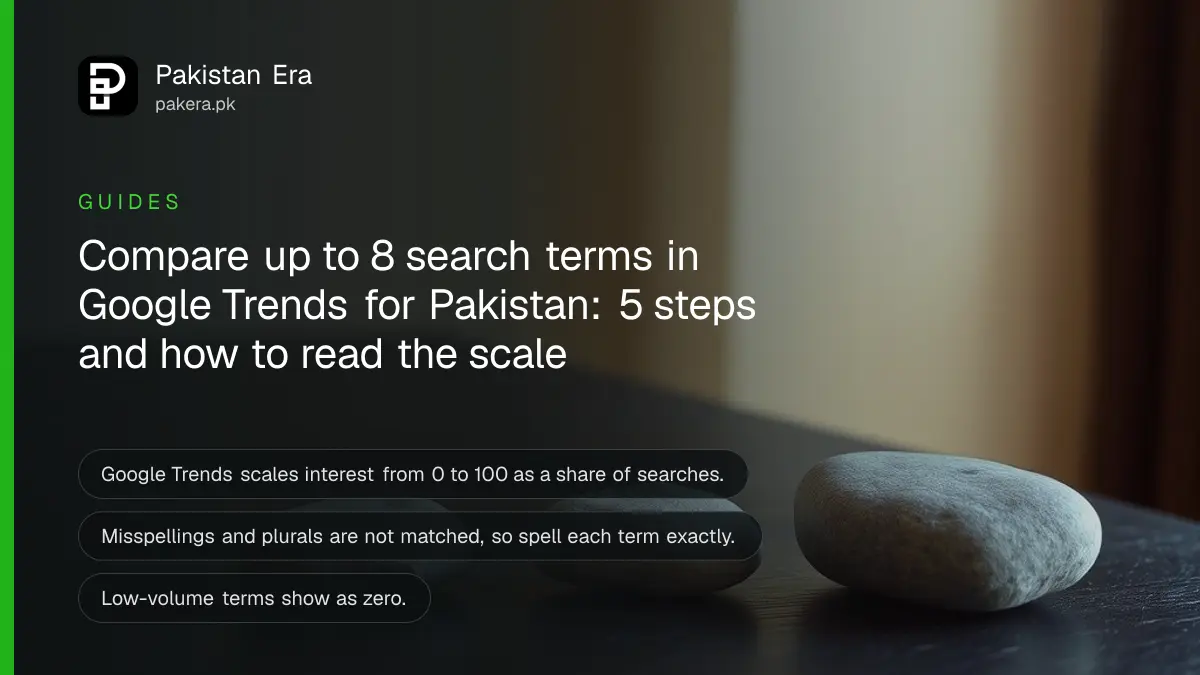
Short answer: Google Trends shows how interest in a search term rises and falls, scaled from 0 to 100 for the place and time you pick. You can compare up to 8 term groups at once and set the location to Pakistan. It shows interest, not exact search counts.
A mobile accessories seller in Karachi wants to know whether to stock "earbuds" or "power bank" before the winter sale. Guessing costs money. Google Trends answers the question in a minute and is free to open.
We read Google's two help pages on Trends on 13 October 2026: how to compare terms, and how the data is scaled. This guide uses what they say. It does not give any numbers for Pakistani searches, because Trends changes daily.
Google Trends shows interest as a share of all searches
Google says Trends divides each data point by the total searches in a place and time, then scales the result from 0 to 100. So a score is a share, not a count. A rising line means more of all searches are about your term.
That is why 100 does not mean 100 searches. It means the peak interest for that term in the range you chose. Compare two terms on the same chart to see which is bigger.
Google also says Trends uses a sample of searches, because it handles billions a day. It adds small random noise too. For this reason, treat small bumps in a line as nothing.
Compare up to eight term groups for Pakistan
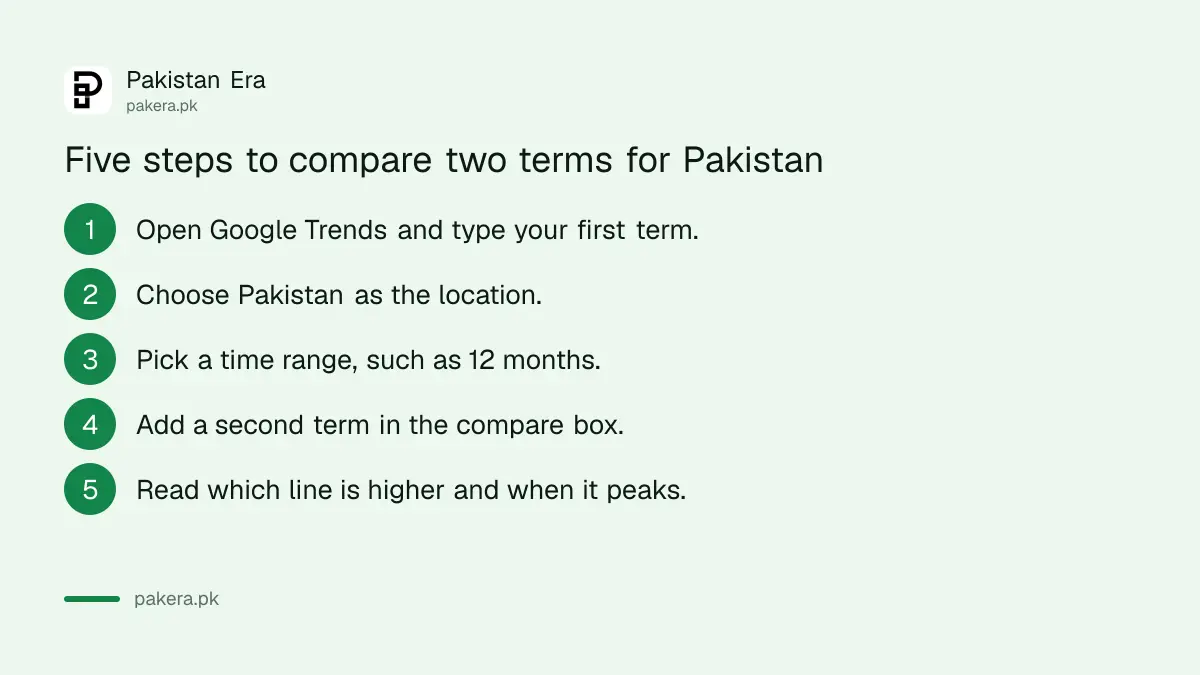
Google's help page says you can compare up to 8 term groups, with as many as 50 terms in each group. Open Trends, enter your first term, then use the compare box to add more. Set the location to Pakistan so the chart reflects local search.
- Open Google Trends and type your first term, such as earbuds.
- Choose Pakistan as the location.
- Pick a time range, for example the past 12 months.
- Add a second term in the compare box, such as power bank.
- Read which line is higher, and when each one peaks.
Use the same time range for every term. A term that peaked last winter will look weak on a chart that starts in spring.
Spell terms exactly and mix languages with a plus sign
Google warns that Trends gives no results for misspellings, spelling variations, synonyms, plurals or singulars of your term. Each term must match exactly. Run separate searches for "mobile cover" and "mobile covers" if both matter to your shop.
Pakistanis search in Urdu, English and Roman Urdu. Google says you can combine terms in different scripts with a plus sign. So you can add an Urdu word and its English form together in one group. Test a few spellings of Roman Urdu too, such as "shadi" and "shaadi", and compare the lines.
| You want to | Do this in Trends |
|---|---|
| Compare two products | Add a second term in the compare box |
| Join English and Urdu words | Put a plus sign between them |
| Match an exact phrase | Search it inside quotation marks |
| Cover a whole idea | Pick the topic option, not the term |
| See local interest | Set the location to Pakistan |
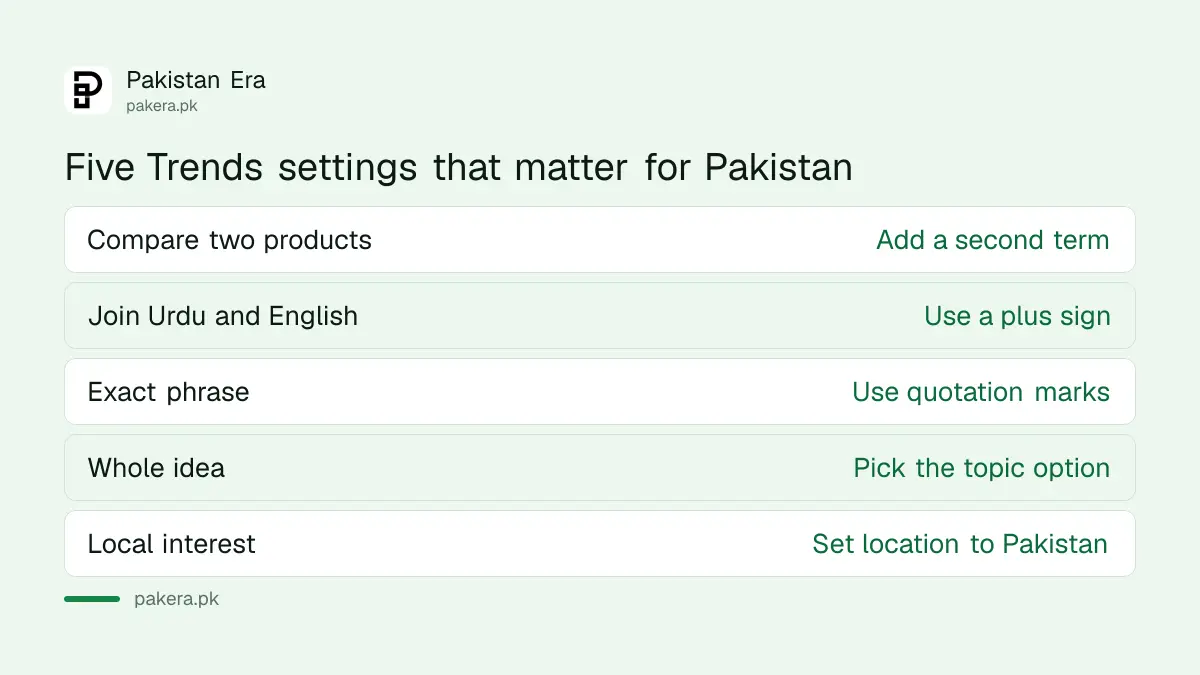
Google explains the difference between a term and a topic. A term matches words. A topic groups related ideas across languages. Choose a topic when you care about the idea and a term when you care about the exact words.
Read low numbers and time ranges with care
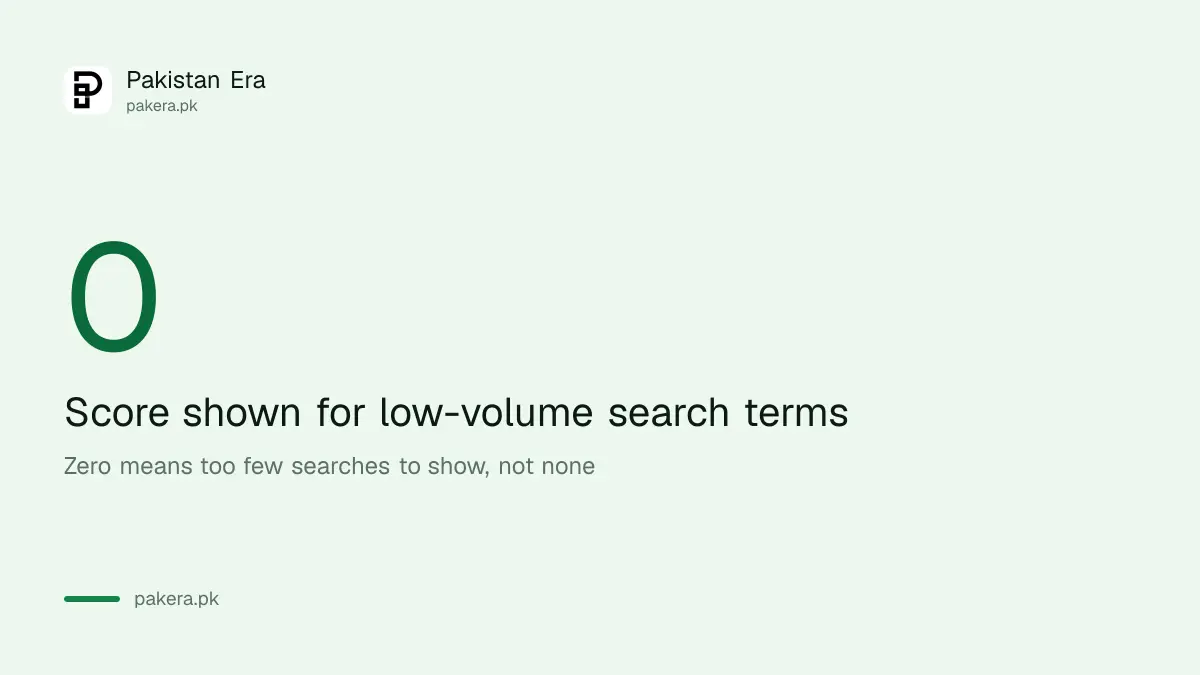
Google says Trends shows data only for popular terms, so low-volume terms appear as 0. A zero does not mean nobody searched. It means too few searches to show. A tiny local business term may always read as 0.
Time zones also matter. For periods of 30 days or more, Google says data uses UTC. For 7 days or less, it uses your local time zone. Pakistan is five hours ahead of UTC, so a daily peak can shift by a day between views.
Google says Trends reflects only search interest, not popularity or validation of a topic. A term can trend because people are angry, curious or confused. Do not assume that interest means demand to buy.
Turn the chart into a plan
Pick the higher term for a post or a product, and time it before its peak. Pair the idea with real facts. Write to answer the question people ask, as set out in the guide to Google's rules on AI-written content for Pakistani websites.
If you want a stronger grounding in search, the free course in Google's two SEO playlists is a good next step. Be careful with agencies that sell Trends screenshots as proof. The checks in checking an SEO agency's claims explain what to ask.
A new shop can pair this with the steps to start an online store.
Common questions
Is Google Trends free?
Google's help pages describe it as a public tool you open and search. We did not see a fee on those pages.
Does a score of 100 mean 100 searches?
No. It is the peak interest for that term in your chosen place and time, scaled from 0 to 100 as a share of all searches.
Why does my term show zero?
Google says low-volume terms appear as 0 because Trends shows data only for popular terms.
How many terms can I compare?
Up to 8 term groups at once, with as many as 50 terms in each group, according to Google's help page.
Can I search in Urdu?
Yes. Google says you can combine terms in different scripts with a plus sign, and compare them in one group.
How we verified this
What we checked, where we read it, and what we could not confirm.
Last checked on 13 October 2026, Pakistan time. We read Google's help pages on comparing search terms in Trends and on how Trends data is scaled. We did not run Pakistan searches for this page, so it gives no chart numbers. Whether Trends is free is our reading of the help pages, which do not state a fee.
About the author

Founder and Editor
Umer Kureshi founded Pakistan Era in July 2024 and runs it as administrator, SEO lead and writer, overseeing website operations, search growth, content strategy and coverage of technology and current affairs.