Verify Your Age on Google and YouTube in Pakistan: ID or Credit Card, Every Step and Photo Rule
Verify your age on Google or YouTube in Pakistan with a government ID photo or a credit card hold that is not a charge. See every step and the photo rules.
To verify your age on Google in Pakistan, select Verify when Google asks, then choose Use your ID and upload a clear photo of a government ID, or choose Use your credit card for a temporary hold that is not a charge. Google deletes the ID once your date of birth is confirmed. The card hold can show for 1 to 14 business days.
The request usually pops up when you open an age-restricted YouTube video, a mature app on the Play Store, or a feature Google limits to adults. It also appears when the birth date on an account looks wrong, which can happen on a phone that a shop set up in a hurry. We read Google's age verification pages on 1 November 2026, and here is every route, the photo rules that cause most rejections, and what Google keeps afterwards.
Google asks for proof of age before age-restricted content
Google says some content and services carry age requirements, so it may ask you to confirm your age before you open them. On YouTube, age-restricted videos cannot be watched when you are signed out, under 18, or on most other websites that embed the video.
So a 17-year-old in Karachi will see the block on some videos no matter what. An adult sees it when the birthday on the account says under 18, or when Google is not sure. That second case is the one this verification fixes.
Pakistan is not on Google's country list for age limits, so the default applies: 13 is the minimum age to manage your own Google account. If Google learns an account holder may be younger, it gives 14 days to update the account before disabling it.
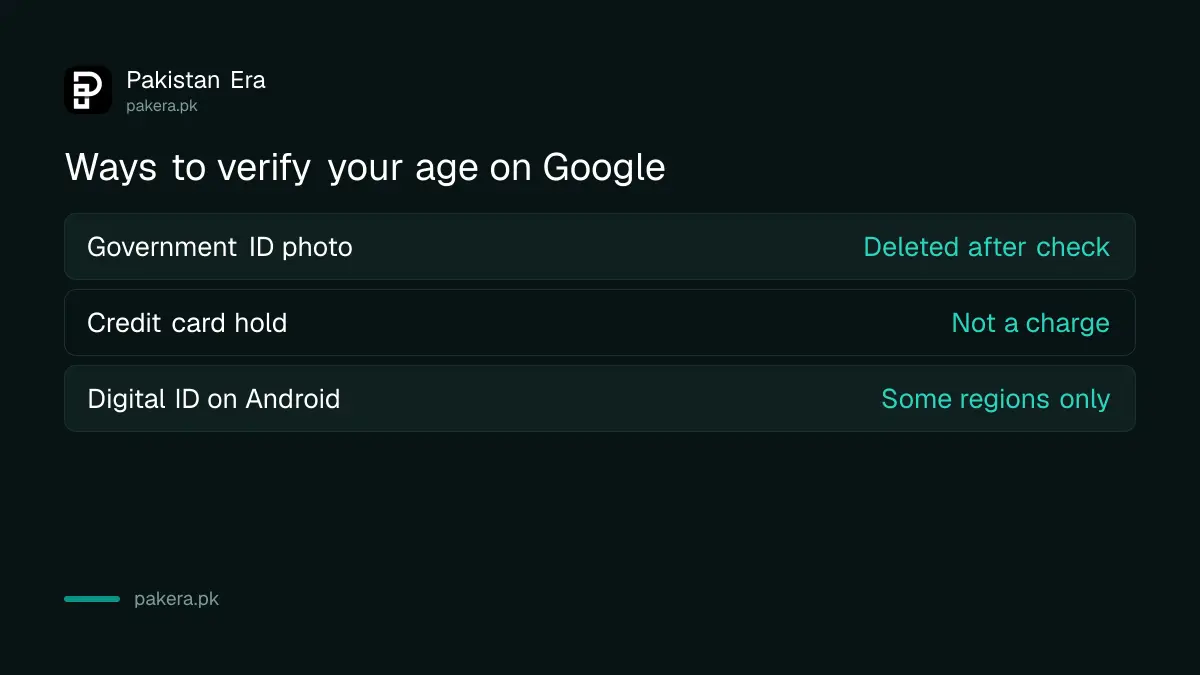
| Method | What you give | What Google keeps |
|---|---|---|
| ID | Photo of a passport, driving licence or national ID card | Deleted after your date of birth is verified |
| Credit card | Card details for a pending authorisation | Kept as needed for legal rules |
| Digital ID | A digital ID in an Android wallet | Only in some regions |
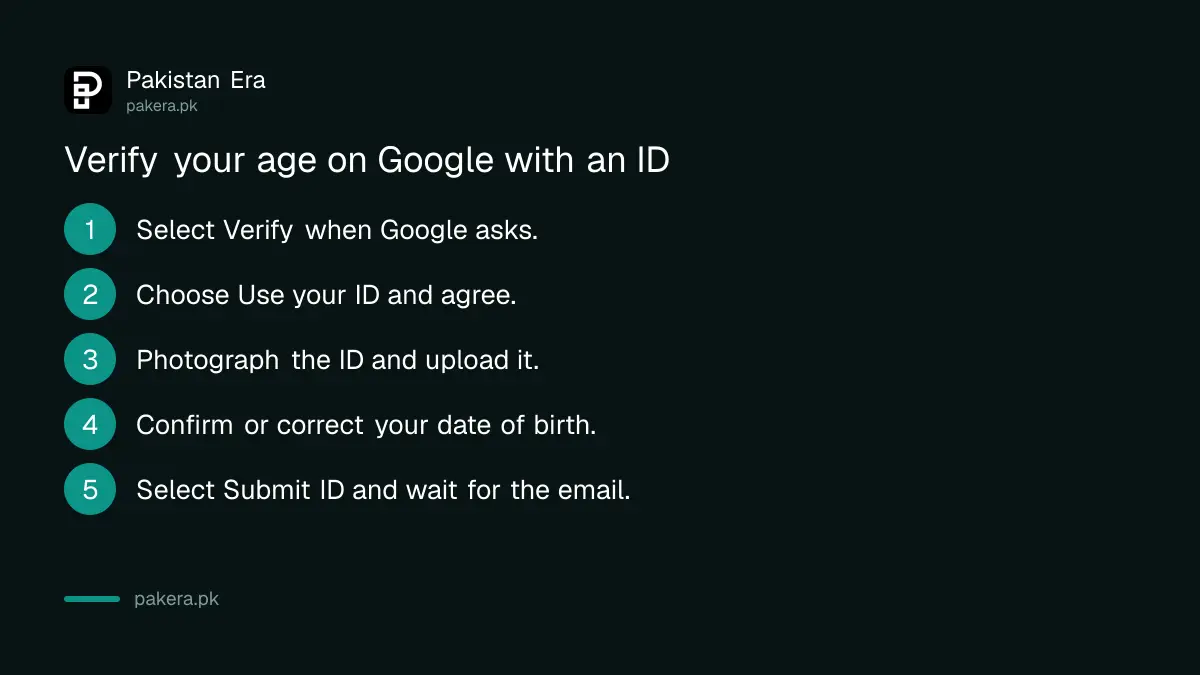
The ID route takes 6 steps and works with a phone camera
Select Verify, choose Use your ID, agree to ID verification, photograph and upload the ID, confirm or correct the date of birth Google reads from it, then select Submit ID. Some IDs go to a manual review, and Google emails you when it finishes.
- When Google asks you to verify your age, select Verify.
- Select Use your ID.
- Follow the on-screen steps to agree to ID verification.
- Photograph your ID and upload it.
- Check the date of birth. Choose This is correct, or choose This is incorrect, type the right date and select Next.
- Select Submit ID.
Google's page names a passport, a driving licence or a national ID card. It does not list individual countries' cards, so we cannot confirm the CNIC by name, though it is Pakistan's national identity card. If one document fails, a passport is the safest second try.
Most ID rejections come from the photo, not the card
Google wants the full card with all four corners showing, a clear colour photo with no glare, and a .jpg or .png file. A PDF is not accepted. A blurry scan or a card held at an angle under a tube light is the usual reason for a second attempt.
- All four corners: place the card on a plain, dark surface and fill most of the frame.
- Colour, not black and white: do not use a photocopy.
- No glare: turn off the flash and stand by a window instead of under a ceiling light.
- Right file type: .jpg or .png only. Convert a PDF scan to an image first.
Cover nothing on the card. A sticker or thumb over the photo can trip the check. And upload only inside Google's own verification screen, never through a link someone sends you on WhatsApp promising to "unlock" your YouTube.
The credit card route places a hold, not a charge
Select Verify, choose Use your credit card and enter the card details. Google places a pending authorisation to check the card is valid. Google says this is not a charge, and the hold may stay on your statement for 1 to 14 business days.
Google's page says credit card. It does not say whether a debit card works for this check, so we have not claimed it does. If the authorisation fails, Google says to check for an invalid card or a typing mistake.
Pakistani cards add one more hurdle: some banks block online or international authorisations until you enable them in the banking app. If the hold keeps failing, check that setting before you blame Google.
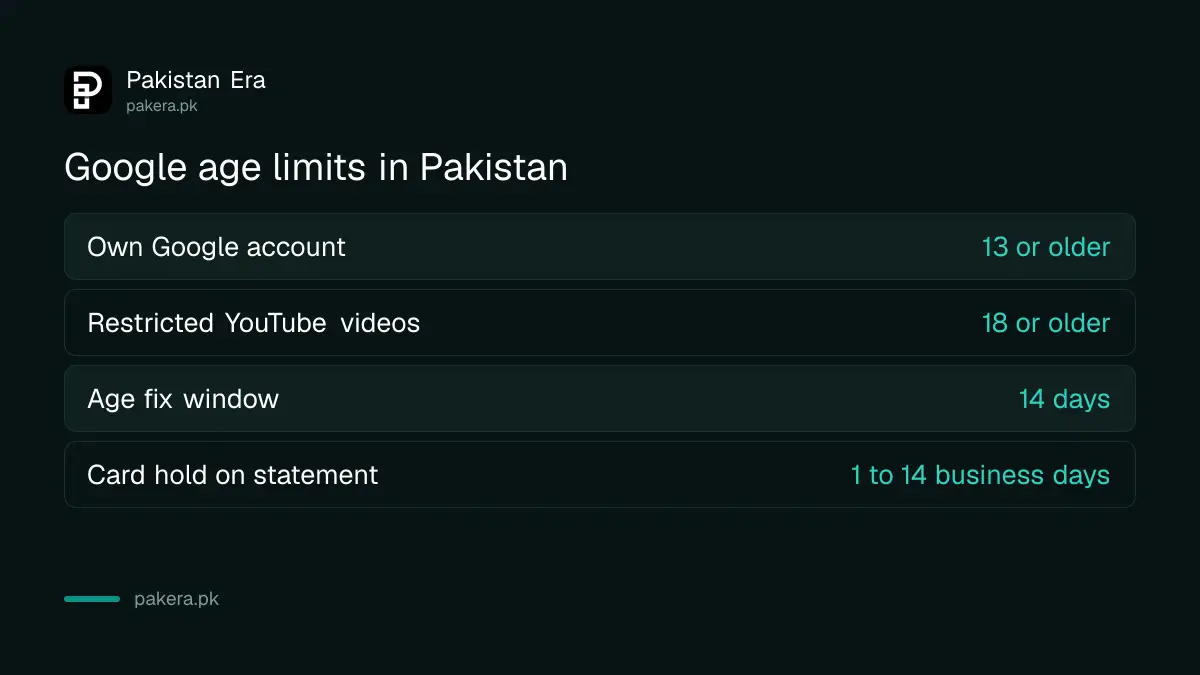
| Detail | Figure |
|---|---|
| Minimum age for your own Google account in Pakistan | 13 |
| Days to fix an age problem before disabling | 14 |
| Card hold on your statement | 1 to 14 business days |
| Age needed for restricted YouTube videos | 18 |
Google keeps your birth date and deletes the ID
Google says your ID is stored securely, is never made public, and is deleted after your date of birth is verified. The confirmed birth date is saved to your payments profile and updated in your Google account. Card data is kept as needed for legal and regulatory rules.
That is a reasonable trade for most adults. If you would rather not share an ID with Google at all, the card route avoids it. For children, the better answer is a supervised profile: a supervised YouTube account lets a parent pick what a child sees, and YouTube Restricted Mode filters mature videos on a shared phone.
Creators face the other side of this. If your own upload was marked 18+, viewers verifying their age is not the fix, and an age-restricted video appeal is the route instead.
Common questions
Does Google accept CNIC for age verification?
Google's page accepts a national ID card but does not list countries. We could not confirm the CNIC by name. A passport is a safe alternative.
Will Google charge my card to verify my age?
No. Google places a pending authorisation that is not a charge. It may show for 1 to 14 business days.
Can I upload my ID as a PDF?
No. Google accepts .jpg or .png images only.
Does Google keep my ID photo?
No. Google says it deletes the ID after your date of birth is verified.
What is the minimum age for a Google account in Pakistan?
13, the default for countries not on Google's list.
Why can't I watch an age-restricted YouTube video?
You are signed out, under 18, or watching it embedded on another website. Sign in to an account verified as 18 or older.
How we verified this
What we checked, where we read it, and what we could not confirm.
Last checked 1 November 2026. We read Google's help page Access age-restricted content and features (ID and credit card steps, photo rules, manual review, 1 to 14 business day hold, what is stored), the age requirements page (13 as the default, the 14-day window) and YouTube's age-restricted content page (signed out, under 18, embeds) on 1 November 2026. Google does not name the CNIC or say whether debit cards work, so we have not claimed either. We did not run an age check on a test account.
About the author

Technology Journalist & Multimedia Producer
Ahmad Ali is a technology journalist and multimedia producer at Pakistan Era, joining the team in October 2026. He covers consumer technology and digital life for Pakistani readers, combining research with hands-on product testing.