YouTube Age-Restricted Video in Pakistan: How to Watch It, Why It Happens and How Creators Appeal
A YouTube age-restricted video plays only for signed-in adults, not inside other sites. See why videos get restricted, how creators check and appeal in Studio.
A YouTube age-restricted video plays only for viewers who are signed in and 18 or older, and not on most other websites. Creators can check it with the Age-Restriction filter in YouTube Studio and appeal from the video's restriction in Content, then Review issues. In Pakistan, YouTube does not list an extra ID check, so a signed-in adult account is usually enough.
Two kinds of people search for this. Viewers who see "This video may be inappropriate for some users" and cannot play it. And creators whose upload suddenly shows "Viewable by 18+". Both are covered here. We read YouTube Help's age-restricted content, watching age-restricted videos, age restriction appeal and Community Guidelines appeal pages on 31 October 2026.
Age restriction is a limit, not a strike
YouTube age-restricts videos that do not break its Community Guidelines but are not suitable for viewers under 18. The video stays up and keeps its views. It is hidden from signed-out viewers, under 18 accounts and most embedded players.
That is the key difference from a strike. A strike punishes the channel. An age restriction only narrows the audience. No upload freeze follows, and nothing counts against the channel's 90 day strike clock.
YouTube's age-restricted content page also notes that the made for kids setting does not affect age restrictions. They are separate controls.
Five kinds of content get age-restricted
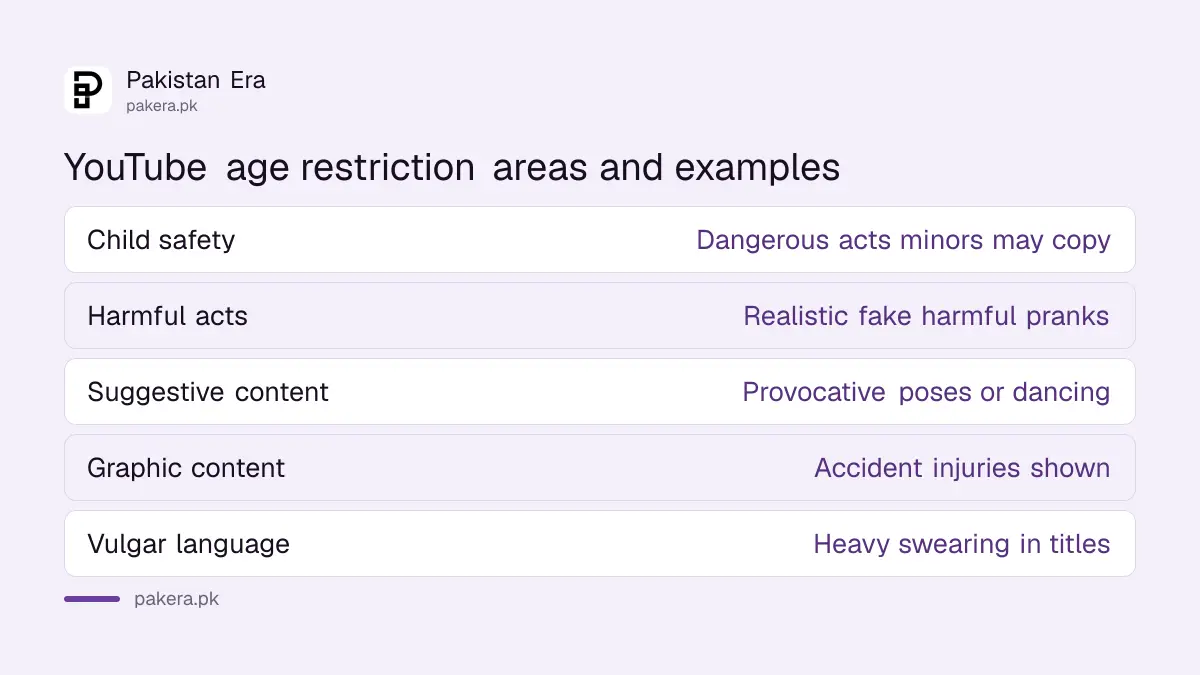
YouTube names five areas: child safety, harmful or dangerous activities, nudity and sexually suggestive content, violent or graphic content, and vulgar language. Each has examples of content that stays up but is limited to adults.
| Area | YouTube's examples |
|---|---|
| Child safety | Adults doing dangerous things minors could copy; adult content that looks like family content |
| Harmful or dangerous acts | Realistic fake harmful pranks |
| Nudity and suggestive content | Provocative dancing or poses; clothing not acceptable in public |
| Violent or graphic content | Injuries shown after a major road accident; focus on the most violent moments |
| Vulgar language | Heavy swearing in titles, thumbnails or metadata; profanity compilations |
For Pakistani news and vlog channels, the violent or graphic row is the one to watch. Raw footage of accidents, blasts or fights, especially when the thumbnail zooms in on injuries, sits right on this line. In our view, blurring and a calmer thumbnail give a news clip the best chance of staying unrestricted.
How viewers in Pakistan can watch an age-restricted video
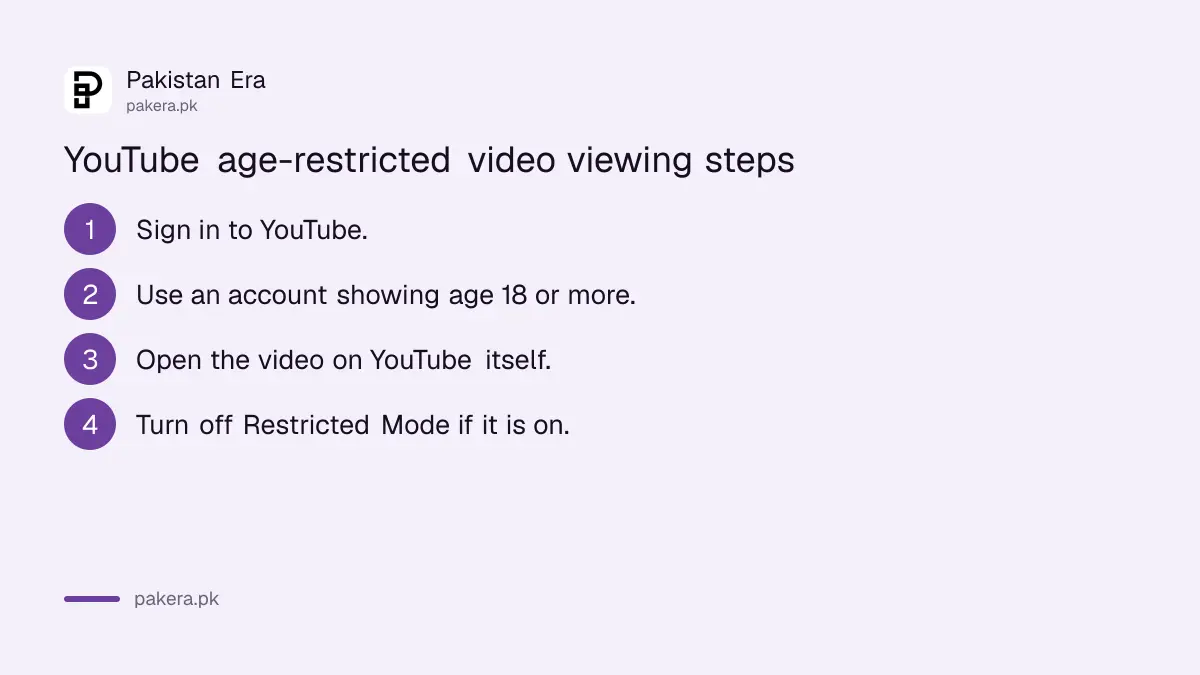
Sign in to YouTube with a Google account that shows you as 18 or older, then open the video on youtube.com or the YouTube app. If you clicked it on another website, YouTube sends you to YouTube to watch, because most embedded players will not play it.
- Open YouTube and sign in.
- Check that your account's age is 18 or older.
- Open the video on youtube.com or in the app, not inside another site.
- If it still will not play, check that Restricted Mode is off on this device.
YouTube lists Australia, the EU, the EEA, Switzerland and the United Kingdom as places where it may ask you to prove your age with an ID or credit card. Pakistan is not on that list, as of 31 October 2026, per YouTube's watching age-restricted videos page. So a signed-in adult account normally works here.
On a school, office or family device, Restricted Mode is the usual reason an adult still cannot see a video. How it works, and how to switch it on or off, is under YouTube Restricted Mode. For children's accounts, a supervised YouTube account keeps these videos out entirely.
Creators: check which of your videos are restricted
In YouTube Studio, open Content and use the Age-Restriction filter, or look for "Viewable by 18+" under Notices. Restricted videos can still run ads, but some advertisers avoid them, so earnings can be limited or zero.
YouTube says ratings can change as its systems update, so check the filter now and then, not just once. So an older video that earned well can be restricted later, which can cut its ad income.
Ad limits from advertiser rules are a different system again, the yellow dollar icon. If that is your problem, the route is under appealing YouTube limited ads.
Appeal an age restriction from YouTube Studio
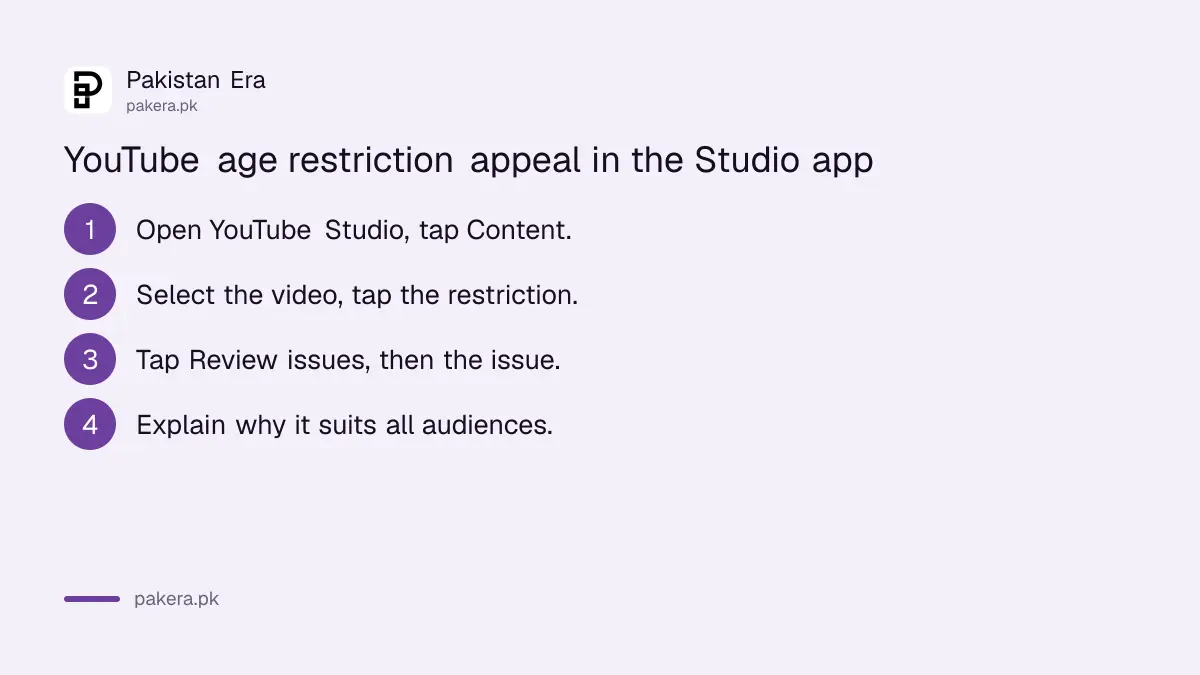
In the YouTube Studio app, tap Content, choose the restricted video, tap the restriction, then Review issues. Pick the issue, write why the video is suitable for all audiences, and submit. YouTube reviews it and emails the result.
- Open the YouTube Studio app and tap Content.
- Select the restricted video and tap the restriction.
- Tap Review issues, then the relevant issue.
- Explain why the video suits all audiences and submit.
YouTube's appeal article we read covers the Android Studio app; it links a separate version for computers. It does not say how many times you can appeal one restriction or how long a review takes. Edit before you appeal if the problem is fixable: a new thumbnail, a cleaner title, blurred footage. A reviewer sees the video as it is at review time.
Age restriction can also be the result of a strike appeal. When YouTube decides a removed video followed the rules but is not right for every age, it brings the video back age-restricted. That path is explained under YouTube Community Guidelines strikes.
Common questions
Why can't I watch an age-restricted video on YouTube?
You are signed out, your account shows you as under 18, you are watching inside another website, or Restricted Mode is on.
Does YouTube ask for ID in Pakistan?
YouTube lists ID checks for Australia, the EU, the EEA, Switzerland and the UK. Pakistan is not on that list as of 31 October 2026.
Does an age-restricted video earn money?
It can still run ads, but YouTube says some advertisers avoid such videos, so earnings may be limited or none.
Is an age restriction a strike?
No. The video stays up and the channel gets no strike. Only the audience is limited.
How do I find age-restricted videos on my channel?
Use the Age-Restriction filter in YouTube Studio's Content page, or look for "Viewable by 18+" under Notices.
Is age restriction the same as made for kids?
No. YouTube says the made for kids setting does not affect age restrictions. They are separate controls.
How we verified this
What we checked, where we read it, and what we could not confirm.
Last checked 31 October 2026. We read YouTube Help's "Age-restricted content", "Watching age-restricted videos", "Appeal an age restriction" and "Appeal Community Guidelines actions" on support.google.com on 31 October 2026. The age-restricted content page we read was cut short before its sections on creators restricting their own videos and on embedded players, so we do not cover those in detail. The advice on thumbnails and blurring is our own. We did not run an appeal.
About the author

Technology Journalist & Multimedia Producer
Ahmad Ali is a technology journalist and multimedia producer at Pakistan Era, joining the team in October 2026. He covers consumer technology and digital life for Pakistani readers, combining research with hands-on product testing.