WhatsApp Is Testing a Folder That Moves Business Messages Out of Your Chat List
Messages from large businesses would move to an Offers and Updates folder after a set time. It can be switched off, but not tuned.
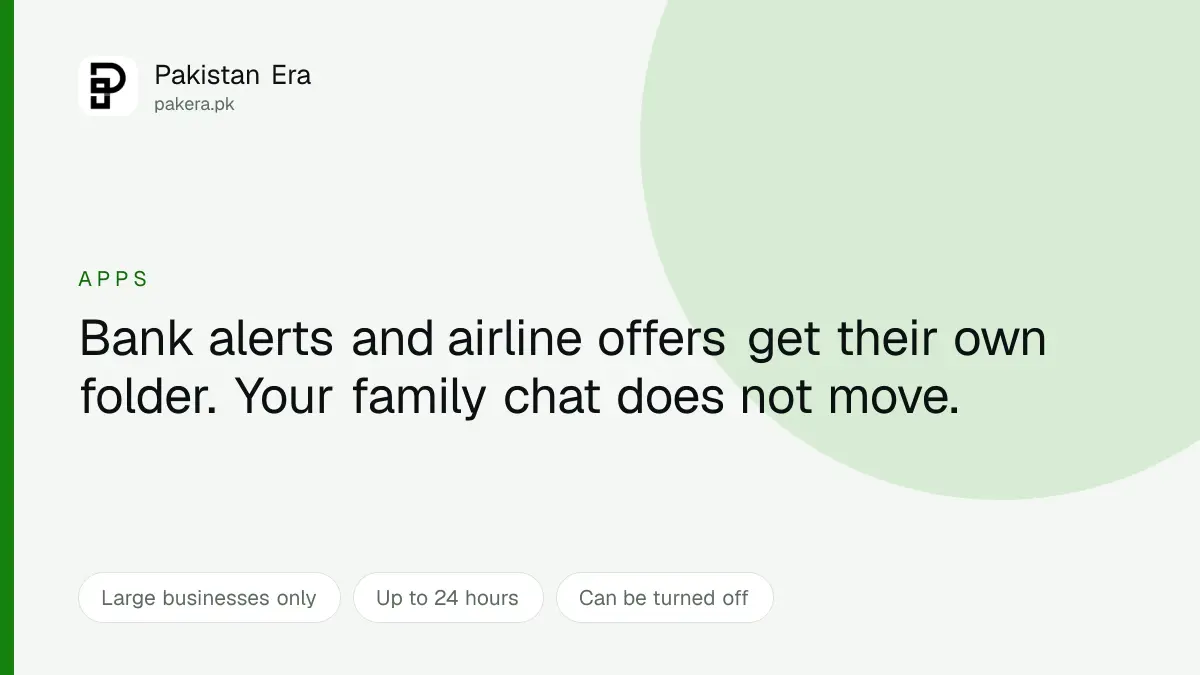
WhatsApp is testing a folder called Offers and Updates that automatically takes messages from large businesses out of your main chat list after a set number of hours.
It is in testing rather than released, with selected partners on the WhatsApp Business Platform. Nobody in Pakistan has it yet, and the details below are what is being tested rather than what has shipped.
What the feature does
A large business messages you. It arrives in your chat list as normal. After a set number of hours, it moves itself into a separate Offers and Updates folder.
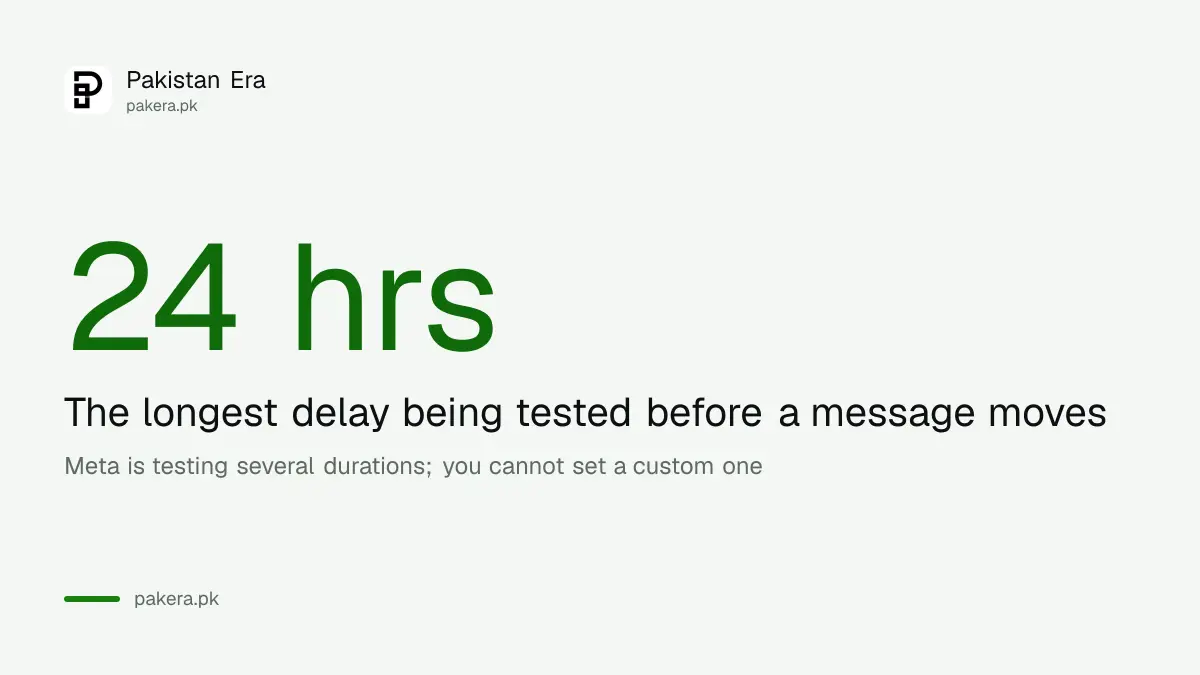
Meta is testing several durations, up to 24 hours. You will not be able to choose your own. The choice is between whatever duration Meta settles on and switching the feature off entirely, which does remain an option: turn it off and business messages stop being filed away.
The stated purpose is reducing clutter while keeping updates findable, which is a fair description of the problem. A chat list where your mother sits between a bank alert and an airline promotion is not a well organised chat list.
Which accounts are affected
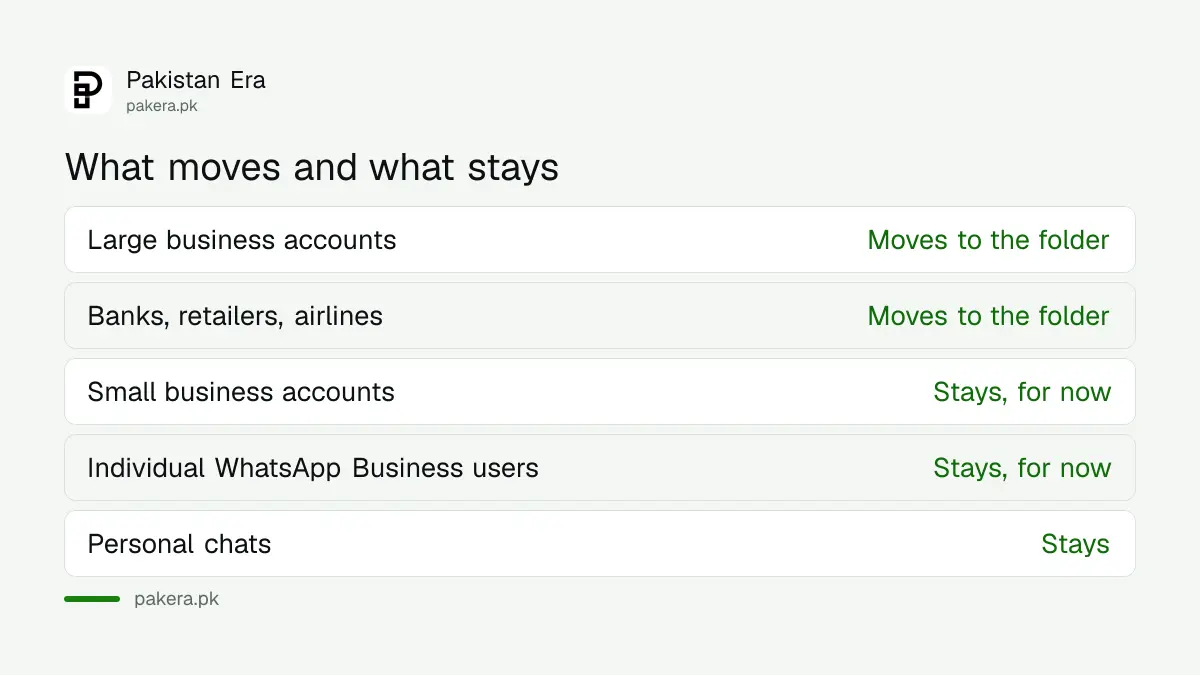
This is the part most coverage gets vague about, and it is the part that decides whether you care.
| Account type | What happens |
|---|---|
| Large businesses on the WhatsApp Business Platform | Messages move to the folder |
| Banks, retailers, airlines | Moves, these are the named examples |
| Small business accounts | Not included for now |
| Individual WhatsApp Business users | Not included for now |
| Personal chats | Unaffected |
The exclusion of small businesses matters a great deal in Pakistan. An enormous amount of real commerce here runs through WhatsApp Business accounts belonging to one person: the tailor, the parts dealer, the woman running a clothing brand from her house, the man who fixes your air conditioner. None of those would be filed away. The feature is aimed at enterprise broadcast traffic, not at a shop you actually talk to.
The question Meta has not answered
WhatsApp in Pakistan is not only a messaging app. It is a delivery channel for things that are time sensitive.
Banks send transaction alerts through it. Couriers send delivery updates. Utilities send bill notifications. Some services send one time passwords. Our guides on activating packages via WhatsApp for Jazz, Ufone and Telenor exist because the networks themselves treat it as an interface rather than a chat app.
A bank is exactly the kind of large business this feature targets. So the obvious question is what happens to a message you need to see in the next ninety seconds.
Meta has not said. It may well be that time sensitive message categories are excluded, since the platform already distinguishes between message types for billing purposes and could plausibly do the same here. But that is our inference, not something anyone has stated, and it is the single detail worth waiting for before deciding whether to leave the feature on.
The delay does at least work in your favour on the current design. A message sits in your normal list for hours before it moves, so anything urgent has been and gone long before filing happens.
Why Meta is building this
Two reasons, and only one of them is about you.
The first is genuine. Business messaging has grown enormously and it has made chat lists worse. A feature that keeps promotional traffic out of the way is a reasonable response to a problem Meta itself created by selling that traffic.
The second is commercial. Business messaging is one of Meta's growth areas, and the ceiling on it is user tolerance. If people mute or block businesses because the volume is intolerable, the channel loses value. A folder lets Meta increase business message volume without the chat list becoming unusable, which protects the product it is selling.
Neither of those makes the feature bad. It is worth understanding that a folder which makes promotional messages less annoying also makes more of them possible.
What you can do about business messages today
The folder is not available, but the existing controls are, and most people never touch them.
- Mute the conversation. Long press the chat, choose mute, pick a year. The messages still arrive, they stop interrupting.
- Archive it. Archived chats stay archived even when a new message arrives, provided you have kept chats archived enabled. This is the closest thing to the new folder that already exists.
- Stop the messages at source. Most legitimate businesses honour a stop or unsubscribe reply, because the platform requires them to.
- Block, for anything that ignores the above. A business that does not respect an unsubscribe is not a business you owe patience to.
Archiving in particular does most of what Offers and Updates promises, and it works on every account rather than only on large ones. If you manage a lot of this on a computer, our WhatsApp on PC and web guide covers doing it faster with a keyboard.
One thing worth keeping in mind
A folder that quietly collects official looking messages is also a folder a scam message can sit in, unread, looking as legitimate as everything around it.
The habit that protects you does not change: never act on a link inside a message, whoever it appears to be from, and open the bank or portal yourself instead. That is the same rule that defeats the fake e challan texts currently circulating, and it will still be the rule when this folder ships.
Questions readers are asking
Is the Offers and Updates folder available now?
No. It is in testing with selected partners on the WhatsApp Business Platform and has not been released.
Which messages would move into it?
Messages from large businesses such as banks, retailers and airlines. Small business accounts and individual WhatsApp Business users are not included for now.
Can I turn it off?
Yes. Users who prefer everything in one chat list can disable it, and the app then stops filing business messages away. You cannot set your own duration, only accept Meta's or switch it off.
How long before a message moves?
Meta is testing several durations, up to 24 hours. The final figure has not been announced.
Will bank OTPs get delayed?
Nothing is delayed. Messages arrive normally and only move afterwards, so anything urgent reaches your main list first. Whether time sensitive categories are excluded from moving at all has not been stated by Meta.
Is there anything similar I can use today?
Archiving. An archived chat stays archived when new messages arrive if you have kept chats archived turned on, which is close to what this folder does and works with every account rather than only large ones.
About the author

Public Services and Education Journalist
Fajr Riaz is a journalist and content writer at Pakistan Era, based in Lahore. She covers the questions people meet in everyday life in Pakistan: how a public service works, what a change in the rules means, and where to find a reliable answer.