Introduction
If you’re using Ufone, one of the most important things you need to stay on top of is your remaining MBs, call minutes, and SMS. Running out of balance unexpectedly can be frustrating, especially when you’re in the middle of something important like browsing, calling, or texting.
The good thing is that Ufone makes it very easy to check your remaining resources. You don’t need any technical knowledge or complicated steps. Whether you prefer the simple offline method or using a smartphone app, you can quickly find out how much data, minutes, and SMS you still have left in your package.
In this guide, I’ll walk you through both methods so you can choose whatever works best for you.
Offline Method to Check Ufone MBs, Minutes, and SMS
The fastest and most commonly used method is the USSD code. It works on every phone, even without internet access.
Using the USSD Code
To check your remaining bundle details:
Dial *706# from your Ufone SIM.
After dialing, a menu or instant message will appear on your screen showing your remaining:
- Internet MBs
- Call minutes
- SMS balance
This method is very useful because it works anytime, anywhere, even if you don’t have mobile data or Wi-Fi.
It’s basically the quickest way to get a full snapshot of your remaining Ufone package.
Online Method Using the Ufone App
If you have a smartphone and prefer a more detailed view, the Ufone app is a better option.
How to Check Using the App
First, download the official “My Ufone App” from your app store. After that:
- Open the app and log in or sign up using your Ufone number
- Go to the main dashboard or account portal
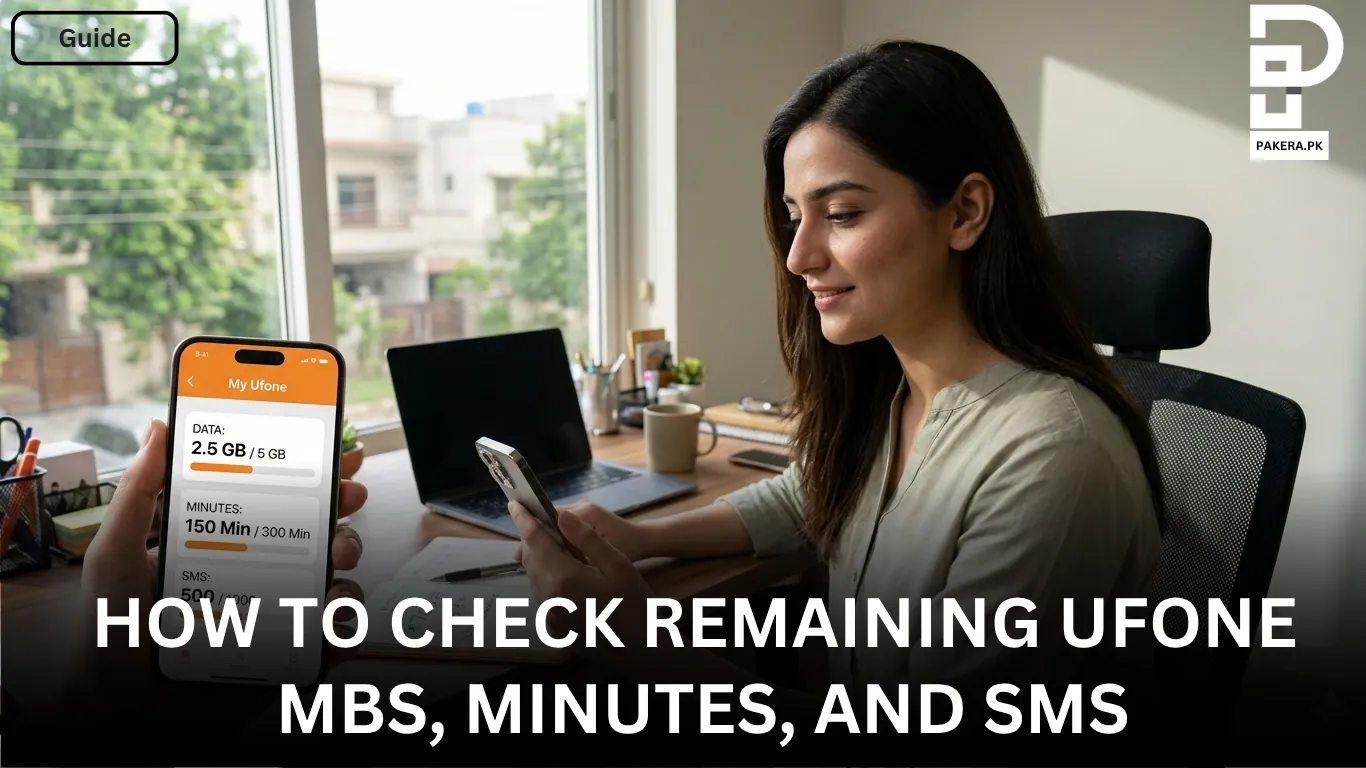
- You will see all your remaining resources displayed clearly
Inside the app, you can view:
- Remaining internet MBs
- Call minutes
- SMS bundles
- Active package details
This method is more user-friendly and gives you a complete overview of your usage in one place. It’s especially helpful if you frequently subscribe to different bundles and want to track everything properly.
Which Method is Better?
Both methods are useful, but it depends on your situation.
If you want something quick and simple, the USSD code (*706#) is the best option. It works instantly without internet.
If you want detailed information and better tracking, the Ufone app is more convenient. It gives you a complete dashboard of your usage and active packages.
Frequently Asked Questions
You can check your remaining MBs by dialing *706# or by using the My Ufone App.
Yes, the USSD code works without any internet connection. You just need a Ufone SIM.
Yes, both minutes and SMS along with MBs are shown when you dial *706# or check through the app.
Yes, the My Ufone App is free to download and use, but you may need internet data to access it.
If *706# doesn’t work, try restarting your phone or check if your SIM is active. You can also use the Ufone app as an alternative.
Conclusion
Checking your remaining Ufone MBs, minutes, and SMS is very simple and can be done in just a few seconds. Whether you use the quick USSD code *706# or the detailed My Ufone App, both methods help you stay updated on your balance and avoid unexpected interruptions.