Introduction
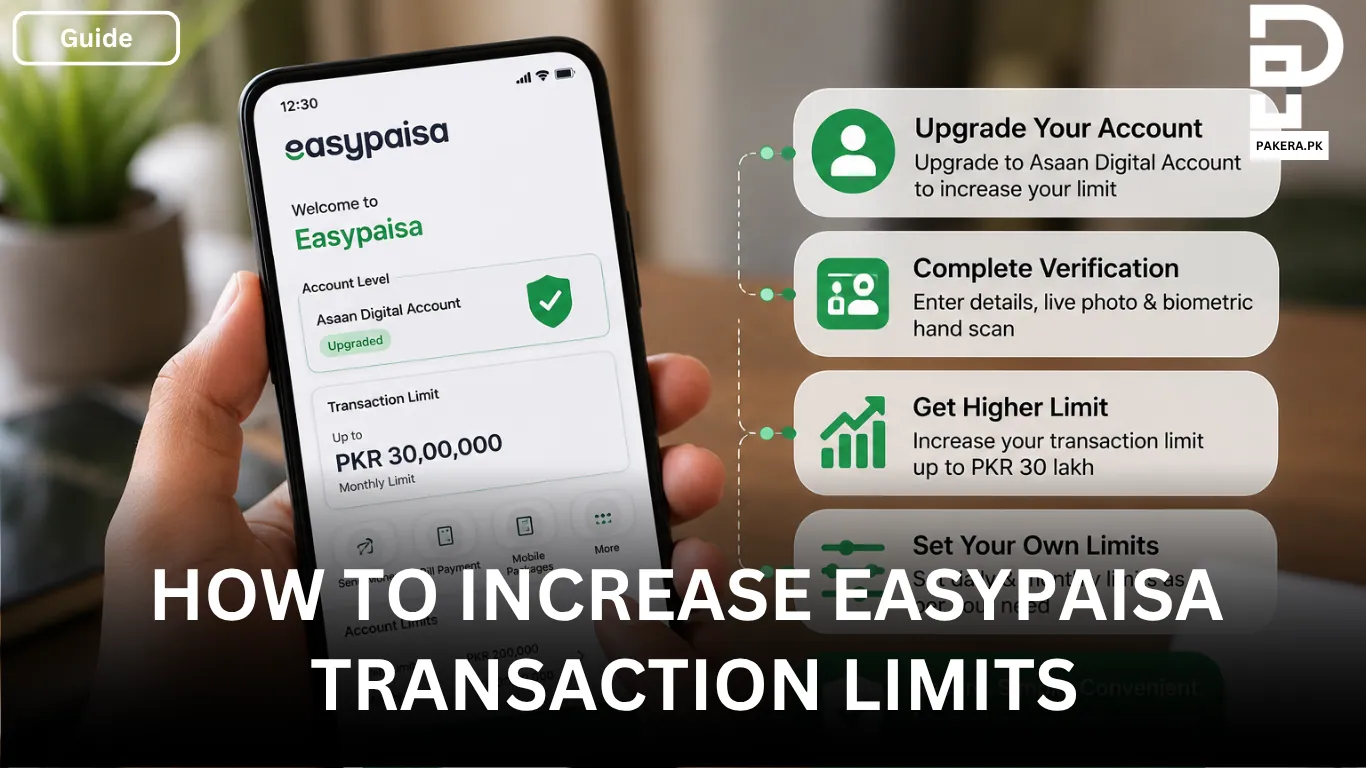
If your current Easypaisa transaction limit isn’t enough for your daily needs, you can increase it by upgrading your account. A regular Easypaisa account comes with limited transaction limits, but after upgrading to an Asaan Digital Account, you can increase your transaction limit up to PKR 30 lakh, making it much easier to send money, pay bills, and manage larger transactions.
The entire upgrade process can be completed through the Easypaisa app. You’ll need to provide the required information, complete biometric verification, and submit your application. Once your account is upgraded, you can also customize your own transaction limits based on your spending preferences.
How to Increase Your Easypaisa Transaction Limit
The easiest way to increase your Easypaisa transaction limit is by upgrading your account to an Asaan Digital Account.
To begin, open the Easypaisa app and log in to your account. Tap your profile picture and go to the Account Level section. From there, select Upgrade your Account to start the process.
Next, enter your personal and additional information as requested in the app. After that, you’ll need to complete the identity verification process by capturing a live photo and performing the biometric hand scan for both your left and right hands using your phone’s camera.
Once you’ve completed the verification, read and accept the terms and conditions, then submit your application. After your application is reviewed and approved, your account will be upgraded and your transaction limit can increase up to PKR 30 lakh.
Set Your Own Daily and Monthly Transaction Limits
If your Easypaisa account is already upgraded but you’d like more control over your spending, you can set your own daily and monthly transaction limits directly from the app.
How to Change Your Transaction Limits
Open the Easypaisa app and go to the Account Limits section. Tap Set Transaction Limits and choose the daily and monthly limits that suit your needs.
After saving your changes, the updated limits will become active once the required cool-off period has passed.
Frequently Asked Questions
After upgrading your account to an Asaan Digital Account, your transaction limit can increase up to PKR 30 lakh, subject to Easypaisa’s account policies.
Open the Easypaisa app, go to Profile > Account Level, tap Upgrade your Account, provide the required information, complete the live photo and biometric hand scan, and submit your application for approval.
Yes. If your account is already upgraded, you can customize your daily and monthly transaction limits by opening the Account Limits section in the Easypaisa app and selecting Set Transaction Limits.
Any changes you make to your transaction limits will take effect after the required cool-off period set by Easypaisa.
Conclusion
Increasing your Easypaisa transaction limit is a straightforward process. By upgrading your account to an Asaan Digital Account through the Easypaisa app, you can increase your limit up to PKR 30 lakh. If your account is already upgraded, you can also adjust your daily and monthly transaction limits whenever you need more control over your spending.