How to Add Hreflang Tags for English and Urdu Pages on Your Pakistani Website
Show English readers the English page and Urdu readers the Urdu one: add hreflang tags with codes en and ur, return links and x-default on a Pakistani website.
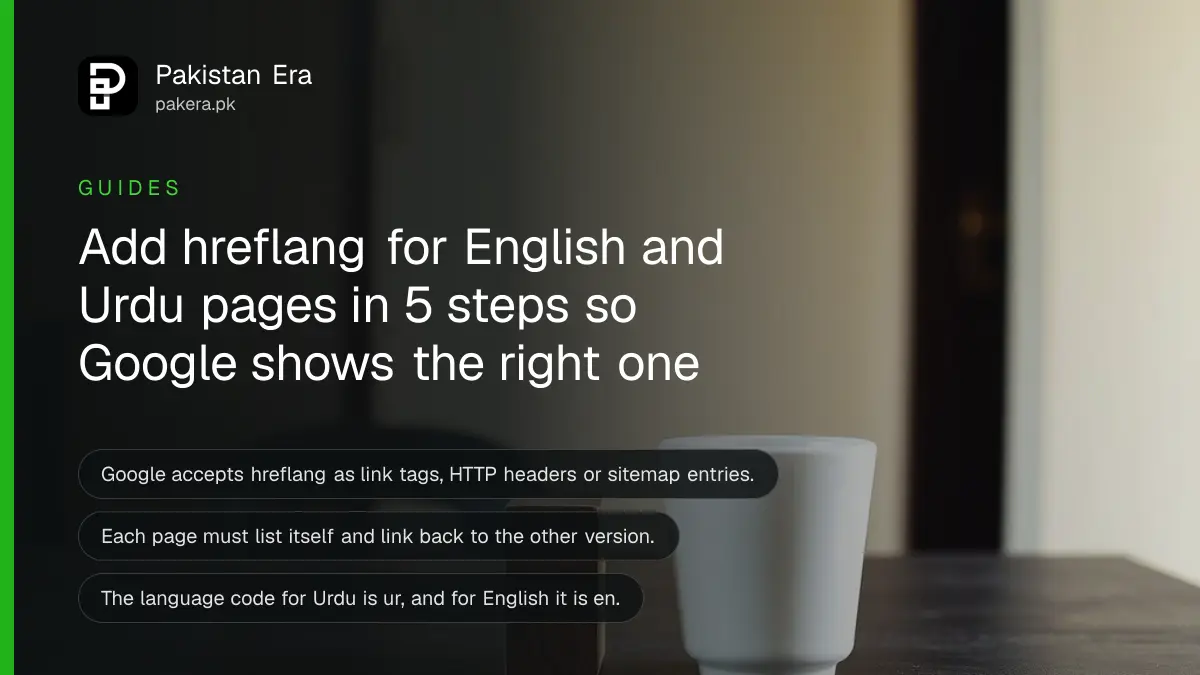
Short answer: If your Pakistani website has the same page in English and Urdu, add hreflang tags so Google can match each version to the right reader. Every page must list itself and the other version, and each version must link back to the other. Use the codes en and ur.
A Lahore clinic has a page in English and a page in Urdu for the same service. A search in Urdu should show the Urdu page, and a search in English should show the English one. Without hreflang, Google has to guess. Sometimes it guesses wrong, or treats the two as copies of each other.
We read Google's page on localized versions of pages on 13 October 2026. The rules below come from that page. We did not run a test site for this guide.
Hreflang tells Google which language version is which
Hreflang is a small tag that links the versions of one page across languages. Google says it accepts three equal methods: link tags in the page head, HTTP headers, or sitemap entries. There is no benefit in using more than one method at once.
For most small Pakistani sites, the link tag in the head is the easiest. Here is the pattern for a page that exists in English and Urdu. Put both lines on both pages.
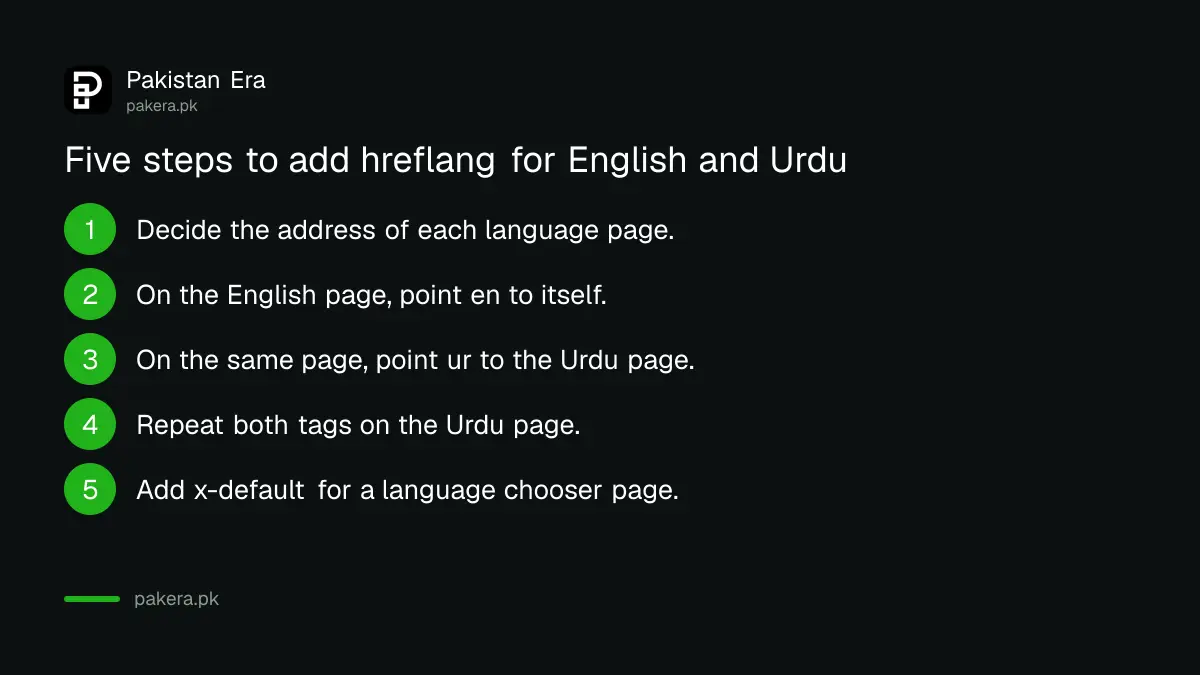
- Decide the address of the English page and the Urdu page.
- On the English page, add a link tag with hreflang="en" pointing to itself.
- On the same page, add a link tag with hreflang="ur" pointing to the Urdu page.
- On the Urdu page, add the same two tags, so it points to itself and back to English.
- Add an x-default tag if you have a page that lets people choose the language.
Every version must link back to the other
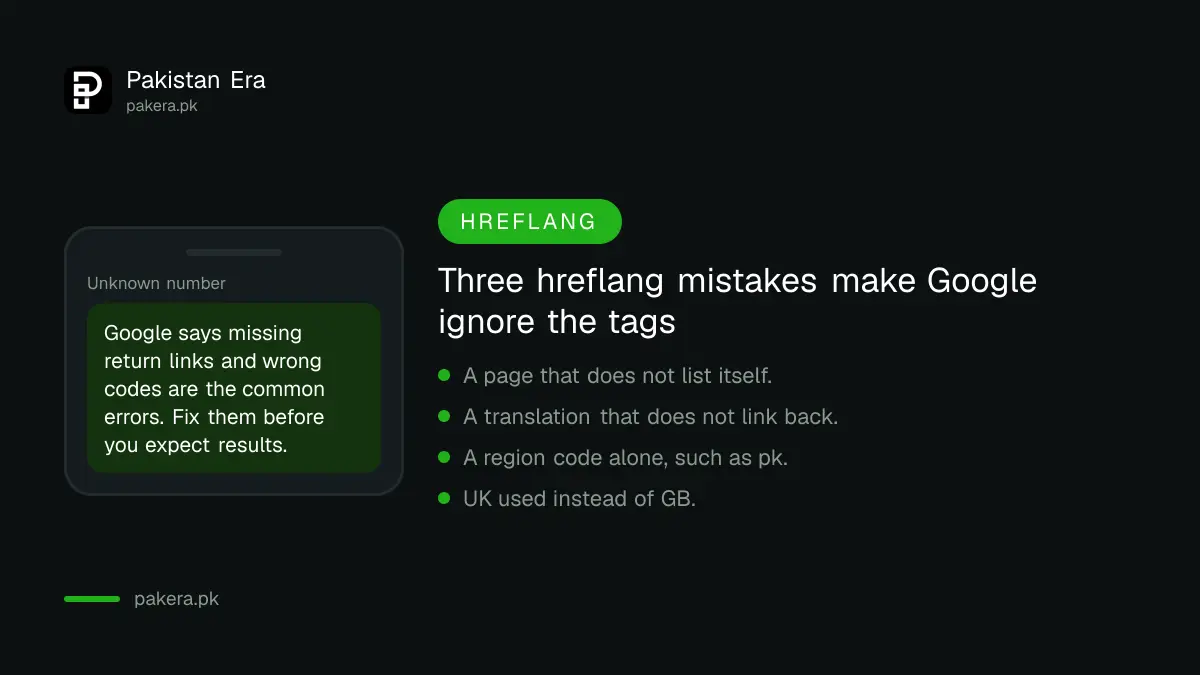
This is the rule people break most. Google says: if page X links to page Y, page Y must link back to page X. If the return link is missing, the tags can be ignored or misread.
Google also says each language version must list itself as well as the others. A page that points to its translation but not to itself breaks the set.
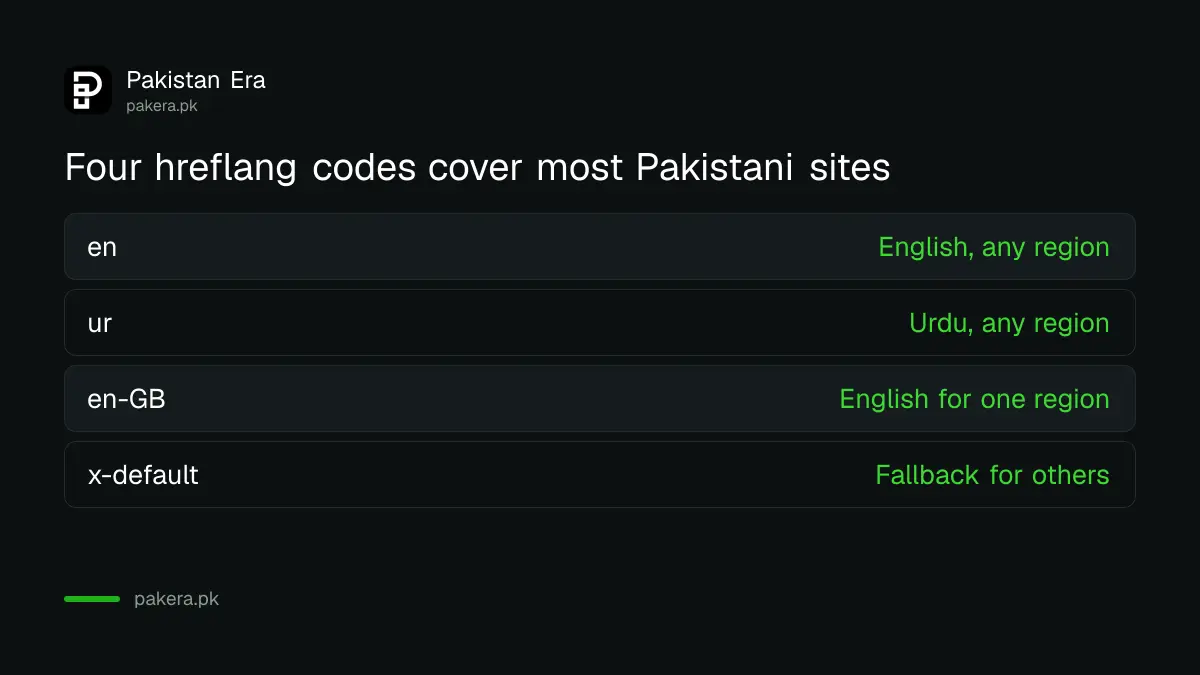
| Tag | What it means | Example use |
|---|---|---|
| hreflang="en" | English, any region | Your English service page |
| hreflang="ur" | Urdu, any region | Your Urdu service page |
| hreflang="en-GB" | English for one region | Only if you have a separate UK page |
| hreflang="x-default" | Fallback for everyone else | A language chooser page |
Use the right language and region codes
Google says to use a lowercase language code, optionally followed by an uppercase region code, such as en-GB or de-CH. A language code alone is valid and means that language everywhere. For Urdu, "ur" is the standard two letter language code.
You do not need a region code for most sites. "ur" covers Urdu readers in Pakistan, India and elsewhere. Add a region only when the content really differs by country, for example prices in rupees for Pakistan and in dirhams for the UAE.
Google lists these common mistakes: using a region code alone (such as "pk" by itself), forgetting the return links, and using codes that do not exist for hreflang such as "UK" or "EU". Note that the code for the United Kingdom region is GB, not UK.
Translate the page, do not just change the design
Hreflang links pages that are real translations. It does not fix a page that is mostly the same text. Use it only when each version serves readers in that language.
Two practical cautions. First, keep each version at its own address, such as /ur/ for Urdu, rather than switching language with a button on the same address. Separate addresses let you point a tag at each one. Second, make sure neither version is blocked or marked noindex, because Google must be able to read both. The guide to checking robots.txt and noindex shows how.
If you use a sitemap, list both versions there and keep it up to date, as shown in the guide to submitting a sitemap in Search Console. If Google picks the wrong page as the main one, see the page on a different canonical in Search Console.
Check that it works after you add the tags
Open each page and view its source. Search for hreflang and confirm that both pages list the same set of addresses. A tool or plugin may add the tags for you, so check what it really wrote.
Google does not give instant proof. Allow a few weeks for Google to re-read the pages, then search from a phone set to Urdu and see which version appears. Remember that hreflang helps Google show the right version but does not by itself raise rankings.
Common questions
Do I need hreflang for an English and Urdu site?
Only if you have the same content in both languages on separate pages. If you only have English pages, you do not need it.
What is the hreflang code for Urdu?
It is "ur", the standard language code. Add a region only when the content truly differs by country.
Which method should I use, tags, headers or sitemap?
Google says the three are equal and using more than one gives no benefit. A small site can use link tags in the page head.
What is x-default?
It is a fallback for readers whose language matches none of your versions. Google says it is designed for language selector pages.
Will hreflang improve my ranking?
No. It helps Google show the right language version to the right reader. It does not give extra ranking by itself.
How we verified this
What we checked, where we read it, and what we could not confirm.
Last checked on 13 October 2026, Pakistan time. We read Google's page on localized versions of your pages. The statement that "ur" is the code for Urdu is general knowledge of the ISO 639-1 list and was not on that page in those words. We did not test the tags on a live site, and Google does not publish a check that confirms hreflang is working.
About the author

Founder and Editor
Umer Kureshi founded Pakistan Era in July 2024 and runs it as administrator, SEO lead and writer, overseeing website operations, search growth, content strategy and coverage of technology and current affairs.