Android Scam Protection in Pakistan: Enhanced Protection Mode, Call Forwarding Warning and Which Phones Get Them
Google's new Android scam protections: Enhanced protection mode, call forwarding warnings and screen share privacy. Check which phones in Pakistan get each one.
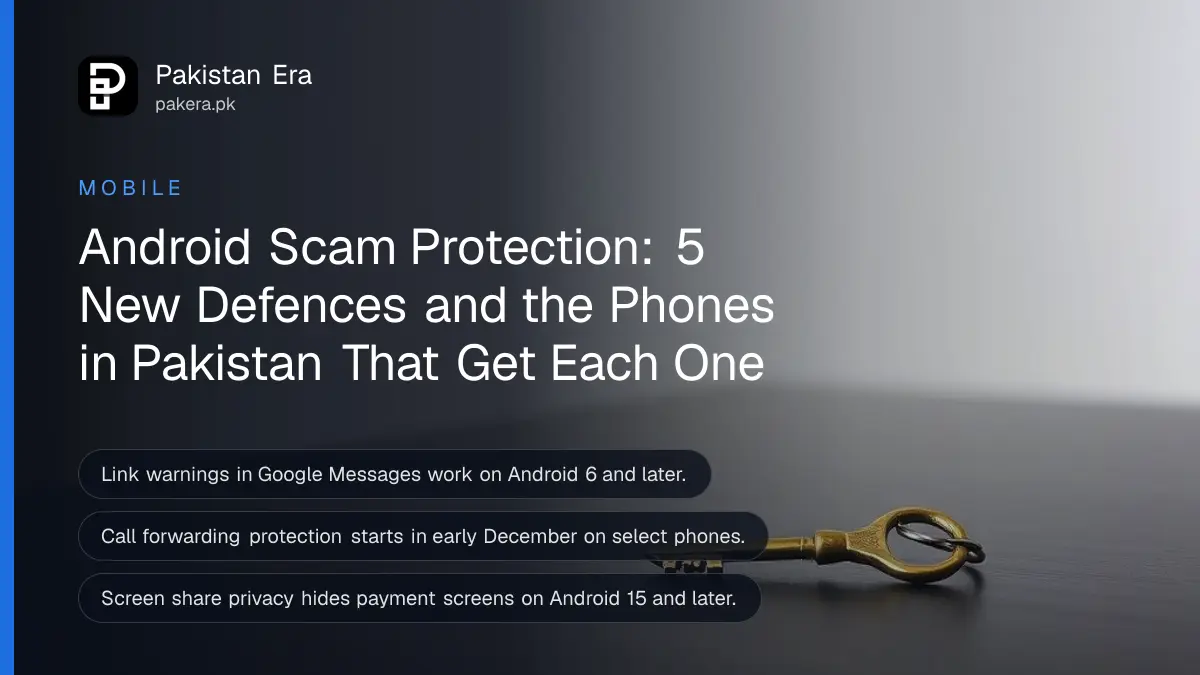
Google announced new Android scam protections in October 2026, and five of them matter most here: Enhanced protection mode in Google Messages, smarter link checks, warnings before you tap links from unknown numbers, a block on apps that quietly turn on call forwarding, and hidden login and payment fields during screen sharing. Which ones reach your phone in Pakistan depends on the phone model and Android version. The table below shows what each needs, so you can check your own phone.
We read Google's announcement, dated 14 October 2026, on 4 November 2026. Two of these changes go straight at scams Pakistanis report again and again: callers who talk you into dialling a call forwarding code, and fake "support agents" who ask you to share your screen. Google did not list supported countries for most features, and we say so where that applies.
Five new protections, and what each one needs
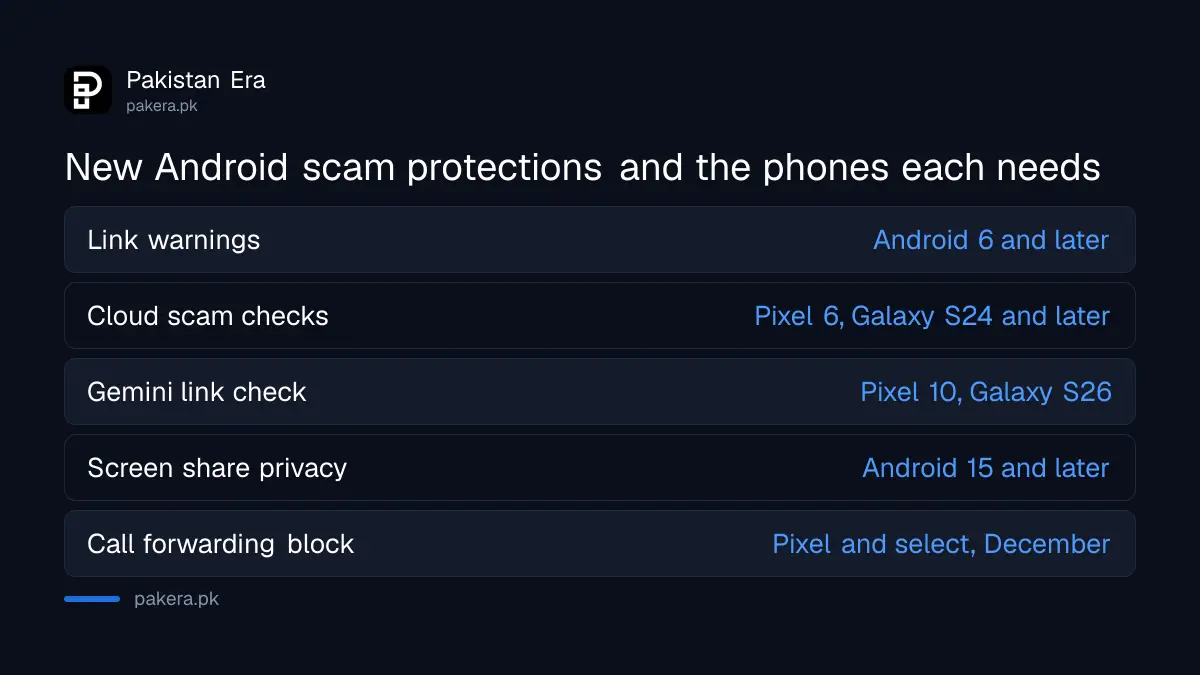
Each protection has its own phone requirement. The warning before tapping unknown links works on Android 6 and later. Screen share privacy needs Android 15. The Gemini link check needs a Pixel 10, Galaxy S26 or other select phones. Call forwarding protection starts in early December on Pixel and select phones.
| Protection | What it does | Phones Google lists |
|---|---|---|
| Link checkpoints in Messages | Warns before you tap a link from a number not in your contacts | Android 6 and later |
| Cloud scam detection (Enhanced protection mode) | Checks chats with unknown senders using Google's cloud models | Pixel 6 and later, Galaxy S24 and later, other AICore phones |
| Gemini Nano link check | Judges if an unfamiliar link is safe before you tap it | Pixel 10 and later, Galaxy S26, other select phones |
| Screen share privacy | Hides login and payment fields in Chrome while sharing | Android 15 and later |
| Call forwarding protection | Stops apps turning on forwarding silently, warns on codes | Pixel and select phones, from early December |
Enhanced protection mode is an opt-in switch in Google Messages
Enhanced protection mode is a setting you turn on yourself in Google Messages. It adds cloud scam checks for chats with unknown senders, Gemini link checks on supported phones, and the new link warnings. Google said in October that it would roll out "in the coming weeks".
Google says the cloud checks run in Private AI Compute, where the message data is encrypted and, in Google's words, "inaccessible to anyone else, including Google". That is Google's own claim, and we cannot test it. The point for most readers is simpler: this is a switch you choose, not something forced on you.
Google's post did not give the menu path or the list of countries. Your existing spam settings sit under Messages settings, then Protection and Safety. Look there for the new option once your app updates. If you have not turned on the basic filter yet, the steps to turn on spam protection in Google Messages come first.
Android will now warn you about call forwarding codes
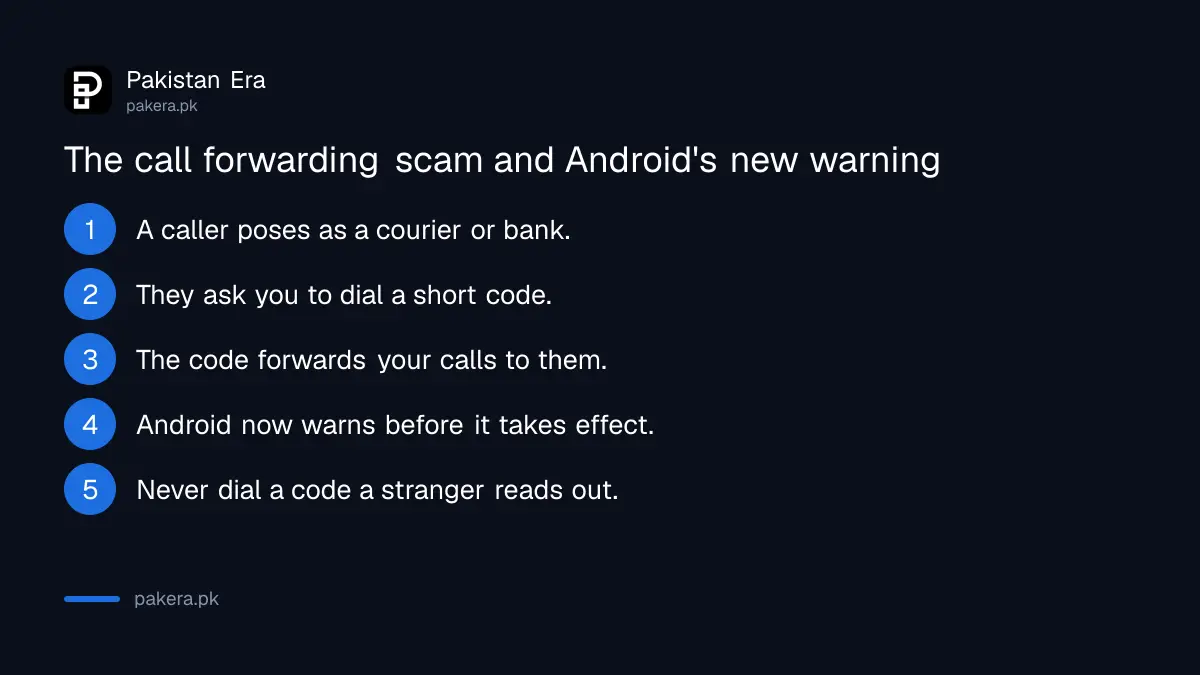
Google says Android now blocks apps from turning on call forwarding quietly in the background. If a scammer talks you into typing a forwarding code on the dial pad, Android will warn you before the change takes effect. This starts in early December on Pixel and other select phones.
This is a real Pakistani scam pattern. A caller poses as a courier, a bank or a network agent and asks you to dial a short code "to confirm delivery". The code actually forwards your calls to the scammer, who then receives the verification call for your WhatsApp or bank. Until the warning reaches your phone, the safe rule stays the same: never dial a code a stranger reads out to you.
If you think you already dialled one, check and cancel forwarding now. The steps and the network codes to check and cancel call forwarding take under a minute.
Screen sharing now hides passwords and payment screens in Chrome
Android already hid sensitive details in its own apps during screen sharing. Google says this now extends to Chrome and to the web views inside other apps, so login fields and payment screens go blank while you share your screen live. It rolls out to Android 15 and later.
That helps against the "customer support" scam where a caller asks you to install a screen sharing app and then watches you type your PIN. It does not make screen sharing with a stranger safe. A scammer can still talk you into reading a code aloud. Our guide on stopping the screen sharing app scam explains the full trick.
Scam alerts in notifications are coming to Infinix, TECNO, OPPO and others
Scam detection in chat notifications warns you about a suspicious message before you open the chat app. It launched on Pixel. Google says it is working with HONOR, Infinix, iQOO, itel, Motorola, OPPO, OnePlus, realme, TECNO, vivo and Xiaomi to bring it to more phones "later this year".
Many of those brands sell widely in Pakistan, so this could reach far more people here than the Pixel-only features. Google says availability varies by maker, and it did not name countries in the post. Check your phone's settings after the next system update rather than assuming it is on.
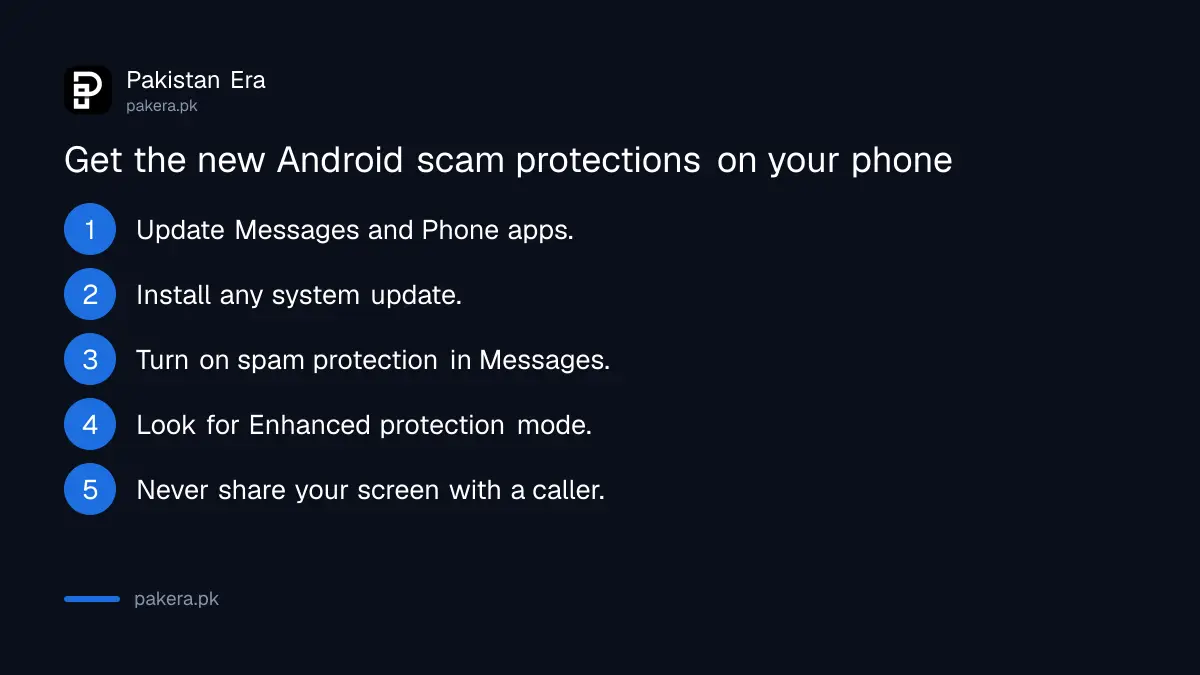
- Update Google Messages and Phone from the Play Store.
- Install any system update your phone offers in Settings.
- Open Messages settings, then Protection and Safety, and turn on spam protection.
- Look in the same menu for Enhanced protection mode once it arrives.
- Never dial a code or share your screen because a caller asked you to.
Common questions
What is Enhanced protection mode in Google Messages?
It is an opt-in setting announced by Google in October 2026. It adds cloud scam checks for chats with unknown senders, link checks on supported phones, and warnings before you tap unfamiliar links.
Is Enhanced protection mode available in Pakistan?
Google's announcement did not list countries. It said the mode would roll out in the coming weeks. Check Messages settings, then Protection and Safety, after updating the app.
Which phones get the link warnings in Google Messages?
Google says the checkpoints for unfamiliar links work on Android 6 and later. The smarter Gemini Nano link check needs a Pixel 10 or later, a Galaxy S26 or other select phones.
When does Android's call forwarding warning start?
Google says it starts in early December 2026 on Pixel and other select phones. Other phones may get it later, depending on the maker.
Does screen share privacy stop all screen sharing scams?
No. It hides login and payment fields in Chrome on Android 15 and later. A scammer can still ask you to read out a code, so never share your screen with a caller you do not know.
Sources and last checked
On 4 November 2026 we read Google's blog post Stay protected from mobile scams with new Android safeguards, dated 14 October 2026, which Google also listed in its October 2026 AI updates roundup published on 2 November 2026. Every feature, phone requirement and date above comes from that post. Google did not give a menu path for Enhanced protection mode or a country list, and we could not test the features on a phone in Pakistan.
About the author

Technology Journalist & Multimedia Producer
Ahmad Ali is a technology journalist and multimedia producer at Pakistan Era, joining the team in October 2026. He covers consumer technology and digital life for Pakistani readers, combining research with hands-on product testing.