How to Check Who Can Open Your Google Drive Files and Stop Public Links in Pakistan
Check who can open your Google Drive files in Pakistan. See if a file is Restricted or Anyone with the link, read the viewer and editor roles and limit sharing.
Short answer: Right-click the file in Google Drive, click Share, and read General access. If it says Restricted, only people you added can open it. If it says Anyone with the link, anyone holding the link can open it, even without a Google Account.
You send your CNIC scan, a fee challan or a degree to someone as a Drive link. Months later the link is still alive. Anyone who finds it in an old chat or email can open the file. That is how private papers end up in the wrong hands.
We read Google's help page on sharing Drive files on 14 October 2026. This guide follows it and keeps to what the page says. The page also points to a separate article on stopping or changing sharing, which we did not read in full.
Restricted and Anyone with the link are the two choices
Google says Restricted means only people with access can open the file. Anyone with the link means people without a Google Account can open it if they have the link. The first is private. The second is open to whoever holds the address.
The link setting is handy for a public notice or a class handout. It is risky for anything with your name, number or ID on it. A link is not a password. It is only a long address, and people forward addresses.
Choose Restricted by default. Add the exact email addresses that need the file. If the other person has no Google Account, send the file a different way, or share a copy that holds nothing private.
Three steps check one file
Open Google Drive, right-click the file, click Share, and look at two parts: General access and People with access. These show who can open it and in what role. Do this for files that hold personal or financial papers first.
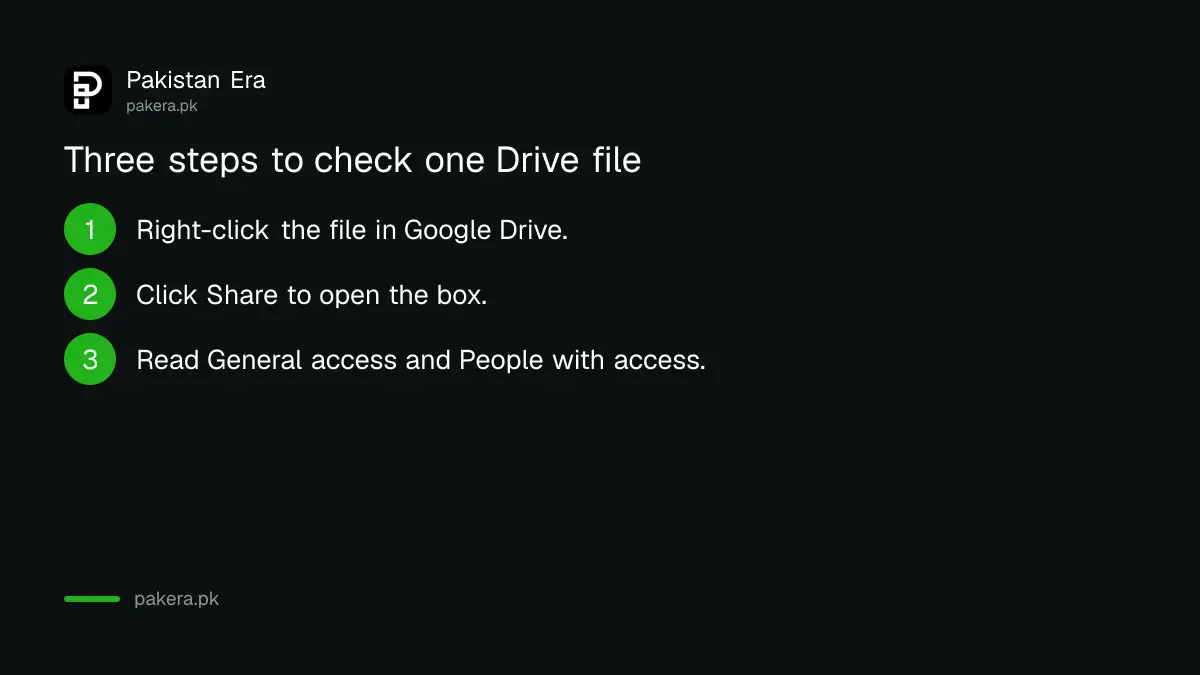
- Open Google Drive and right-click the file or folder.
- Click Share to open the sharing box.
- Read General access. If it says Anyone with the link, decide whether that is still needed.
- Read People with access and check each name and role.
- Change anything you do not want. Google has a separate article called Stop, limit, or change sharing for the details.
Do this for folders as well. A folder shared with a link can open every file inside it, including ones you added later.
Viewer, commenter and editor have different powers
Google lists four roles. A viewer can see the file and, by default, download it. A commenter can also comment. An editor can change the file and share it. The owner can do all of it. Editors cannot change ownership.
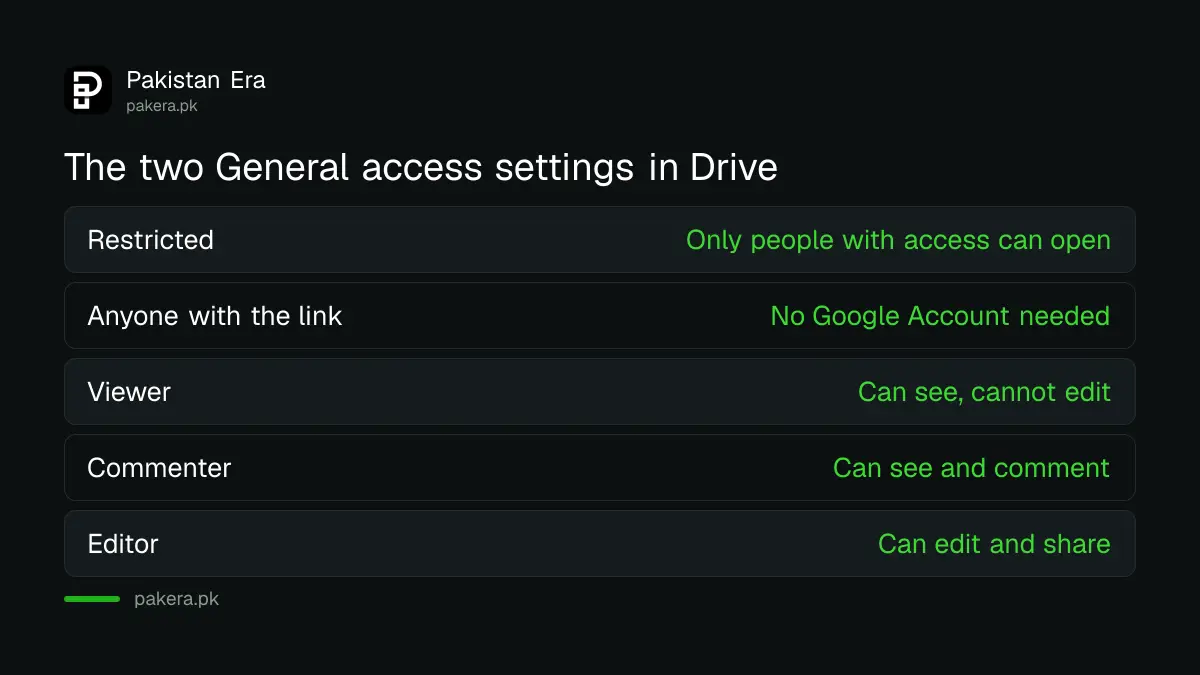
| Role | Edit | Comment | Download | Share |
|---|---|---|---|---|
| Viewer | No | No | Yes, by default | No |
| Commenter | No | Yes | Yes, by default | No |
| Editor | Yes | Yes | Yes | Yes |
| Owner | Yes | Yes | Yes | Yes |
The table follows Google's own. Note that a viewer can download the file by default. So giving "view only" does not stop someone saving a copy. Treat anything you share as something the other person may keep.
Give the lowest role that gets the job done. A teacher who only needs to read a thesis needs Viewer, not Editor. An editor can also share the file further, so be careful whom you trust with that role.
Review old links and tidy up
Once a month, search your Drive for files with personal papers and check each. Remove people who no longer need access, and change old link files to Restricted. Do it after a job change, an exam result or any dispute with a person you once shared with.
Drive is also connected to other tools. If you let an AI assistant read your Drive, you are giving it access to what is inside. Read how to connect Gmail and Google Drive to the Gemini app before you do, and decide which files you are happy to expose.
Also check which apps and devices have access to the whole Google Account. The steps are in the guide to checking who is signed in to your Google Account. If an old password has leaked, change it now, and see how to check if your passwords leaked online.
A short habit works better than a big clean-up. When you share a sensitive file, set a reminder to review it in a week.
Common questions
What does Anyone with the link mean in Google Drive?
People who do not have a Google Account can open the file if they have the link. Anyone who gets the link can use it.
What does Restricted mean?
Only people with access can open the file. You add them by email in the Share box.
Can a viewer download my file?
By default, yes. Google's table says viewers and commenters can download by default, so assume a copy can be saved.
How do I see who has access?
Open the Share box on the file. Google says it shows People with access and the role of each person.
Can an editor make themselves the owner?
No. Google says editors cannot change ownership. Only the owner controls that.
How we verified this
What we checked, where we read it, and what we could not confirm.
Last checked on 14 October 2026, Pakistan time. We read Google's help page on sharing files from Google Drive. We did not read the separate article on stopping or limiting sharing in full, and we did not test the steps on the mobile app, so button names may differ there. Confirm the current screens in your own Drive before you change a file that matters.
About the author

Technology Journalist & Multimedia Producer
Ahmad Ali is a technology journalist and multimedia producer at Pakistan Era, joining the team in October 2026. He covers consumer technology and digital life for Pakistani readers, combining research with hands-on product testing.