How to Connect Gmail and Google Drive to the Gemini App in Pakistan, and What It Can Read
Connect Gmail, Docs and Drive to the Gemini app in Pakistan: the three conditions Google sets, four steps, what Gemini cannot read and how to disconnect it.
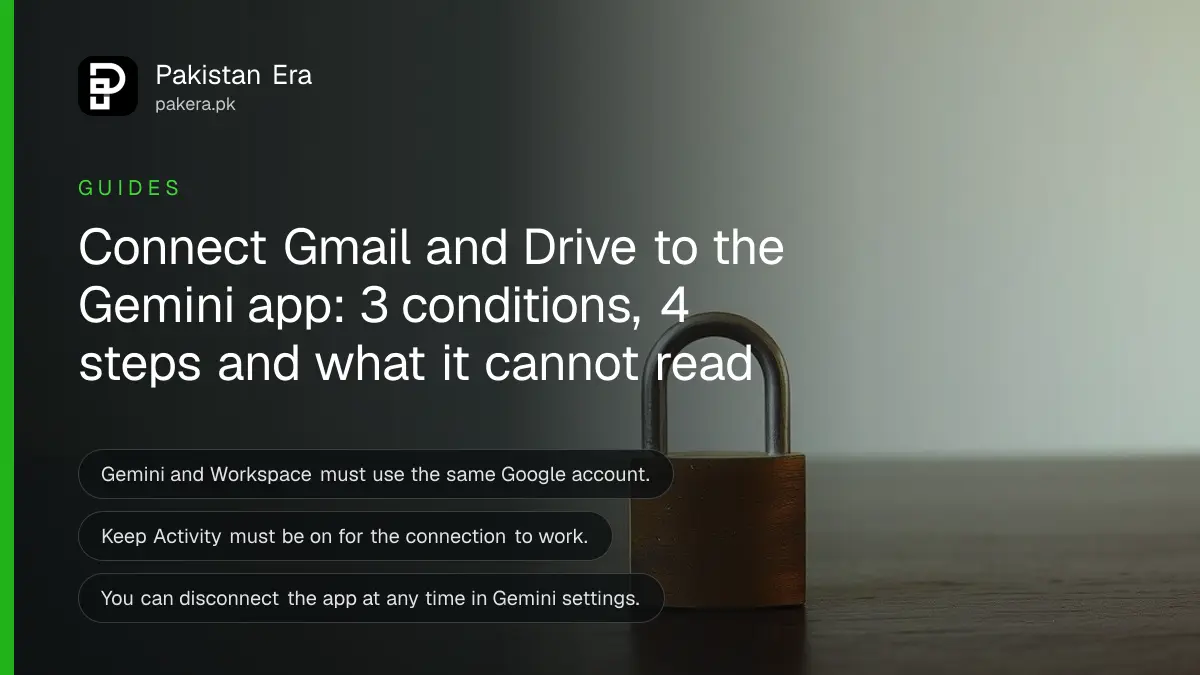
Short answer: You can connect Google Workspace to the Gemini app so it can search and summarise your Gmail, Docs and Drive. You must use the same Google account in both, and Keep Activity must be on. You can disconnect any time in Gemini's Connected Apps settings.
A student in Multan has 400 emails from her university and a Drive full of lecture notes. She types "what is the deadline in the email from my department?" and wants an answer, not a search. Gemini can do this once it is connected. The same connection also gives Google's AI a way into your private mail, so it is worth setting up with care.
We read Google's Gemini Apps help page on connecting Google Workspace on 13 October 2026. This guide follows that page. We did not test the connection from a Pakistani account, and Google does not list country availability on the page we read.
The connection lets Gemini read your Gmail, Docs and Drive
Google says the Workspace app integration lets you summarise, get quick answers and find information from Google Workspace services such as Gmail, Docs and Drive. You can also manage tasks, notes, calendar events and reminders through the same link.
Think of it as a search box that understands plain questions. You can ask for the last email from a supplier, a summary of a long thread or the file where you wrote a price list.
It does not give Gemini permission to do everything. The next section lists what it cannot do.
Check three conditions before you connect
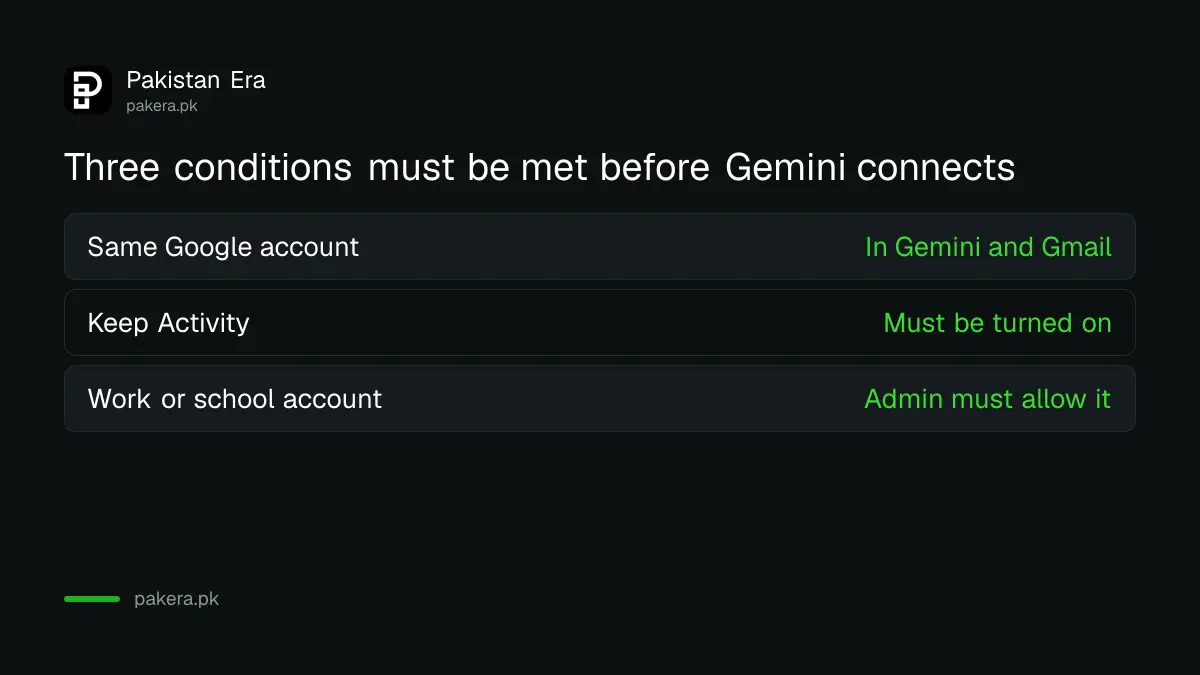
Google's page sets three requirements. You must be signed in to the same Google account in Gemini and Workspace. Keep Activity must be turned on in your account settings. And for a work or school account, your administrator must allow app connections.
| Condition | What it means |
|---|---|
| Same Google account | The Gemini sign-in and your Gmail sign-in must match |
| Keep Activity on | Gemini needs the activity setting enabled to use connected apps |
| Admin approval, for work or school accounts | Your administrator must switch app connections on |
The second condition clashes with privacy habits. If you turned activity saving off, as in the steps to delete your Gemini chats and turn off activity saving, the connection will not work until you turn it back on. Decide which matters more to you.
Connect the app in four steps
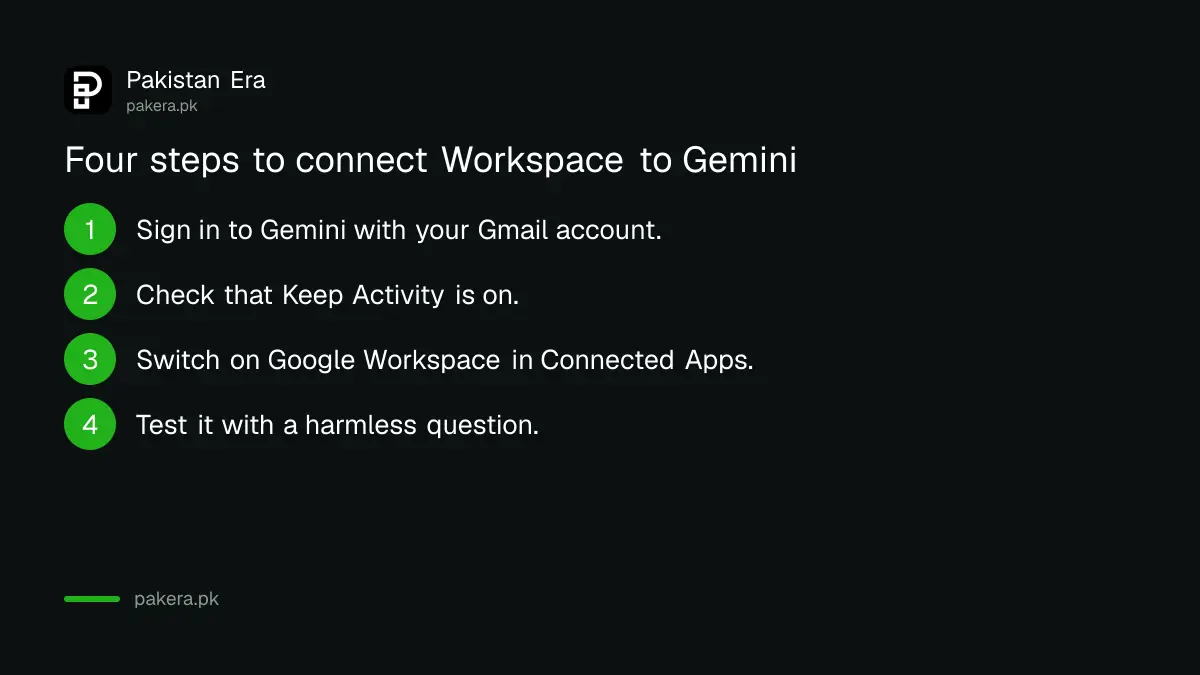
Open Gemini, go to the settings for connected apps, find Google Workspace and switch it on. Google does not give exact menu names on the page we read, so follow the labels on your screen. Then ask a test question about a harmless email.
- Sign in to Gemini with the same Google account you use for Gmail.
- Check that Keep Activity is on in your account settings.
- Open the Connected Apps settings in Gemini and switch on Google Workspace.
- Test it with a simple question, such as "when did I last get an email about my fee challan?"
If you use a work or school account and the option is missing, ask your administrator. You cannot override that setting yourself.
Know the limits before you rely on it
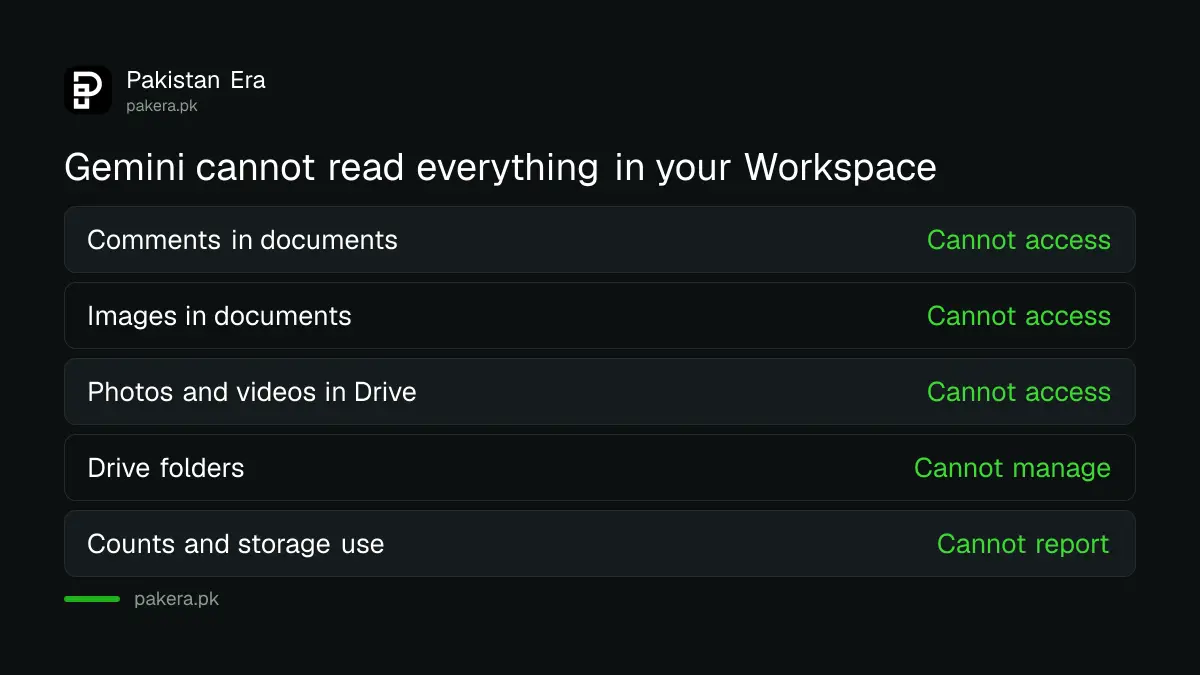
Google lists limits. Gemini cannot read comments or images inside documents. It cannot read pictures or videos in Drive, and it cannot manage Drive folders. It also cannot count items or report your storage use.
So do not ask it "how many emails did I get from the bank" and trust the number. Ask it to find the email and read it yourself. For bank messages, confirm anything about money on the bank's own app. Phishing mail can sit in an inbox too, and Gemini may summarise a fake message as if it were real. Learn how to report spam and block a sender in Gmail first.
Disconnect it when you no longer need it
Google says you can disconnect the Google Workspace app at any time through the Connected Apps settings in Gemini. Do this before you lend your phone, sell it or hand your account to someone. Also lock your account with two-step verification, because anyone who signs in as you could ask Gemini about your mail.
Google refers to separate documents for how it handles your data when Gemini works with connected apps. The page we read did not give the details, so read those pages before you connect a mailbox full of private papers. If you only need to write better, the page on using AI chatbots safely at work lists rules worth following.
Common questions
What does connecting Google Workspace to Gemini do?
It lets Gemini summarise, answer questions and find information in Gmail, Docs and Drive, and manage tasks, notes, calendar events and reminders.
Why is the connect option greyed out?
Check that you use the same Google account, that Keep Activity is on, and, for a work or school account, that your administrator allows app connections.
Can Gemini read the photos in my Drive?
No. Google says it cannot access pictures or videos in Drive, or images and comments inside documents.
How do I turn the connection off?
Open the Connected Apps settings in Gemini and disconnect Google Workspace. Google says you can do this at any time.
Is it available in Pakistan?
Google's page does not list countries. Open Gemini with your account and look for Connected Apps in the settings. If it is missing, it may not be offered to you yet.
How we verified this
What we checked, where we read it, and what we could not confirm.
Last checked on 13 October 2026, Pakistan time. We read Google's help page on connecting Google Workspace to Gemini Apps. We did not test the connection, and the page does not give exact menu names or country availability. Data handling details sit in separate Google documents that we did not read.
About the author

Technology Journalist & Multimedia Producer
Ahmad Ali is a technology journalist and multimedia producer at Pakistan Era, joining the team in October 2026. He covers consumer technology and digital life for Pakistani readers, combining research with hands-on product testing.