How to Check Your Page Size Against Googlebot's 2 MB Limit in Pakistan
Googlebot fetches only the first 2 MB of an HTML page and ignores the rest. Measure your page in four steps and see what to trim if it is too heavy now.
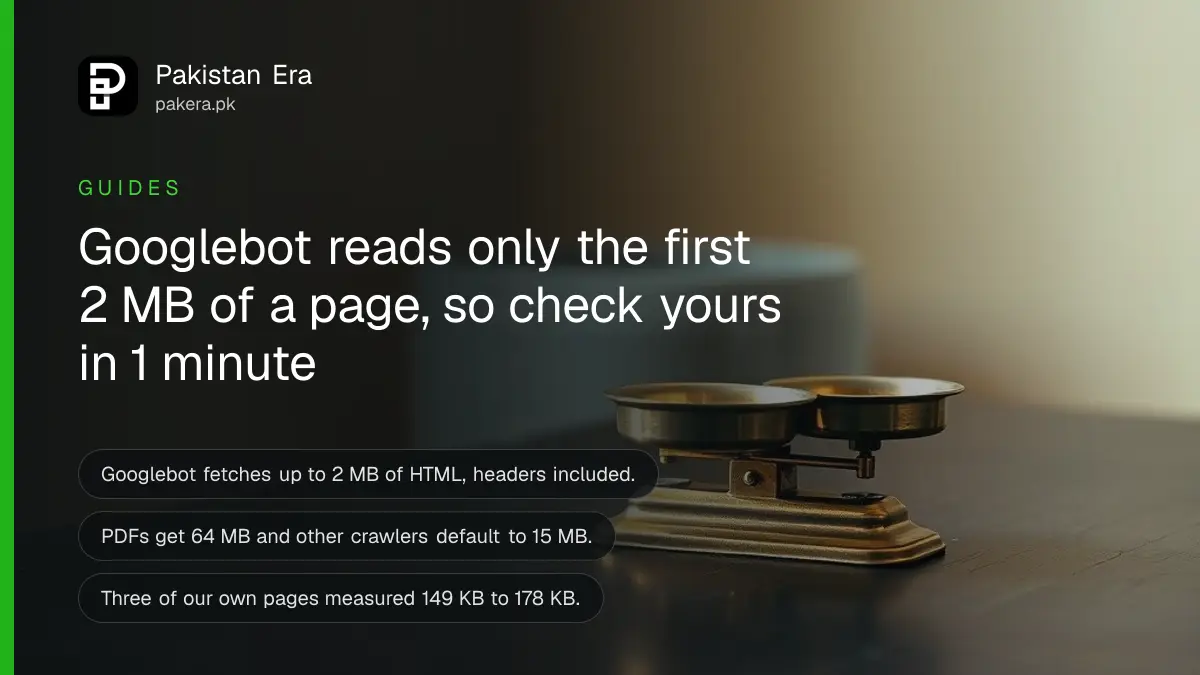
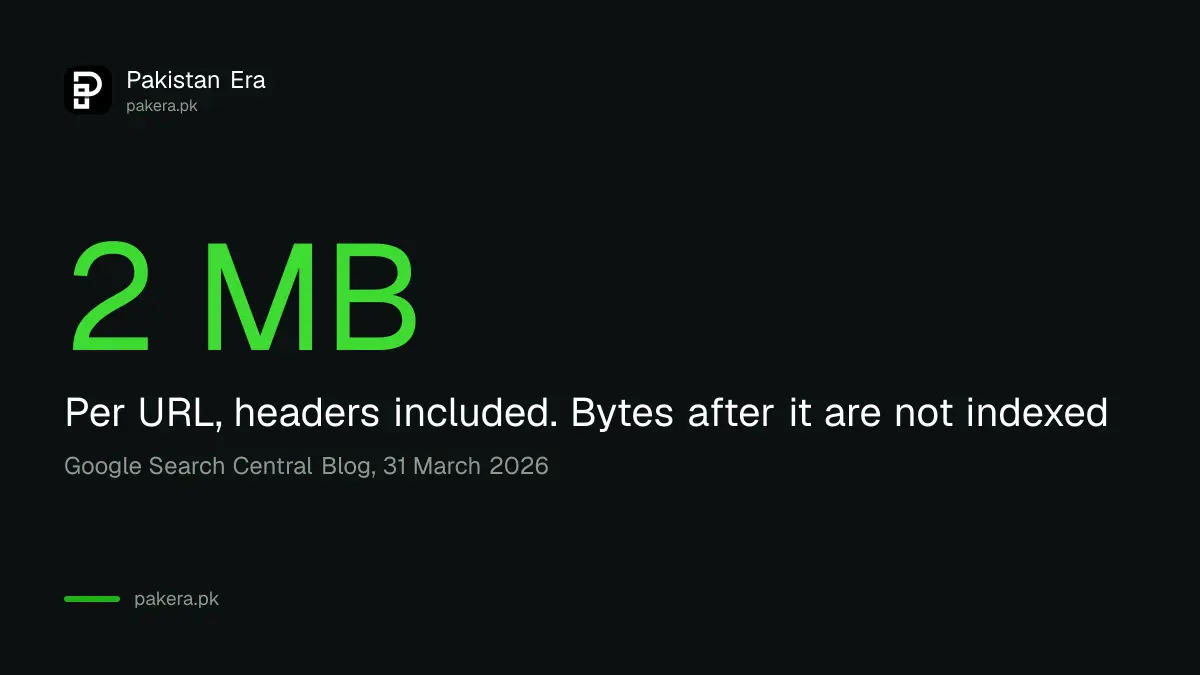
Googlebot reads only the first 2 MB of an HTML page. Anything after that point is not fetched, not rendered and not indexed. The limit counts the HTTP headers too, and PDFs get a larger limit of 64 MB. Most pages are far below 2 MB, but a page stuffed with inline images or code can push its text past the cutoff.
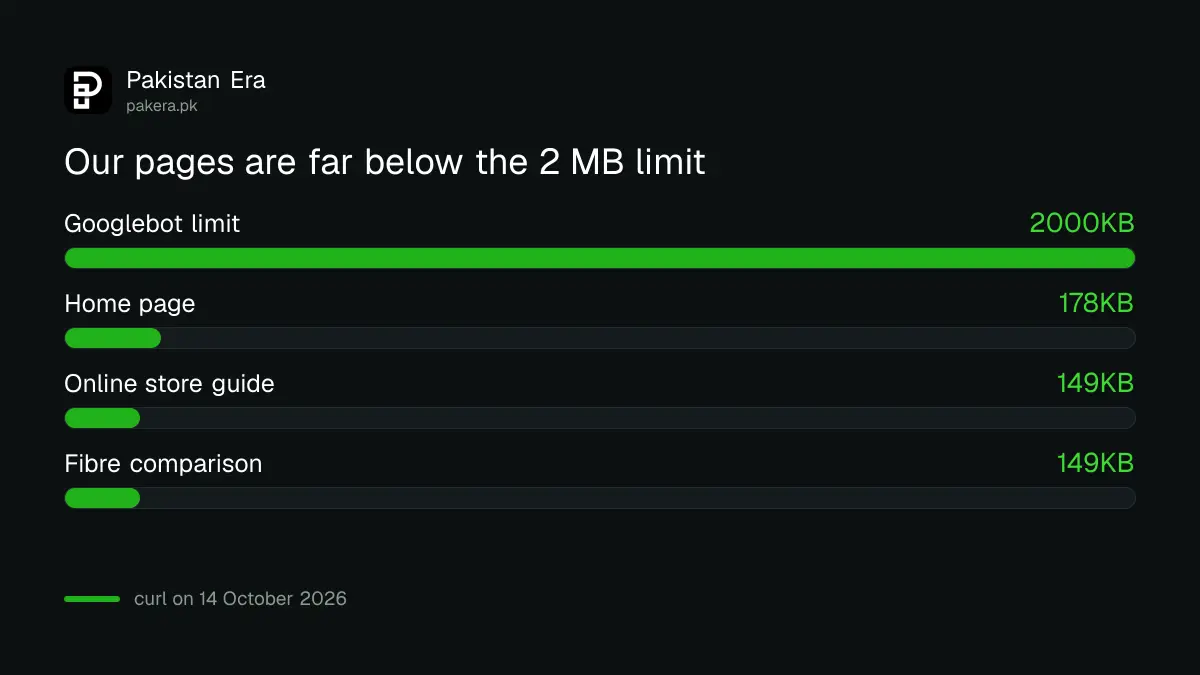
This is Google's own statement, from a Search Central post of 31 March 2026. We also measured three pages on our own site with a one line command. They came to about 149 KB to 178 KB, well under a tenth of the limit. The same check takes one minute for your site.
Googlebot stops reading an HTML file at 2 MB
Googlebot fetches up to 2 MB for any single URL, not counting PDFs. If your HTML is bigger, Google does not reject the page. It cuts the download at 2 MB and treats that part as the whole file.
Google lists four effects. The fetch stops at the cutoff. The first 2 MB goes on to indexing and rendering as if it were complete. Bytes after the cutoff are ignored. And each linked file, such as a stylesheet or script, has its own separate 2 MB counter, so it does not eat into the page's allowance.
Other Google crawlers have different limits
The 2 MB figure is the Googlebot setting for web pages. Google says PDFs get 64 MB, image and video crawlers use a wide range of limits, and any crawler with no stated limit defaults to 15 MB.
| File or crawler | Byte limit Google states |
|---|---|
| HTML and other files fetched by Googlebot | 2 MB per URL, headers included |
| PDF files | 64 MB |
| Crawlers with no stated limit | 15 MB, any content type |
| Image and video crawlers | A wide range, set by product |
Google also says "Googlebot" is not one program. Many Google products use the same crawling system under different crawler names. When you see Googlebot in your server logs, you are looking at Google Search.
Most Pakistani sites are far below the limit
Google itself says a 2 MB HTML file is large and most of the web never reaches it. The risk is a page with bloated inline base64 images, huge blocks of inline CSS or JavaScript, or megabytes of menus before the real content.
We checked three pages of our own with curl. The home page was 177,966 bytes, a guide on starting an online store was 149,138 bytes, and a fibre comparison was 148,982 bytes. All three are far under 2 MB. That is a check of our pages only, not a claim about your site.
Shops built on page builders are the usual risk, because a builder can print large amounts of inline code. A catalogue page that lists hundreds of products in one HTML file is another. If your shop runs on a store builder, see the guide to starting an online store in Pakistan for how the options differ.
Measure your page size in four steps
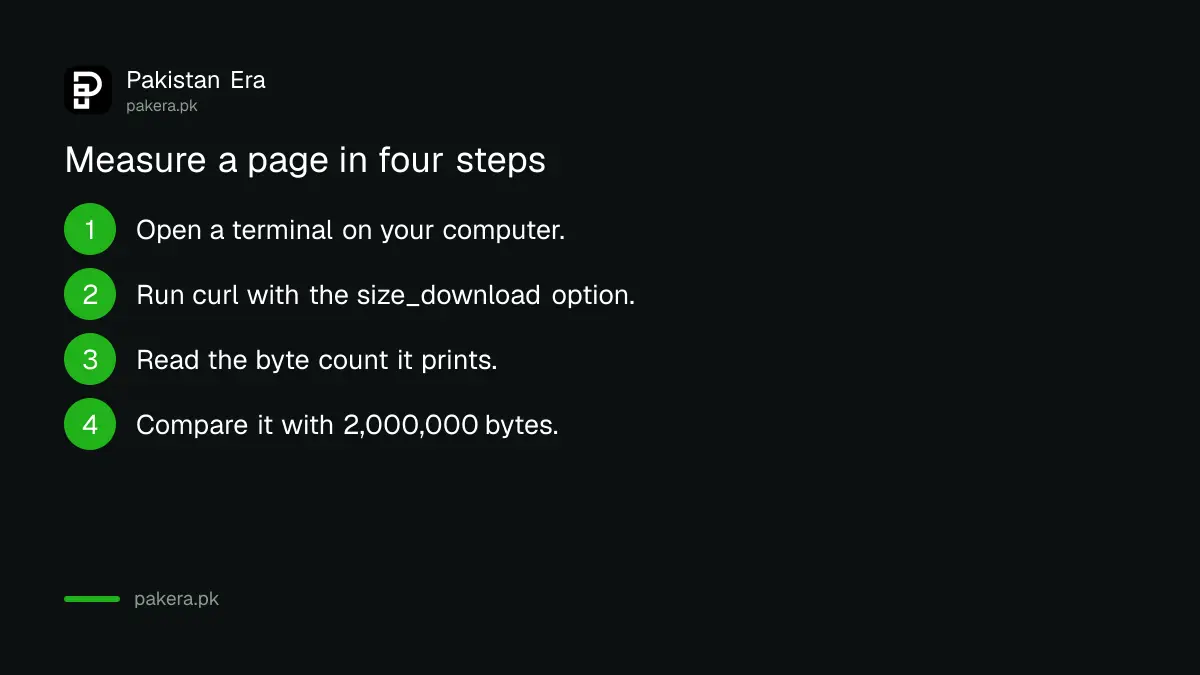
Run one command per page, read the byte count, and compare it with 2,000,000. Google does not say whether the count is before or after compression, so we measure the raw size to stay on the safe side.
- Open a terminal on your computer. Windows PowerShell, Mac Terminal and Linux all work.
- Run: curl -s -o page.html -w "%{size_download}" https://your-site.pk/your-page/
- Read the number it prints. It is the page size in bytes.
- Compare it with 2,000,000 bytes. If it is above that, trim the page.
- Repeat for your biggest pages: the home page, category pages and long articles.
If a page is too big, trim it in this order
Google gives three habits: keep HTML lean, put key tags first, and watch your server logs. Move heavy CSS and JavaScript to separate files, and put the title, canonical link and structured data near the top.
Order matters because the cutoff is a hard line. A canonical tag or product schema sitting below byte 2,000,000 does not exist for Google. If your pages are not being indexed for another reason, the steps to fix pages not indexed in Search Console cover the common causes.
Server speed matters too. Google says its crawlers back off if your server is slow to send bytes, and that cuts how often they visit. A cheap, overloaded host can hurt you even if every page is small.
Common questions about the Googlebot 2 MB limit
What is the Googlebot file size limit?
Googlebot fetches up to 2 MB for any single URL, excluding PDFs, and the count includes the HTTP header. PDFs can be up to 64 MB.
Does Google reject a page larger than 2 MB?
No. Google stops the fetch at 2 MB and uses that part as if it were the whole file. Everything after it is ignored.
Do my CSS and JavaScript files count toward the page limit?
No. Google says each referenced resource has its own separate per-URL byte counter, though the 2 MB limit also applies to each of them.
Will this limit change?
Possibly. Google says the limit is not set in stone and may change as the web evolves. Check the original post now and then.
Should I worry if my page is 200 KB?
No. A page of 200 KB is about a tenth of the limit. The limit matters only for unusually heavy pages.
How we verified this
What we checked, where we read it, and what we could not confirm.
Last checked 14 October 2026. The 2 MB, 64 MB and 15 MB limits and the four effects come from Google's Search Central Blog post Inside Googlebot: demystifying crawling, fetching, and the bytes we process, dated 31 March 2026, read on 14 October 2026. Google also documents its crawlers on its crawler overview page. The page sizes are our own curl measurements of three pages on 14 October 2026. The shop advice is our reading, not Google's.
About the author

Founder and Editor
Umer Kureshi founded Pakistan Era in July 2024 and runs it as administrator, SEO lead and writer, overseeing website operations, search growth, content strategy and coverage of technology and current affairs.