How to Check If Your Phone Is Hacked in Pakistan: 8 Warning Signs, Android and iPhone Checks, Where to Report
Check if your phone is hacked: 8 warning signs, Play Protect and device admin checks on Android, profiles and Apple ID devices on iPhone, and the fix steps.
To check if your phone is hacked, run Google Play Protect and look for unknown device admin and accessibility apps on Android, or check Settings, General, VPN and Device Management for unknown profiles on an iPhone. Then review the devices signed in to your Google or Apple account. If you find something, back up, reset the phone, change your passwords and report it to the NCCIA on 1799.
Most "hacked phone" worries come from a hot battery or a slow handset, and those are usually nothing. The checks below take about fifteen minutes and cost nothing. They cover malware, which is a harmful app, and account takeover, which is someone signed in as you. If your worry is a partner or relative watching you, the steps to check if someone is spying on your phone deal with shared locations and stalkerware in detail.
We read Google's and Apple's own help pages on 25 October 2026. We did not test these steps on an infected phone, and menu names change from brand to brand.
Eight warning signs point to malware or a hacked account
One sign alone proves little. A phone is more likely compromised when two or more signs appear together, such as unknown apps plus messages you never sent, or a password that stopped working plus an alert about a new sign-in.
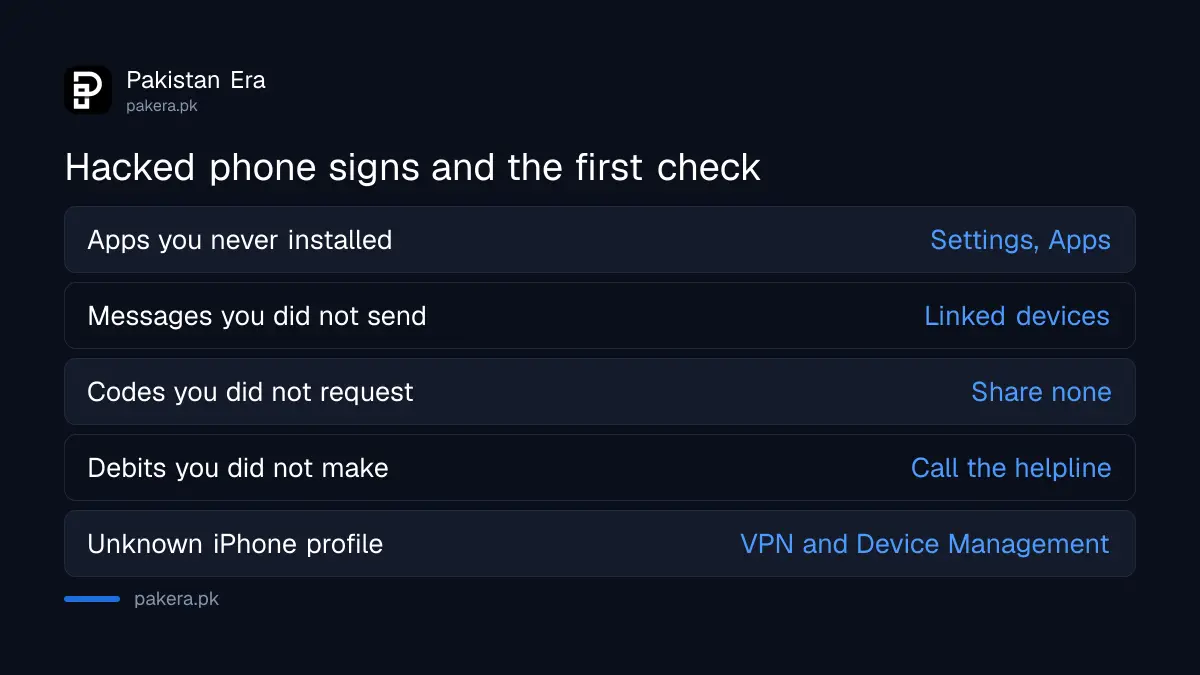
| Warning sign | What it can mean | Check first |
|---|---|---|
| Apps you never installed | A side-loaded harmful app | Settings, Apps, full list |
| Pop-up ads outside any app | Adware with overlay access | Safe mode test |
| Friends get messages you did not send | Account takeover | Linked devices, sessions |
| Codes arrive that you did not request | Someone trying your accounts | Do not share any code |
| Password stopped working | Account taken over | Account recovery page |
| Wallet or bank debits you did not make | Stolen login or OTP | Call the helpline now |
| Data use jumps with no reason | An app sending data out | Settings, data usage per app |
| Unknown profile on an iPhone | Someone controls settings | VPN and Device Management |
Google lists similar signs for an account: security settings you did not change, emails in Sent that you did not write, and payments you do not recognise. Apple adds two more: a verification code you did not request, and a device locked or put in Lost Mode by someone else.
Android checks start with Play Protect and hidden admin apps
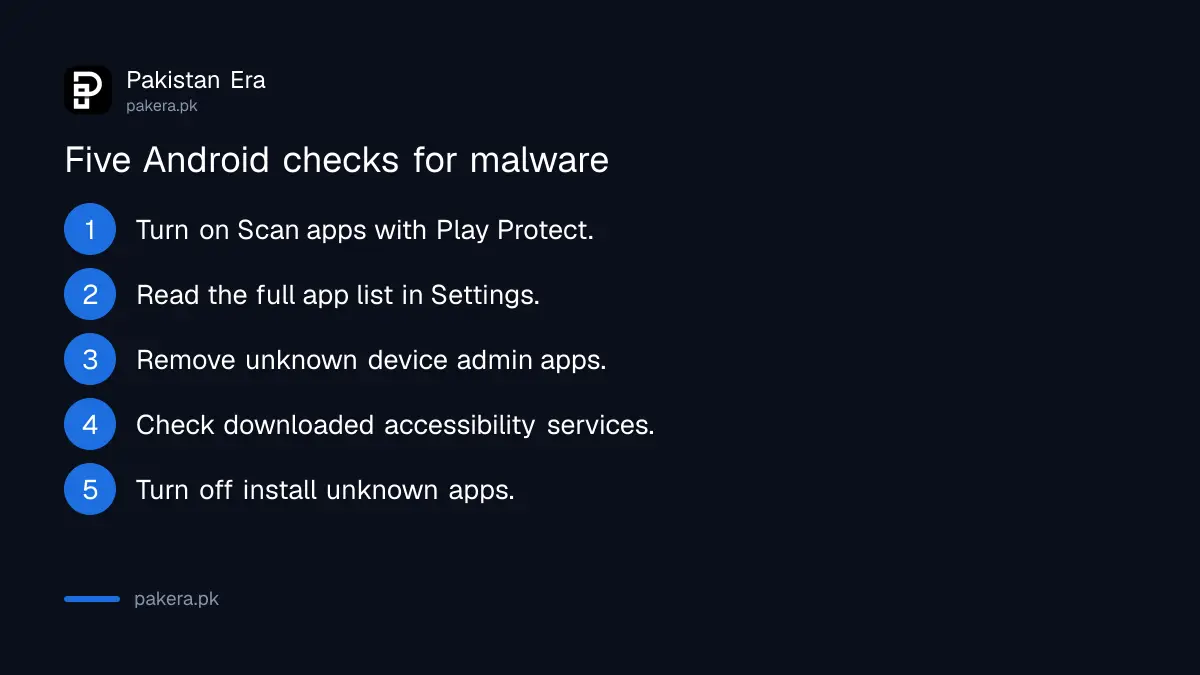
On Android, open the Play Store, tap your profile icon, then Play Protect, and make sure Scan apps with Play Protect is on. Then look for apps holding device admin or accessibility access, and check which apps can install other apps.
- Open the Play Store, tap your profile icon, tap Play Protect, then Settings, and turn on Scan apps with Play Protect. Google says Play Protect checks apps from the Play Store and from other sources, and may remove harmful ones. If it warns you about an app, tap the notification and choose Uninstall.
- Open Settings, then Apps, and read the whole list. Remove anything you do not remember installing, especially apps with plain names like Update, System Service or Sync.
- Search Settings for "device admin". An app with device admin access can be hard to uninstall. Turn off admin access for anything you do not know, then uninstall it.
- Open Settings, then Accessibility, and look at the downloaded or installed services. Google warns that accessibility access lets an app "read content on your screen and interact with apps on your behalf". Banking malware wants exactly that.
- Search Settings for "install unknown apps". Turn it off for WhatsApp, Chrome and file managers. Google says apps from unknown sources put your device and personal information at risk.
The device admin and unknown apps menus are in different places on Samsung, Xiaomi, Oppo, Vivo and Infinix phones, which is why searching Settings is faster than following one path. That advice is ours.
If pop-ups continue, restart in safe mode, which loads the phone without downloaded apps. Google says the way to enter safe mode depends on the maker. If the problem stops in safe mode, remove recent apps one by one until it is gone. Our steps for removing a fake APK installed from a WhatsApp link cover the case where you know which file caused it.
iPhone checks focus on profiles and your Apple Account
An iPhone rarely gets a classic virus, so check what can control it instead. Look for unknown configuration profiles, review every device signed in to your Apple Account, and confirm two-factor authentication is on. Then update iOS to the latest version.
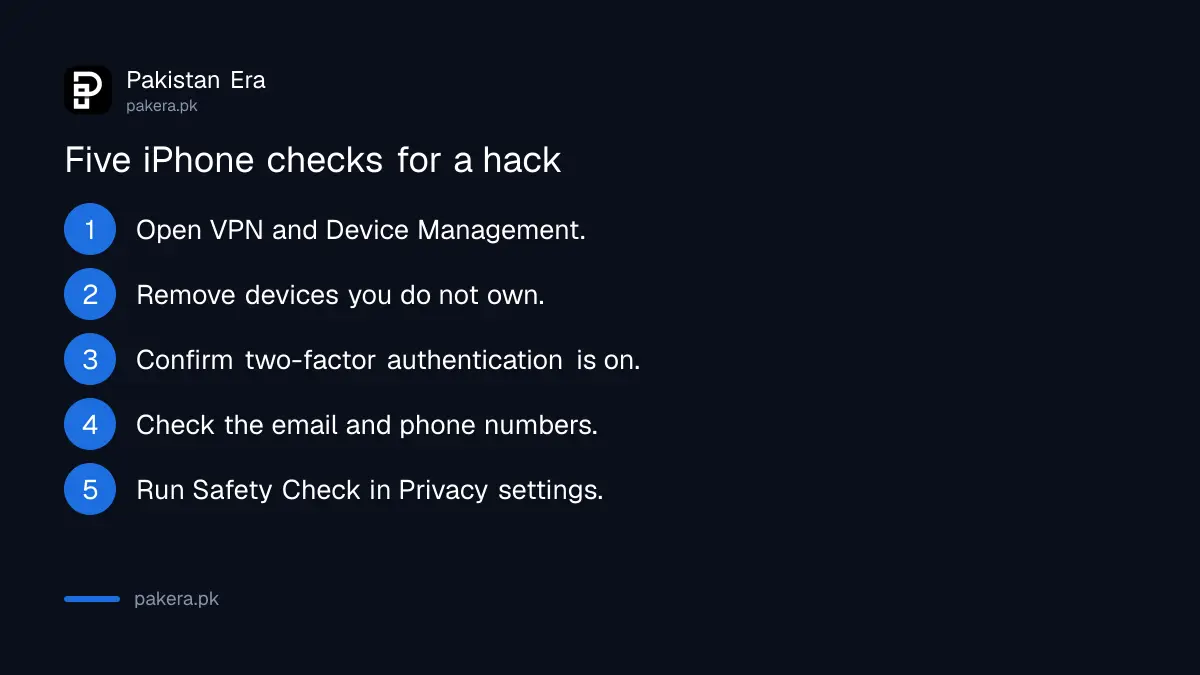
- Open Settings, General, then VPN and Device Management. A profile you did not install, and that is not from your office or school, is a red flag. Apple warns that deleting a profile also deletes its settings, apps and data.
- Open Settings and tap your name. Scroll to the device list. Tap any device you do not own and choose Remove from Account.
- In the same menu, open Sign-In and Security and make sure two-factor authentication is on.
- Check that the email address and phone numbers on the account are yours. Apple also says to ask your mobile network to confirm SMS forwarding is not turned on for your number.
- Open Settings, Privacy and Security, Safety Check to see who and which apps you share data with.
Apple also sends threat notifications to the rare users it thinks are targeted by advanced spyware. Apple says these never ask you to click a link, open a file or install an app or profile, so a "threat notification" that does is itself a scam. Check by signing in at account.apple.com directly. Apple suggests Lockdown Mode for anyone genuinely at risk.
Your accounts matter more than the handset
Most damage in Pakistan comes from a taken-over WhatsApp, Gmail or wallet, not from the phone itself. Check the devices signed in to your Google Account, the linked devices on WhatsApp, and your Gmail forwarding settings, from a phone or computer you trust.
Google's page on a compromised account says to open myaccount.google.com, go to Security and sign-in, and review Recent security events, choosing "No, it wasn't me" for anything strange. It also says to remove Gmail filters, forwarding and delegation you did not set up. Our steps to sign out unknown devices from your Google account show where a stranger's device appears.
On WhatsApp, open Settings, then Linked devices, and log out anything you do not recognise. A linked WhatsApp Web session lets someone read your chats without touching your phone.
A hacked phone is fixed in five steps, in this order
Secure your money first, then save your data, then reset the phone and change passwords from a clean device. Changing passwords on a phone that still has malware can hand the new passwords straight to the attacker, so the reset comes before the passwords.
- If money is at risk, call your bank or wallet helpline first and ask them to block transfers.
- Back up photos and contacts only. Do not restore a full app backup taken after the problem started. That caution is ours.
- Factory reset the phone. Google warns that a reset erases everything, and that you must know your Google account and password before you start.
- From the reset phone or a trusted computer, change your Google or Apple, WhatsApp, Facebook and banking passwords.
- Turn on two-step verification everywhere. The steps to turn on two-step verification cover WhatsApp, Facebook and Gmail.
Install apps only from the Play Store or App Store after the reset. A cracked app or a "free premium" APK is how many phones get infected in the first place.
Report hacking to the NCCIA, scam numbers to PTA
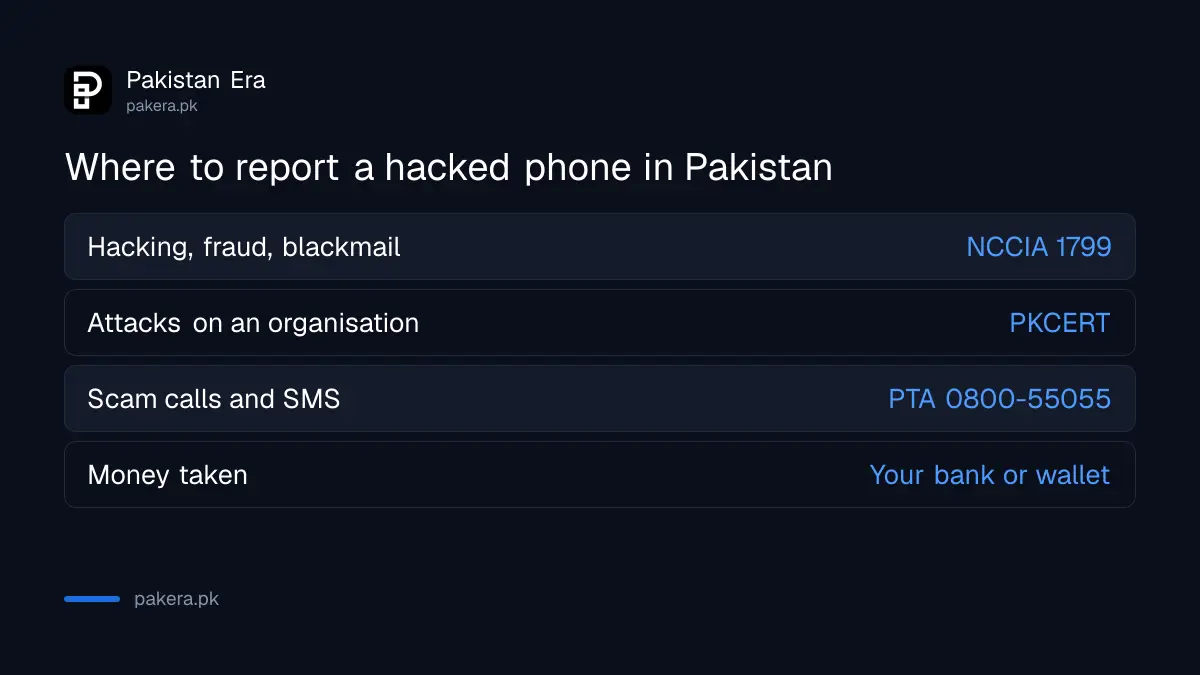
The National Cyber Crime Investigation Agency (NCCIA) takes complaints from individuals about hacking, fraud and blackmail, on its 1799 helpline or online. PKCERT, the national computer emergency team, deals mainly with attacks on organisations and systems. PTA handles scam numbers and SIM problems.
| Body | Use it for | How to reach it |
|---|---|---|
| NCCIA | Hacked accounts, fraud, blackmail | Helpline 1799, complaint.nccia.gov.pk, helpdesk@nccia.gov.pk |
| PKCERT | Malware and attacks on an organisation's systems | pkcert.gov.pk incident form, UAN 051 1111 62378 |
| PTA | Scam calls, scam SMS, SIM issues | 0800-55055, complaint.pta.gov.pk |
| Your bank or wallet | Money taken from your account | The number on your card or in the app |
When we read NCCIA's own site on 24 October 2026, its FAQ said a formal complaint needs a written application, a CNIC copy and your evidence, and that the complainant must visit the nearest Cyber Crime Reporting Centre for verification. You can then track the NCCIA complaint status. PKCERT's incident page says its form is not meant for crimes against individuals such as online fraud or harassment, which go to the NCCIA.
Save screenshots of messages, numbers and transactions before you reset anything. Evidence wiped in a reset cannot be shown to an investigator later.
Common questions
Is there a code to check if my phone is hacked?
No dial code shows whether a phone is hacked. Codes like *#21# only show call forwarding. Use Play Protect, your app list and your account device lists instead.
Can a phone be hacked through a WhatsApp message?
Usually only if you open a file or link and install something, or share a code. Opening a normal text message is not enough on an updated phone.
Will a factory reset remove malware?
It removes apps and data on the phone. It does not log anyone out of your accounts, so change passwords and remove unknown devices afterwards.
Do I need an antivirus app on Android?
Play Protect is built in and free. An extra app is optional. Keep the phone updated and avoid APK files from links.
Where do I complain if my phone or account is hacked in Pakistan?
Call the NCCIA helpline 1799 or file at complaint.nccia.gov.pk. If money was taken, call your bank or wallet first.
Can someone hack my iPhone with just my number?
Not in ordinary cases. They can try to take your accounts by tricking you into sharing a code, so never share one.
How we verified this
What we checked, where we read it, and what we could not confirm.
We read Google's Android Help on Play Protect, restricted settings and safe mode, Google's page on securing a compromised Google Account, Apple's guide for a compromised Apple Account, Apple's pages on configuration profiles, device lists and threat notifications, and PKCERT's home page, all on 25 October 2026. NCCIA details come from our read of nccia.gov.pk on 24 October 2026, since the site refused our request today. PTA's helpline comes from our earlier read of pta.gov.pk. We could not read an official Android page that names the device admin menu, so that path is our advice.
About the author

Technology Journalist & Multimedia Producer
Ahmad Ali is a technology journalist and multimedia producer at Pakistan Era, joining the team in October 2026. He covers consumer technology and digital life for Pakistani readers, combining research with hands-on product testing.