How to Choose Which SIM Uses Mobile Data on a Dual SIM iPhone in Pakistan
Choose which SIM uses mobile data on a dual SIM iPhone: Settings, Cellular, Cellular Data. See what Allow Cellular Data Switching does and what you need.
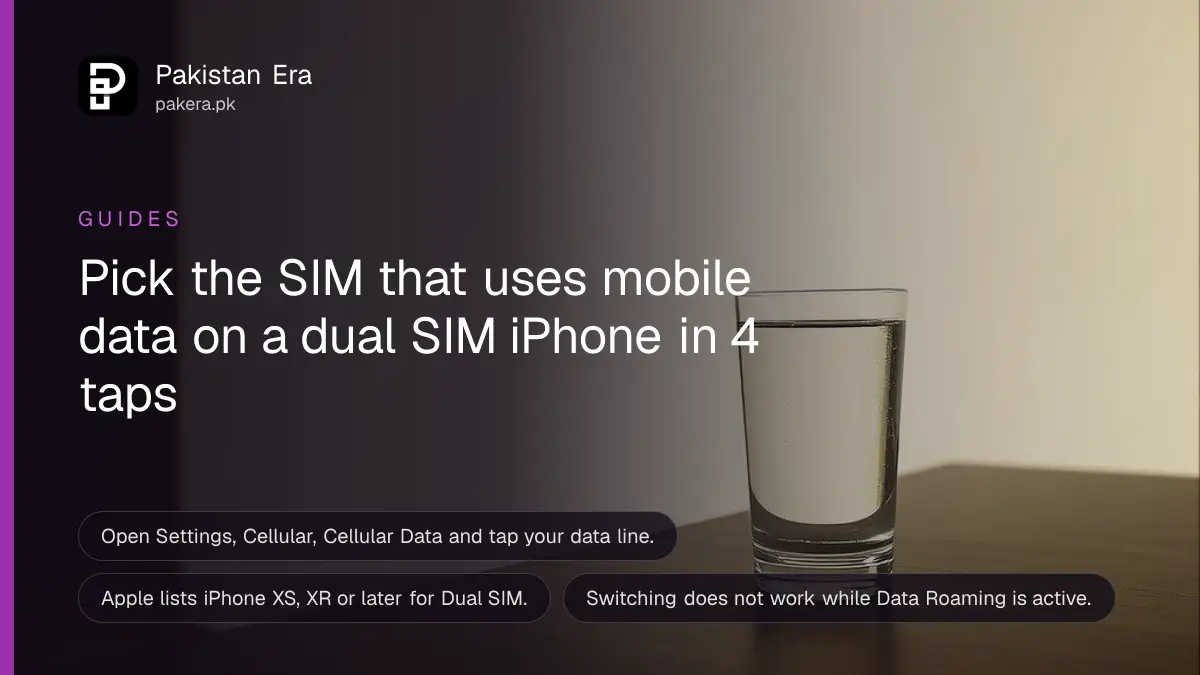
Short answer: On a dual SIM iPhone, open Settings, Cellular (or Mobile Data), Cellular Data and tap the line you want for mobile data. Apple says to turn on Allow Cellular Data Switching only if you want your calls line to borrow data during a call. Apple lists iPhone XS, XR or later for Dual SIM.
Many people in Pakistan keep two numbers: one for calls and family, one with a cheap data package. If the iPhone uses the wrong one for data, you burn through the pricey SIM's balance without knowing. One setting decides it.
We read Apple's Dual SIM support page on 14 October 2026. We did not set up two Pakistani SIMs on a test iPhone, so network names and charges are for you to confirm with your operator.
Pick the data line in Cellular settings
Apple says to open Settings, tap Cellular or Mobile Data, tap Cellular Data, and tap the number you want to use for cellular data. Only one line carries data at a time. The other line still takes calls and messages.
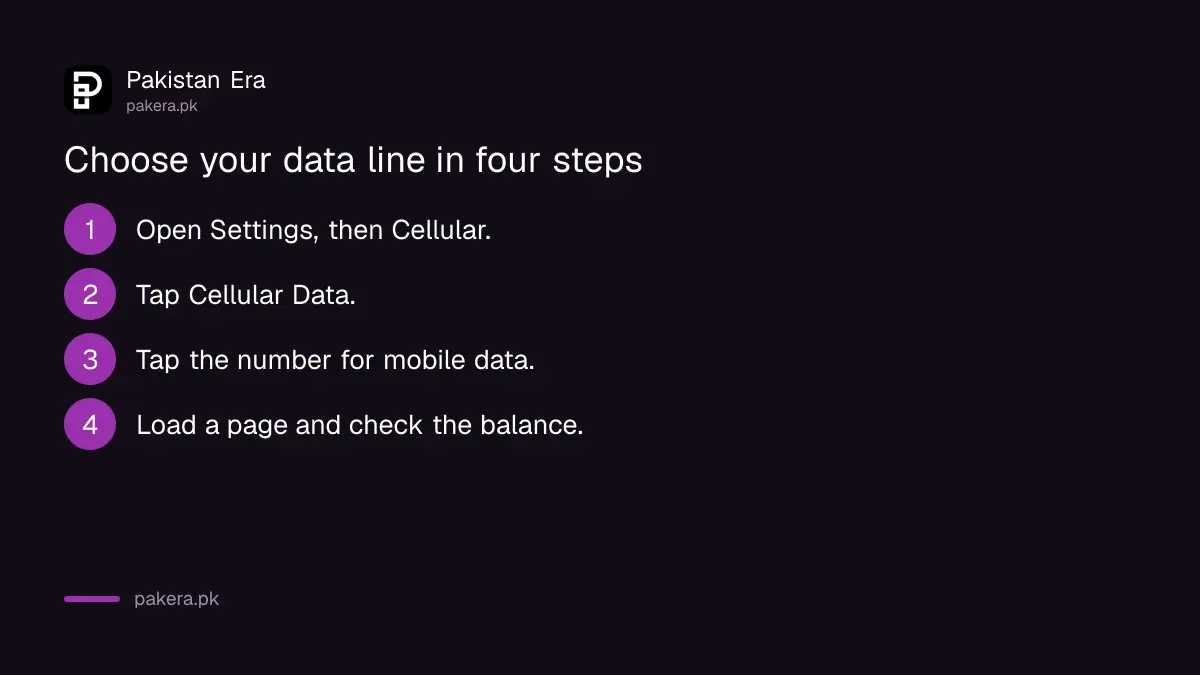
- Open Settings and tap Cellular or Mobile Data.
- Tap Cellular Data.
- Tap the number you want to use for data.
- Open a web page to confirm it works, then check which package lost data.
Name your lines if your phone lets you, for example "Calls" and "Data", so you do not tap the wrong one later. We did not confirm that step on Apple's page. Keeping the data package SIM in the data slot saves money. See the cheapest monthly and weekly packages per GB to pick a good data SIM.
Allow Cellular Data Switching is optional
Apple says that with Allow Cellular Data Switching on, your voice-only line can use data during a call, so you do not lose your internet while talking. It does not work while Data Roaming is on. Leave it off to protect your data balance.
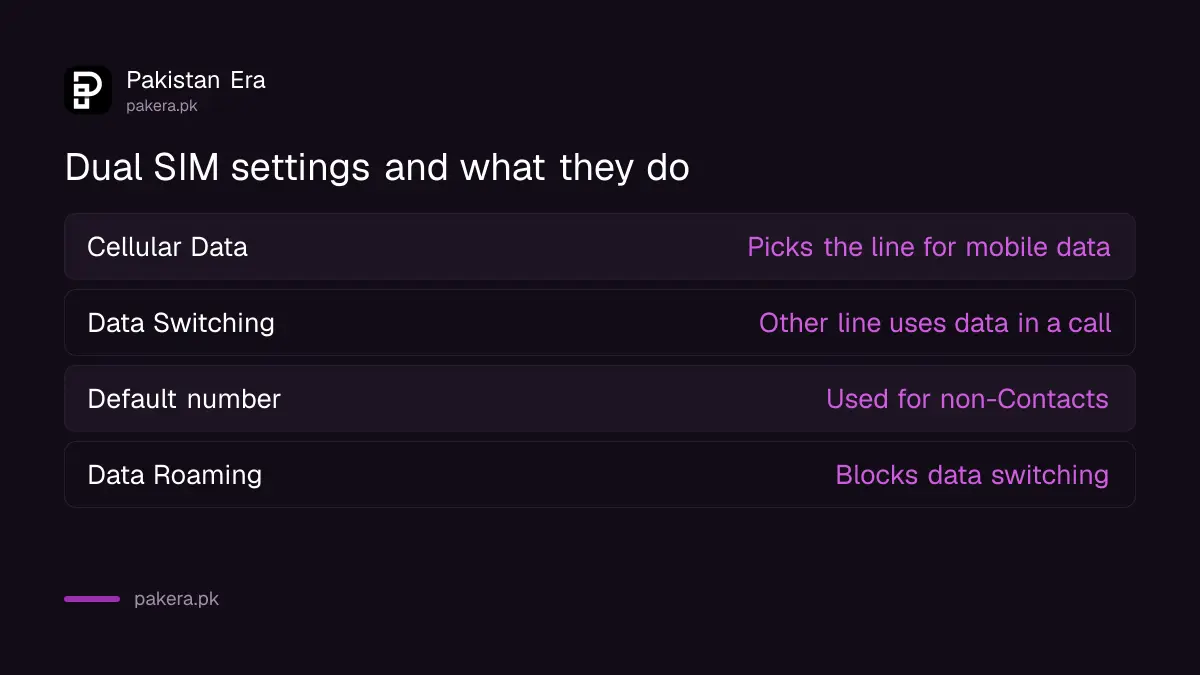
| Setting | What Apple says it does |
|---|---|
| Cellular Data | Chooses the line that carries mobile data |
| Allow Cellular Data Switching | Lets the other line use data during a call |
| Default number | Used for calls and messages to people not in Contacts |
| Data Roaming | Switching does not work while it is active |
The switching setting is useful if your calls SIM has a small data package. It is a trap if you do not watch your usage. To keep an eye on usage, see how to set a mobile data warning and check app data on iPhone.
Apple also lets you choose a default number for calls and messages to people who are not in your Contacts. For a person in Contacts, open the contact, tap default and pick a number.
What your iPhone needs
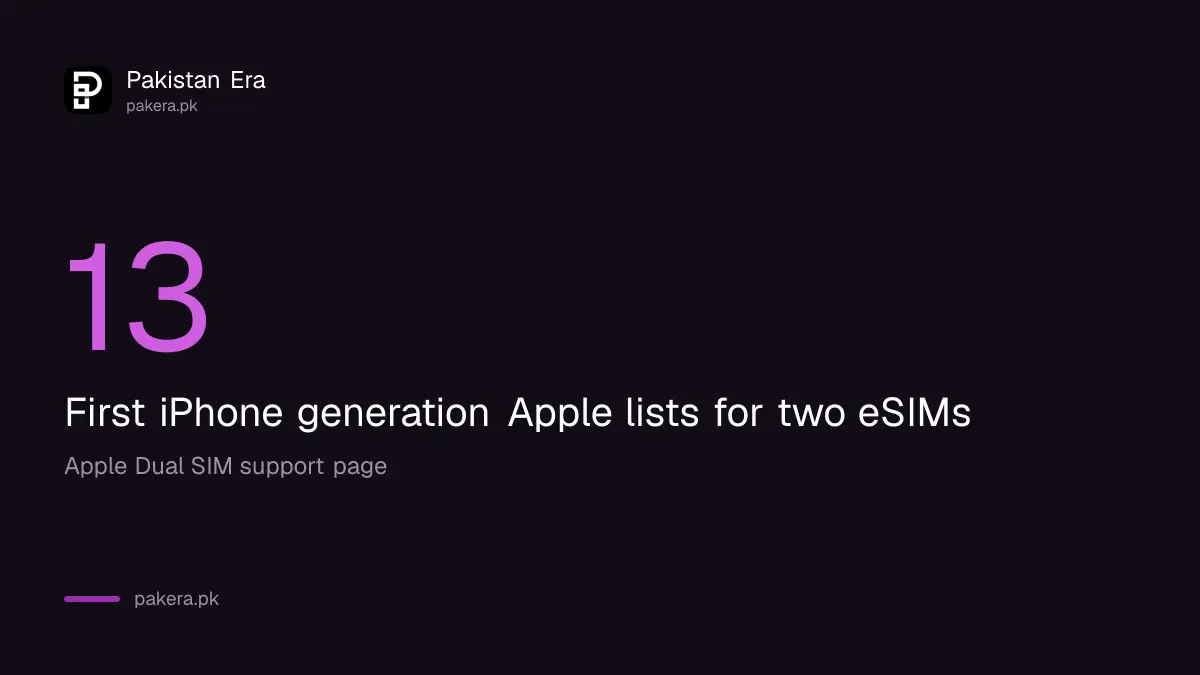
Apple lists an iPhone XS, XS Max, XR or later, and a carrier that supports eSIM. To use two carriers, Apple says the carrier must unlock your iPhone, or both plans must come from the same carrier. Dual SIM with two eSIMs needs an iPhone 13 or later.
An eSIM is a SIM stored inside the phone instead of on a plastic card. Pakistan has its own eSIM rules and charges. Read PTA's eSIM fee cap and transfer rules and the steps to activate an eSIM in Pakistan before you buy.
If you travel, a foreign eSIM can be your data line while your Pakistani number keeps calls. See how to use a foreign SIM or travel eSIM in Pakistan. Remember that Apple says switching does not work while Data Roaming is active.
Your phone must also be PTA registered for local SIMs to work. If one slot works and the other does not, see what to do when one SIM slot is registered and the other is not.
Check which line used the data
After you switch, check your balance on the line you meant to use. If the balance on the other line fell, go back to Cellular Data and tap the right line. Also check that Allow Cellular Data Switching is off if you want strict control.
A quick test helps. Turn off Wi-Fi, load a page, then check the balance codes of both packages. Operators show remaining data by code or app, as covered in call, SMS and data rates without a package, which also warns what happens when a package runs out.
If you run out of data while a package is active, see PTA's rule on package expiry and usage alerts. It covers the warnings you should get.
Common questions
How do I choose which SIM uses mobile data on iPhone?
Go to Settings, Cellular or Mobile Data, Cellular Data, then tap the line you want.
What does Allow Cellular Data Switching do?
Apple says it lets your voice-only line use data during a call. It does not work while Data Roaming is active.
Which iPhones support Dual SIM?
Apple lists iPhone XS, XS Max, XR and later. Dual SIM with two eSIMs needs an iPhone 13 or later.
Can I use two different operators?
Apple says the carrier must unlock your iPhone, or both plans must be from the same carrier. Check with your operator.
Does this work on Android?
This guide covers iPhone only. Android menus differ by brand, and we did not verify them here.
How we verified this
What we checked, where we read it, and what we could not confirm.
Last checked on 14 October 2026, Pakistan time. We read Apple's Dual SIM support page. We did not set up two Pakistani SIMs on an iPhone, and eSIM availability differs by operator. Menu names may differ slightly on your iOS version.
About the author

Technology Journalist & Multimedia Producer
Ahmad Ali is a technology journalist and multimedia producer at Pakistan Era, joining the team in October 2026. He covers consumer technology and digital life for Pakistani readers, combining research with hands-on product testing.