Edits App by Instagram in Pakistan: Free Video Editor, 4K Export Without Watermark and Music Rules
Edits, Instagram's free video editor, records in HD, 2K or 4K and downloads without a watermark. How to export in HD, add music and the 60 second rule.
Edits is Instagram's free video editor, listed on Google Play and on the App Store in Pakistan. It records in HD, 2K or 4K, adds music, captions and effects, and downloads the finished video to your gallery without a watermark, so you can post it on Instagram, WhatsApp, TikTok or YouTube. The one rule to know first: licensed songs longer than 60 seconds are left out of a downloaded video.
Below is how to start a project, set export quality, add music or your own audio, use captions and green screen, and get the file out cleanly for other apps.
Edits is free and works on Android and iPhone
Edits costs nothing. Its Google Play listing calls it a free video editor for creators, and the Pakistan App Store lists it as free, needing iOS 16.3 or later on iPhone.
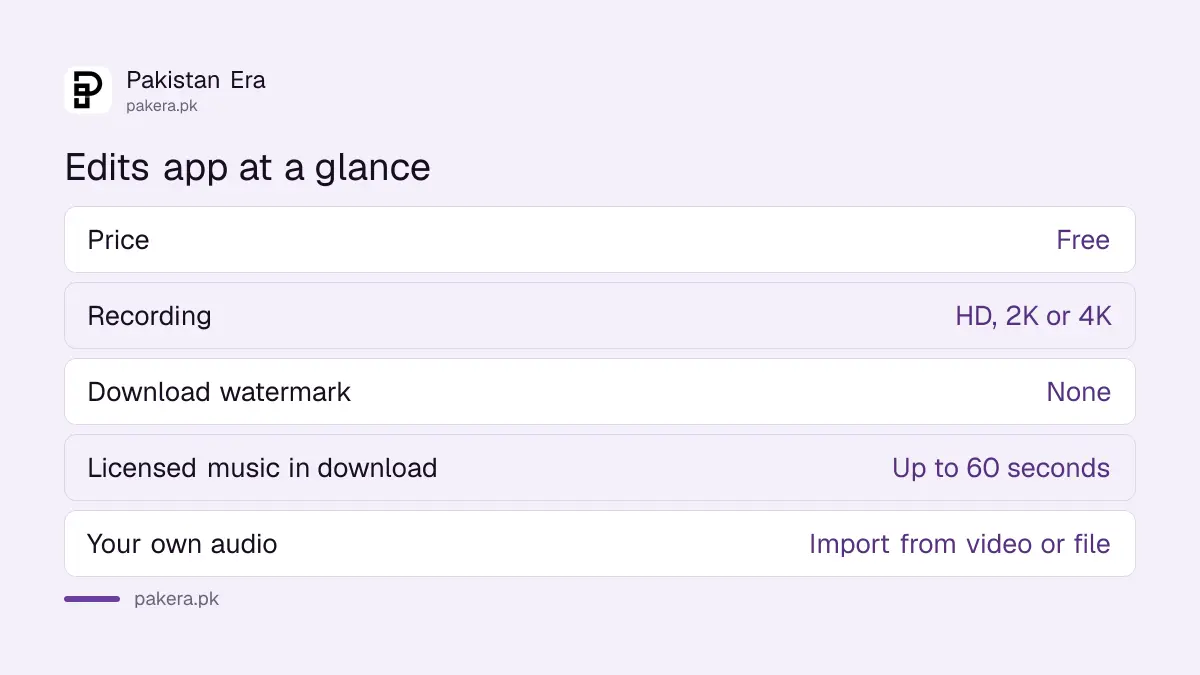
| Feature | What Instagram's help pages say |
|---|---|
| Price | Free on Google Play and the App Store |
| Recording resolution | HD, 2K or 4K, plus frame rate and colour |
| Export | Choose resolution, frame rate and colour, then Download |
| Watermark on download | None, says Instagram |
| Licensed music in a download | Up to 60 seconds; the rest is left out |
| Your own audio | Import from a video or a file |
For people who edit on the phone and post everywhere, the watermark-free download is the big draw. Some free editors stamp their logo on the export. Edits does not, according to Instagram.
How to record and start a project in Edits
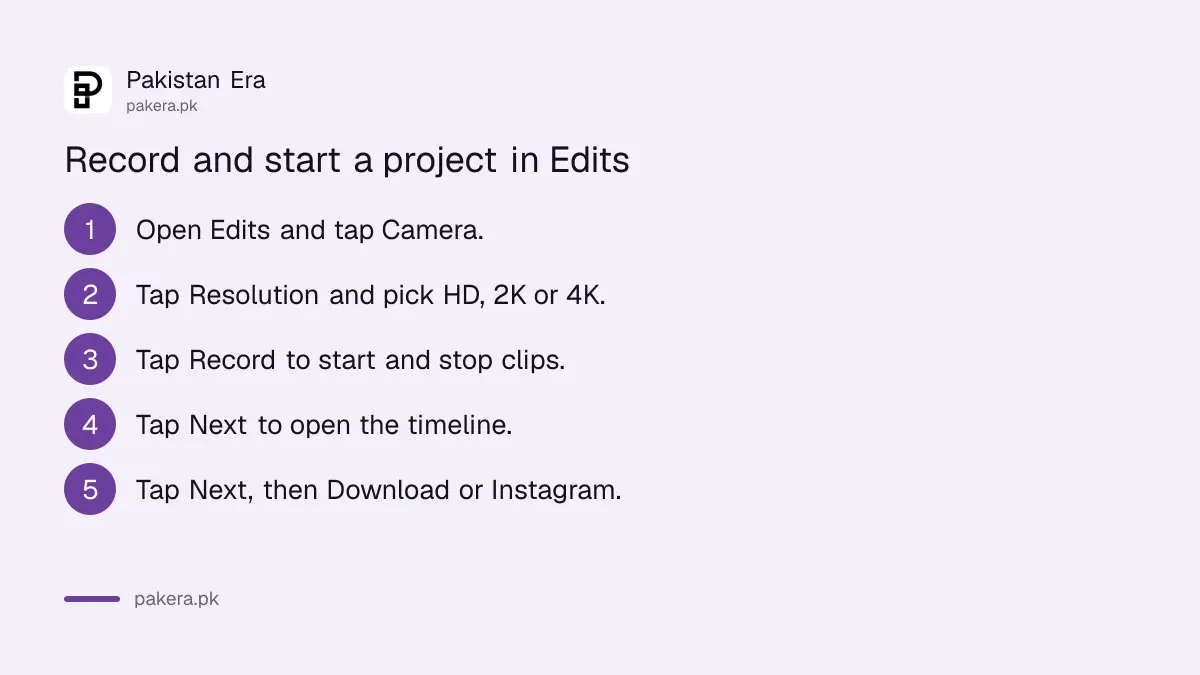
Open Edits, tap Camera, set the resolution, then tap Record. Tap Record again to stop, and again to add another clip to the same project. When you are done, tap Next to see the timeline and edit.
- Install Edits from Google Play or the App Store and open it.
- Tap Camera at the bottom.
- Tap Resolution and choose HD, 2K or 4K, with the frame rate you want.
- Tap Record to start and stop. Each stop and start adds a new clip.
- Tap Next at the bottom right to open the timeline.
Before recording you can also use flash, retouch for skin smoothing, a green screen with your own background photo or video, a timer with countdown, speed, a teleprompter for your script, and filters. Clips already on your phone can go into a project too; the Replace tool, for example, swaps a layer for a clip from your camera roll.
Edits has a full editing toolbar
The toolbar at the bottom covers audio, text, voice, captions, filters, colour adjustment, effects, overlays, sound effects, cutouts and stickers. Each thing you add sits as its own layer, which you can move, trim, split, speed up or replace.
- Captions: generate captions automatically, with language, style and transcription controls. Instagram does not list the languages on the page we read, so check Urdu inside the app.
- Adjust: white balance, HSL (hue, saturation and lightness), colour wheels and curves.
- Cutout: remove the background of a clip or make your own sticker.
- Voice: record a voiceover while reading a script on screen, with voice enhance to reduce noise.
- Layer tools: split, speed, volume, replace, slip and duplicate.
It is a capable set for a free app. For a shop selling clothes in Faisalabad or a tutor making short lessons, captions plus a voiceover cover most needs without paying for software.
Music in Edits: library songs, your own audio and the 60 second rule
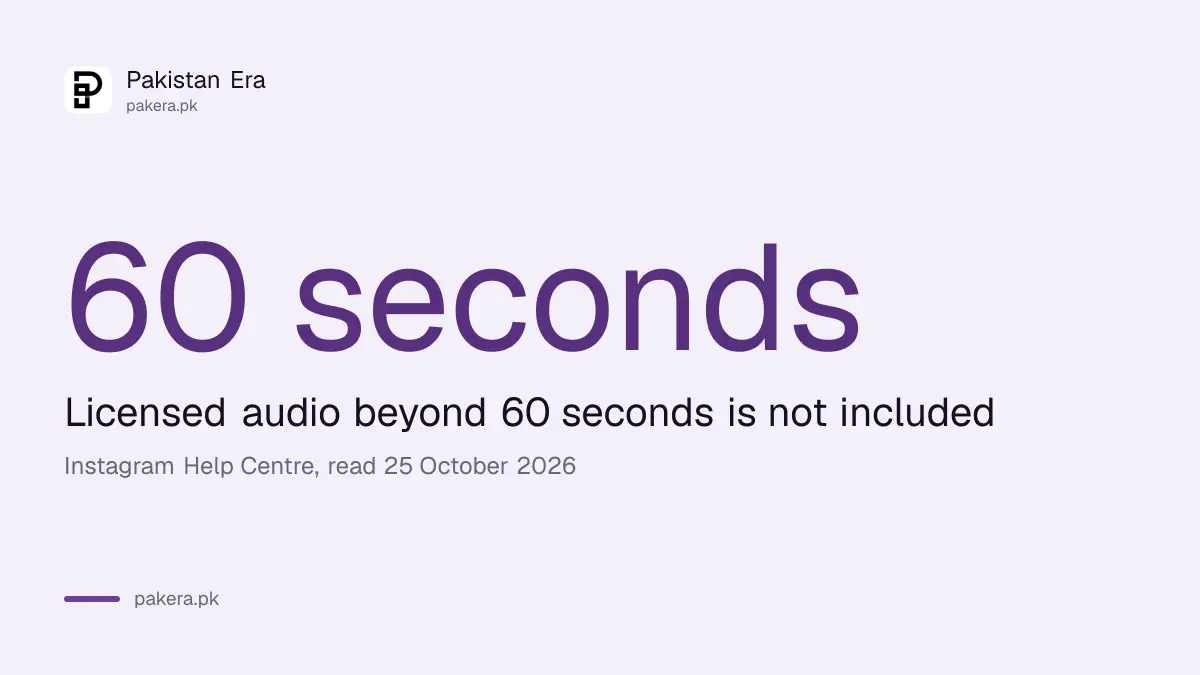
Tap Audio in a project to search Instagram's music library, or tap Collections to import audio from another video or a file on your phone. Licensed library music longer than 60 seconds is dropped when you download the video.
Once a track is in, you can split it, set volume, fade in or out, duck the music under a voiceover, add beat markers and choose which part of the song plays. Licensed music must carry the artist and track name, and Instagram warns that tracks can be muted later if its deals with rights holders change.
If your reel will live outside Instagram, your own audio is safer than a licensed song. And if you share a video from Edits as a reel with original audio on a public account, anyone on Instagram can use your audio in their reels. Making your account private stops that; the steps to make your Instagram account private take a minute.
Export in high quality and post anywhere
In your project, tap the resolution at the top right to pick resolution, frame rate and colour. Then tap Next and Download to save the video to your gallery, or tap Instagram to post it as a reel. Exported files are yours to post on any app.
Two things to remember. If you change a project after exporting, you must export again; the old file does not update. And deleting a project in Edits does not delete the copy in your gallery or on any app where you posted it.
For WhatsApp status, export the finished video from Edits, including music, because WhatsApp Web has no music option for status. Post it as it is on Instagram too, but keep it your own work: reposting other people's clips can cut reach under Meta's rules on unoriginal content on Facebook and Instagram.
Common questions
Is the Edits app free in Pakistan?
Yes. It is listed as free on Google Play and on the App Store in Pakistan.
Does Edits add a watermark?
Instagram's help page says Download saves the video to your camera roll to post anywhere, watermark free.
Can Edits export in 4K?
Edits records in HD, 2K or 4K, and lets you choose resolution, frame rate and colour before exporting.
Why is the music missing from my downloaded Edits video?
Licensed library music longer than 60 seconds is not included in the download. Shorten it or use your own audio.
Can I share from Edits straight to Instagram?
Yes. Tap Next, then Instagram, to post the video as a reel, or save it as a draft on Instagram and finish the caption there.
Which iPhones can run Edits?
The App Store listing says Edits needs iOS 16.3 or later.
How we verified this
What we checked, where we read it, and what we could not confirm.
Last checked 25 October 2026. On that date we read Instagram's help pages Record a video with Edits, Edit your video on Edits, Download and share your video from Edits, Add or import music and audio, and What audio can you use in your video on Edits. We checked the Edits listings on the Pakistan App Store and on Google Play. We did not install Edits for this check, and we could not confirm whether its automatic captions support Urdu.
About the author

Technology Journalist & Multimedia Producer
Ahmad Ali is a technology journalist and multimedia producer at Pakistan Era, joining the team in October 2026. He covers consumer technology and digital life for Pakistani readers, combining research with hands-on product testing.