How to File an SSGC Complaint Online: Form Fields, 1199 and WhatsApp
SSGC's online complaint form needs eight fields, including your customer number. See each field, the 1199 and WhatsApp options and how to word the message.
To file an SSGC complaint online, open the Complaints/Feedback form on ssgc.com.pk, pick Domestic, Commercial or Industrial, and fill eight required fields: customer type, customer number, name, address, city, email, phone and message. You can also call 1199 or use SSGC's WhatsApp numbers. Have your gas bill open before you start, because the customer number is on it.
Most gas complaints stall for the same reason: the first message is vague. We opened SSGC's Complaints/Feedback page on 22 October 2026 and read every field. We did not submit a test complaint, so we cannot say how fast SSGC replies. The page itself shows a last-updated date of 6 June 2020 for the form.
The form has eight required fields and five optional ones
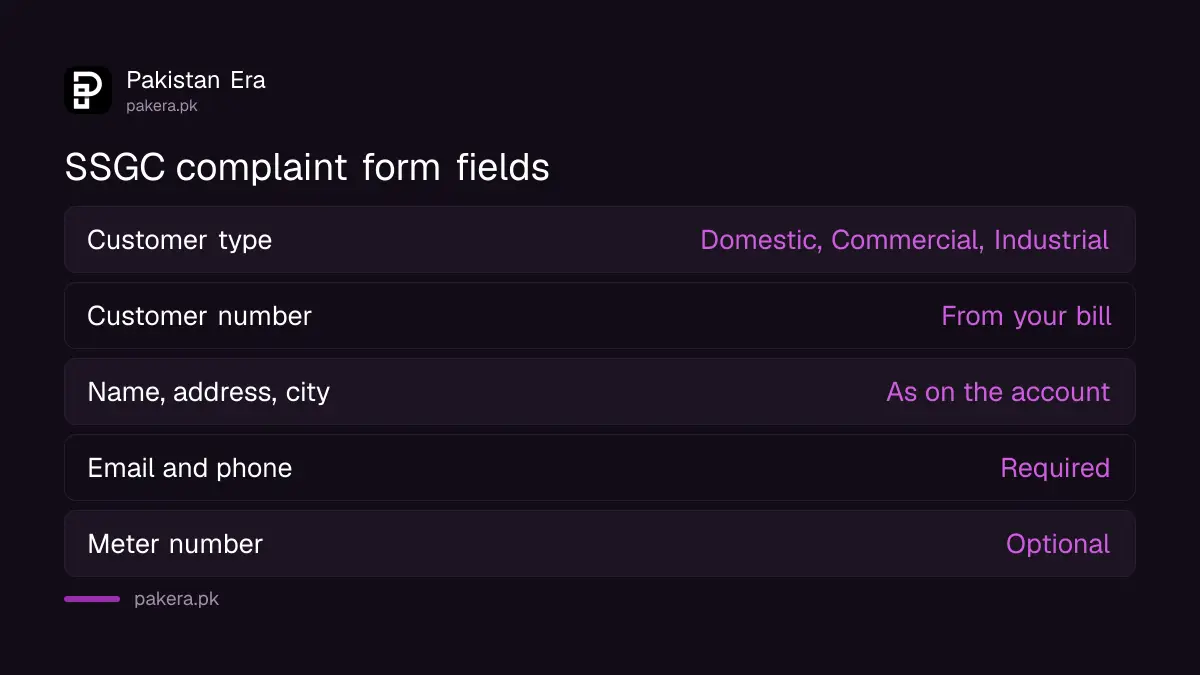
Required: customer type, customer number, name, address, city, email, phone and message. Optional: meter number, designation, company, state or province and post code. A missing required field stops the form, so keep the bill and your email address close.
The optional meter number is worth filling in. A wrong reading or a stuck meter complaint is tied to the meter, and the number saves SSGC a lookup. Your customer number is printed on your gas bill.
| Field | Required | Tip |
|---|---|---|
| Customer type | Yes | Domestic, Commercial or Industrial |
| Customer number | Yes | Copy it from your bill |
| Name | Yes | As on the account |
| Address, City | Yes | As on the bill |
| Email, Phone | Yes | Use ones you check daily |
| Message | Yes | One problem, dates and amounts |
| Meter number | No | Add it for meter problems |
| Designation, Company | No | For business accounts |
| State/Province, Post code | No | Helps location |
Write the message in four lines: problem, dates, amount, request
A good message is short. Say what is wrong, when it started, what the bill says, and what you want SSGC to do. Attach no files, because the form does not list an upload box, so mention your paid bill numbers in the text instead.
For example: "Bill for September shows 140 cubic metres. My meter read 105 on 28 September. I paid the August bill on 10 September. Please check the reading and correct the bill." Numbers and dates make a complaint hard to brush aside.
The wording above is our model, not an SSGC template. Change it to fit your own case.
One problem per complaint works best. If you have a wrong bill and a leaking meter, file two. SSGC can then route each to the right team, and you can track each one separately. Use the same name and phone number on every complaint so the records match your account.
Do not put your CNIC number in the message unless SSGC asks for it. The form does not list a CNIC field, and the message box is not a private channel. If SSGC needs it, it will ask by phone or at a centre.
Phone and WhatsApp are faster for leaks, the form is better for bills
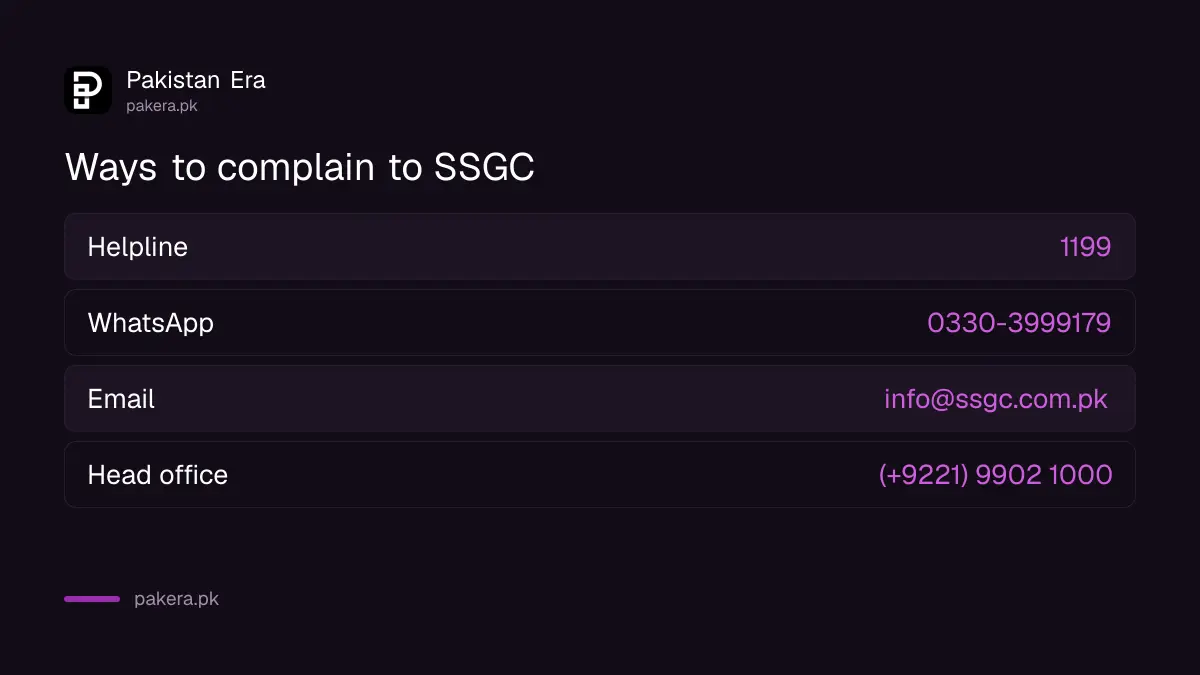
SSGC lists a helpline of 1199, a head office line of (+9221) 9902 1000, an email of info@ssgc.com.pk and two WhatsApp numbers, 0330-3999179 and 0330-3999178. For a gas smell call at once. For a wrong bill, the form leaves a written record.
The zone and emergency numbers for each city are in SSGC zone office and emergency numbers. If you prefer to go in person, see the list of SSGC facilitation centres.
SSGC's site links to timelines, a grievance committee and Ombudsman numbers
Beside the form, SSGC links to pages titled How Customers Can Complain, Complaint Types and Estimated Resolution Timelines, Public Complaints Resolution Mechanism, Grievance Redressal Committee and Federal Ombudsman Numbers. We did not read those pages, so we do not repeat their contents.
They are the place to look when the first reply does not solve things. Our own reading of resolution times is in how long SSGC takes to fix gas problems. The steps that apply to both gas companies are in the SNGPL and SSGC complaint guide.
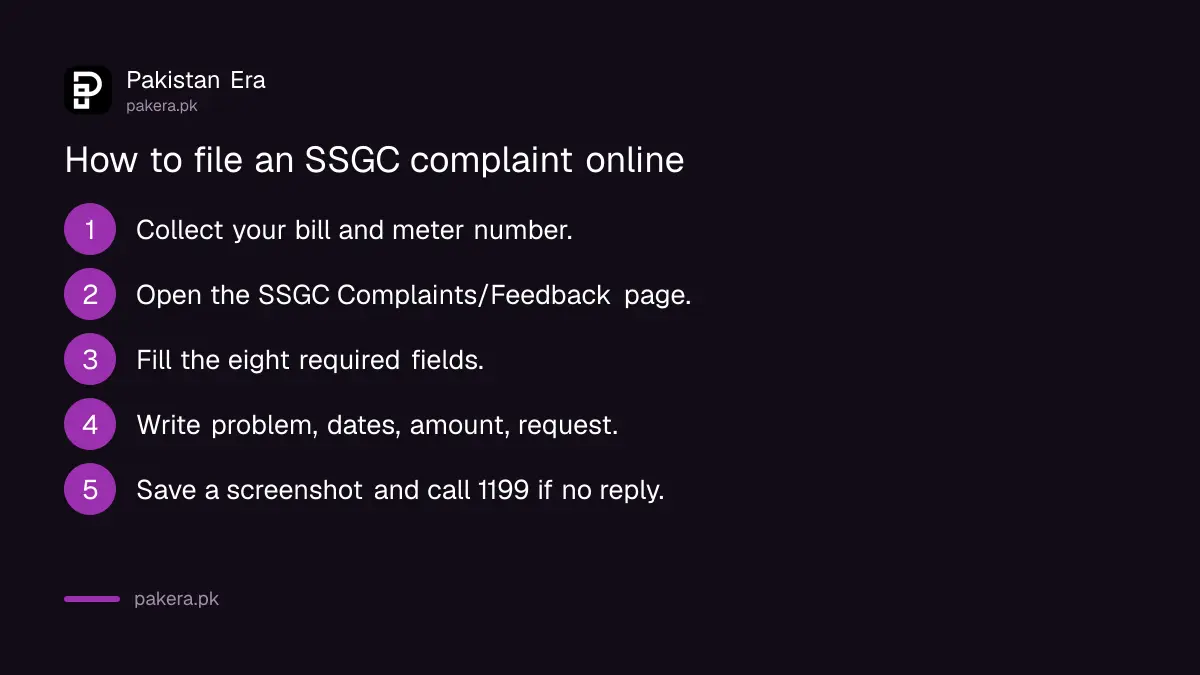
- Collect your latest bill, your last paid bill and the meter number.
- Open the SSGC Complaints/Feedback page and pick your customer type.
- Fill the eight required fields and add the meter number.
- Write the message: problem, dates, amount, request.
- Submit, then save a screenshot and note the date.
- If there is no reply, call 1199 and quote the date you submitted.
Common questions about the SSGC complaint form
Where is the SSGC complaint form?
It is on ssgc.com.pk, under Complaints/Feedback.
Which fields are required?
Customer type, customer number, name, address, city, email, phone and message.
Do I get a complaint number?
The page does not say. Take a screenshot and note the date, and ask for a number if you call 1199.
Can a tenant complain?
The form does not state who may file. Use the account holder's customer number and say in the message that you are the tenant.
Is there a deadline for SSGC to reply?
The form page gives none. SSGC links a page of estimated resolution timelines, which we did not read.
Is the same form used for SNGPL?
No. SNGPL has its own Lodge Complaint and Track Your Complaint pages on sngpl.com.pk.
How we verified this
What we checked, where we read it, and what we could not confirm.
Last checked 22 October 2026. The form fields, contact numbers and linked page titles come from SSGC's Complaints/Feedback page and its Important Numbers page at ssgc.com.pk, and the SNGPL pages named come from the front page of sngpl.com.pk, all read that day. We did not submit a form, call a number or read the linked timeline, grievance and Ombudsman pages. The sample message and the tip about a screenshot are our suggestions.
About the author

Senior Writer, Public Services and Technology
Shahid joined us in 2024 as an author. He is a senior contributor to Pakistan's leading technology websites. He writes detailed articles, mostly covering his expertise in the latest tech, mobiles, apps, gadgets, and step-by-step guides. His ideology is to help people understand the latest trends and explain complex methods through very easy-to-understand guides.