Gemini API CLI Beta in Pakistan: Install gemini-api on Windows, Mac or Linux, Every Command
Google released the gemini-api CLI beta on 27 October 2026. Install it on Windows, Mac or Linux, add your key, and see all 11 commands, limits and what is free.
Google released the Gemini API CLI, a beta command-line tool called gemini-api, on 27 October 2026, and it installs on Windows with one PowerShell line. It turns every Gemini API feature into a terminal command: text, images, speech, music, video, file analysis, transcripts and managed agents such as Deep Research. It runs on your existing Gemini API key, so Pakistani developers on the free tier can try it today. Below are the install lines for each system, every command group, the limits, and what it costs.
We read Google's Gemini API changelog entry for 27 October and the CLI guide, last updated 28 October 2026. The tool is a beta, and Google warns that commands can change between minor versions.
The gemini-api CLI is a terminal client for scripts and AI agents
Google calls it a stateless, zero-dependency command-line client built for AI agents with shell access, scripts and CI pipelines. It sends each command to the Interactions API. Google says it is not an interactive coding agent, so it does not chat with you.
That distinction matters. You run one command, get one result, and the tool exits. A WordPress developer in Lahore could use it to make 50 product images from a spreadsheet in a loop, or transcribe a client call into subtitles, without writing Python.
It is also built to be driven by other agents. A coding agent with terminal access can call gemini-api to make an image or read a PDF, then carry on with its own work.
Install it with one line on Windows, Mac or Linux
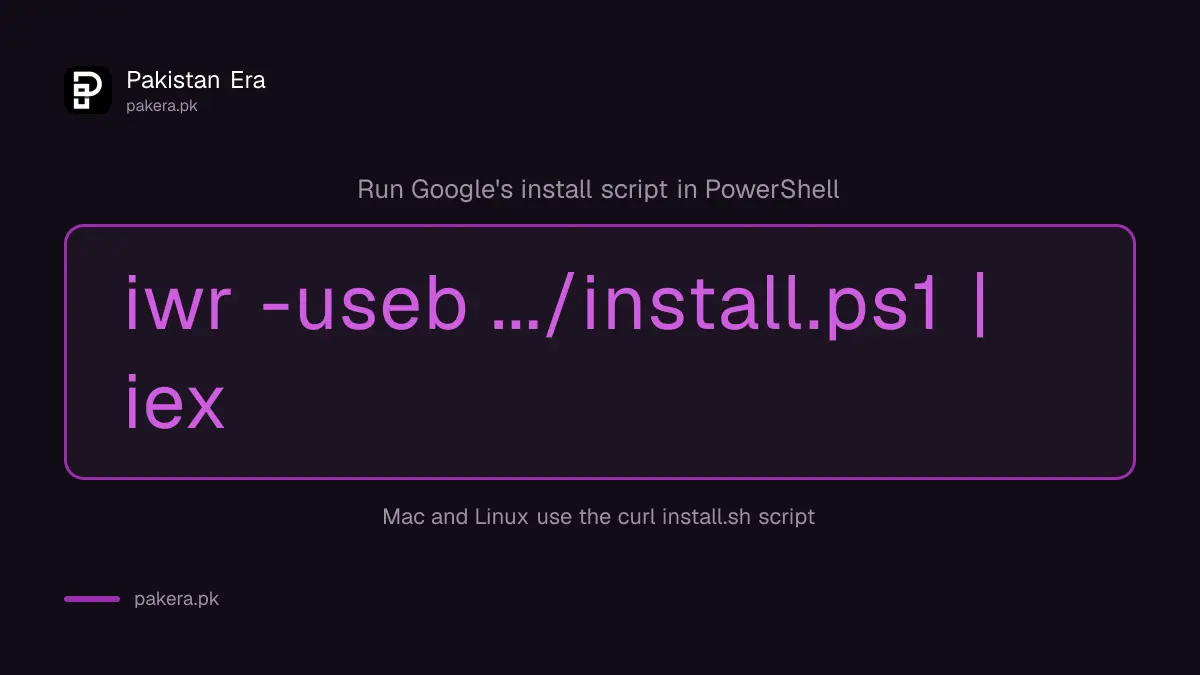
On Windows, run Google's install script in PowerShell. On a Mac or Linux, run the curl script in a terminal. Go users can install with go install, and prebuilt binaries for all three systems sit on GitHub Releases.
| System | Install command |
|---|---|
| Windows (PowerShell) | iwr -useb https://raw.githubusercontent.com/google-gemini/gemini-api-cli/main/scripts/install.ps1 | iex |
| macOS and Linux | curl -fsSL https://raw.githubusercontent.com/google-gemini/gemini-api-cli/main/scripts/install.sh | bash |
| Go | go install github.com/google-gemini/gemini-api-cli/cmd/gemini-api@latest |
| Any system | Download a binary from GitHub Releases and add it to your PATH |
Running a script piped from the internet is a habit worth questioning. Open the script URL in a browser first and read it, or use the GitHub Releases binary instead. For a server or CI job, Google recommends pinning a release, because the beta can break between versions.
Sign in with the same key you use for the Gemini API
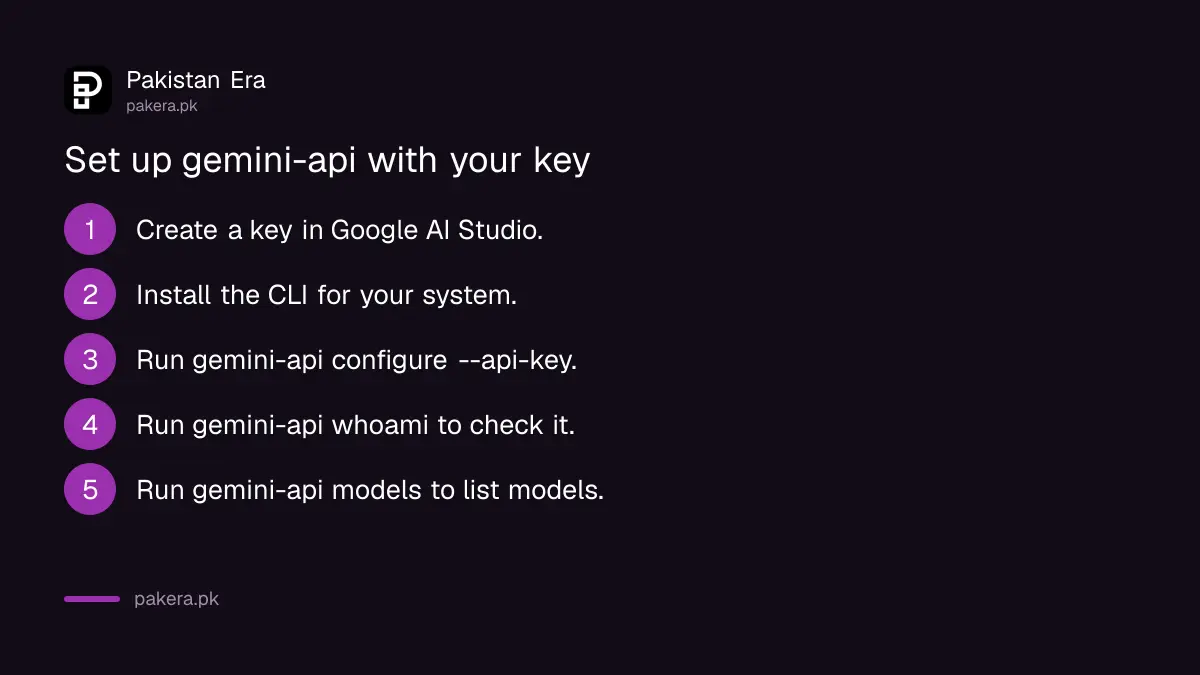
The CLI reads GEMINI_API_KEY from your environment. On your own computer, run gemini-api configure --api-key to save the key in the system keychain, then gemini-api whoami to confirm which credential is active.
- Create a key at aistudio.google.com/apikey if you do not have one.
- Install the CLI with the line for your system.
- Run
gemini-api configure --api-keyand paste the key. - Run
gemini-api whoamito check the key is picked up. - Run
gemini-api modelsto list the models your key can use.
If your keychain gives trouble, add --no-keyring and the key is saved to a config file in your home folder instead. Do not do that on a shared office computer. Getting a key, the free models and the daily reset time are all covered in getting a free Gemini API key in Pakistan.
Eleven commands cover text, media, files and agents
Google groups the commands into create, understand, agents and setup. The create commands make text, images, speech, music and video. The understand commands analyse files and transcribe audio. Agent commands run managed agents such as Deep Research in the background.
| Command | What it does |
|---|---|
generate | Writes text, streamed to the terminal |
image | Makes or edits an image and saves a JPEG |
tts | Turns text into speech, one or two voices, WAV file |
music | Makes a music track or loop |
video | Makes or edits an MP4 clip |
analyze | Answers questions about a PDF, image, audio, video, CSV or public YouTube link |
transcribe | Makes a timestamped transcript with speaker labels, including SRT subtitles |
agent | Runs, checks or cancels a managed agent such as Deep Research |
files | Uploads and manages larger files |
models | Lists the models your key can reach |
configure, whoami | Saves your key and shows which one is active |
A realistic first test is gemini-api transcribe -i lecture.mp4 --format srt --out lecture.srt, which turns a recorded class into a subtitle file. For a quick look at a contract, gemini-api analyze -i contract.pdf "List every deadline" does the job.
The free tier pays for text, the media commands usually do not
The CLI guide lists no separate price. Google says CLI calls are billed as normal Gemini API usage. Text models such as Gemini 3.8 Flash are free of charge on the API's free tier, while the image and video models are paid only.
So a free key will run generate, analyze and transcribe on free models, within Google's daily limits. The image and video commands need a billing account, because Google's pricing page lists Nano Banana 2.1 images and Gemini Omni Flash video as not available on the free tier. Check that page before you script 500 images.
Free-tier content is used to improve Google's products. Keep client files off a free key, a point that applies to any AI tool, as PKCERT's rules for AI chatbots at work also say.
Four limits to know before you script it
Inline files are capped at 14 MB, larger ones need the files command, and uploaded files are deleted after 48 hours. The CLI has no WebSocket support, so real-time voice still needs the Live API. And the beta can change between minor versions.
- Use
--stream=falsewith generate or agent run when you also ask for JSON output. - Upload files bigger than 14 MB with
gemini-api files uploadfirst. - Download anything you need from uploaded files within 48 hours.
- Pin a version number in CI so an update does not break a nightly job.
Common questions
When was the Gemini API CLI released?
Google's Gemini API changelog lists the gemini-api CLI beta on 27 October 2026.
Is the Gemini API CLI free?
The tool itself costs nothing. Calls are billed as normal Gemini API use, so free-tier models stay free and image or video commands need billing.
Does gemini-api work on Windows?
Yes. Install it with Google's PowerShell script or a Windows binary from GitHub Releases.
Is the Gemini API CLI a coding assistant?
No. Google says it is not an interactive coding agent. It runs single commands for scripts, CI jobs and other agents.
How do I add my API key to the CLI?
Run gemini-api configure --api-key, or set the GEMINI_API_KEY environment variable before you run a command.
How we verified this
What we checked, where we read it, and what we could not confirm.
We read the Gemini API changelog entry for 27 October 2026, the Gemini API CLI guide (last updated 28 October 2026) and the Gemini API pricing page on 28 October 2026. We did not install the CLI for this article, so the commands above are as Google documents them. The guide gives no CLI-specific limits beyond normal API rate limits.
About the author

Technology Journalist & Multimedia Producer
Ahmad Ali is a technology journalist and multimedia producer at Pakistan Era, joining the team in October 2026. He covers consumer technology and digital life for Pakistani readers, combining research with hands-on product testing.