Google Keyword Planner Free in Pakistan: Open It Without Spending a Rupee
Use Google Keyword Planner free from Pakistan: the Ads setup it needs, Expert Mode, pausing the campaign so nothing is spent, and why the currency is permanent.
Google Keyword Planner is free to use from Pakistan, but it sits inside a Google Ads account. To open it you must finish the Ads account setup, add billing details and create a campaign, and the account must be in Expert Mode, not Smart Mode. Pause that campaign at once and you can research keywords without spending a rupee.
This guide shows a Pakistani shop owner, blogger or YouTube creator how to get into Keyword Planner, which of its two tools to use, how to read the numbers, and the one setting you cannot undo later: the account currency.
What you need before Keyword Planner opens
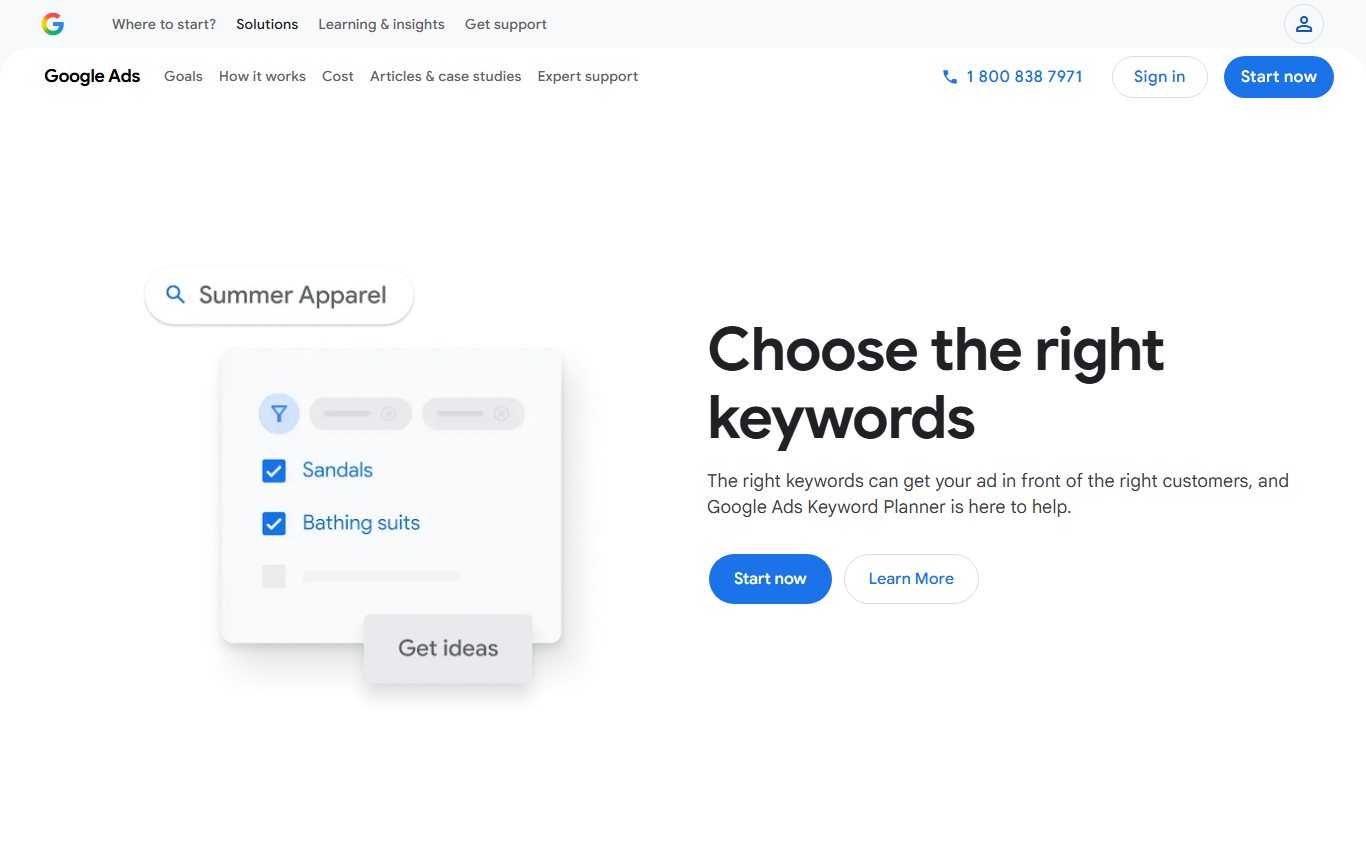
Google describes Keyword Planner as "a free resource to help advertisers build keyword lists for search campaigns". It is not a separate product. It is a tool inside Google Ads, so the requirements are the Ads account's requirements.
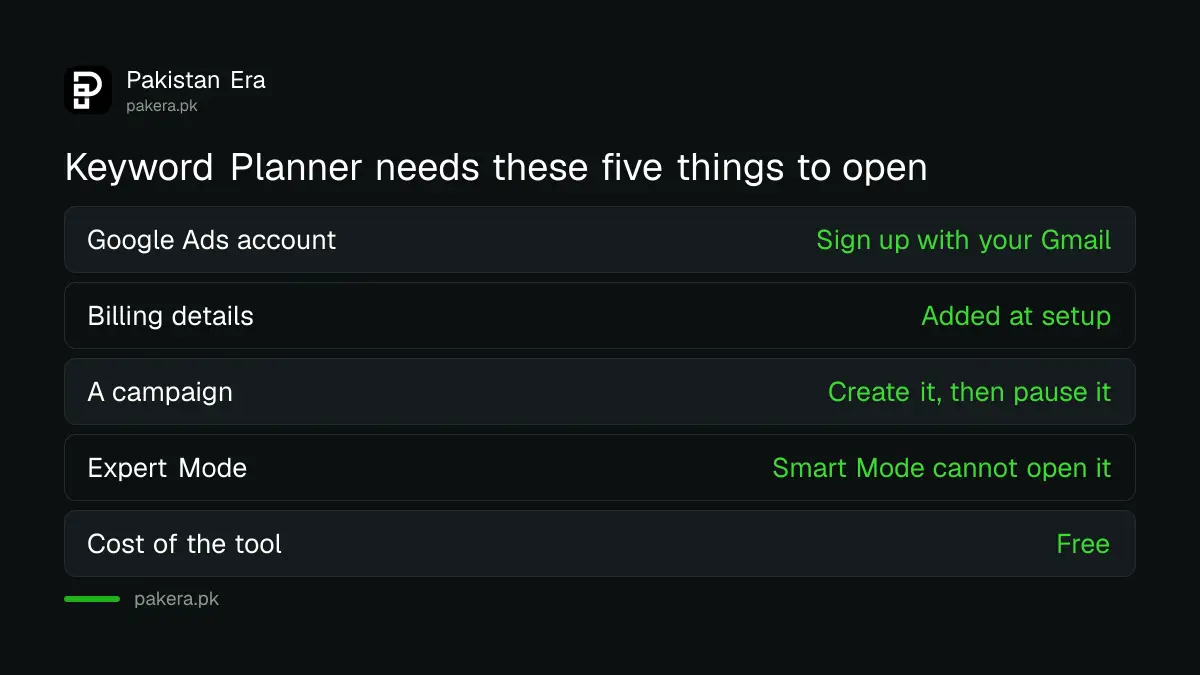
| Requirement | What Google says | What it means for you |
|---|---|---|
| Google Ads account | Keyword Planner is part of your Google Ads account | Sign up at ads.google.com with your Gmail |
| Billing details | You must complete account setup by entering billing information | Add a card or payment method; nothing is charged until ads run |
| A campaign | Complete setup and create a campaign | Create one, then pause it |
| Expert Mode | Smart Mode accounts must switch to Expert Mode | Switch once; the account stays in Expert Mode |
| Cost of the tool | Free | No fee for keyword ideas or volumes |
If you want to pay for ads later, read our guide to paying for Google and Meta ads from Pakistan before you pick a payment method.
How to open Keyword Planner from Pakistan, step by step
- Go to ads.google.com and sign in with the Google account you want to use for your business.
- Follow the setup. Set the billing country to Pakistan and choose the account currency with care (see the next section).
- If the setup puts you in Smart Mode, switch to Expert Mode. Google says Keyword Planner does not open in Smart Mode.
- Create a simple Search campaign with a small daily budget, then pause it straight away so no ad runs.
- Open the Tools menu and select Keyword Planner.
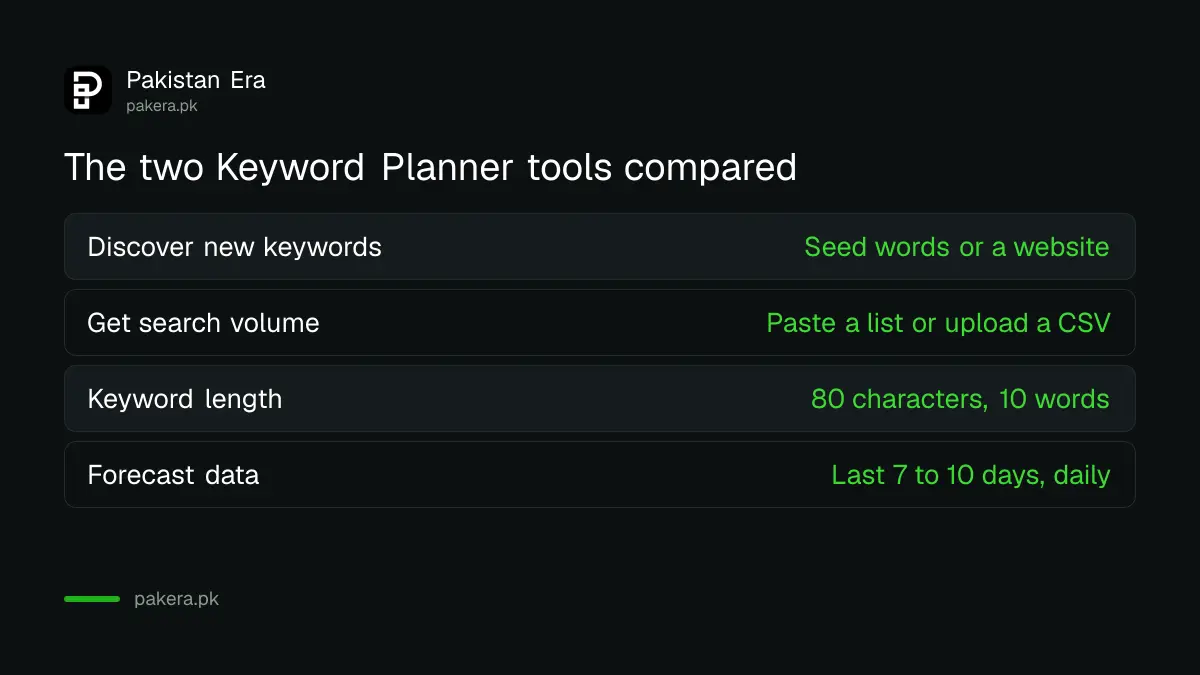
- Pick "Discover new keywords" or "Get search volume and forecasts".
A paused campaign does not show ads, so it does not spend. Check the campaign status says Paused before you close the tab.
Pick the currency carefully: it cannot be changed later
Google's own help page is plain on this point: "It is not possible to change currency settings on an existing Google Ads account." The only way to switch currency is to open a new Ads account.
Keyword Planner shows its bid and cost estimates in the account's currency. If you plan to run ads for Pakistani customers and pay from a Pakistani bank, choose the rupee at setup if it is offered for your payment method. If you work for foreign clients and want figures in dollars, choose dollars. Either way the keyword volumes are the same; only the money figures change.
For today's dollar rate, to turn a dollar bid into rupees, see our dollar, petrol and gold rate page. On 13 November 2026 the State Bank's interbank rate was Rs 276.60.
The two tools and when to use each
Discover new keywords
Use this when you are starting out. Type a few seed words separated by commas, or your website address, and select Get results. Google says a keyword plus a URL can bring more ideas than a URL alone. A Lahore furniture shop might enter "sofa set price, bed set design" and its own site.
Then narrow the list. Select Add filter to filter by competition or keyword text, and use the "Refine keywords" side panel to group ideas by theme or brand. Tick the keywords you want and select Add keywords to save them to a plan.
Get search volume and forecasts
Use this when you already have a list. Paste the keywords, or upload a CSV file with one column headed "Keyword", and select Submit. You get monthly search estimates and a forecast of clicks, impressions or conversions for a given spend. Change the date range at the top of the page to see a different period.
How to read the numbers without being misled
- Monthly searches are estimates of how often a keyword is searched each month, not exact counts.
- Competition is about advertisers bidding on the term. A "High" keyword can still be easy to rank for in normal search results.
- Bid estimates show what advertisers pay for the top of the page. A high bid tells you a keyword brings buyers.
- Forecasts refresh daily and use the last 7 to 10 days of data, adjusted for the season, according to Google.
- Missing keywords: Google says keywords with very low search volume, or that it treats as sensitive, cannot be discovered or forecast. A blank result does not mean nobody searches it.
Each keyword you enter must be 80 characters or fewer and no more than 10 words.
Set the location to Pakistan, or to your city, so the volumes match your customers. Google's advice is to put a place name in the keyword only when your customers are somewhere other than your shop, and to leave it out when you target the location with settings instead.
Free tools to use alongside Keyword Planner
Keyword Planner is built for ads. For a free view of what people search and when, use Google Trends for Pakistan, which compares searches by province and season. Once your site gets traffic, Search Console shows the real queries that bring visitors; our guide to branded and non-branded queries in Search Console explains how to split them. If you are new to all of this, start with Google's own free SEO playlists.
Common questions
Is Google Keyword Planner free in Pakistan?
Yes. Google calls it a free tool. You need a Google Ads account with billing details and a campaign, but you are only charged if ads run.
Can I use Keyword Planner without running ads?
Yes. Create the campaign that setup asks for, then pause it. A paused campaign shows no ads and does not spend.
Why can't I find Keyword Planner in my Google Ads account?
Your account is probably in Smart Mode. Google says Smart Mode accounts must switch to Expert Mode to use Keyword Planner.
Can I change my Google Ads currency to rupees later?
No. Google says the currency of an existing Ads account cannot be changed. You would need to open a new account in the currency you want.
Why does Keyword Planner show nothing for my keyword?
Google does not show keywords with very low search volume or keywords it treats as sensitive. Try a broader or more common phrase.
How long can a keyword be?
Up to 80 characters and 10 words per keyword.
How we verified this
What we checked and where we read it.
Last checked 14 November 2026. Sources: Google's Keyword Planner page, Google Ads Help articles Use Keyword Planner, Choose the right keywords with Keyword Planner and Create a new Google Ads account using a different currency. Exchange rate: State Bank of Pakistan interbank rate of Rs 276.60, 13 November 2026.
About the author

Founder and Editor
Umer Kureshi founded Pakistan Era in July 2024 and runs it as administrator, SEO lead and writer, overseeing website operations, search growth, content strategy and coverage of technology and current affairs.