Google Merchant Center Suspended for Misrepresentation in Pakistan: Fix Your Store and Request Review
Google Merchant Center suspended your Pakistani store for misrepresentation? Fix the 6 trust gaps Google checks, request review and avoid the 1 week cool-down.
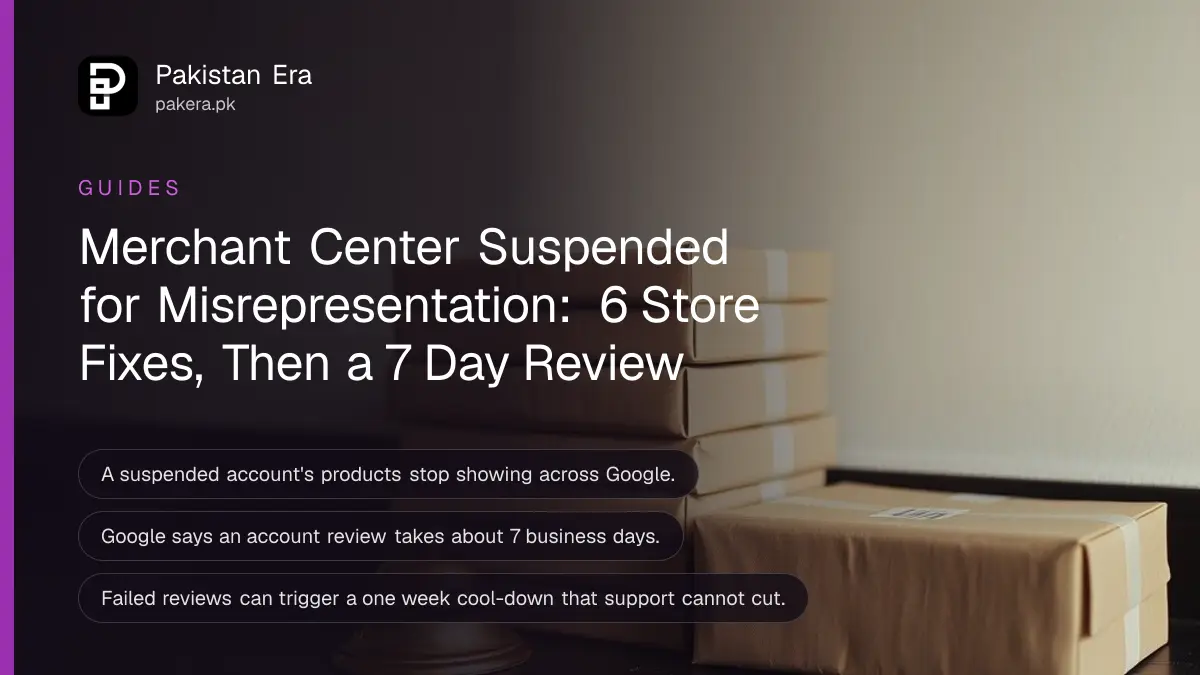
If Google Merchant Center has suspended your Pakistani online store for misrepresentation, fix the store first, complete any verification Google asks for, then go to Products, Needs attention, View setup and policy issues, and request a review. Google says reviews usually take 7 business days, and repeated failed reviews can start a one week cool-down. Below is what misrepresentation means in Google's own policy, the checks to run on your site before you ask for review, and how the review limits work.
Small Pakistani stores with thin websites are exposed to this policy: a new store site, cash on delivery, a WhatsApp number and not much else. We read Google's Merchant Center help pages on the misrepresentation policy, on issues in Merchant Center and on requesting a review, on 2 November 2026.
A suspension means your products stop showing across Google
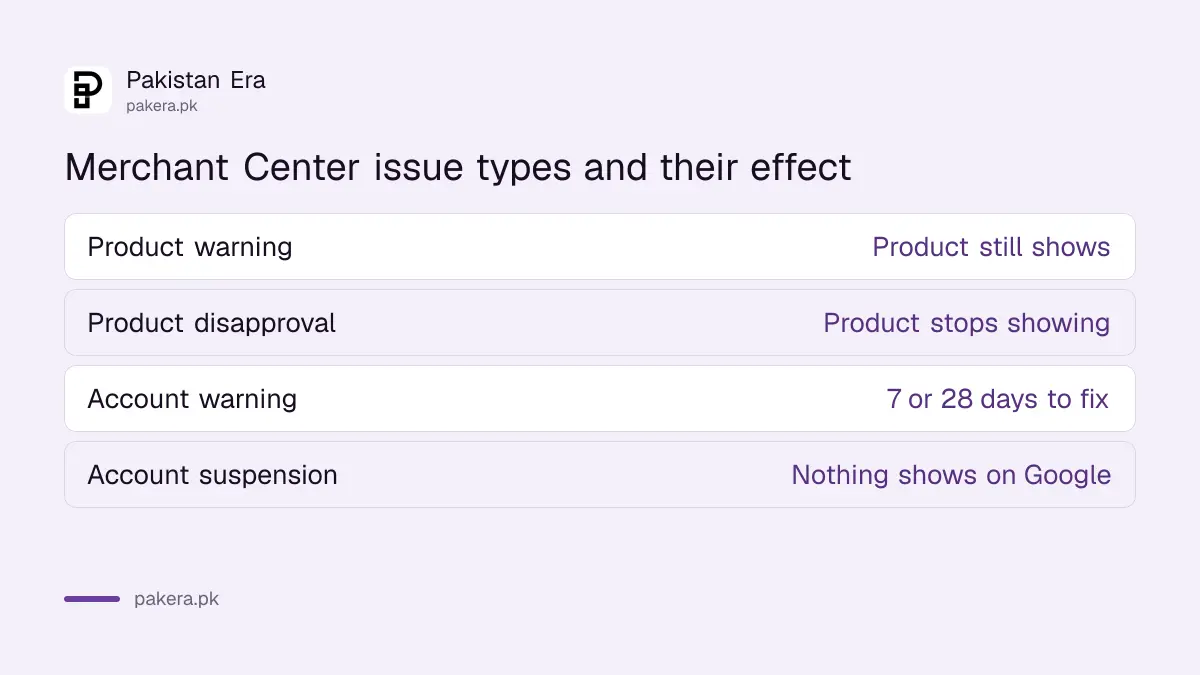
Merchant Center has product level issues and account level setup and policy issues. A suspension is account level. Google says that when an account is suspended, your products will not appear across Google.
Most suspensions follow a warning period. Google says if issues are still there at the end of the warning, the account is suspended. In some egregious cases it suspends at once. You find the issue in the banner at the top of Merchant Center, or under Products, Needs attention, View setup and policy issues.
| Issue type | What it affects | Warning first? |
|---|---|---|
| Product warning | One product, still shows | Is a warning |
| Product disapproval | One product stops showing | No |
| Account warning | All products, still showing | Is a warning, 7 or 28 days |
| Account suspension | All products stop showing | Usually, not for egregious cases |
What Google counts as misrepresentation
Google's policy bans listings that represent you or your products in a way that is not accurate, realistic and truthful. That covers unclear business identity, hidden costs, refund policies you do not honour, products you cannot deliver and unreliable claims about what a product does.
Google splits it into groups. Unacceptable business practices include false business identities, hiding your real location or shipping source, and denying refunds your policy promises. Dishonest pricing covers hidden total costs, hidden shipping or return fees, and bait and switch prices. Unavailable offers cover products you cannot fulfil and false fast delivery claims.
Google treats unacceptable business practices and dishonest pricing as egregious, with suspension on detection and no warning. Unavailable offers, manipulated media and unreliable claims get a warning at least 7 days before any suspension.
Fix the store before you ask for review
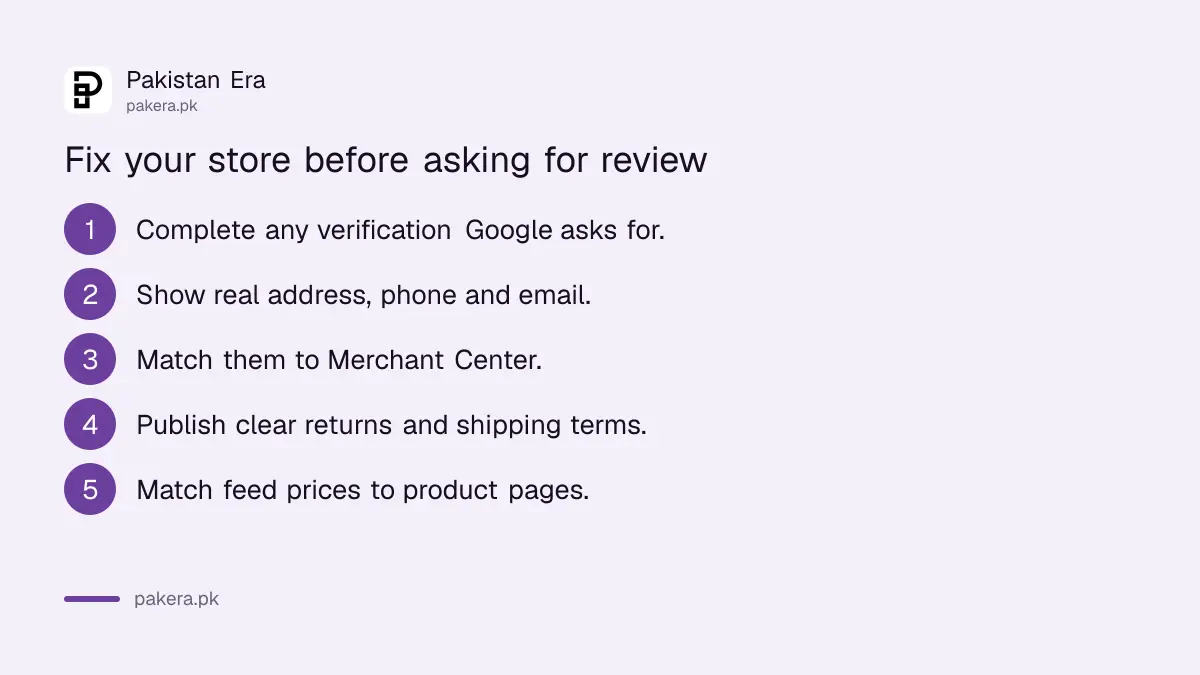
Google's own list of what to fix first is short: complete merchant verification, make your business address, phone and email visible and matching Merchant Center, make return and shipping policies clear and working, and make product prices and stock match your site exactly.
- Check Needs attention for a verification request, such as a government ID or business document, and complete it.
- Put your real business name, full address, phone number and email on the Contact page and footer.
- Make sure those details match your Merchant Center business information exactly.
- Publish clear return, refund and shipping policies, including delivery charges and times.
- Match every price, sale price and stock status in your product feed to the live product page.
- Remove any product you cannot deliver, and any claim you cannot prove.
For a Pakistani store, three fixes do most of the work. Show a real street address, not just "Lahore, Pakistan". State the delivery charge and cash on delivery terms before checkout, not on the order confirmation. And write a return policy you actually follow. The steps to add shipping and returns policies show the format Google reads.
How to request a review, and how long it takes
Go to Products, open the Needs attention tab, select View setup and policy issues, then choose I fixed the issue or I disagree with the issue, and select Request review. Google says to expect about 7 business days, and you get emails when the review starts and ends.
A review covers all issues for the country you sell in. If your product data source is empty, Google says the review button may not appear, so keep at least one product under Products, All products. If you sell through a third-party store platform, you may need to request the review through that platform.
Product level disapprovals work differently. Fix the product data and upload it again, and Google re-reviews automatically. Removing a product needs no review at all.
Review limits: one disagreement, then a cool-down
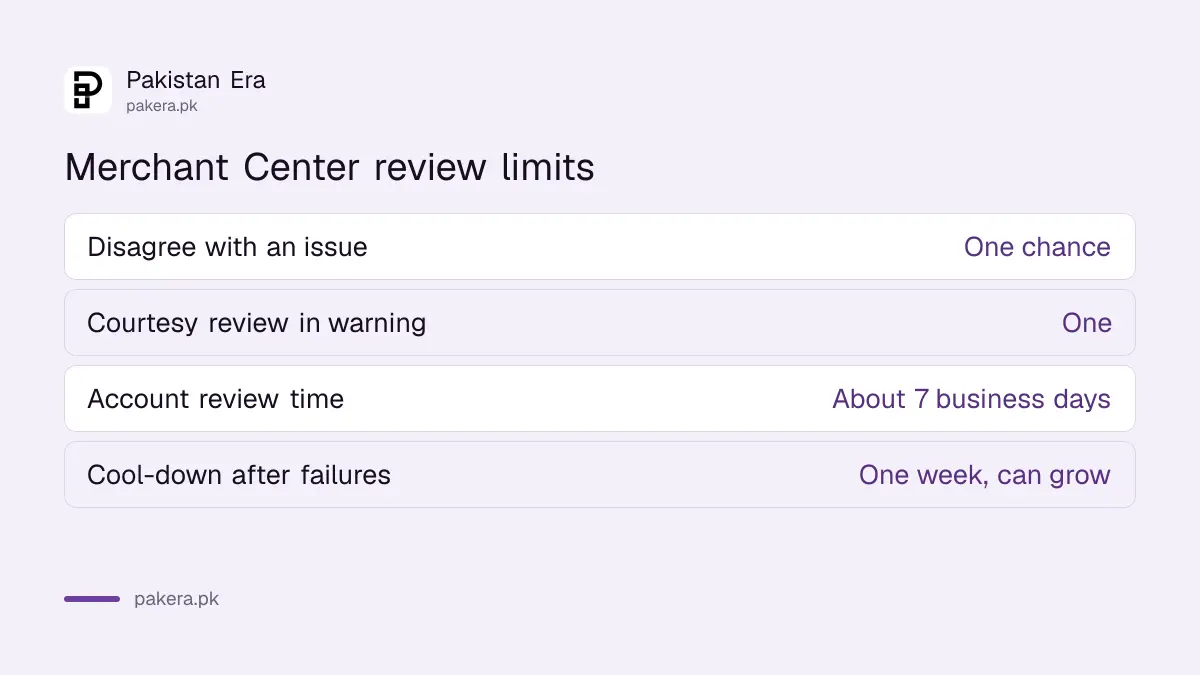
Google allows one chance to disagree with an issue. During a 7 or 28 day warning period you get one courtesy review. If issues remain after the second review attempt, a one week cool-down may begin, and Google says support cannot shorten it.
The cool-down can also get longer after each failed review. That is why a rushed request costs you more than a slow, complete fix. Do every item in the checklist above, check the site on a phone, and only then ask for review.
| Rule | Limit |
|---|---|
| Disagree with an issue | One chance |
| Courtesy review in a warning period | One |
| Normal review time | About 7 business days |
| Cool-down after failed reviews | One week, can grow |
Build trust signals that keep the store safe next time
A store that has been reinstated can be suspended again. Keep your contact details current, update prices in Merchant Center when you change them on the site, and turn on automatic item updates under Products, Automations to reduce mismatch disapprovals.
A verified Google Business Profile with the same address helps customers trust the shop, and the steps to put your shop on Google Maps are free. Adding local business schema to the site makes the name, address and phone consistent for search engines as well. If you are new to Merchant Center, the free listings setup for Pakistan covers the basics.
Common questions
What does misrepresentation mean in Google Merchant Center?
Google says listings must represent you and your products accurately and truthfully. Hidden costs, unclear business identity, refund policies you do not honour and products you cannot deliver all count.
How long does a Merchant Center review take?
Google says to expect about 7 business days for an account review, and up to 2 weeks in some cases.
Can I request another review straight away if it fails?
Not always. If issues remain after the second attempt, Google says a one week cool-down may start, and it can get longer after each failed review.
Do I need to verify my business for Merchant Center?
If the Needs attention tab asks for verification, such as a government ID or business documents, Google says you must complete it before a review, especially for misrepresentation.
Will my products show while the account is suspended?
No. Google says a suspended account's products do not appear across Google until it is reinstated.
How we verified this
What we checked, where we read it, and what we could not confirm.
On 2 November 2026 we read Google's Merchant Center help pages Misrepresentation, Request a review of your issues and Issues in Merchant Center. The policy groups, menu paths, review times and cool-down rules come from those pages. The Pakistan specific advice on addresses, cash on delivery terms and delivery charges is our own reading of the policy. Google does not publish a list of which stores it suspends, so we cannot say how common each cause is.
About the author

Founder and Editor
Umer Kureshi founded Pakistan Era in July 2024 and runs it as administrator, SEO lead and writer, overseeing website operations, search growth, content strategy and coverage of technology and current affairs.