How to Hide Your WhatsApp Status From Certain Contacts in Pakistan
Choose who sees your WhatsApp status in Pakistan: use My contacts except or Only share with, learn what the other person sees and which settings do not change.
Short answer: Open WhatsApp, go to the Updates tab, tap the three dots, choose Status privacy, then pick My contacts except or Only share with. Select the people and save. WhatsApp does not notify anyone you leave out. The change applies to future statuses, not to ones already posted.
In Pakistan many people keep teachers, relatives, bosses and old classmates in one phone book. A status meant for friends can end up in front of all of them.
WhatsApp lets you pick the audience for your status. We read WhatsApp's help page on status privacy on 13 October 2026. The menu names can differ a little between Android and iPhone and between app versions, so look for the same words.
WhatsApp gives you three status audiences
You can show your status to all your contacts, to all contacts except some people, or only to people you pick. The second and third choices are the ones that help you hide a status from a few people without telling them.
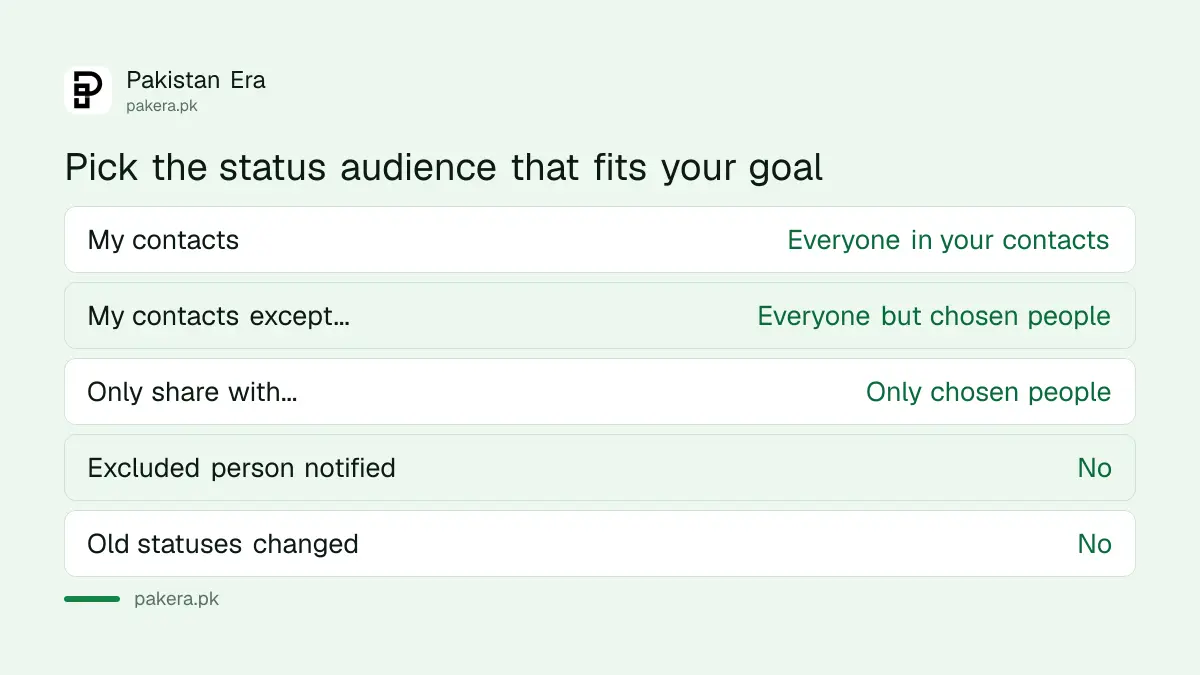
| Option | Who sees your status | Use it when |
|---|---|---|
| My contacts | Everyone saved in your phone who has WhatsApp | You are happy for all contacts to see it |
| My contacts except... | All contacts apart from the ones you choose | You want to hide it from a few people |
| Only share with... | Only the people you select | You want a small private circle |
Set the audience in a few taps
The setting sits inside the Status area of the Updates tab. You choose the option, select the contacts and confirm. If you cannot find it, update WhatsApp from the Play Store or App Store first, because older versions use older menus.
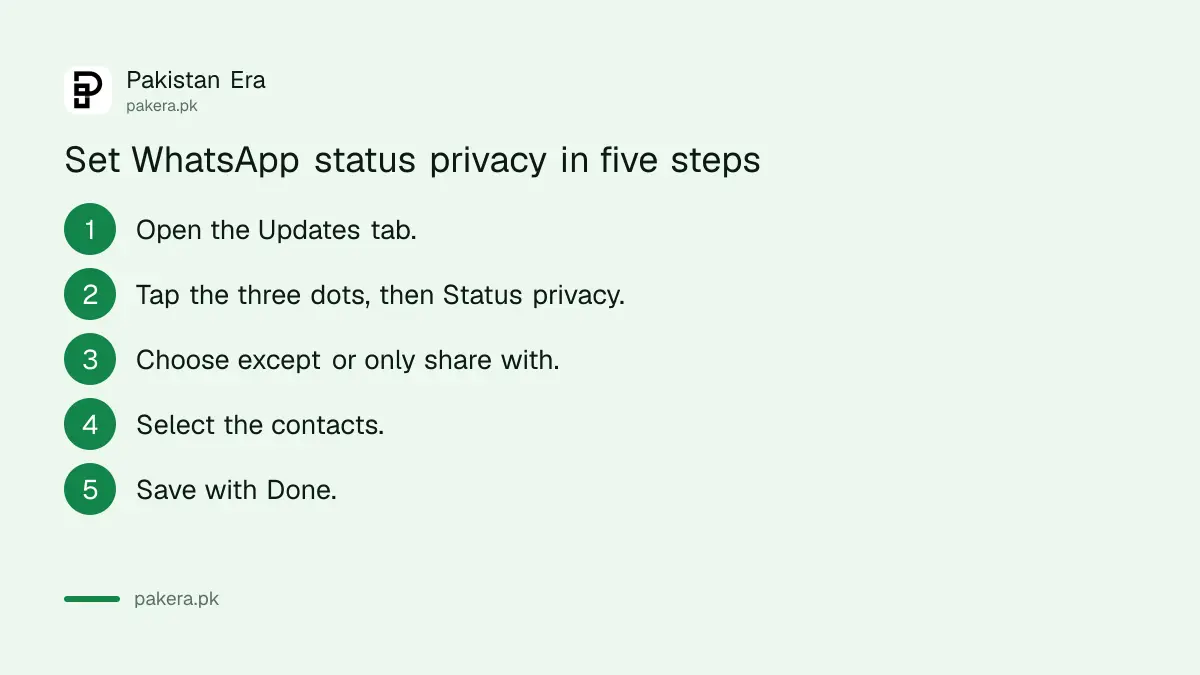
- Open WhatsApp and go to the Updates tab.
- Tap the three dots, then Status privacy.
- Choose My contacts except... or Only share with...
- Tick the contacts you want to leave out or include.
- Tap Done or the tick button to save.
You can change the audience again at any time. Many people keep a short list of contacts to exclude and leave it in place.
Excluded contacts get no warning
WhatsApp does not send a message when you leave a person out. They simply do not see your status in their Status list. Nothing marks it as hidden. They may notice only if they expect to see your posts.
Be careful with two things. If you mention a person or a group inside a status, they can see that status even when they are not in your audience. Leave out the mention if you want it hidden.
Also remember that anyone who can see a status can take a screenshot. A privacy setting limits who sees it, not what they do with it. For private pictures, share them only with people you trust fully.
Older statuses and other settings stay the same
A change in status privacy only affects statuses you post after the change. A status already visible stays visible to its old audience until it disappears after 24 hours. You can also delete a status early by opening it and tapping delete.
Status privacy is separate from the other privacy settings. Your last seen, profile photo and About are set elsewhere. The guide to hiding last seen and profile photo covers those. If you want a full review, use the WhatsApp privacy checkup.
Unknown numbers can also add you to groups. Close that door with the page on stopping strangers from adding you to WhatsApp groups.
Mistakes to avoid when you hide a status
Most problems come from mixing up the options or forgetting to save. Pick the option that matches your goal, check the list of contacts, and test by asking a friend what they see. Do not assume a status is private because it is unusual.
Do not choose Only share with... and then forget to add a close relative who expects your posts. Do not choose My contacts except... and then add new contacts you want hidden. New contacts will see your status unless you add them to the excluded list.
If a stranger messages you about a status you hid, treat it as a warning sign. Block them and report them in the app.
Common questions
Can I hide my WhatsApp status from one person?
Yes. Choose Status privacy, then My contacts except..., and select that person. They will not see your future statuses.
Will the person know I hid my status from them?
No. WhatsApp does not notify them. Your status simply does not appear in their Status list.
Does the change hide statuses I already posted?
No. The change applies to new statuses only. Old ones stay visible to their old audience until they disappear.
What does Only share with mean?
Only the contacts you select can see your status. Everyone else, including new contacts, cannot see it.
Can someone I mention still see my hidden status?
Yes. WhatsApp says people or groups you mention in a status can see it, even if they are not in your audience.
Does this also hide my last seen and profile photo?
No. Those are separate settings in the Privacy menu.
How we verified this
What we checked, where we read it, and what we could not confirm.
Last checked on 13 October 2026, Pakistan time. We read the three audience options and the notes on notifications, past statuses and mentions in WhatsApp's help page, How to manage status privacy. The page loaded only in part for our automated reader, so the menu wording above is taken from the summary of that page and may differ slightly in your app version. We did not test the menus on a live phone for this page.
About the author

Technology Journalist & Multimedia Producer
Ahmad Ali is a technology journalist and multimedia producer at Pakistan Era, joining the team in October 2026. He covers consumer technology and digital life for Pakistani readers, combining research with hands-on product testing.