LinkedIn Account Restricted in Pakistan: Verify Your ID With Persona, Appeal and Every Reason Explained
LinkedIn account restricted? See the 4 reasons, verify your ID with Persona in 8 steps, fix failed ID photos and appeal content flags. What to do from Pakistan.
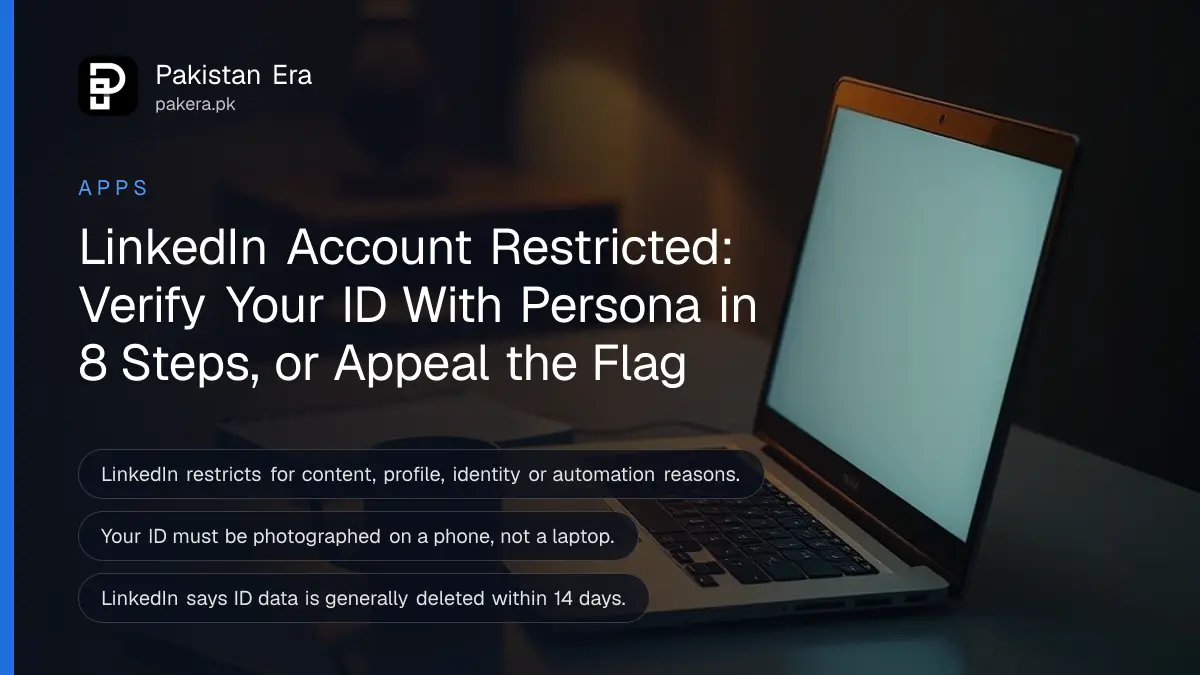
If LinkedIn has restricted your account, sign in and follow the on-screen prompts: for identity, profile or hacking flags, LinkedIn asks you to verify your ID through Persona on your phone; for content flags, you ask LinkedIn to review its decision; for automation, you switch off the extension and wait. Which route you get depends on why you were restricted.
For a Pakistani job seeker or freelancer, a restricted LinkedIn account can mean missed interviews and clients who cannot find you. The good news is that most restrictions have a clear way back. We read LinkedIn Help's restriction, identity verification, troubleshooting and automated activity pages on 31 October 2026, and set out every route below.
LinkedIn restricts accounts for four kinds of violation
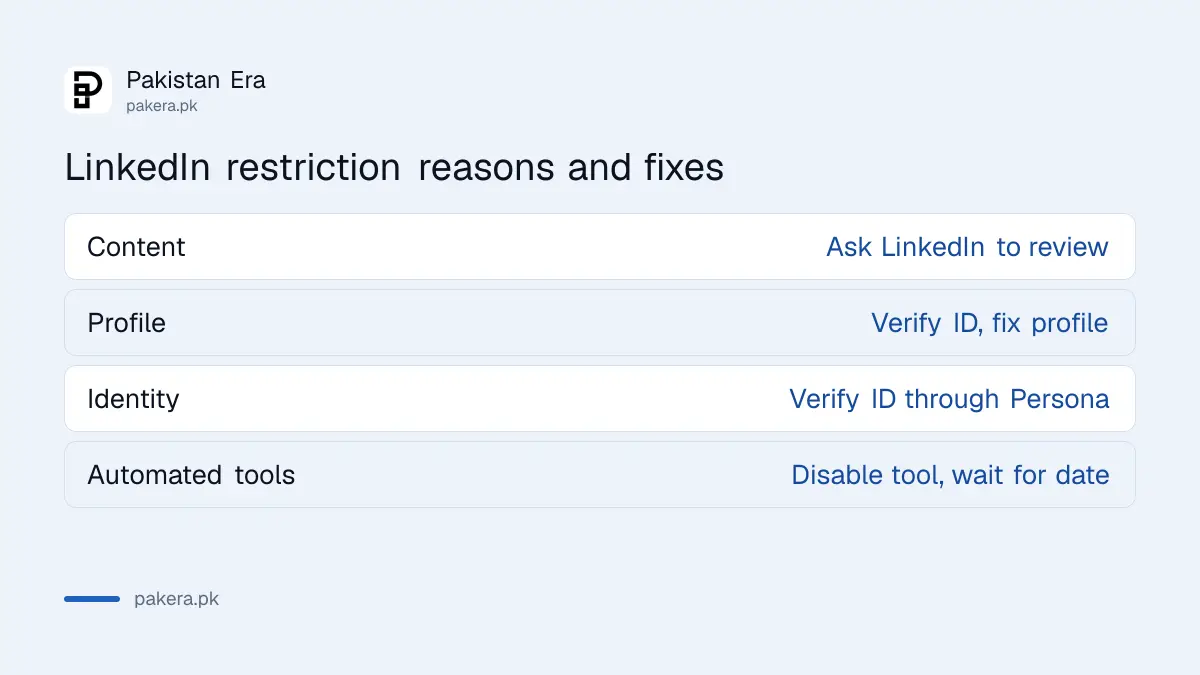
LinkedIn groups restrictions into content, profile, identity and automated tools violations. Each has a different fix. Some severe content or profile violations can lead to a permanent restriction after one incident, while automation limits usually lift on a stated date.
| Reason | Typical trigger | How to get back |
|---|---|---|
| Content | A post or comment that breaks the Professional Community Policies | Sign in and ask LinkedIn to review the decision |
| Profile | Name, photo, background or job history that breaks the rules | Verify your identity, fix the profile |
| Identity | A fake or misleading profile, or signs of a takeover | Verify your identity through Persona |
| Automated tools | Scraping or auto-connect extensions and software | Disable the tool, access returns on the stated date |
The LinkedIn account restrictions page also says LinkedIn may act on its own when an account shows signs of being compromised. So a restriction is not always a punishment. Sometimes it is LinkedIn locking a hacked account before the hacker can use it.
Verify your identity with Persona in 8 steps
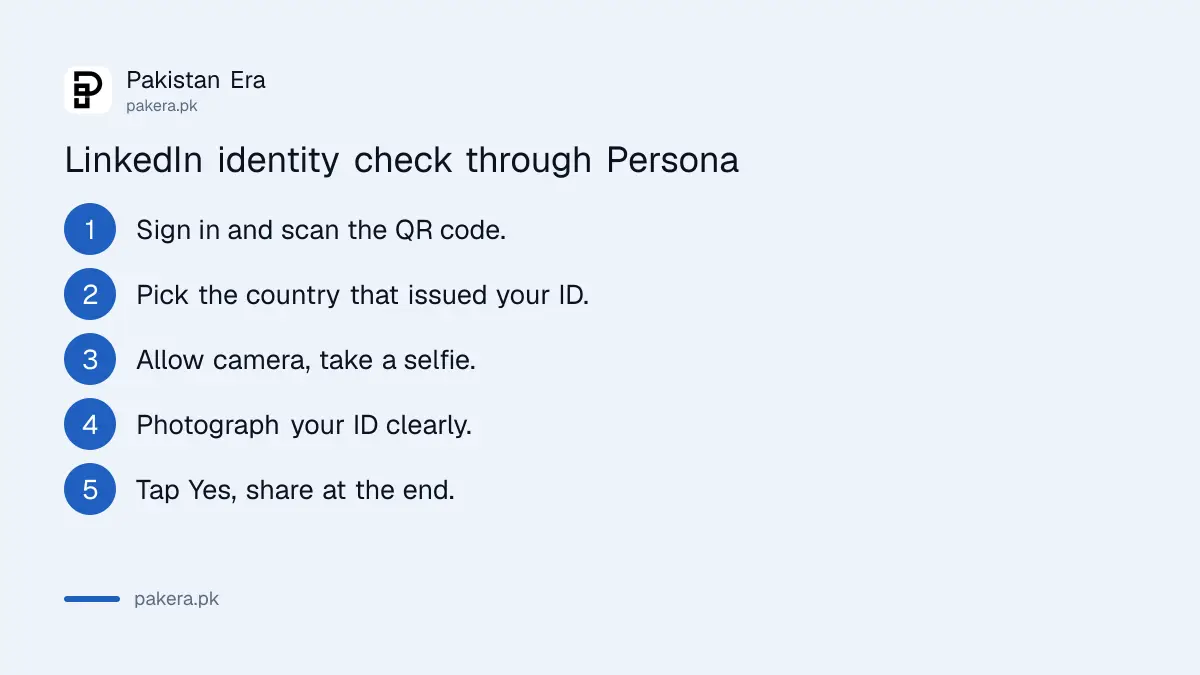
LinkedIn uses Persona, an identity verification company, to confirm you own the account. You start from the sign-in prompt, choose your ID's country, take a selfie if asked, photograph your ID on a phone and approve sharing the result with LinkedIn.
- Sign in and follow the prompts. On a computer, scan the QR code with your phone.
- Select the country that issued your ID.
- Accept Persona's terms of use and privacy policy.
- Allow camera access.
- Take a photo of yourself if Persona asks for one.
- Select your ID type.
- Photograph the ID so every part is clear and readable.
- Tap "Yes, share" when Persona asks to share the result with LinkedIn.
Persona accepts a digital ID or a photo of a valid, unexpired government ID card, driving licence or passport. Accepted documents vary by country, and LinkedIn's troubleshooting page warns that Persona may not support every issuing country. LinkedIn does not list which Pakistani documents work. A passport is the safest choice, because it is the most widely accepted travel document. If the CNIC option is offered for Pakistan on your screen, it should work too.
School, college and library cards are rejected. So is anyone under 16, because LinkedIn does not allow members under 16.
Most failed verifications come down to the photo
LinkedIn's troubleshooting page lists the usual causes: a blurry or glary photo, a cut-off corner, a country that does not match the ID, a selfie in poor light, or trying from a laptop. The ID can only be captured on a phone or tablet.
Before you start, put the ID on a dark, flat surface near a window. Turn off the flash. Fit all four corners in the frame. Then take the selfie in even light with nothing covering your face.
Pick the country that issued the ID, not the country you live in. A Pakistani living in Dubai who uses a Pakistani passport selects Pakistan. And do not skip the last screen: the account stays locked unless you tap "Yes, share".
What LinkedIn keeps from your ID
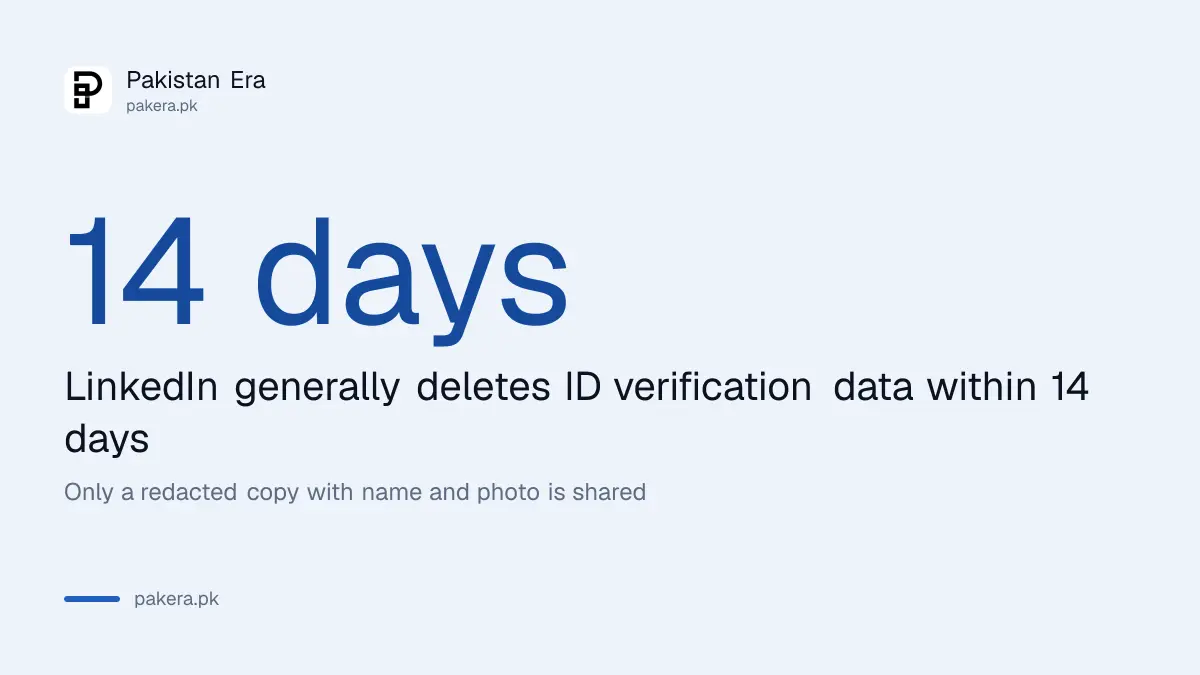
With your consent, Persona shares the result, your full name, birth year, city or country, ID type and issuer, and a redacted copy showing only your name and photo. LinkedIn says it does not receive biometric data, ID numbers or expiry dates.
The data is used for account recovery only and is generally deleted within 14 days of submission, according to LinkedIn's identity verification page. Some non-identifying ID data may be kept to fight fraud.
This is the same kind of check freelancers already go through on other platforms, such as Upwork identity verification with a CNIC. The difference is that LinkedIn only asks when something is wrong. If you want the verified badge on a healthy profile instead, that is a separate process, covered under verifying your LinkedIn profile in Pakistan.
Automation restrictions lift on their own once the tool is off
LinkedIn bans software and browser extensions that scrape data, change how LinkedIn looks or automate activity. If that caused your restriction, uninstall the tool. LinkedIn re-enables the account automatically at the time given in the restriction notice.
Auto-connect and auto-message tools are the obvious examples. LinkedIn says that if you want a second look, you can sign in and contact it, though that option is being rolled out to some members only. Change your password as well, because some of these tools hold your login.
Content restrictions work differently. Sign in, follow the prompts and ask LinkedIn to revisit the decision. LinkedIn says it will tell you the outcome. It gives no timeline.
If you cannot verify with an ID
LinkedIn's only alternative to an ID is a notarised Affidavit of Identity, and it is offered only to members in Canada, the EU and the UK. From Pakistan, contact LinkedIn Help through its support form and explain why the ID check failed.
Never pay an "unlock agent" or share your password with anyone promising to restore a profile. LinkedIn's process is free. If you think someone else got in and caused the restriction, follow the recovery steps for a hacked LinkedIn account once you are back in.
Common questions
How long does a LinkedIn restriction last?
It depends on the reason. Automation restrictions end at the time in the notice. Identity restrictions end once verification succeeds. Some severe violations are permanent.
Can I use my CNIC to verify my LinkedIn account?
LinkedIn accepts government ID cards, but says accepted documents vary by country and does not list Pakistani ones. Use your passport if the CNIC is not offered.
Why won't Persona accept my ID?
Usually glare, a cut-off corner, the wrong country selected, or trying on a laptop. The ID must be captured on a phone.
Does LinkedIn keep my ID?
LinkedIn says it gets a redacted copy with only your name and photo, and generally deletes the data within 14 days.
Can I appeal a LinkedIn content restriction?
Yes. Sign in and follow the prompts to ask LinkedIn to review the decision. It will tell you the outcome.
Will a new account get around the restriction?
Do not try. A second profile that does not reflect who you are counts as an identity violation under LinkedIn's rules, which can make things worse.
How we verified this
What we checked, where we read it, and what we could not confirm.
Last checked 31 October 2026. We read LinkedIn Help's pages on account restrictions, verifying your identity to recover access, ID verification troubleshooting and automated activity on linkedin.com on 31 October 2026. LinkedIn does not list which Pakistani documents Persona accepts and gives no review timelines, so we state neither. We did not go through a verification ourselves.
About the author

Technology Journalist & Multimedia Producer
Ahmad Ali is a technology journalist and multimedia producer at Pakistan Era, joining the team in October 2026. He covers consumer technology and digital life for Pakistani readers, combining research with hands-on product testing.