LinkedIn Account Hacked in Pakistan: Recover It With or Without Your Email, Then Lock It Down
LinkedIn account hacked? Report it on LinkedIn's TS-RHA form, reset the password or use the ID route if the email changed, then lock it with an authenticator.
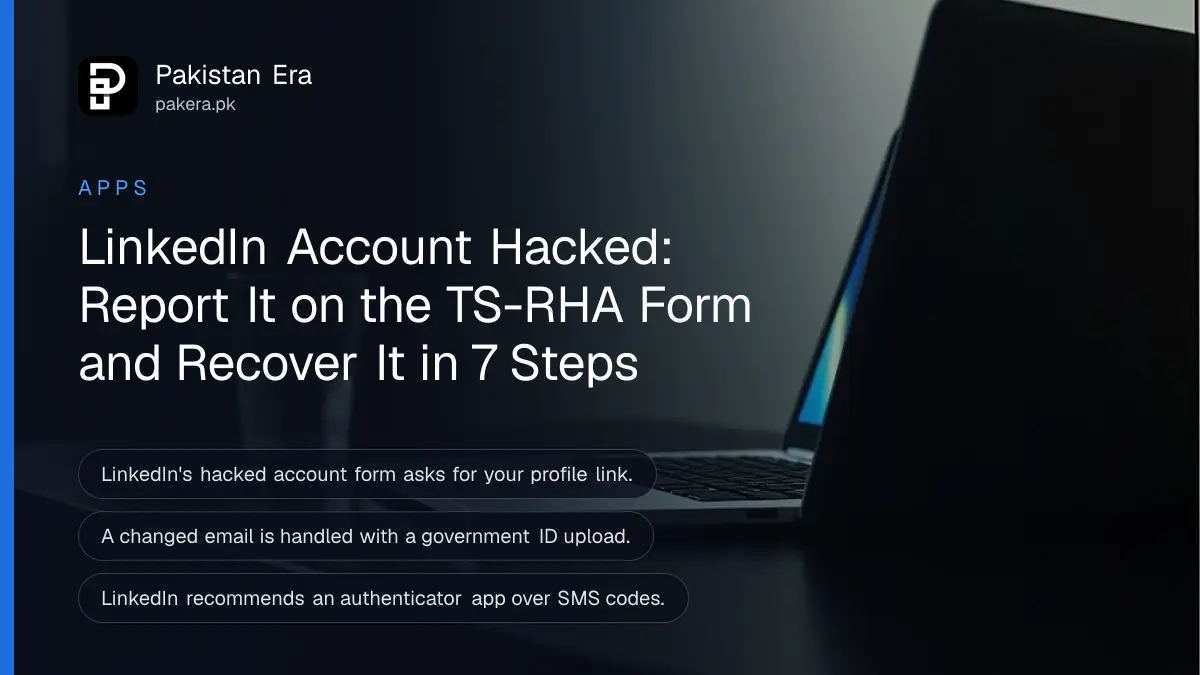
If your LinkedIn account has been hacked, file LinkedIn's "Report Unauthorized Account Access or Changes" form at linkedin.com/help/linkedin/ask/TS-RHA, with your profile link. If you can still sign in, change your password, sign out unknown sessions and turn on two-step verification straight away. If the hacker changed your email, the Forgot password route with an ID check gets you back.
A hijacked LinkedIn profile can be used for fake job offers and investment scams sent to your own contacts, under your name. So speed matters more than tidiness. Below are three routes back, depending on what the hacker changed, then the clean-up. We read LinkedIn Help's compromised account, password reset, email access and two-step verification pages on 31 October 2026.
Pick your route by what you can still reach
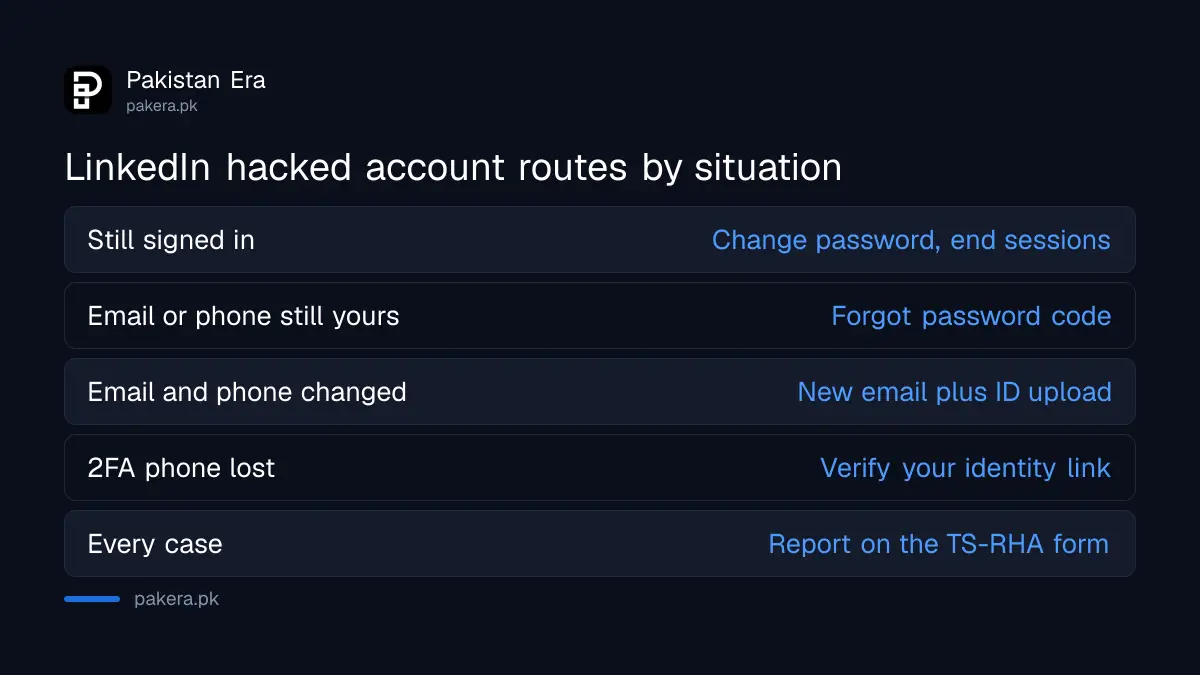
If you can sign in, secure the account yourself. If you cannot sign in but still control the email or phone, reset the password. If the email and phone were changed, use the "Can't access this email?" route, which ends in an ID check, and file the hacked account form.
| Your situation | Route | What you need |
|---|---|---|
| You can still sign in | Change password, check sessions, turn on 2FA | Your current password |
| Locked out, email or phone still yours | Forgot password | The code LinkedIn sends |
| Email and phone changed by the hacker | Can't access this email, then ID upload | A government ID |
| Two-step code goes to a lost phone | "Verify your identity" on the 2FA screen | A government ID |
| Any of the above | Report Unauthorized Account Access form | Your profile link |
Report the hack on LinkedIn's form first
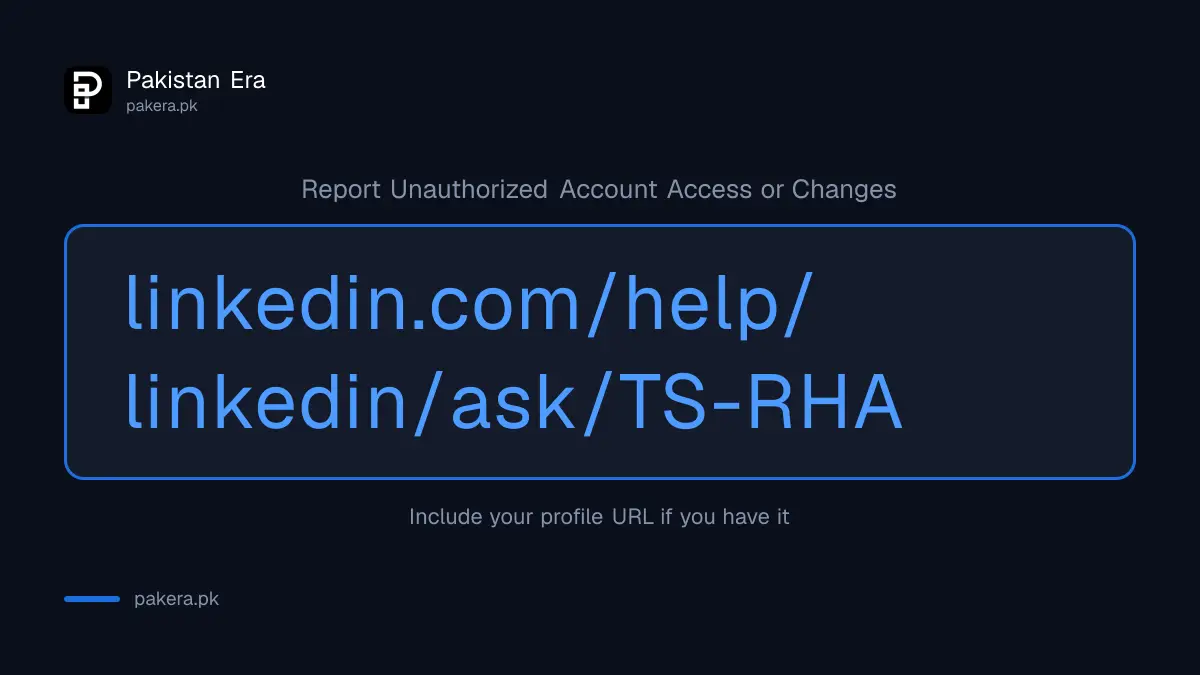
LinkedIn's compromised account page points to one form: Report Unauthorized Account Access or Changes. Include your profile URL if you have it. If you cannot sign in, LinkedIn says it will verify that the account is yours and help you get back in.
Your profile URL looks like linkedin.com/in/yourname. If you do not remember it, search your own name on LinkedIn from a friend's account, or find it in an old email signature or CV. The LinkedIn compromised account page lists the form and the follow-up steps.
LinkedIn names three common causes. You did not sign out on a shared or public computer. An old email or phone number on your account now belongs to someone else. Or you reused a password that leaked somewhere else. You can check whether your email appears in a known leak using the steps to check if your password was leaked.
Reset the password, or use the ID route if the email was changed
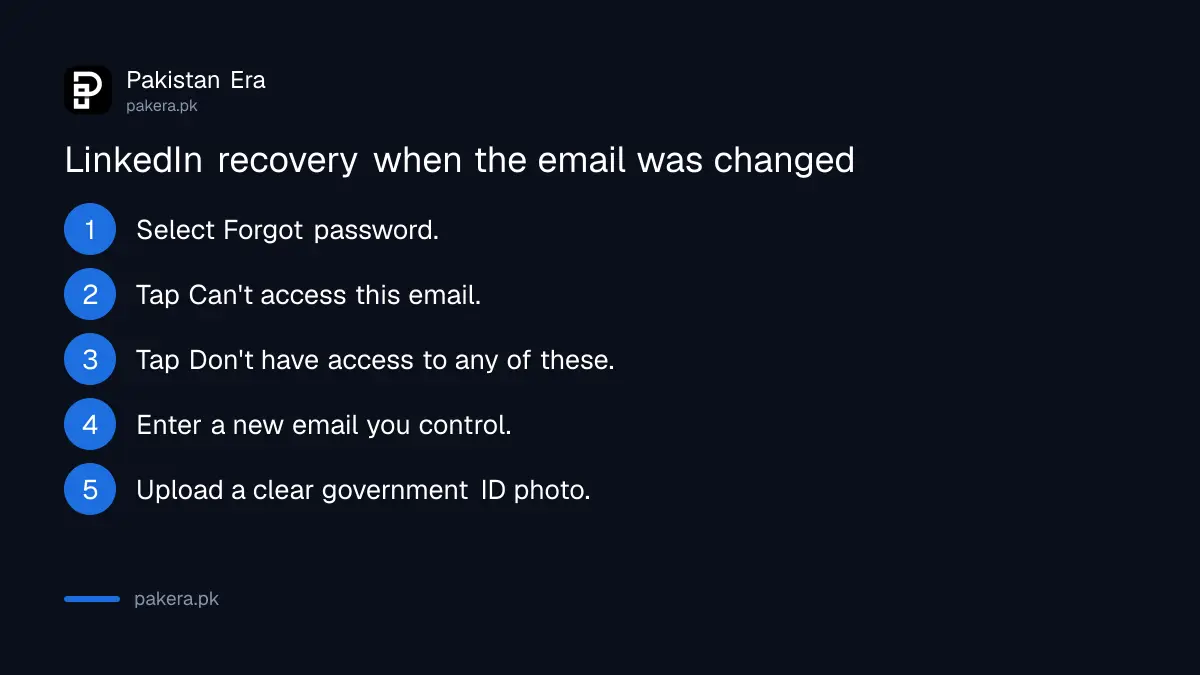
On the sign-in page, choose Forgot password, enter your email or phone, and type the code LinkedIn sends. If the hacker changed them, tap "Can't access this email?", then "Don't have access to any of these?", add a new email and upload a photo of a government ID.
- On the LinkedIn sign-in screen, select Forgot password.
- Enter the email or phone number on the account, then Next.
- If the code arrives, enter it and set a new password.
- If it does not, select Can't access this email?, then Don't have access to any of these?
- On a computer, scan the QR code with your phone.
- Enter a new email address you control.
- Upload a clear photo of a valid government ID and wait for LinkedIn to contact you.
LinkedIn says the reset code is valid only for a limited time, so use it as soon as it arrives. After any reset, LinkedIn emails you to confirm the change. If you get that email and did not reset anything, the hacker is still active, so go straight to the form.
The ID check runs through Persona, LinkedIn's verification partner. Photograph the ID on a phone, with all four corners in frame and no glare. The full list of photo problems that cause a rejection, and what LinkedIn keeps from your ID, is in the section on LinkedIn account restricted and ID verification. LinkedIn does not say which Pakistani documents it accepts. A passport is the safest bet.
If the hacker also took your email inbox, recover that first. A Gmail account has its own process, set out under Gmail account recovery, and getting it back often makes the LinkedIn reset simple.
Lost the phone that gets your two-step code
Sign in with your email and password. On the two-step verification screen, tap "verify your identity" at the bottom and submit a photo of a government ID. If another device is still signed in to LinkedIn, you can switch two-step verification off from Settings there instead.
LinkedIn says access is restored only after your identity is verified. It does not give a waiting period. This route also helps when your SIM is blocked or replaced and the SMS code no longer reaches you.
Lock the account once you are back in
Change the password to one you use nowhere else, sign out every session you do not recognise, check the email and phone on the account, and turn on two-step verification with an authenticator app, which LinkedIn recommends over SMS.
- Sessions: open linkedin.com/settings/sessions. Sign out anything unfamiliar.
- Email and phone: Sign in & security. Remove anything you do not own.
- Two-step verification: Me, Settings & Privacy, Sign in & security, Two-factor authentication. Choose Authenticator App and enter the 6-digit code to finish.
- Your email inbox: change that password too, and turn on its own two-step check.
Then review what the hacker did. LinkedIn suggests checking recent connections, posts and messages sent during the takeover, follows and likes. Delete scam posts and warn contacts who received messages, especially anyone sent a "job" that asked for a fee or a deposit.
The same habit protects every other account. The steps to turn on two-step verification on your other apps take about ten minutes in all.
Report fraud done in your name in Pakistan
If the hacker used your profile to take money from anyone, it is a cybercrime as well as a LinkedIn problem. Keep screenshots of the messages and posts before you delete them, and report it to the National Cyber Crime Investigation Agency.
The ways to file are set out under reporting cybercrime to NCCIA. If a connection's account looks hacked, report it from their profile: More, Report or block, then "This person is impersonating someone".
Common questions
How do I contact LinkedIn about a hacked account?
Use the Report Unauthorized Account Access or Changes form at linkedin.com/help/linkedin/ask/TS-RHA and include your profile URL.
Can I recover LinkedIn without my email or phone?
Yes. Choose Forgot password, then Can't access this email?, add a new email and upload a government ID.
How long does LinkedIn take to restore a hacked account?
LinkedIn does not publish a timeline. It says it will verify ownership and contact you.
Which two-step method does LinkedIn recommend?
An authenticator app, such as Microsoft Authenticator. SMS works too, but carrier charges may apply.
Someone is sending job offers from my LinkedIn. What do I do?
File the hacked account form, warn your contacts, and report any money lost to NCCIA with screenshots.
Will LinkedIn ask for my password by phone or message?
Its process runs through the sign-in screen, the help form and the ID check. Treat anyone asking for your password or code by message as a scammer.
How we verified this
What we checked, where we read it, and what we could not confirm.
Last checked 31 October 2026. We read LinkedIn Help's pages on reporting a compromised account, no access to your email address, resetting your password, turning two-factor authentication on and off, two-factor overview, and no access to your mobile device on linkedin.com on 31 October 2026. LinkedIn publishes no recovery timeline and no list of accepted Pakistani IDs. We did not test the recovery on a live account.
About the author

Technology Journalist & Multimedia Producer
Ahmad Ali is a technology journalist and multimedia producer at Pakistan Era, joining the team in October 2026. He covers consumer technology and digital life for Pakistani readers, combining research with hands-on product testing.